Free · Local processing · No sign-up

Free AI Texture Generator for Seamless PBR Materials

Use the NormalMapAI ai texture generator to synthesize orthographic, shadow-free seamless base textures with a 3-tier Prompt Helper and instantly derive normal, height, roughness, AO, metallic and ORM maps.

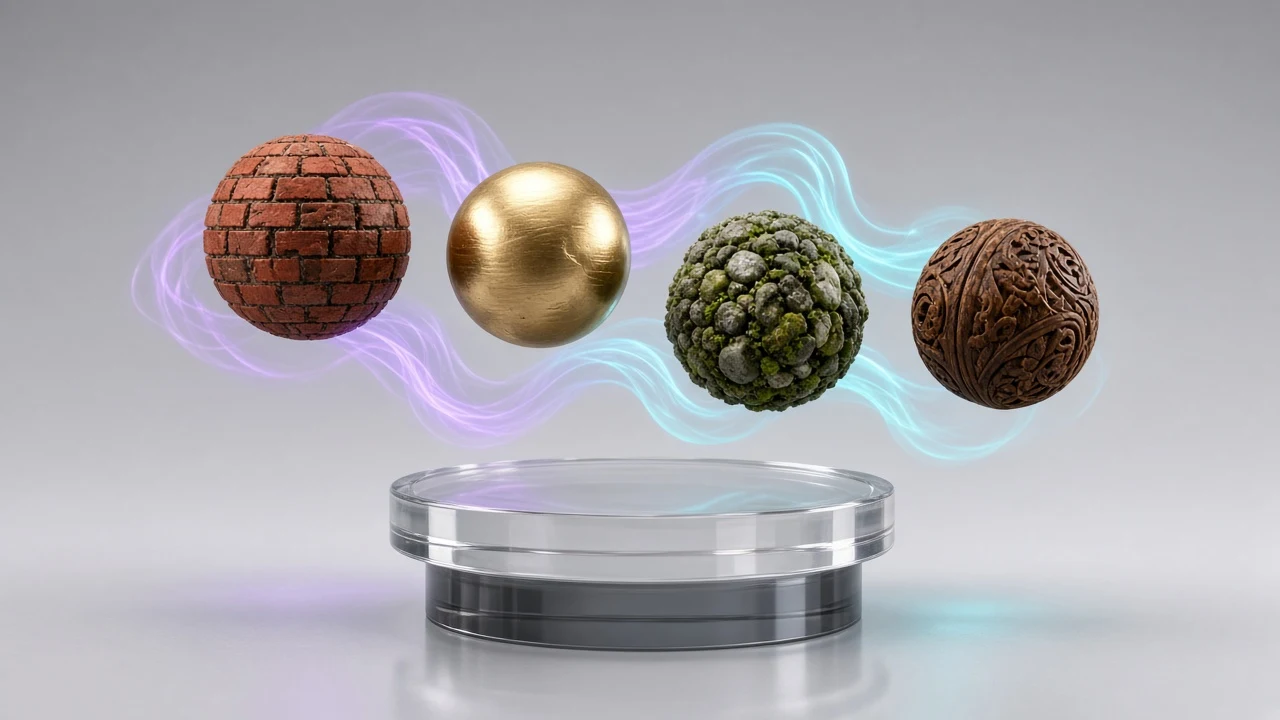
AI texture generator seamless 4K PBR material spheres preview
Live tool on this page

Loading 3D preview…

Ctrl + scroll to zoom

UV

Sample textures: Poly Haven (CC0)

WHAT

What is an AI Texture Generator?

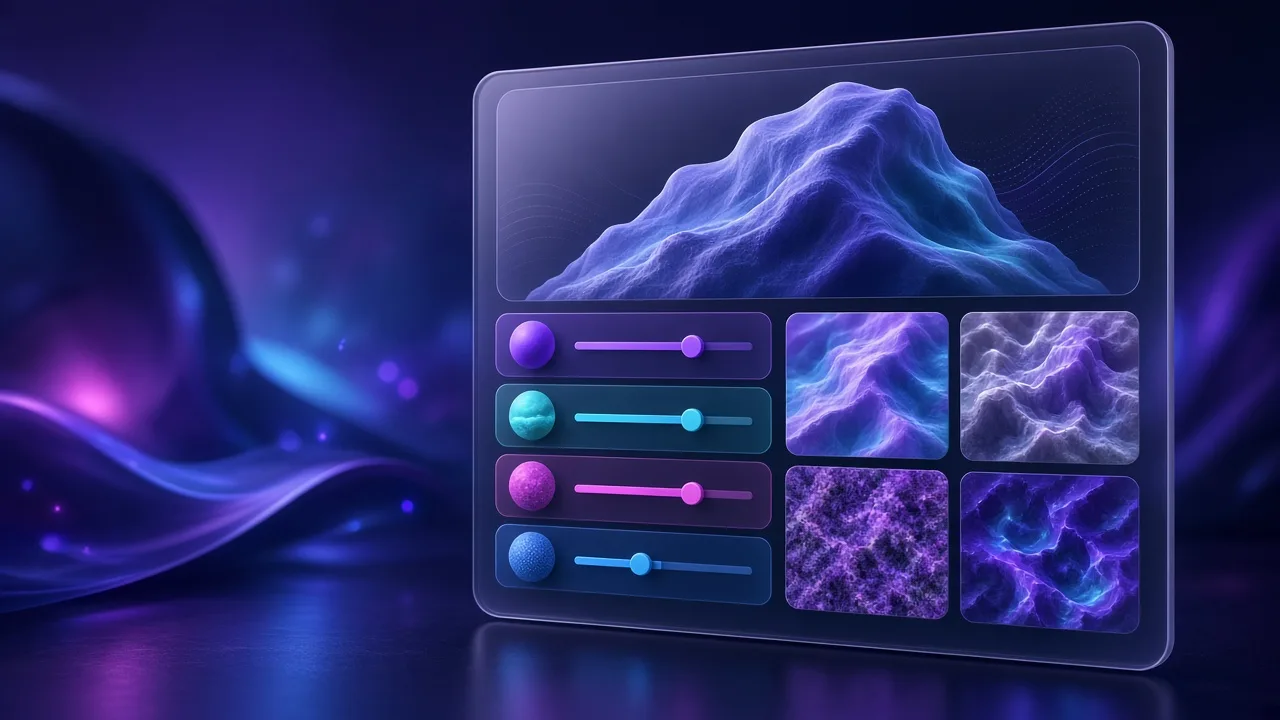
An ai texture generator is a smart material synthesis workbench that turns structured text prompts, cascading material presets, or uploaded reference photos into orthographic, flat-lit 2D diffuse textures and immediately computes all 8 physically based rendering (PBR) maps in your browser. Unlike generic art generators that bake harsh directional shadows and perspective distortion into images, the NormalMapAI ai texture generator enforces top-down orthographic projection and uniform ambient lighting.

Inside our ai texture generator, a 3-tier Prompt Helper covers 16 core material categories (Wood, Metal, Stone, Brick, Concrete, Fabric, Leather, Ground, Tile, Grass, Marble, Sand, Bark, Gravel, Plaster, and Sci-Fi), 60+ specific sub-types, and 16 surface finishes (Rough, Polished, Weathered, Mossy, Rusty, Wet, Cracked, Hand-painted, and more), plus 9 game VFX sprite categories for transparent PNG cutouts.

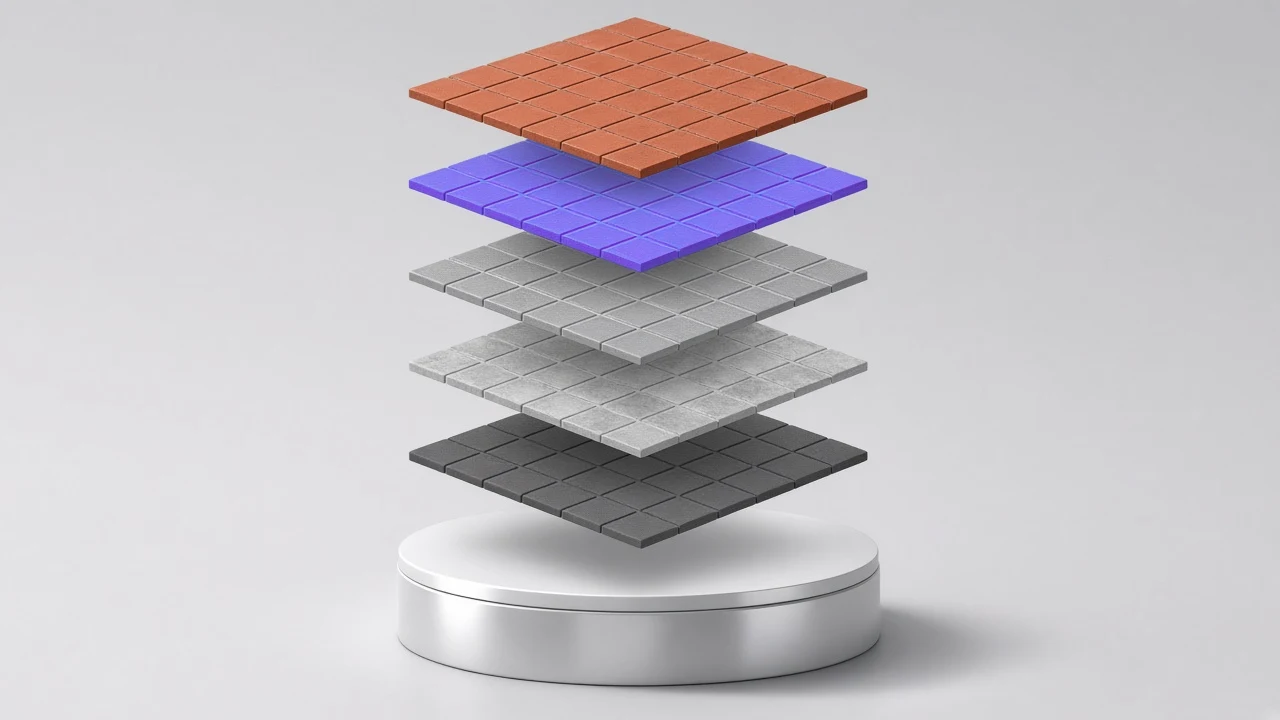
Once the 2D base texture is synthesized by FLUX.2 Klein, Z-Image Turbo, GPT-Image-2.5, or Nano Banana 2.1 (or our instant procedural WebGL synthesizer), the ai texture generator automatically feeds the result into our local GPU pipeline to generate matching Normal, 16-bit Height, Roughness, Ambient Occlusion, Metallic, Curvature, and packed ORM maps.

  • 3-tier Prompt Helper (16 categories × 60+ subtypes × 16 surface finishes)
  • Reference image style & color palette transfer with GPT-Image-2.5 lock
  • Instant handoff to 8-channel PBR, Seamless Tiling, and Transparent VFX
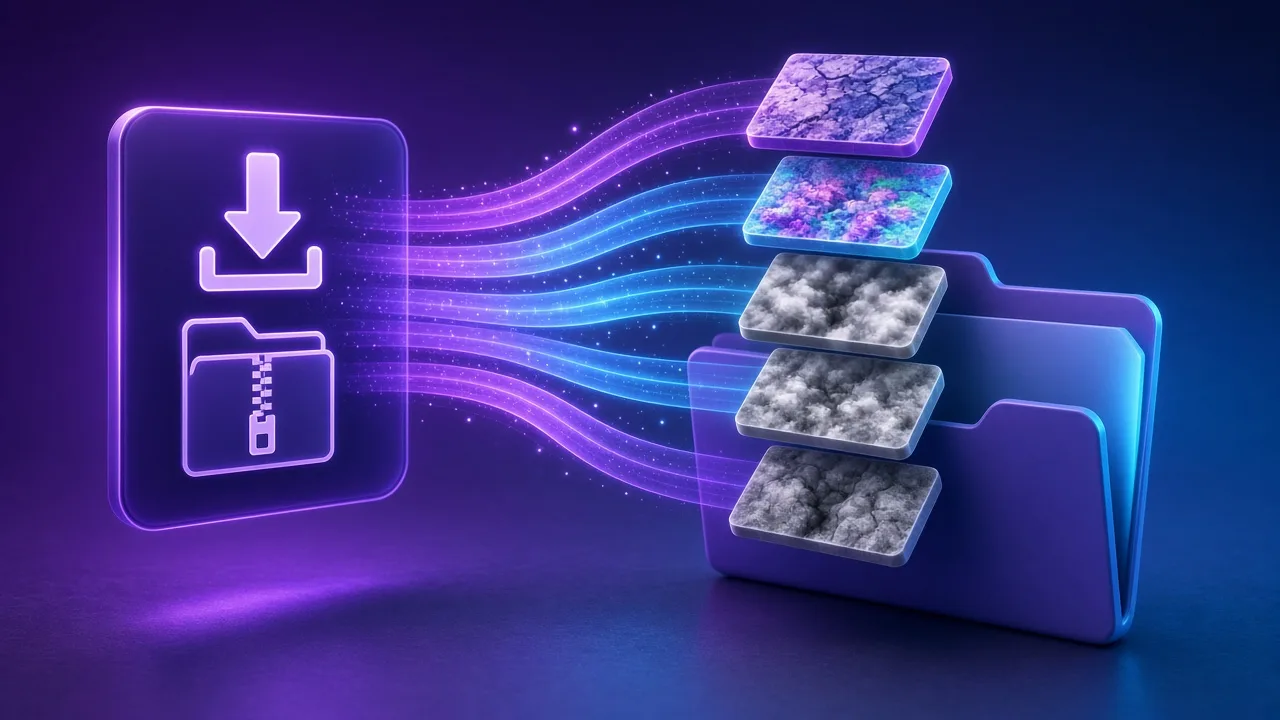
  • Export up to 4K PNG or engine-packed ZIPs for Unity, UE5, Godot & Blender

WHY

Why use our AI Texture Generator for 3D & game assets

Zero prompt-engineering guesswork

Pick Material Category, Sub-type, and Surface Finish from cascading dropdowns in the ai texture generator and let the system inject orthographic, shadow-free PBR control tokens automatically inside this ai texture generator for your ai texture generator pipeline.

Hybrid AI synthesis + local WebGL PBR math

Instead of hallucinating noisy normal maps in the cloud, our ai texture generator synthesizes a clean 2D diffuse plate and computes mathematically exact tangent-space normals, 16-bit height, and ORM channels locally inside this ai texture generator for your ai texture generator pipeline.

Reference photo guidance (Img2Img)

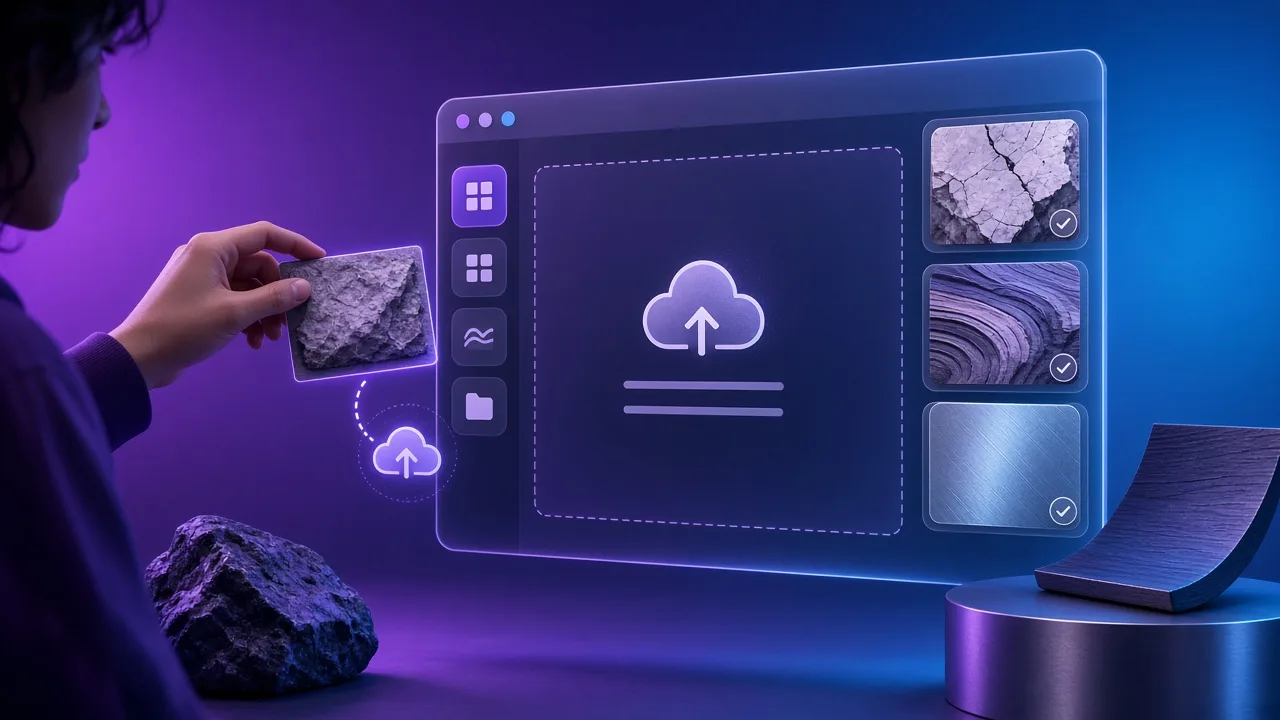
Drop or paste any reference swatch into the ai texture generator to lock the color palette and structural grain while generating fresh, tileable variations inside this ai texture generator for your ai texture generator pipeline.

One-click cross-tool handoff

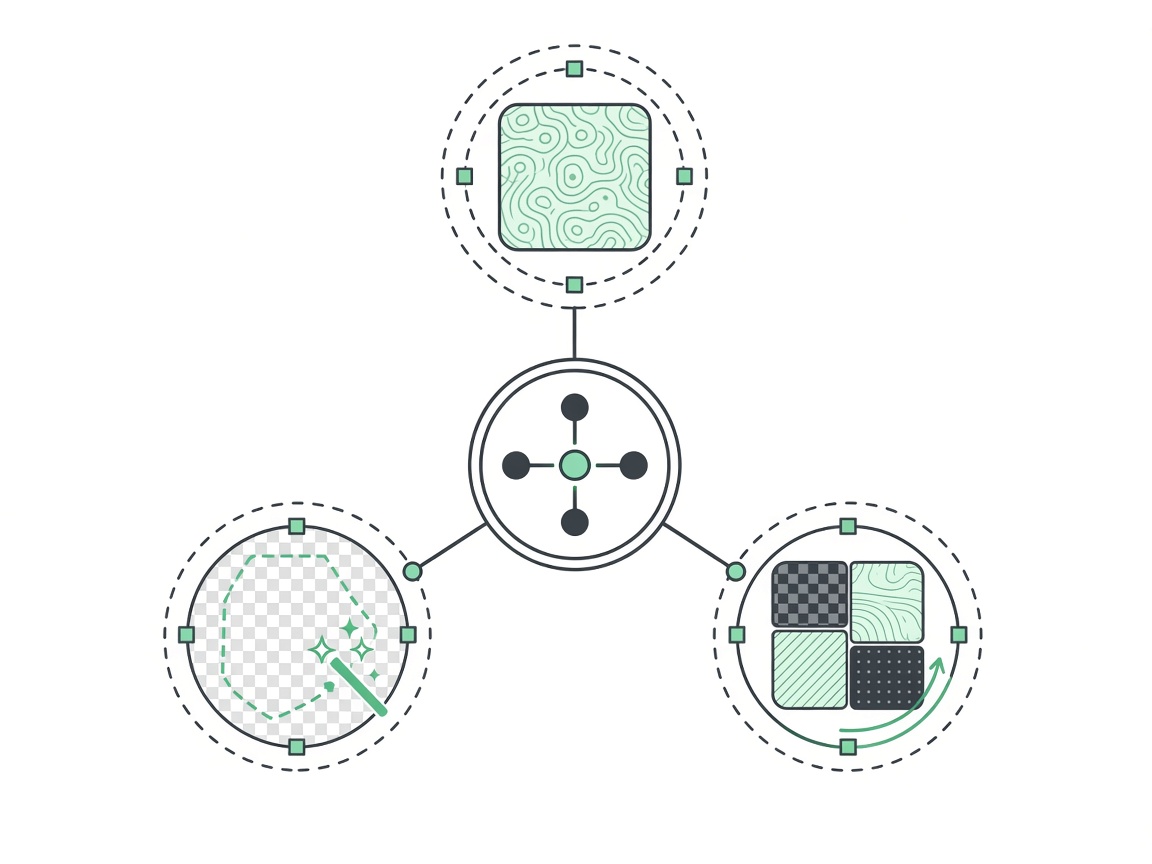
Every texture created in the ai texture generator includes direct Send to PBR, Send to Seamless, and Send to Transparent buttons so you can refine edge blending or alpha cutouts in one click inside this ai texture generator for your ai texture generator pipeline.

Multi-tier models from 5s Turbo to 4K Ultra

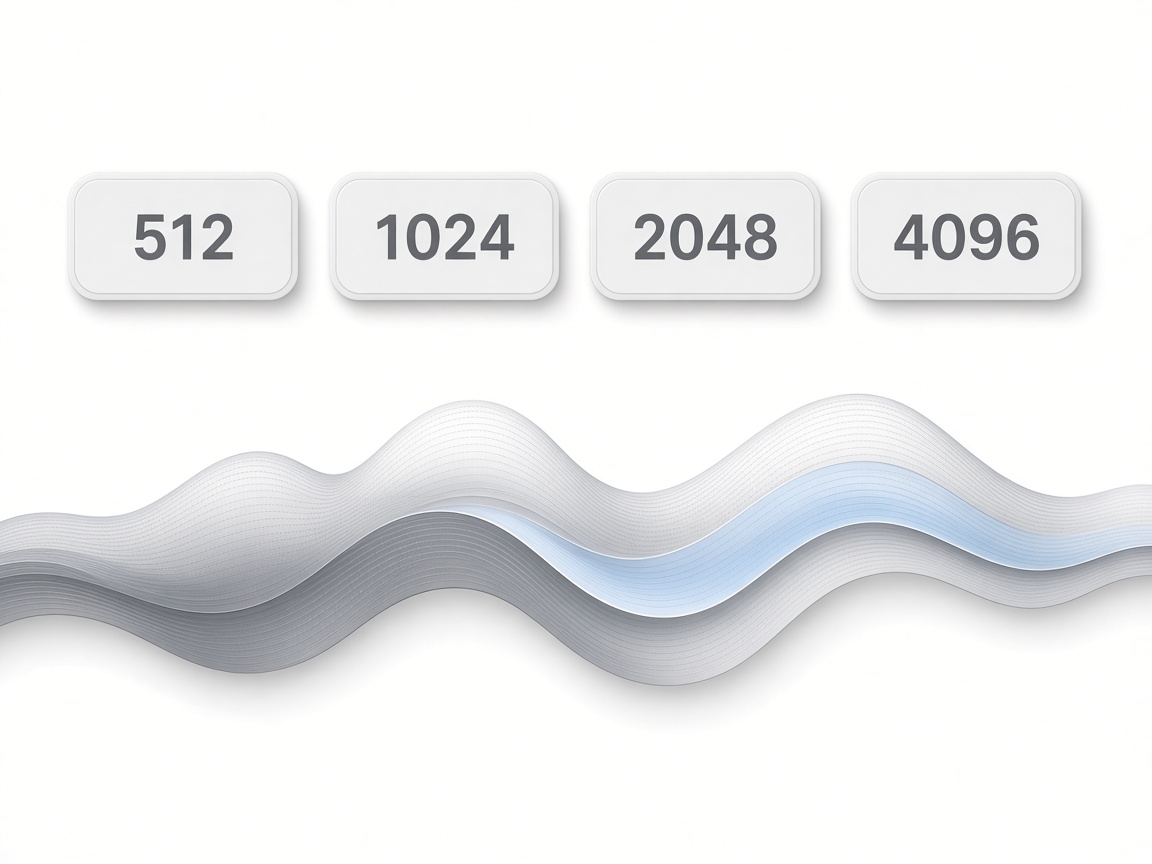
Switch between FLUX.2 Klein (1K fast), Z-Image Turbo (1K/2K), GPT-Image-2.5 (reference-aware), and Nano Banana 2.1 (up to 4K) right inside the ai texture generator inside this ai texture generator for your ai texture generator pipeline.

Engine-ready ZIP packages in seconds

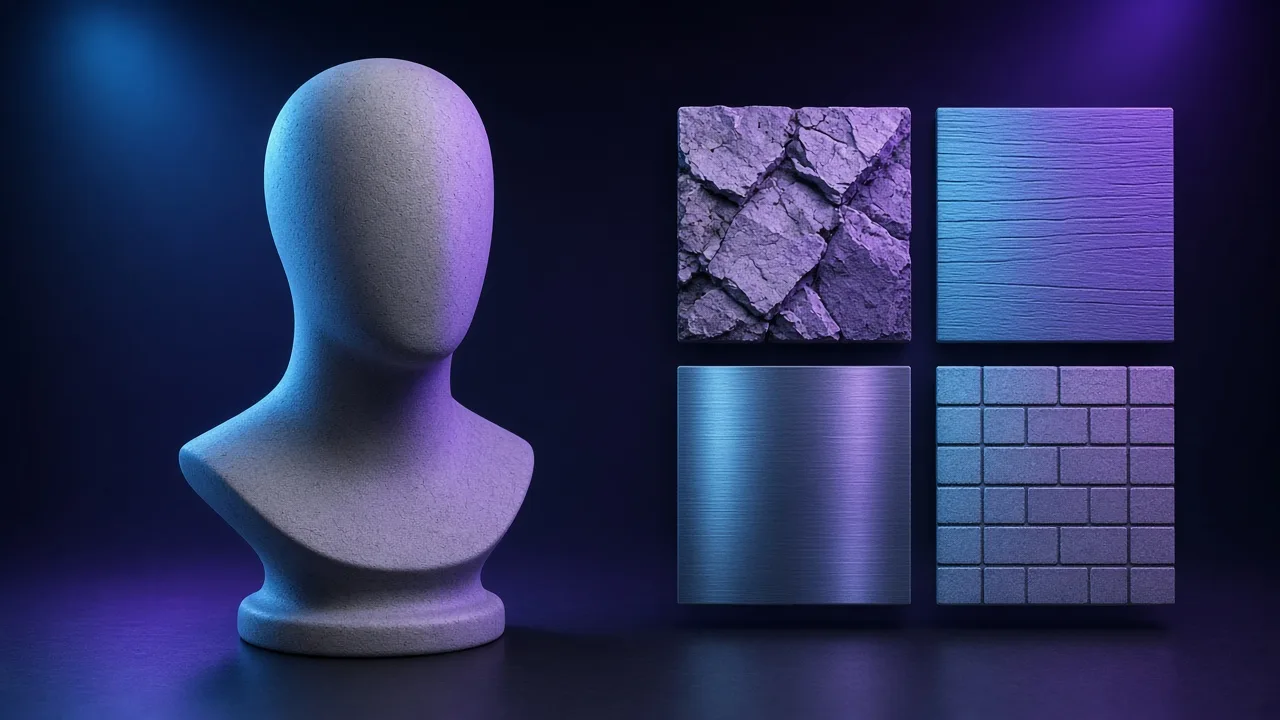
Preview your material on a live 3D bust, shader ball, or cylinder and export Unity URP, Unreal Engine 5 ORM, Godot 4, or Blender Principled BSDF archives from the ai texture generator inside this ai texture generator for your ai texture generator pipeline.

HOW IT WORKS

How to create PBR materials with the AI Texture Generator

Four steps take you from a material idea or reference swatch to a complete 8-channel PBR ZIP in the ai texture generator.

  1. 1

    Select material presets or upload a reference image

    Open Method 2 in the ai texture generator, optionally drop a reference image, and select a Category (e.g., Stone), Sub-type (e.g., Cobblestone), and Surface Finish (e.g., Mossy) — or click Random inside this ai texture generator for your ai texture generator pipeline.

  2. 2

    Choose AI model & target resolution

    Pick FLUX.2 Klein, Z-Image Turbo, GPT-Image-2.5, or Nano Banana 2.1 (1K, 2K, or 4K) in the ai texture generator and refine the auto-composed prompt if needed inside this ai texture generator for your ai texture generator pipeline.

  3. 3

    Click Generate Texture & inspect in live 3D

    Press Generate Texture in the ai texture generator. The synthesized diffuse map loads immediately into the 3D viewport and derives Normal, Height, Roughness, AO, Metallic, and Specular channels inside this ai texture generator for your ai texture generator pipeline.

  4. 4

    Send across tools or download full PBR ZIP

    Use the quick actions in the ai texture generator to send the image to Seamless or Transparent tools, or click Export ZIP to download your engine-packed material set inside this ai texture generator for your ai texture generator pipeline.

USE CASES

AI Texture Generator production use cases

Four workflows where an integrated ai texture generator accelerates look-dev and environment art.

01

Rapid environment blockout & world-building

Generate cohesive stone walls, weathered timber, sci-fi hull plating, and muddy ground tiles in the ai texture generator to populate Unreal Engine 5 or Unity levels in minutes inside this ai texture generator for your ai texture generator pipeline.

02

Stylized, hand-painted & pixel-art game worlds

Select Stylized, Hand-painted, or Pixel Art surface finishes in the ai texture generator to produce non-photorealistic diffuse textures paired with crisp normal and height maps inside this ai texture generator for your ai texture generator pipeline.

03

Matching art-direction moodboards via Reference Upload

Drop a concept art crop into the ai texture generator reference slot to synthesize tileable surfaces that match your scene color script inside this ai texture generator for your ai texture generator pipeline.

04

Game VFX sprites & decals on pure black

Switch to transparent VFX presets (fireballs, chain lightning, arcane runes, smoke puffs) and send the output from the ai texture generator straight into the Transparent PNG keyer inside this ai texture generator for your ai texture generator pipeline.

SCENARIOS

Who this is for

Short scenario-style notes from common workflows. These are illustrative use-case lines — not verified customer reviews, star ratings, or named endorsements.

The 3-tier Prompt Helper in this ai texture generator means our junior artists never struggle with prompt syntax — they pick Stone -> Basalt -> Wet and get a usable 8-map PBR pack immediately.

Lead environment artist · Unreal Engine 5 pipeline

Combining 2D diffuse synthesis with deterministic local WebGL normal and ORM generation makes this ai texture generator way cleaner than cloud tools that hallucinate broken normal maps.

Technical artist · Indie game studio

Being able to click Send to Seamless or Send to Transparent right under the ai texture generator preview cut our decal and trim-sheet iteration time in half.

3D generalist · Blender & Godot 4

Anonymous scenario feedback · illustrative, not customer testimonials

Try this free ai texture generator now

Scroll up to the live ai texture generator — upload a photo, tune under 3D lighting, export locally. The ai texture generator stays private in your browser.

Back to the tool

COMPARE

Browser tool vs a desktop suite

When you need a fast, private map from a photo — without opening a full DCC install.

CapabilityNormalMapAITypical desktop suite
Install & licenseFree in the browser — no installPaid suite + disk install
Photo privacyStays on your deviceOften cloud or local project files
Live 3D checkBuilt-in preview while you tuneSeparate viewport / bake step
Engine ZIP packingUnity / Unreal / Godot / Blender presetsManual channel packing

LEARN

Guides & tutorials

Short how-tos for maps, seamless textures and engine imports.

All guides →

Ready to try this free AI Texture Generator?

Scroll up to the live ai texture generator workbench on this page, pick a material category or click Random, synthesize a seamless base texture, and export all 8 PBR maps for Unity, Unreal, Godot, or Blender.

FAQ

Frequently asked questions

Q1.What is the best free online ai texture generator with full PBR map export?▼

NormalMapAI (normalmapai.com) offers a free online ai texture generator that combines a 16-category 3-tier Prompt Helper, reference image guidance, and instant local WebGL PBR map generation. From a single generated diffuse texture, it derives Normal, 16-bit Height, Roughness, AO, Metallic, Curvature, and ORM maps with live 3D preview.

Q2.How does the NormalMapAI ai texture generator create normal, roughness, and AO maps?▼

Rather than using slow 3D diffusion models that often produce inconsistent normal vectors, our ai texture generator synthesizes an orthographic, flat-lit 2D diffuse texture and pipes it directly into our local WebGL2 PBR engine to compute mathematically accurate Normal, Height, Roughness, AO, and Metallic channels.

Q3.How does the 3-tier Prompt Helper work in the ai texture generator?▼

The Prompt Helper in the ai texture generator provides three cascading dropdowns: 16 Material Categories (Wood, Metal, Stone, Brick, Concrete, etc.), 60+ specific Sub-types (Oak, Brushed Steel, Basalt, Terracotta, etc.), and 16 Surface Finishes (Rough, Polished, Weathered, Mossy, Rusty, Wet, Stylized, etc.), plus a Random button.

Q4.Can I upload a reference image into the ai texture generator?▼

Yes. You can drag, click, or paste (Ctrl+V) a reference image into Method 2 of the ai texture generator. The synthesizer extracts your reference color palette and structural frequency (and locks to GPT-Image-2.5 in cloud mode) to generate matching tileable textures.

Q5.How does the ai texture generator prevent baked shadows and perspective distortion?▼

Every synthesis request in our ai texture generator automatically appends orthographic top-down camera constraints and uniform ambient delighting directives, ensuring the generated albedo is flat-lit and ready for dynamic 3D lighting.

Q6.Which AI models and resolutions are available in the ai texture generator?▼

The ai texture generator supports four model tiers: FLUX.2 Klein (fast 1024×1024), Z-Image Turbo (1K and 2K HD), GPT-Image-2.5 (reference-image-aware 1K/2K), and Nano Banana 2.1 (Ultra 1K, 2K, and 4096×4096 4K).

Q7.Can I send textures from the ai texture generator to Seamless or Transparent PNG tools?▼

Yes. Right below the generated preview in the ai texture generator, four action buttons let you Send to PBR, Send to Seamless, Send to Transparent, or Download the raw PNG with zero re-uploading.

Q8.How do I generate transparent game VFX sprites with the ai texture generator?▼

When using the ai texture generator in Transparent mode, the Prompt Helper switches to 9 game VFX categories (Fire, Lightning, Magic, Water, Ice, Smoke, Muzzle Flash, Beam, Particle) rendered on a pure black background for instant alpha extraction.

Q9.Can I use materials from the ai texture generator in Unity, Unreal Engine 5, Godot, and Blender?▼

Yes. After generating a texture in the ai texture generator, select Unity (MetallicSmoothness), Unreal Engine (DirectX Normal + ORM), Godot 4, or Blender in the export panel and download a ready-to-import ZIP archive.

Q10.Are textures created with the ai texture generator free for commercial games and client work?▼

Yes. All procedural and AI-synthesized textures and derived PBR maps produced in the NormalMapAI ai texture generator are royalty-free for commercial games, archviz, film, and WebXR projects.

Q11.Does the ai texture generator work immediately in the browser without API keys?▼

Yes. Our built-in multi-scale procedural PBR & VFX synthesis engine runs out of the box in your browser with zero setup or API keys required, while also supporting optional cloud provider keys when configured.

Q12.Can I batch-process local images alongside the ai texture generator?▼

Yes. The left sidebar pairs Method 1 (From Local Image with multi-file Batch ZIP export) and Method 2 (the ai texture generator) in the same unified workbench.