 NormalMapAI
Bookmarkable live 3D workspace
Share /app with teammates who only need the editor, not the marketing page.
Free · Local processing · No sign-up
This page is the focused live 3D editor from NormalMapAI. For complete materials see the PBR texture generator; for photo-to-normals use the normal map generator on the homepage.
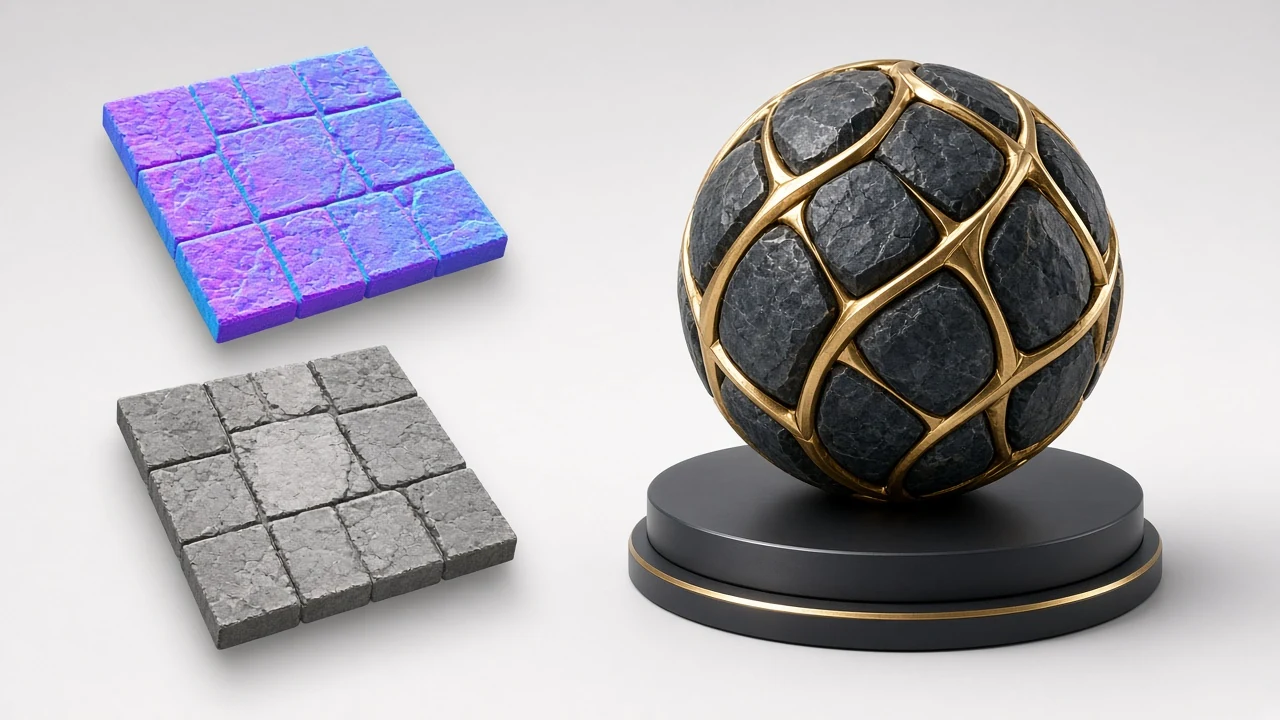
Loading 3D preview…
Ctrl + scroll to zoom
Sample textures: Poly Haven (CC0)
WHAT
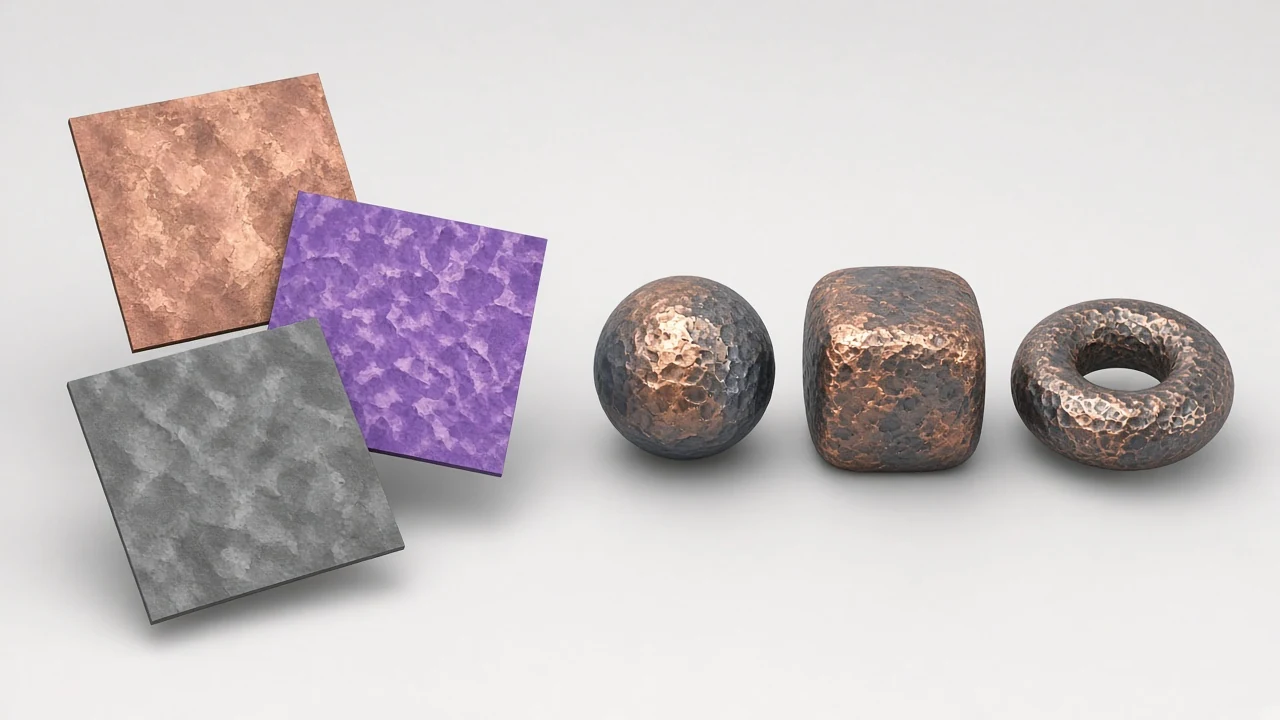
The /app route is the focused live 3D material editor from NormalMapAI. Upload a photo, tune normal, height, roughness, AO, metallic and specular on a shader ball, then export — without the full homepage marketing chrome.
It is an auxiliary workspace next to two keyword landings: the homepage normal map generator and the dedicated PBR texture generator page. Bookmark /app when you want the editor only; send teammates to /pbr-texture-generator when they need the full-material explainer.
Processing stays on your device. Pair with /seamless-texture when edges still show, or /transparent-png when you need alpha before generation.
WHY
Share /app with teammates who only need the editor, not the marketing page.
Maximize the workspace for long map-iteration sessions.
Identical shaders as the homepage normal map generator and PBR texture generator.
Keeps /app from competing with the PBR texture generator keyword landing.
HOW IT WORKS
From photo to live 3D export in four live 3D steps.
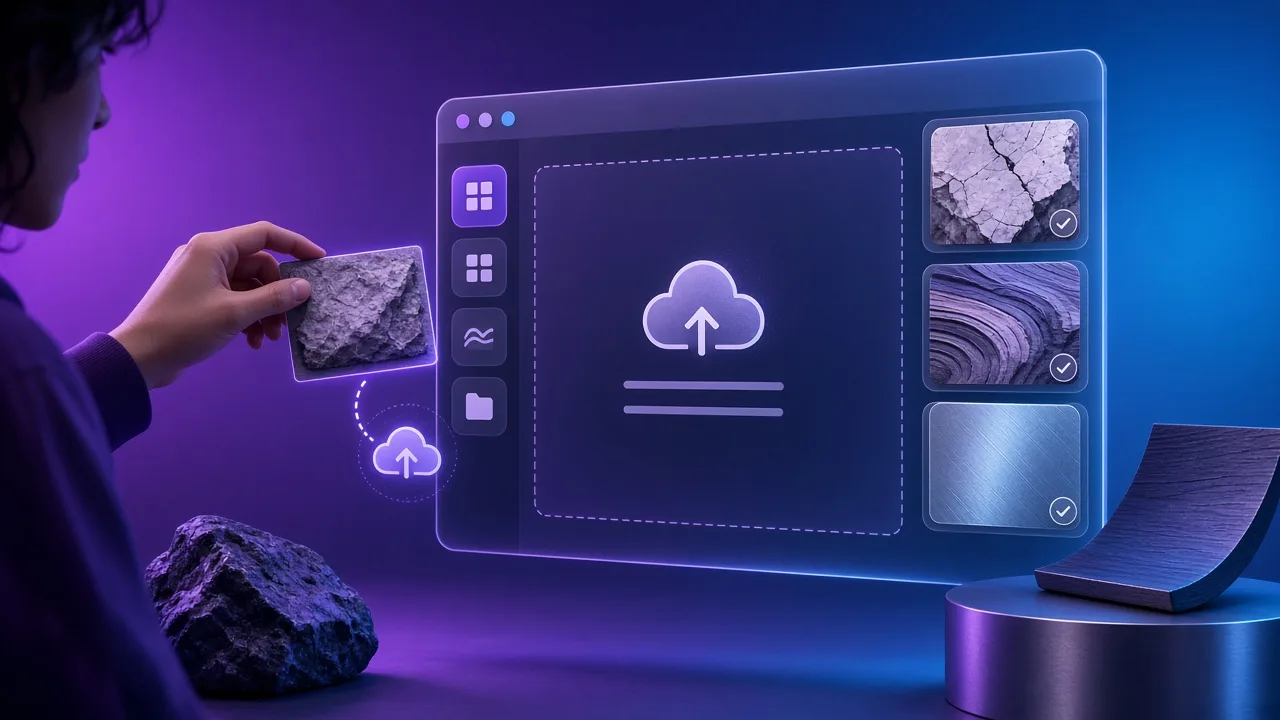
JPG, PNG or WebP — or learn controls on Poly Haven CC0 samples.
Open the seamless tool if edges show, then return here with the tileable albedo.
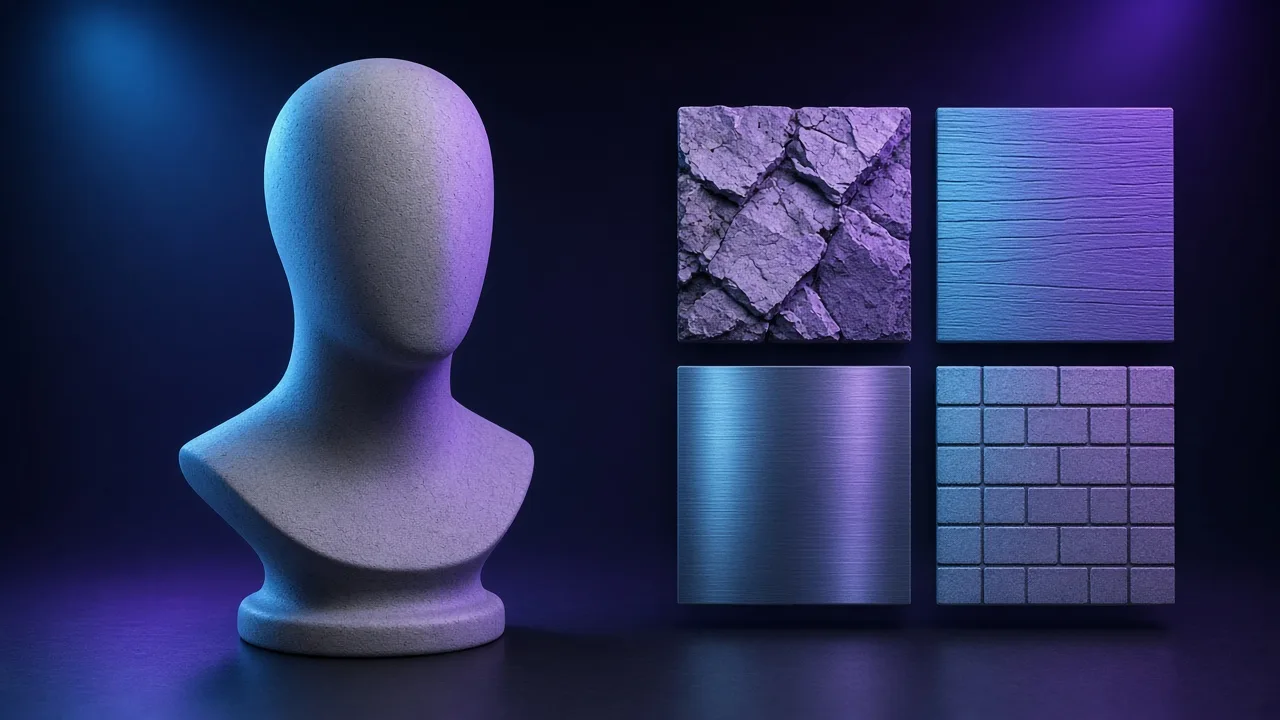
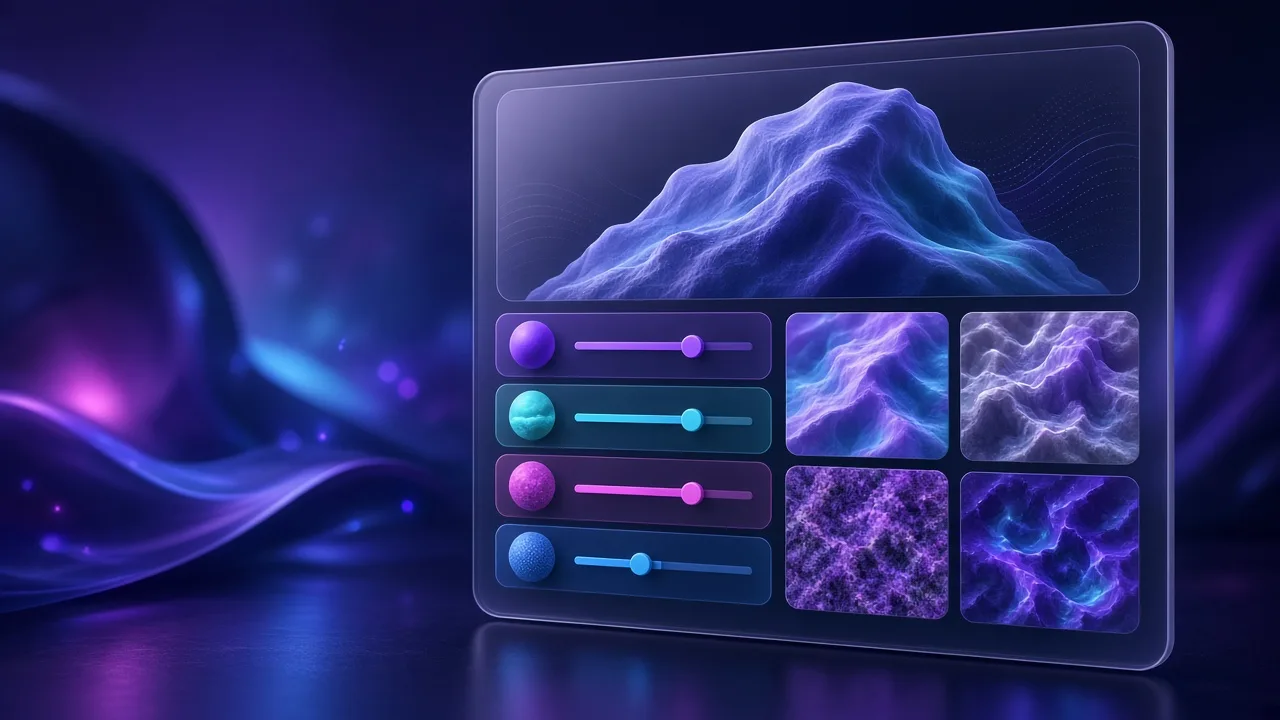
Drag sliders; switch sphere/cube/plane and lighting until the material reads correctly.
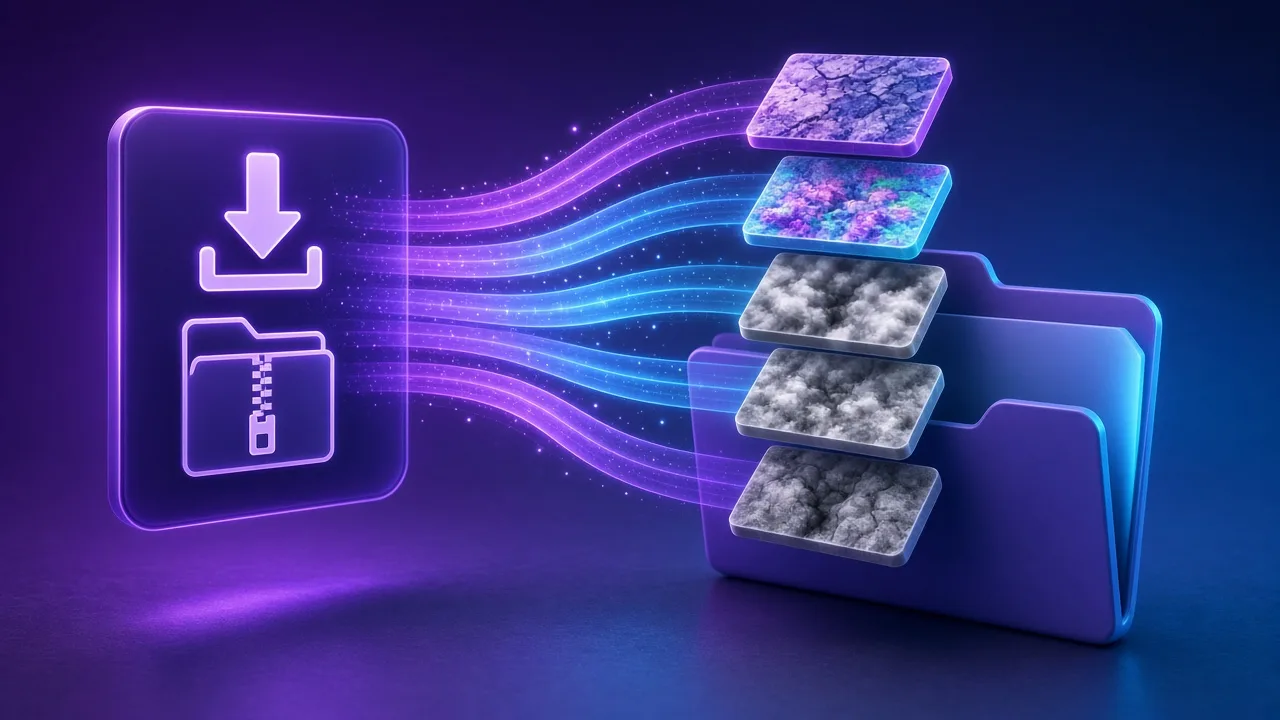
Export a ZIP, or read the full PBR texture generator guide when you need packing docs.
Indie games, archviz, freelancers and students.
Spin up maps from a reference photo between meetings.
Practice Unity / Unreal packing with preset ZIPs before production.
Keep proprietary photos local while iterating Principled setups.
Scrub sliders so students see how roughness and normals interact.
SCENARIOS
Short scenario-style notes from common workflows. These are illustrative use-case lines — not verified customer reviews, star ratings, or named endorsements.
Local preview while sliders are open is the difference between guessing and shipping a usable map.
We keep proprietary photos on-device — browser-only generation is the requirement, not a nice-to-have.
Same product family for seamless, cutouts and maps means less context switching between sites.
Anonymous scenario feedback · illustrative, not customer testimonials
Upload a photo, tune under 3D lighting, export locally — no account.
COMPARE
When you need a fast, private map from a photo — without opening a full DCC install.
| Capability | NormalMapAI | Typical desktop suite |
|---|---|---|
| Install & license | Free in the browser — no install | Paid suite + disk install |
| Photo privacy | Stays on your device | Often cloud or local project files |
| Live 3D check | Built-in preview while you tune | Separate viewport / bake step |
| Engine ZIP packing | Unity / Unreal / Godot / Blender presets | Manual channel packing |
TOOLS
Free PBR texture generator with live 3D preview
Free PBR texture generator: turn any photo into albedo, normal, height, roughness, AO, metallic and specular m…
Free 4K Seamless Texture Generator Online
Generate seamless and tileable textures online. Blend edges, check a live tiling preview, remove lighting, exp…
Free Transparent PNG Maker Online
Remove a black or white background and export a transparent PNG. Adjust threshold and feather, preview on a ch…
Image to Normal Map Converter
Convert any image or PNG to a normal map in your browser. Adjust strength, switch DirectX / OpenGL and preview…
Bump Map Generator
Create a bump map from any photo online. Control contrast, preview in 3D and export — free and private.…
Ambient Occlusion (AO) Map Generator
Generate an ambient occlusion map from a photo. Adjust radius and strength and pack it into ORM for Unreal or …
Roughness Map Generator
Make a roughness map from any image, or flip it to a Unity smoothness map. Free, in-browser, with 3D preview.…
Free Displacement Map Generator (16-bit)
Free displacement map generator: create a 16-bit displacement map from any photo for Blender, Unreal, parallax…
Homepage PBR generator
Live 3D editor hub with full marketing copy.
LEARN
Short how-tos for maps, seamless textures and engine imports.
How to Use a Free Normal Map Generator (Step by Step)
A normal map stores surface direction so flat photos catch light in 3D. This guide walks through NormalMapAI’s free generator — from upload to engine ZIP — without installing software.
How to Make Seamless / Tileable Textures From Photos
Hard seams show up the moment a photo is tiled. Use edge blending, multi-scale fade and a 2×2–4×4 preview so the pattern repeats cleanly before you build normal and roughness maps.
Import PBR Maps into Unity, Unreal Engine and Blender
Export presets pack maps the way each engine expects. This guide covers import settings so albedo stays colored, normals stay linear, and ORM / MetallicSmoothness land in the right channels.
PBR Maps Explained: Albedo, Normal, Roughness, AO, Metallic and More
Physically based rendering needs a small set of textures that describe color, shape and light response. Here is what each map does and which ones NormalMapAI generates from one photo.
Height Map vs Displacement Map: What Changes in a Renderer
Both textures store height as brightness. Height often drives parallax or bump-style effects; displacement moves vertices. NormalMapAI exports both as 16-bit PNG to avoid banding.
Normal Maps: DirectX vs OpenGL (Y Flip) Explained
The only practical difference is the green channel: OpenGL stores +Y, DirectX stores −Y. Pick the right format — or an engine export preset — so bumps do not turn into dents.
Scroll to the workspace on this page. For the full-material landing, visit the PBR texture generator.
FAQ
The NormalMapAI /app route is a focused, bookmarkable live 3D material editor that runs 100% locally in your browser. It gives you the same WebGL2 shader ball, multi-channel PBR sliders, and engine ZIP exporter as the homepage normal map generator without the long-form guide chrome.
Drop any JPG, PNG, or WebP texture into the live 3D material editor, switch between the shader ball, sphere, cube, plane, cylinder, and torus meshes, and drag the studio light around the viewport to inspect relief and specular highlights in real time.
Inside the live 3D material editor, you can tune Base Color (Albedo), Tangent-Space Normal (OpenGL or DirectX), 16-bit Height, 16-bit Displacement, Roughness, Ambient Occlusion (AO), Metallic, Bump, Curvature, and Specular maps simultaneously.
The /app page is a streamlined workspace designed for daily production and quick bookmarking, whereas the /pbr-texture-generator and homepage routes include full step-by-step tutorials, channel explanations, and engine import documentation.
Yes, the live 3D material editor includes one-click export presets for Unity (MetallicSmoothness), Unreal Engine 5 (DirectX Normal + ORM), Godot 4 (OpenGL Normal + ORM), and Blender (Principled BSDF), plus a generic unpacked ZIP.
Choose OpenGL (Y+) for Blender, Unity, Godot 4, and Three.js workflows, or choose DirectX (Y-) for Unreal Engine 5 and DirectX pipelines. The live 3D editor and export presets flip the green channel automatically.
Use the top navigation or companion links to open the Seamless Texture tool (for multi-scale edge blending and lighting removal) or the Transparent PNG tool (for black/white background keying), then click Send to PBR Generator to return to the live 3D editor.
You can export at 512, 1024, 2048 (2K), or 4096 (4K) pixels. Albedo, normal, roughness, and packed ORM channels export as 8-bit PNGs, while height and displacement channels export as 16-bit PNGs for smooth vertex displacement.
NormalMapAI computes normal gradients, height smoothing, AO cavities, and roughness curves on your GPU using custom WebGL2 fragment shaders. If a browser lacks WebGL2 or exports at 4096 px, it falls back cleanly to a local CPU worker.
The built-in rock wall, rusty metal, and wood plank demo materials are CC0 public-domain surface textures from Poly Haven, included so you can test the live 3D editor sliders and lighting before uploading your own photos.
No, your source images and generated maps never leave your device. Every decoding, WebGL2 shading, and ZIP packaging step runs locally inside your browser memory.
Yes, NormalMapAI is 100% free with no watermarks or licensing fees. All PBR maps derived from your own images are yours to ship in commercial games, archviz scenes, VFX, and client deliverables.