Free · Local processing · No sign-up

Free AI 3D Model Generator (Text & Image to 3D)

Use the NormalMapAI ai 3d model generator to turn text descriptions or reference images into UV-unwrapped 3D meshes with selectable polycount targets and baked PBR materials.

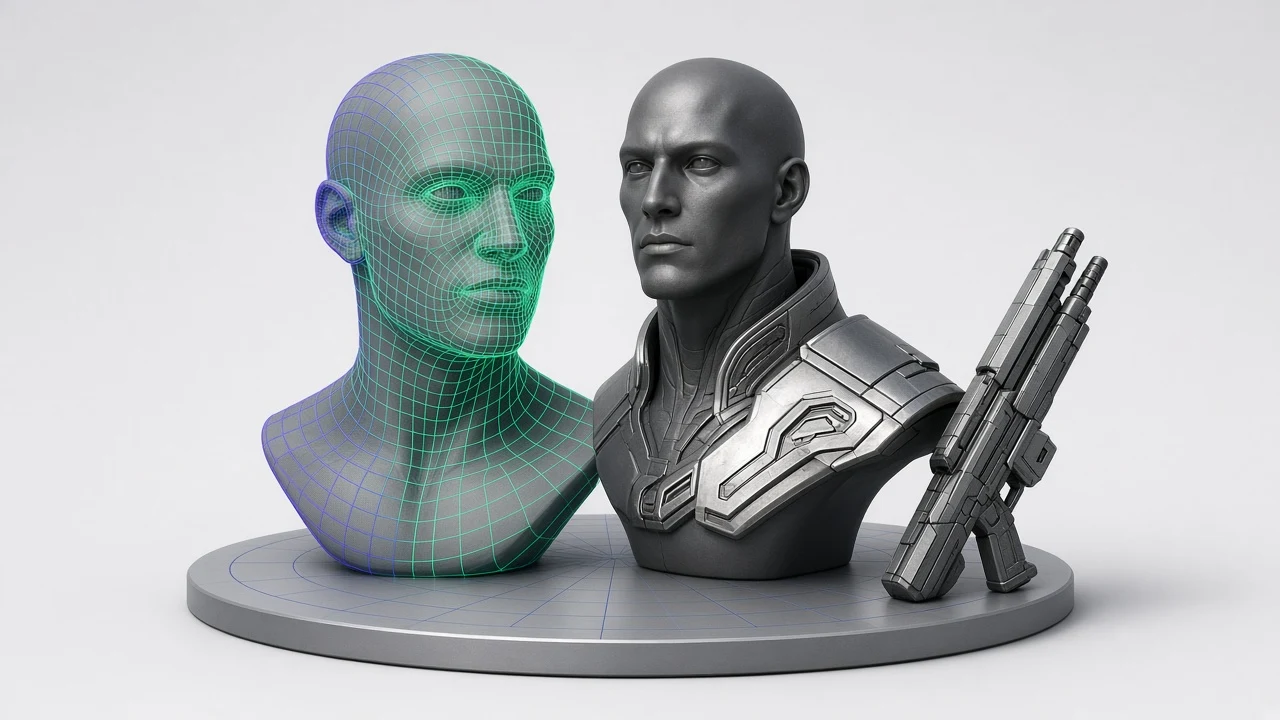
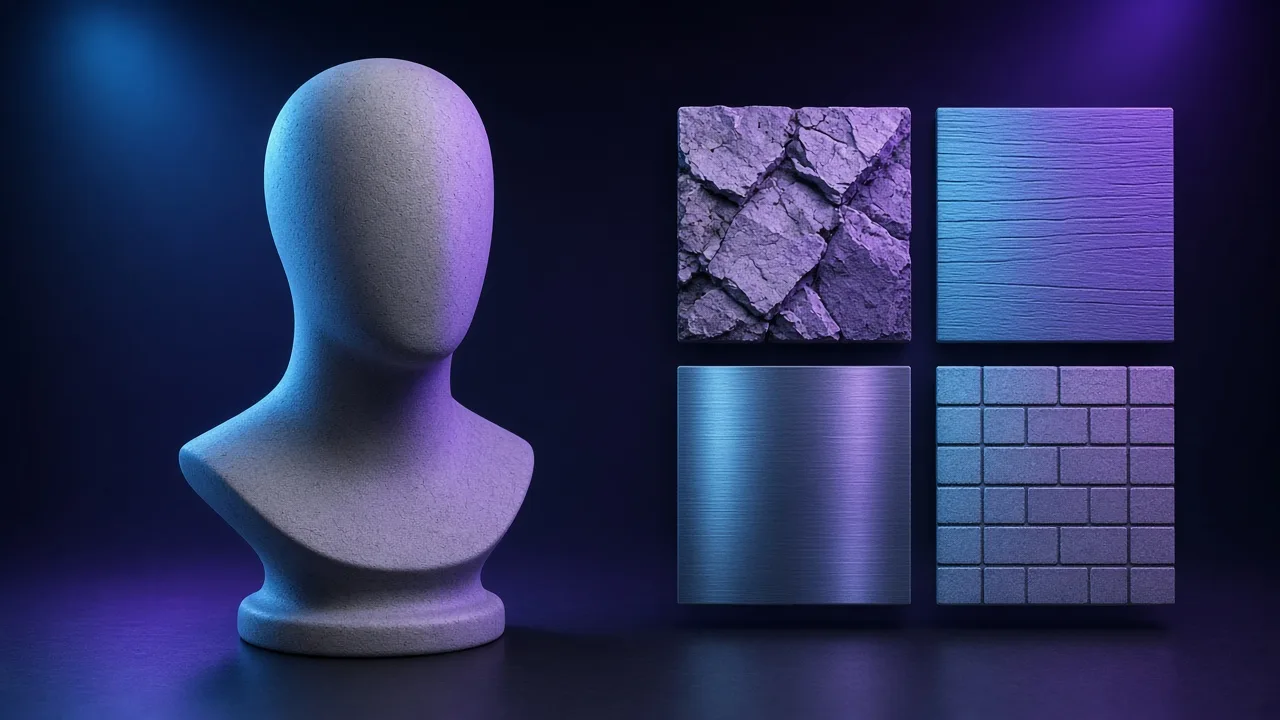
AI 3D model generator quad topology wireframe to PBR statue preview
Live tool on this page
Verts: 4,820·Tris: 9,412

Sample textures: Poly Haven (CC0)

WHAT

What is an AI 3D Model Generator?

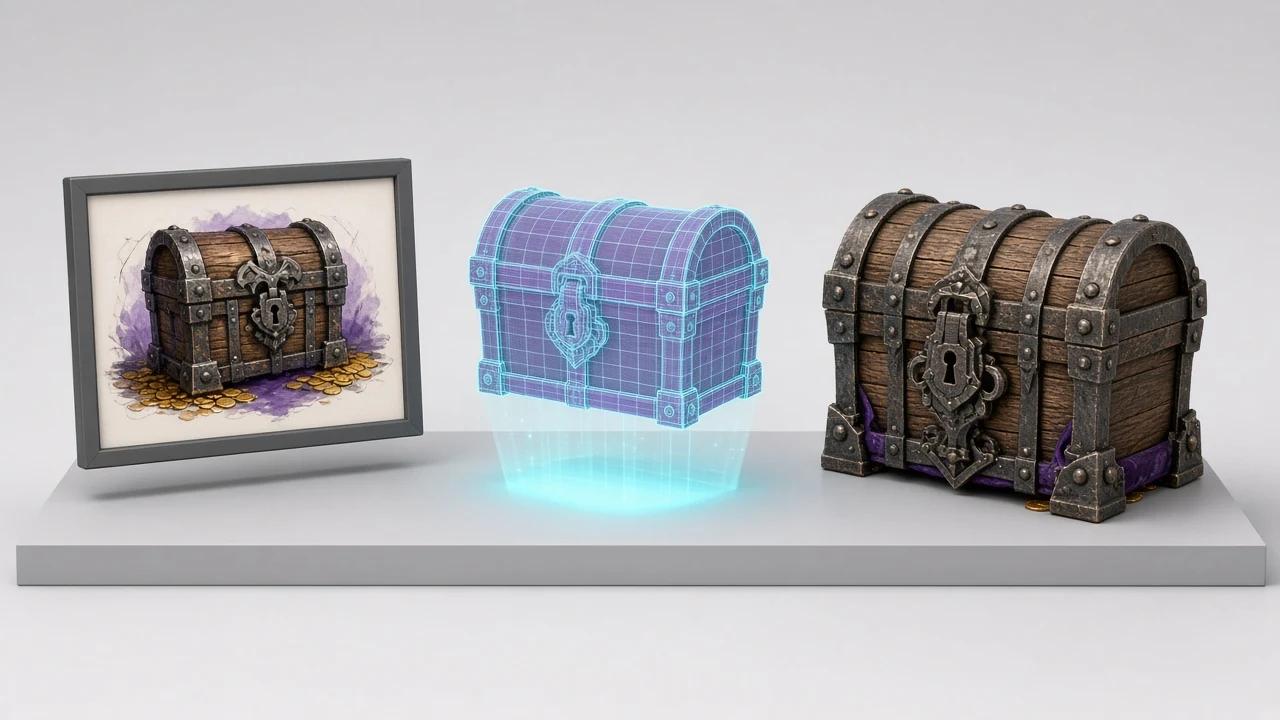
An ai 3d model generator is an interactive 3D asset creation workbench that transforms text descriptions (Text to 3D) or 2D reference photos (Image to 3D) into watertight, UV-unwrapped 3D polygon meshes complete with vertex normals and 4-channel PBR textures. With the NormalMapAI ai 3d model generator, game developers and 3D artists can prototype props, armor, flasks, crates, and statues directly in the browser.

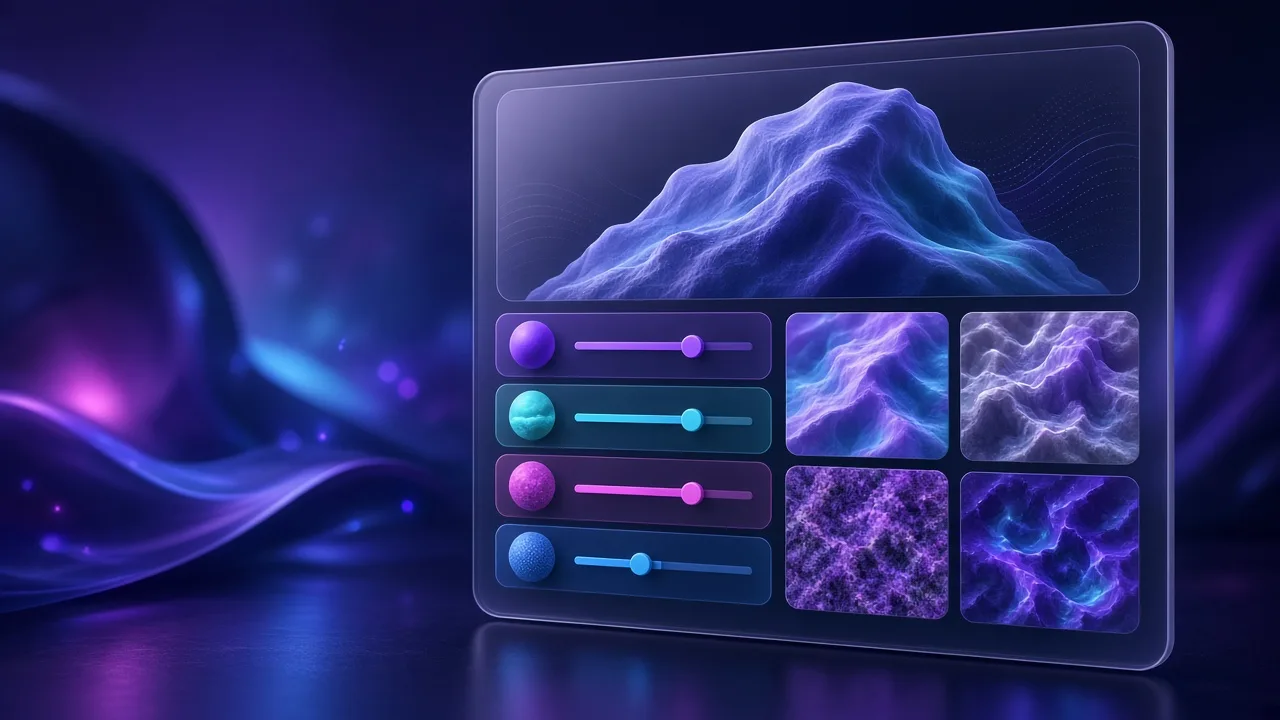
Our ai 3d model generator gives you full control over artistic style (Realistic PBR, Stylized Hand-Painted, Low-Poly Game Asset, Sculpted Classical Statue, and Sci-Fi Hard Surface) and polygon topology targets (Low-Poly ~4K tris, Game-Ready ~15K tris, and High-Detail ~50K tris).

Every mesh synthesized in the ai 3d model generator comes with clean 0–1 UV coordinates and baked Albedo, Normal, Roughness, and Metallic maps, ready for immediate inspection in Wireframe or Clay mode and one-click export to .GLB, .OBJ, or our AI 3D Texture workbench.

  • Dual Text-to-3D and Image-to-3D generation modes in one workbench
  • Selectable polycount topology (Low-Poly 4K, Game-Ready 15K, High-Detail 50K)
  • Automatic 0–1 UV unwrapping + 4-channel PBR texture baking
  • Real-time .GLB (glTF 2.0 binary) and .OBJ export + one-click UV re-texturing

WHY

Why build 3D assets with our AI 3D Model Generator

Both Text-to-3D and Image-to-3D workflows included

Type a descriptive prompt or drop a reference image into the ai 3d model generator to extract silhouette displacement and surface color palettes automatically inside this ai 3d model generator for your ai 3d model generator pipeline.

Controllable polygon budget for real-time engines

Choose between Low-Poly (~4K tris for mobile/WebXR), Game-Ready (~15K tris for Unity/UE5), or High-Detail (~50K tris) before clicking generate in the ai 3d model generator inside this ai 3d model generator for your ai 3d model generator pipeline.

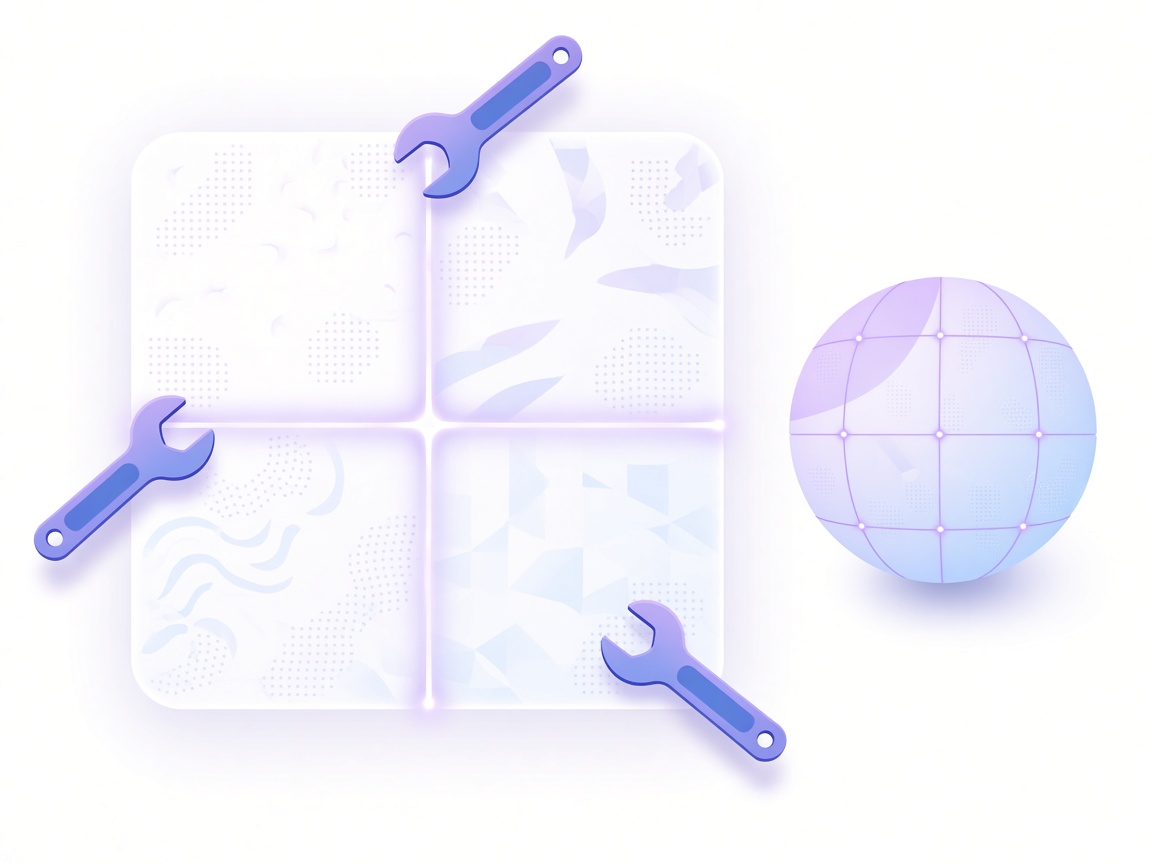
Clean UV islands ready for PBR baking

Unlike raw voxel dumps that lack usable UVs, the ai 3d model generator builds structured UV layouts displayed live on the right-hand 2D UV inspector canvas inside this ai 3d model generator for your ai 3d model generator pipeline.

Built-in Wireframe, Clay & Turntable inspection

Verify edge flow and silhouette relief in Clay Mode or Wireframe overlay inside the ai 3d model generator before downloading your mesh inside this ai 3d model generator for your ai 3d model generator pipeline.

Instant .GLB & .OBJ file downloads

Export standards-compliant .GLB binaries (with embedded PBR textures) or .OBJ geometry files from the ai 3d model generator with zero paywalls or watermarks inside this ai 3d model generator for your ai 3d model generator pipeline.

One-click handoff to AI 3D Texture & 8-Map PBR

Click Send to AI 3D Texture Workbench inside the ai 3d model generator to experiment with 16 material categories and 60+ subtypes on your generated mesh inside this ai 3d model generator for your ai 3d model generator pipeline.

HOW IT WORKS

How to create 3D meshes with the AI 3D Model Generator

Four simple steps take you from a text prompt or 2D concept image to a textured .GLB or .OBJ asset in the ai 3d model generator.

  1. 1

    Choose Text to 3D or Image to 3D mode

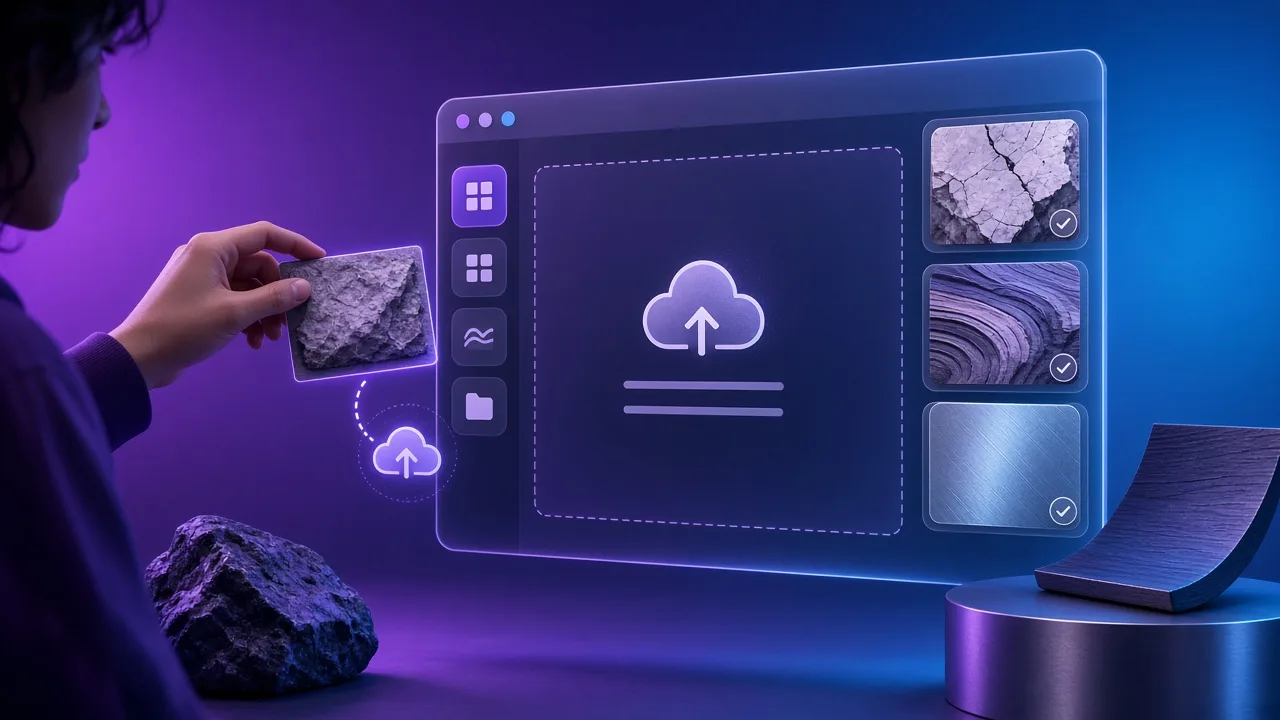
    Select Text to 3D and enter a prompt, or switch to Image to 3D and upload a reference photo in the ai 3d model generator, then pick a base 3D archetype inside this ai 3d model generator for your ai 3d model generator pipeline.

  2. 2

    Select Art Style & Polycount Topology target

    Pick Realistic PBR, Stylized, Low-Poly, Statue, or Sci-Fi style and choose Low-Poly (~4K), Game-Ready (~15K), or High-Detail (~50K) in the ai 3d model generator inside this ai 3d model generator for your ai 3d model generator pipeline.

  3. 3

    Click Generate 3D Mesh & inspect topology

    Press Generate 3D Mesh in the ai 3d model generator. Orbit the Three.js viewport and toggle Wireframe or Clay Mode to inspect vertex normals and UV unwrap islands inside this ai 3d model generator for your ai 3d model generator pipeline.

  4. 4

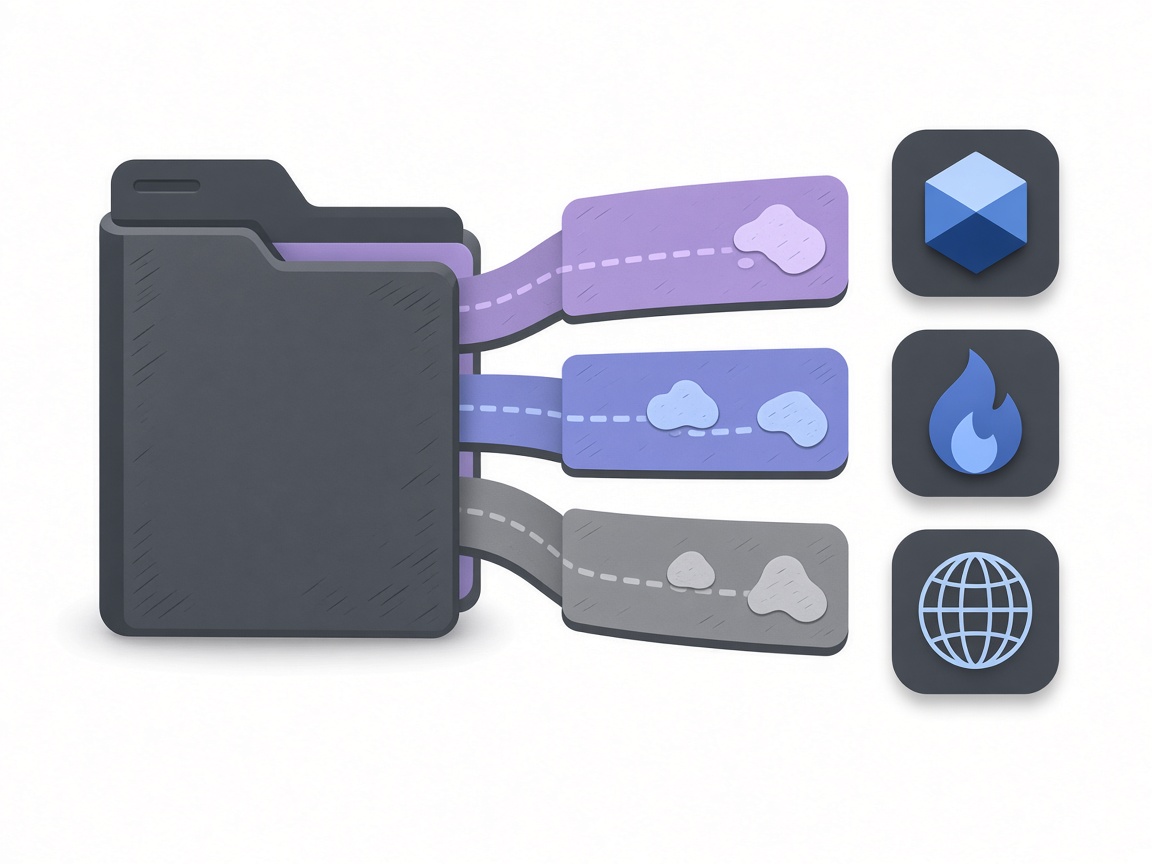
    Export .GLB / .OBJ or send to AI 3D Texture

    Download the textured .GLB binary, .OBJ mesh, or full PBR ZIP from the ai 3d model generator, or click Send to AI 3D Texture Workbench to repaint materials inside this ai 3d model generator for your ai 3d model generator pipeline.

USE CASES

AI 3D Model Generator use cases

Four scenarios where our browser-based ai 3d model generator speeds up 3D asset creation.

01

Rapid game prop prototyping for Unity, UE5 & Godot

Block out helmets, shields, potion bottles, crates, and pedestals in the ai 3d model generator and import .GLB files into your level in under a minute inside this ai 3d model generator for your ai 3d model generator pipeline.

02

Turning 2D concept art & icons into 3D relief meshes

Use Image to 3D in the ai 3d model generator to convert 2D item illustrations into displaced, textured 3D assets inside this ai 3d model generator for your ai 3d model generator pipeline.

03

Lightweight .GLB assets for Three.js & WebXR

Select the Low-Poly (~4K tris) target in the ai 3d model generator to export compact .GLB models that load fast on mobile and VR browsers inside this ai 3d model generator.

04

Pre-visualizing sculpting & 3D printing silhouettes

Switch the ai 3d model generator to Clay Mode and High-Detail (~50K tris) to evaluate surface relief before exporting .OBJ to Blender or ZBrush.

SCENARIOS

Who this is for

Short scenario-style notes from common workflows. These are illustrative use-case lines — not verified customer reviews, star ratings, or named endorsements.

Having selectable polycount targets and clean UV islands right inside a browser ai 3d model generator makes rapid level blockouts effortless.

Technical artist · Unreal Engine 5 & Blender

I love that I can generate a mesh in the ai 3d model generator, check the wireframe in Clay Mode, and send it straight to the UV texture painter in one click.

Indie game developer · Godot 4

Direct .GLB export with baked Albedo, Normal, Roughness, and Metallic maps from this ai 3d model generator plugs right into our Three.js configurator.

Web3D engineer · React Three Fiber

Anonymous scenario feedback · illustrative, not customer testimonials

Try this free ai 3d model generator now

Scroll up to the live ai 3d model generator — upload a photo, tune under 3D lighting, export locally. The ai 3d model generator stays private in your browser.

Back to the tool

COMPARE

Browser tool vs a desktop suite

When you need a fast, private map from a photo — without opening a full DCC install.

CapabilityNormalMapAITypical desktop suite
Install & licenseFree in the browser — no installPaid suite + disk install
Photo privacyStays on your deviceOften cloud or local project files
Live 3D checkBuilt-in preview while you tuneSeparate viewport / bake step
Engine ZIP packingUnity / Unreal / Godot / Blender presetsManual channel packing

LEARN

Guides & tutorials

Short how-tos for maps, seamless textures and engine imports.

All guides →

Ready to try this free AI 3D Model Generator?

Scroll up to the live ai 3d model generator on this page, choose Text to 3D or Image to 3D, select your polycount target, and export a game-ready .GLB or .OBJ mesh.

FAQ

Frequently asked questions

Q1.What is the best free online ai 3d model generator with GLB and OBJ export?▼

NormalMapAI (normalmapai.com) offers a free online ai 3d model generator supporting both Text to 3D and Image to 3D workflows, selectable polygon topology targets (4K to 50K tris), automatic 0–1 UV unwrapping, 4-channel PBR texture baking, and instant .GLB and .OBJ downloads.

Q2.How does the NormalMapAI ai 3d model generator build 3D meshes and PBR textures?▼

Our ai 3d model generator combines parametric 3D topology generation, displacement relief mapping, automatic UV island unwrapping, and multi-channel PBR synthesis (Albedo, Normal, Roughness, Metallic) inside an interactive Three.js WebGL2 viewport.

Q3.What is the difference between Text to 3D and Image to 3D in the ai 3d model generator?▼

In Text to 3D mode, you describe the object and material in words and pick an art style preset. In Image to 3D mode, you upload a 2D reference image into the ai 3d model generator to guide the surface color palette and vertex displacement.

Q4.Can I control the polygon count (polycount) in the ai 3d model generator?▼

Yes. The ai 3d model generator lets you choose between Low-Poly (~4K triangles for mobile and WebGL), Game-Ready (~15K triangles for Unity, Unreal Engine 5, and Godot), and High-Detail (~50K triangles for close-up renders).

Q5.Does the ai 3d model generator automatically unwrap UVs and bake PBR maps?▼

Yes. Every mesh produced by the ai 3d model generator includes non-overlapping 0–1 UV coordinates (visible in the right-hand 2D UV layout preview) and optional 4-channel PBR maps (Albedo, Normal, Roughness, Metallic).

Q6.Which 3D file formats can I download from the ai 3d model generator?▼

You can download a self-contained binary .GLB (glTF 2.0 with embedded PBR materials), a standard .OBJ polygon mesh with UV coordinates and vertex normals, or a full PBR texture .ZIP pack from the ai 3d model generator.

Q7.How do I inspect wireframe topology and clay shading in the ai 3d model generator?▼

Use the top-right viewport controls in the ai 3d model generator to toggle Wireframe overlay (showing exact triangle edges and vertex count), Clay Mode (neutral matte gray shading), and Turntable auto-rotation.

Q8.Can I re-texture a model after creating it in the ai 3d model generator?▼

Yes. Click the Send to AI 3D Texture Workbench button in the bottom-right panel of the ai 3d model generator to transfer your asset into our dedicated UV texture painter.

Q9.How do I import .GLB or .OBJ files from the ai 3d model generator into Blender, Unity, or Unreal Engine 5?▼

Drag the downloaded .GLB or .OBJ file from the ai 3d model generator directly into your Blender viewport, Unity Assets folder, Godot FileSystem dock, or Unreal Engine 5 Content Browser.

Q10.Are 3D models created with the ai 3d model generator free for commercial games?▼

Yes. All 3D meshes and PBR texture packs exported from the NormalMapAI ai 3d model generator are royalty-free for commercial games, indie projects, WebXR apps, and client work.

Q11.Does the ai 3d model generator require a login, subscription, or GPU install?▼

No. The NormalMapAI ai 3d model generator runs directly in your web browser with zero registration, no watermarks, and no software installation required.

Q12.Can I also generate standalone 8-channel 2D PBR materials alongside the ai 3d model generator?▼

Yes. Click Send to PBR or Send to Seamless inside the ai 3d model generator to open your synthesized surface texture in our 8-channel 2D PBR workbench.