 NormalMapAI
Highlight response visible
The specular map generator shows highlight strength changes immediately so legacy specular workflows stay tunable in the browser.
Free · Local processing · No sign-up
A specular map says how strongly each part of a surface reflects light. The NormalMapAI normal map generator derives it from the brightness of your texture; adjust intensity and contrast and see the highlight change in 3D.
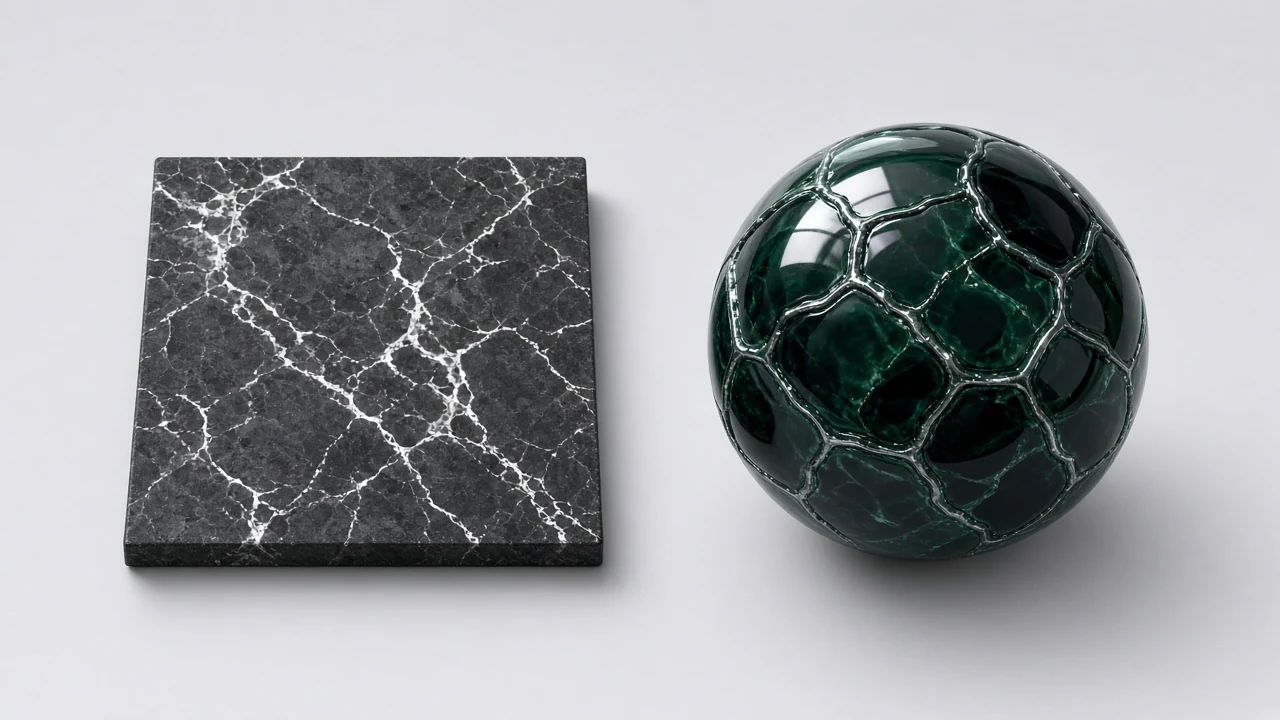
Loading 3D preview…
Ctrl + scroll to zoom
Sample textures: Poly Haven (CC0)
WHAT
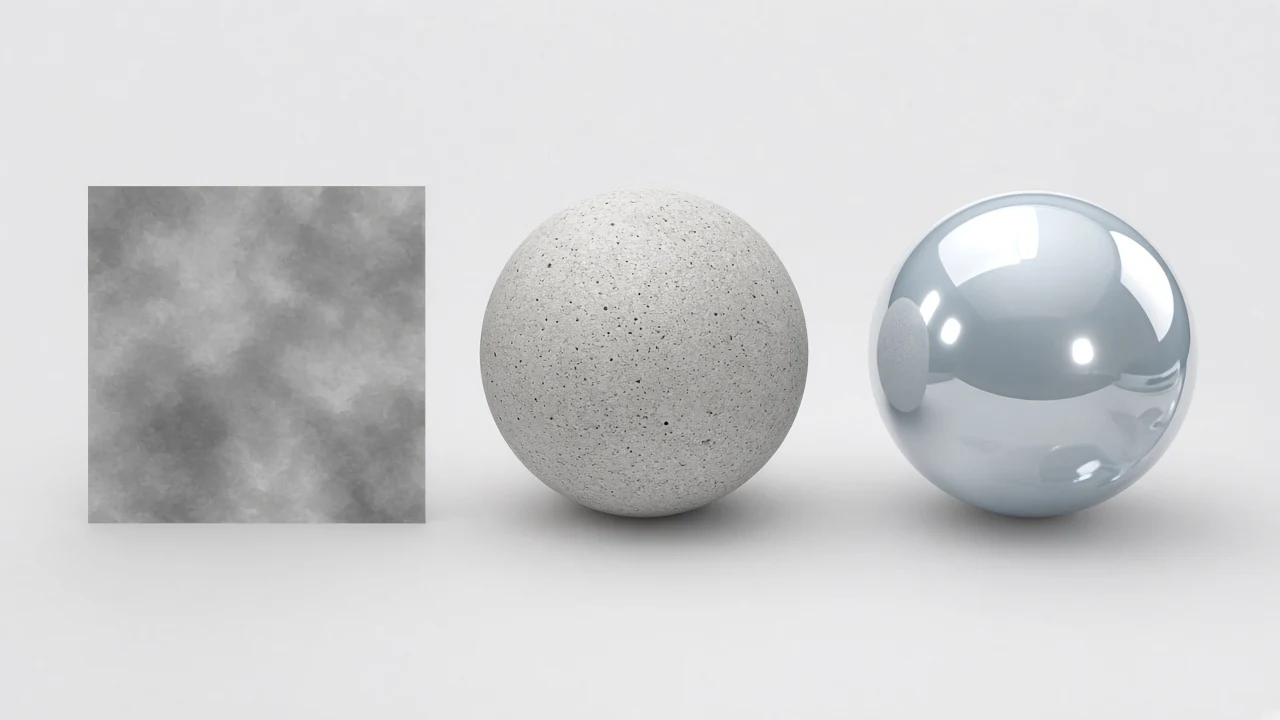
A specular map generator converts colour albedo into a greyscale specular map that controls reflection strength for specular/gloss workflows, Unity Specular setups and Blender Specular IOR Level.
NormalMapAI’s specular map generator derives intensity from brightness, lets you contrast the specular map, and previews highlights in live 3D.
Metallic/roughness pipelines often skip specular — use the roughness map generator and metallic controls instead. Keep this specular map generator for legacy or hybrid shaders.
Export a specular map PNG or a Unity/Blender ZIP that includes it. Unreal/Godot ORM presets omit specular by design.
The specular map generator is local-only and free, with no account wall.
WHY
The specular map generator shows highlight strength changes immediately so legacy specular workflows stay tunable in the browser.
Know which engine presets still keep a specular map versus metal/rough packing before you ship the wrong channel.
Stay next to roughness tools when you migrate to metal/rough — compare specular map versus roughness map side by side on NormalMapAI.

No upload in the specular map generator; client brand materials never leave the browser from decode through PNG export.
No watermark on specular map PNGs you download for legacy engine kits or mid-migration metal/rough projects.
Compare specular map versus roughness map side by side when a project is mid-migration between shading models.
HOW IT WORKS
Four steps turn colour albedo into a greyscale specular map for Unity Specular or Blender Specular IOR — strength, contrast, live highlight check, then export.
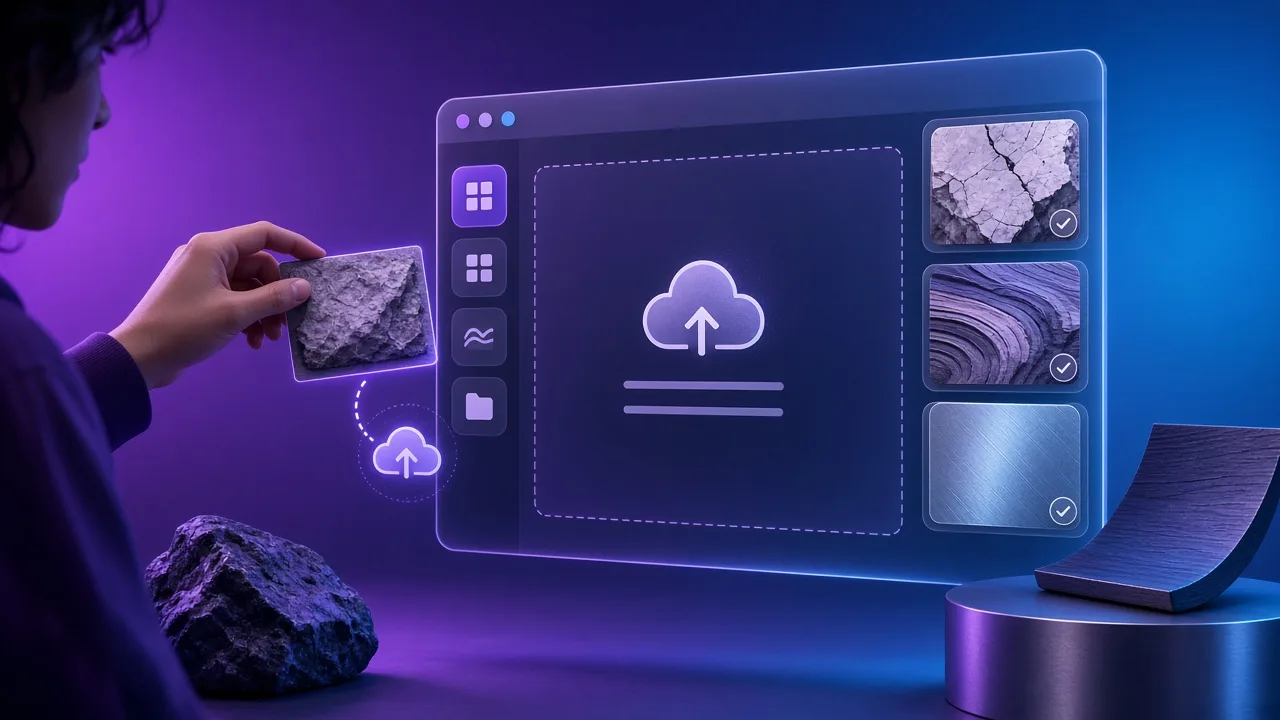
Use colour albedo or a sample. Bright plastic and dark rubber already in the plate help this specular map generator separate strong vs weak reflection.
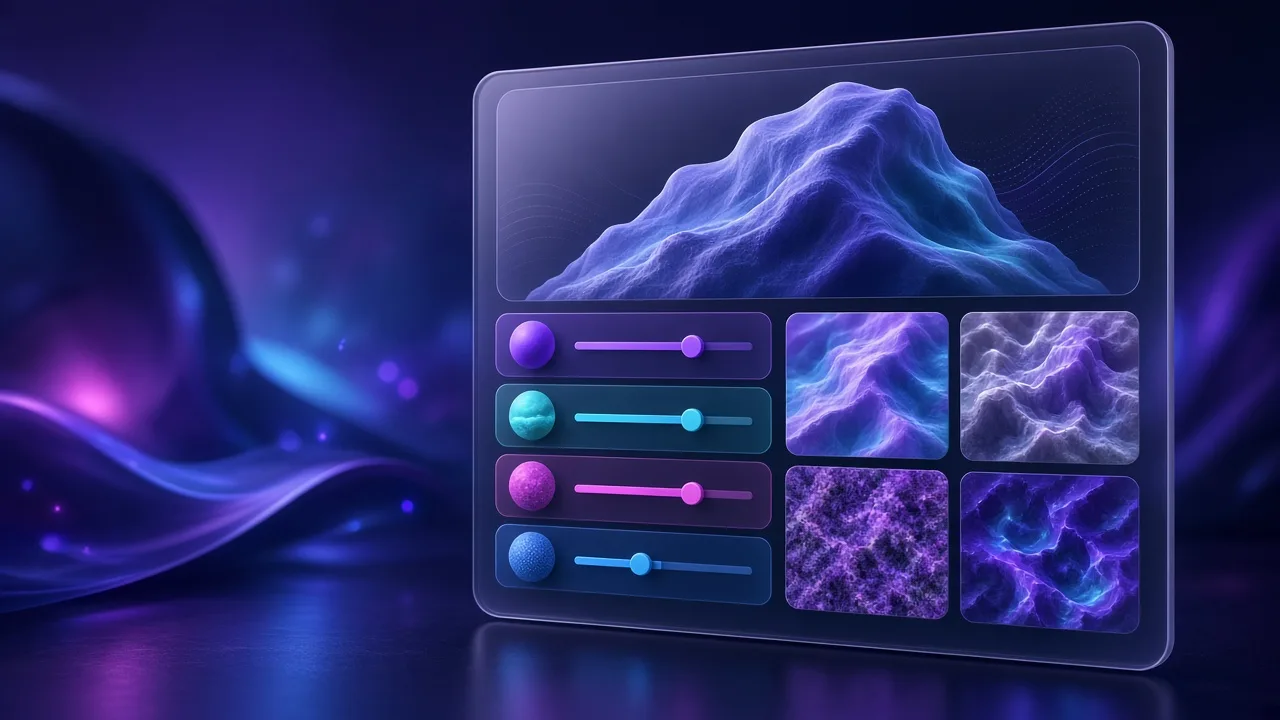
Raise intensity while watching highlight blooms on the preview mesh. Keep the specular map readable — dead white erases material boundaries.
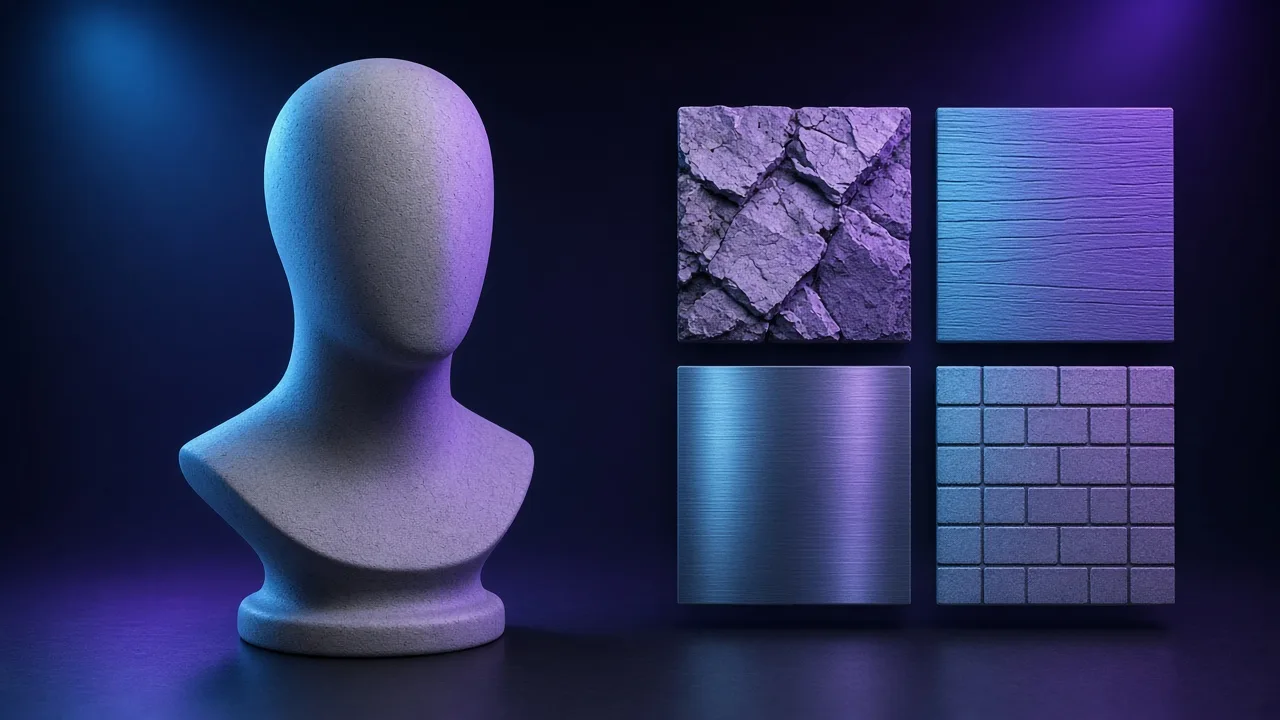
Pull plastic-like and metal-like specular map regions apart so mixed props get intentional reflection strength.
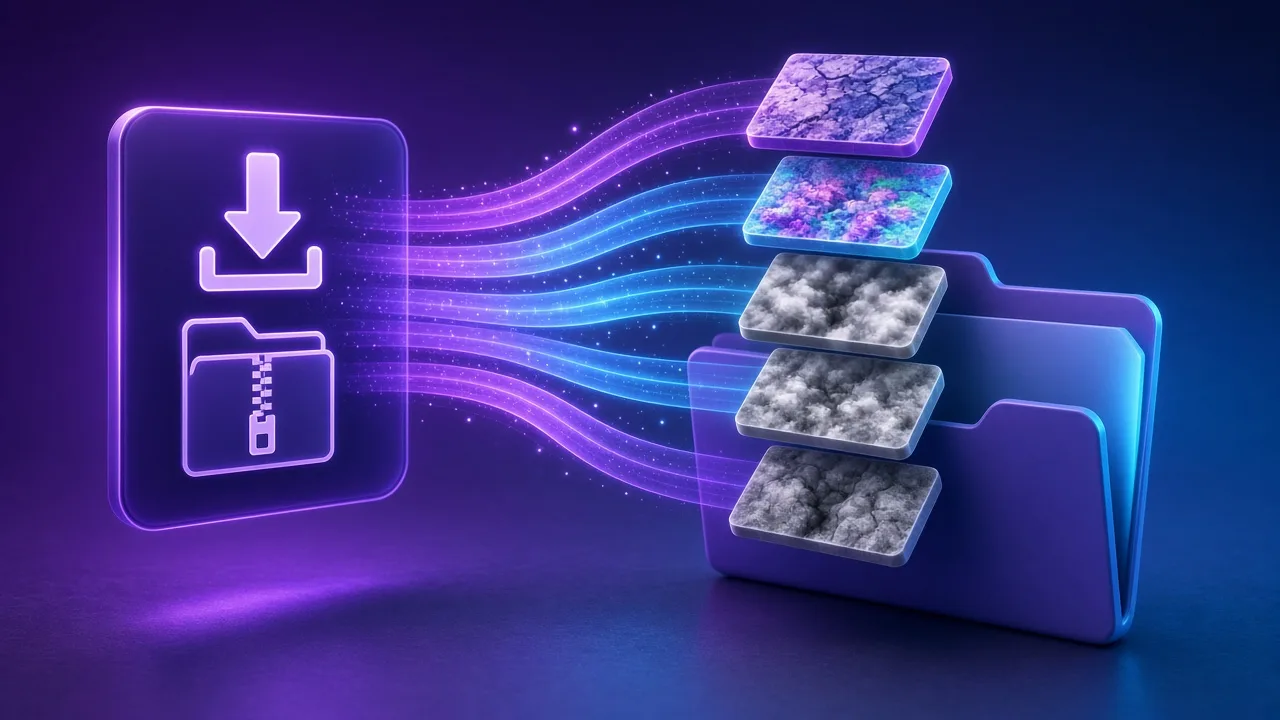
Save a specular map PNG, or pick Unity / Blender presets that still include specular. Unreal/Godot ORM omits specular — migrate with the roughness map generator instead.
Four specular map paths — Unity Specular, Blender Specular IOR, product plastics and metal/rough migration demos.
Supply a greyscale specular map for classic Unity Specular flows that still want an intensity channel before metal/rough packing. This specular map generator helps maintain older projects.
Drive Specular IOR Level from this specular map generator so product look-dev matches the preview instead of guessing node strengths.
Shells, toys and consumer goods under studio lights need partitioned specular map response. Export locally so brand plates never leave the laptop.
When a team sits between shading models, compare a specular map beside a roughness map side by side. The specular map generator makes the old channel visible next to the new one.
SCENARIOS
Short scenario-style notes from common workflows. These are illustrative use-case lines — not verified customer reviews, star ratings, or named endorsements.
Specular map generator got us a greyscale map for an old Unity Specular material in minutes.
Blender Specular IOR Level matched what we saw in the specular map generator preview.
Kept brand plastics offline — specular map generator never uploaded the packshots.
Anonymous scenario feedback · illustrative, not customer testimonials
Scroll up to the live specular map generator — upload a photo, tune under 3D lighting, export locally. The specular map generator stays private in your browser.
COMPARE
When you need a fast, private map from a photo — without opening a full DCC install.
| Capability | NormalMapAI | Typical desktop suite |
|---|---|---|
| Install & license | Free in the browser — no install | Paid suite + disk install |
| Photo privacy | Stays on your device | Often cloud or local project files |
| Live 3D check | Built-in preview while you tune | Separate viewport / bake step |
| Engine ZIP packing | Unity / Unreal / Godot / Blender presets | Manual channel packing |
TOOLS
Free Online Texture Maker
Make game-ready textures from your own photos: seamless tiling, full PBR maps and engine export. Free and priv…
Free Metallic Map Generator Online
Free metallic map generator: extract binary and transition metalness masks from any surface photo for Blender,…
Free Curvature Map Generator Online
Free curvature map generator: extract convex edge highlights and concave cavity masks from any image or height…
Free ORM Map Generator & PBR Channel Packer
Free ORM map generator: pack Ambient Occlusion (R), Roughness (G) and Metallic (B) into a single RGB ORM textu…
Free Glossiness Map Generator Online
Free glossiness map generator: create inverted microsurface smoothness and gloss maps for V-Ray, Corona, 3ds M…
Free Albedo Map Generator & Texture Delighter
Free albedo map generator: remove baked directional shadows, ambient occlusion and specular highlights from ph…
Free Tileable Texture Generator Online
Free tileable texture generator: turn any photo into a repeating, non-seamed tileable texture with multi-band …
Free Normal Map Inverter (OpenGL ↔ DirectX)
Free normal map inverter: flip the green Y channel (255 - G) or red X channel to convert between OpenGL (Y+) a…
Homepage PBR generator
Live 3D editor hub with full marketing copy.
LEARN
Short how-tos for maps, seamless textures and engine imports.
How to Use a Free Normal Map Generator (Step by Step)
A normal map stores surface direction so flat photos catch light in 3D. This guide walks through NormalMapAI’s free generator — from upload to engine ZIP — without installing software.
How to Make Seamless / Tileable Textures From Photos
Hard seams show up the moment a photo is tiled. Use edge blending, multi-scale fade and a 2×2–4×4 preview so the pattern repeats cleanly before you build normal and roughness maps.
Import PBR Maps into Unity, Unreal Engine and Blender
Export presets pack maps the way each engine expects. This guide covers import settings so albedo stays colored, normals stay linear, and ORM / MetallicSmoothness land in the right channels.
PBR Maps Explained: Albedo, Normal, Roughness, AO, Metallic and More
Physically based rendering needs a small set of textures that describe color, shape and light response. Here is what each map does and which ones NormalMapAI generates from one photo.
Height Map vs Displacement Map: What Changes in a Renderer
Both textures store height as brightness. Height often drives parallax or bump-style effects; displacement moves vertices. NormalMapAI exports both as 16-bit PNG to avoid banding.
Normal Maps: DirectX vs OpenGL (Y Flip) Explained
The only practical difference is the green channel: OpenGL stores +Y, DirectX stores −Y. Pick the right format — or an engine export preset — so bumps do not turn into dents.
Scroll to the specular map generator, tune intensity, export a specular map PNG — free, local, no account.
FAQ
NormalMapAI (normalmapai.com) is a free online specular map generator that converts any 2D color texture into a calibrated grayscale specular map directly in your browser. It runs 100% locally via WebGL2 with real-time 3D highlight preview and instant PNG or ZIP export.
A specular map controls the intensity (brightness) of surface reflections at each pixel, whereas a roughness map controls how sharp or blurry those reflections are. In dielectric materials like stone, wood, and skin, a specular map breaks up uniform highlight strength across cracks, pores, and worn edges.
Use a specular map when working in Unity Specular Setup, legacy Specular/Glossiness pipelines (CryEngine, older shaders), or Blender 4.x Principled BSDF where the Specular IOR Level input fine-tunes dielectric F0 reflectivity. Pure metallic/roughness pipelines in Unreal and Godot rely primarily on Base Color, Metallic, and Roughness.
Export your specular map PNG from NormalMapAI, load it into a Blender Image Texture node with Color Space set to Non-Color, and connect the Color output to the Specular IOR Level input of your Principled BSDF shader. Dark pixels on the specular map suppress reflections in dusty grooves while bright pixels boost highlights on polished ridges.
Upload your JPG, PNG, or WebP texture into the NormalMapAI specular map generator, drag the Specular intensity and contrast sliders while orbiting the 3D shader ball under studio lighting, and export the grayscale specular map PNG when highlights look balanced.
In a grayscale specular map, black (0.0) removes specular reflection inside deep cavities or matte soot, mid-gray (~0.5) represents standard dielectric reflectivity (~4% F0 for plastics, stone, and wood), and white (1.0) pushes dielectric highlight strength toward high-IOR materials like wet glaze or gemstone.
The Unity, Blender, and Generic ZIP presets in NormalMapAI include the exported specular map alongside albedo, normal, height, and roughness. The Unreal Engine and Godot presets focus on packed ORM (Occlusion, Roughness, Metallic) textures, though you can always download the standalone specular map PNG.
If a specular map is too bright across the entire surface—or if it is accidentally plugged into the Metallic socket instead of Specular IOR Level—the shader treats the surface like reflective chrome. Keep dielectric specular map midtones moderate and verify Color Space is set to Non-Color.
Recessed mortar and dusty cracks should not reflect light as strongly as smooth brick faces. In the NormalMapAI specular map generator, adjust contrast so dark mortar lines map to low values on the specular map while raised brick faces stay brighter, pairing it with a matching roughness map.
If your base texture has hard borders or uneven flash lighting, the derived specular map will show a bright square grid across tiled floors. Run your photo through the NormalMapAI Seamless Texture tool with lighting removal first, then generate your specular map.
Yes, NormalMapAI computes your specular map alongside tangent-space normal, 16-bit height, displacement, roughness, ambient occlusion (AO), and metallic maps from a single upload so every channel aligns perfectly.
Yes, every specular map you export from NormalMapAI is 100% royalty-free for commercial games, archviz, VFX, and client renders. All processing runs locally in your browser via WebGL2, so your source images never leave your device.