 NormalMapAI
Faster than opening a full DCC suite
No install, no license key, no project setup. Open the page and start from a phone photo, a CC0 download, or one of the Poly Haven samples on this page.
Free · Local processing · No sign-up
NormalMapAI is a free normal map generator with live 3D preview. Drop a photo, tune the normal map on a shader ball, and export — or expand into a full PBR set when you need more channels.
Exportable map types
Live 3D statue bust preview
Materials · lighting / shape · auto-spin
Top: materials · Bottom: lighting / shape
Loading 3D preview…
Ctrl + scroll to zoom
FEATURES
NormalMapAI combines a normal map generator, live 3D preview and companion prep tools in one free browser toolkit.
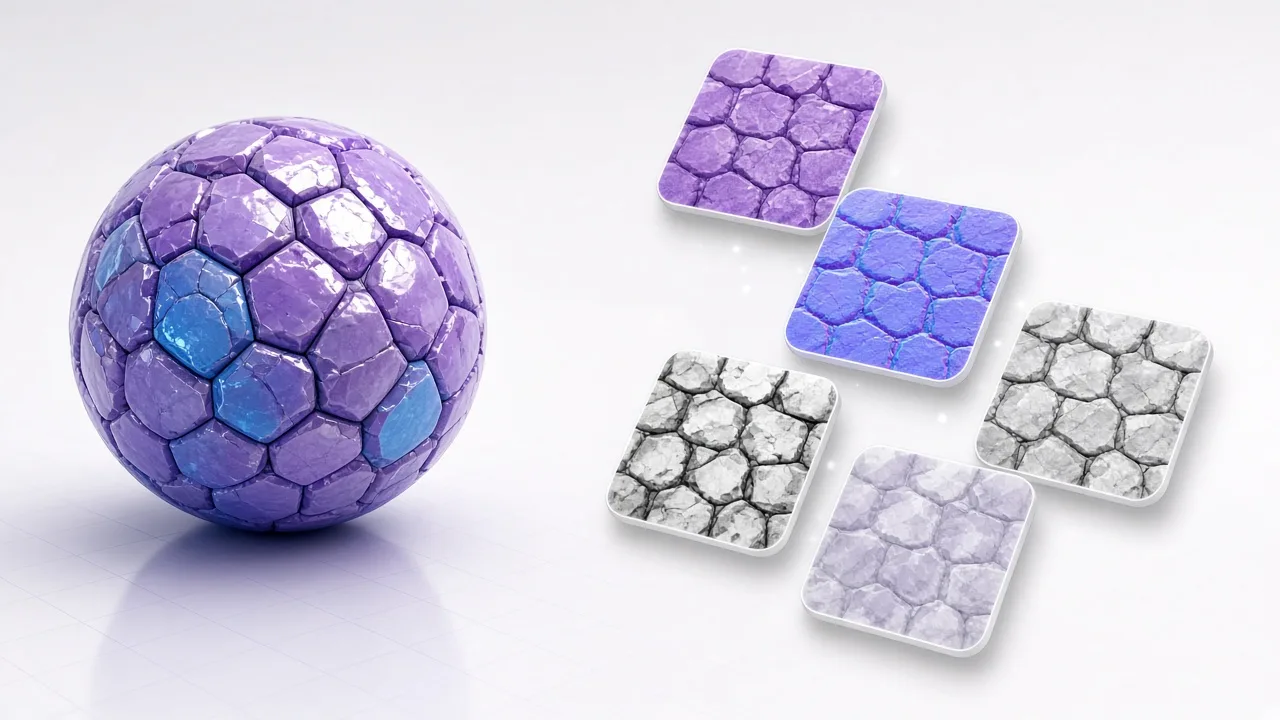
The NormalMapAI normal map generator converts photos into OpenGL or DirectX normal maps with live lighting on a shader ball so you see relief before export — then expand into height, roughness and AO when needed.
Blend photo edges, optionally flatten uneven lighting, and preview 2×2 to 4×4 tiling until seams disappear. Export a tileable PNG up to 4K or send it straight into the PBR generator.
Albedo, normal (OpenGL or DirectX), 16-bit height and displacement, roughness, ambient occlusion, metallic, bump, curvature and specular — named and packed for real engines.
Presets pack ORM / MetallicSmoothness the way Unity, Unreal, Godot and Blender expect, so you skip hand-packing channels in Photoshop.
Remove black or white backgrounds with threshold and feather controls, preview on a checkerboard, then download a clean PNG or hand the cutout to the generator.
WebGL2 shaders drive maps up to 2048 px in milliseconds. Browsers without WebGL2 still generate and export on the CPU. Nothing leaves your machine.
WHAT
A normal map generator turns a flat photo into an RGB normal map that fakes surface detail under lighting. NormalMapAI is a free normal map generator in the browser: drop a JPG, PNG or WebP, watch a live 3D preview, and download OpenGL or DirectX normals — then optionally expand into a height map, roughness map, AO map, metallic and specular map generator channels in the same session. Prefer a dedicated image to normal map flow when you only need that converter.
Unlike one-off converters that only spit out a purple normal, NormalMapAI keeps the normal map generator workflow next to seamless texture repair, transparent PNG cutouts and a full PBR texture generator path for Unity, Unreal, Godot and Blender. Reach for the bump map generator, displacement map generator or texture maker when those jobs are primary; skim the guides when you need engine packing notes.
Everything stays private. Decoding and generation run locally with WebGL2 (or CPU fallback). No account wall, no cloud upload for your photos — safe for proprietary references and fast enough for lunch-break prototyping.
Classical statue bust preview
4 materials above · lighting & shape below
Top: materials · Bottom: lighting / shape
WHY
No install, no license key, no project setup. Open the page and start from a phone photo, a CC0 download, or one of the Poly Haven samples on this page.
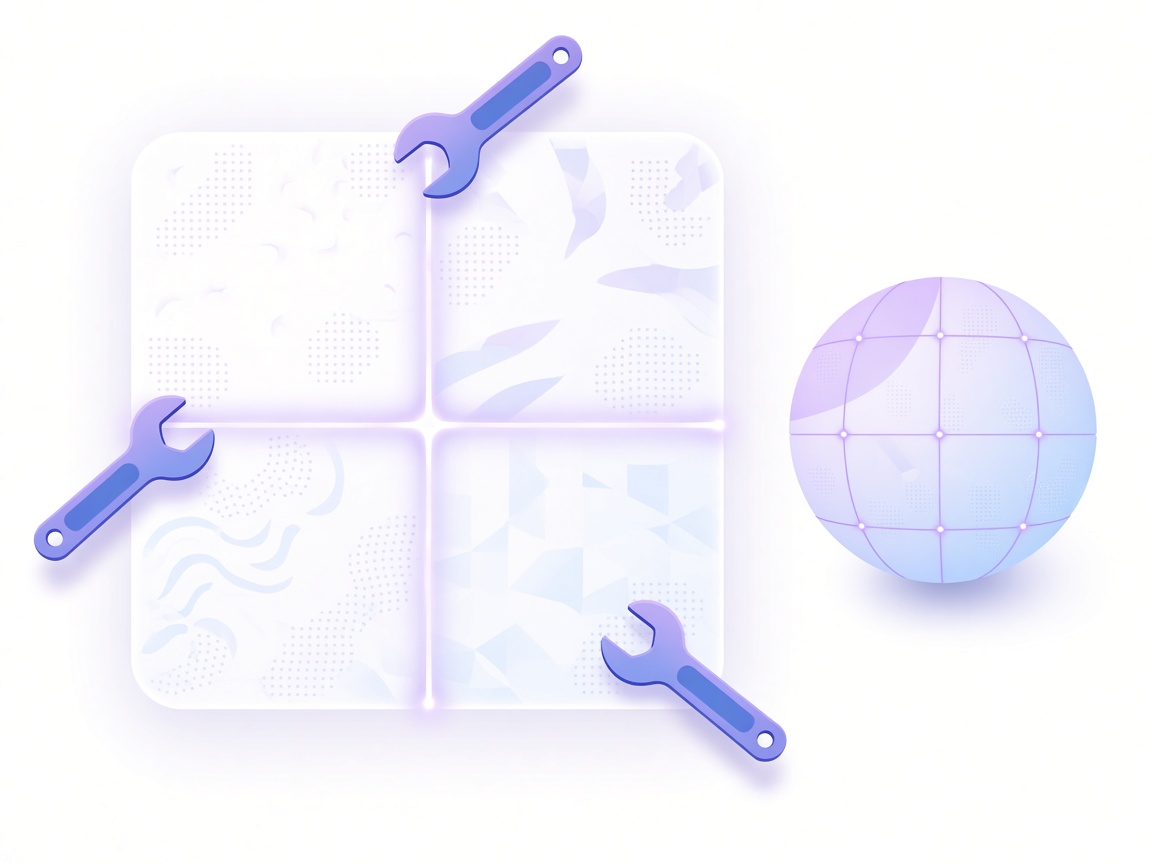
Flat 2D thumbnails hide hard edges and baked shadows. The 3D preview, tiling view and map strip show problems while you still have the sliders open.
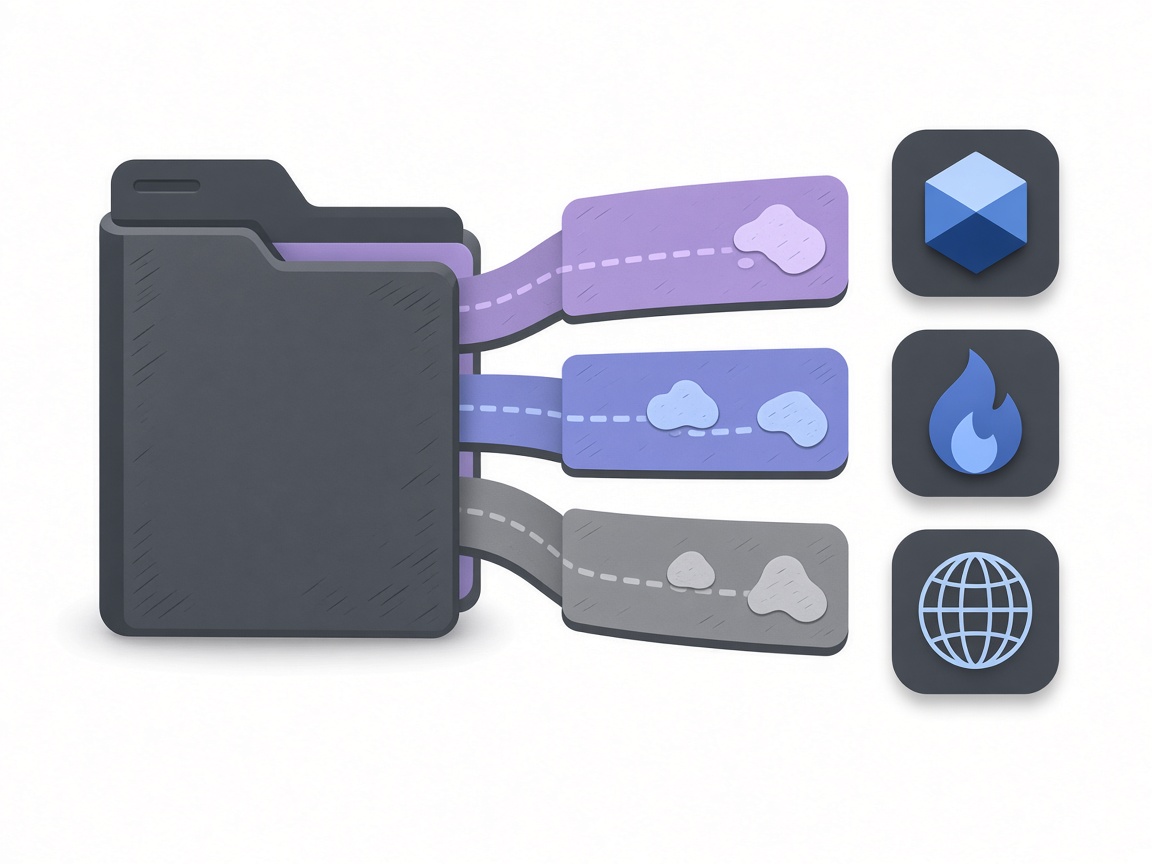
Export presets match Unity MetallicSmoothness, Unreal/Godot ORM packing and Blender Principled workflows, including DirectX vs OpenGL normal orientation.

Decoding and map generation are local. Outputs come from your image, so you keep commercial rights to what you generate for games, renders and products.
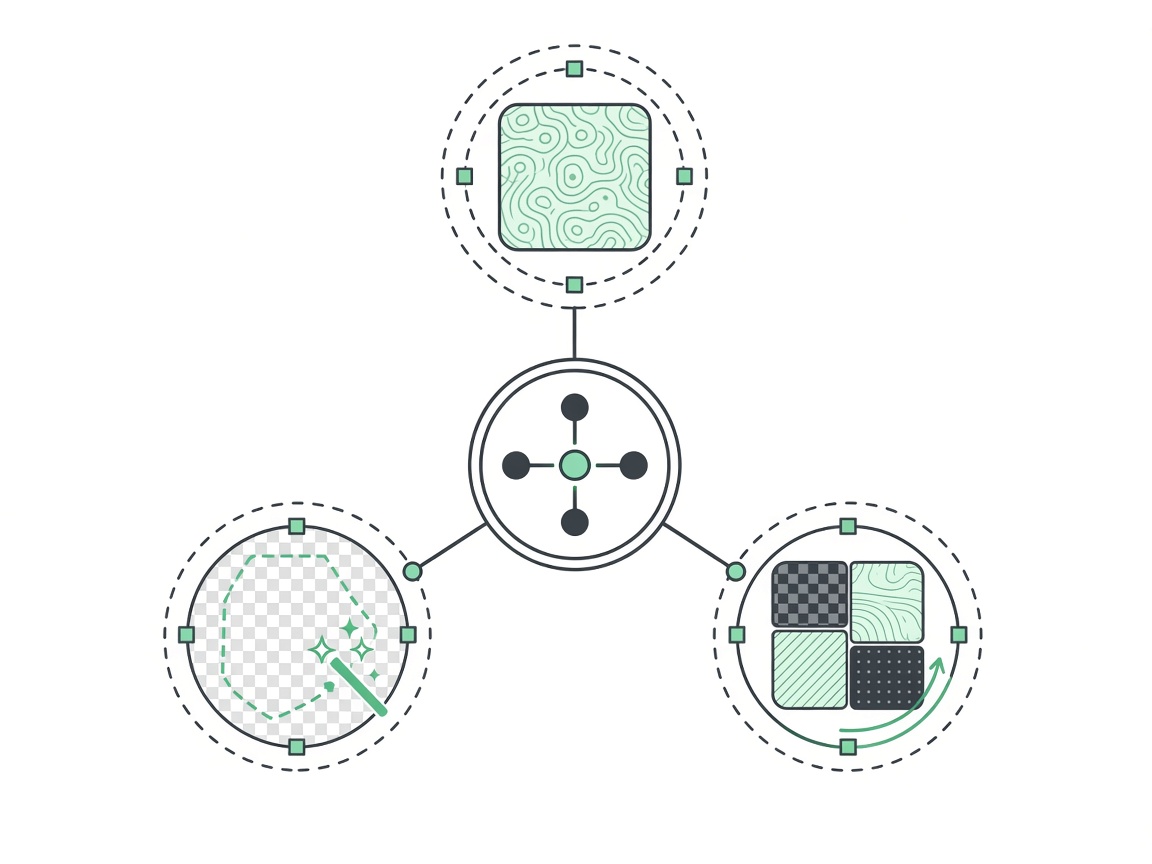
Seamless repair, transparent cutouts, normal/height/roughness/AO tools and the full generator share the same visual language and hand off to each other without re-uploading.
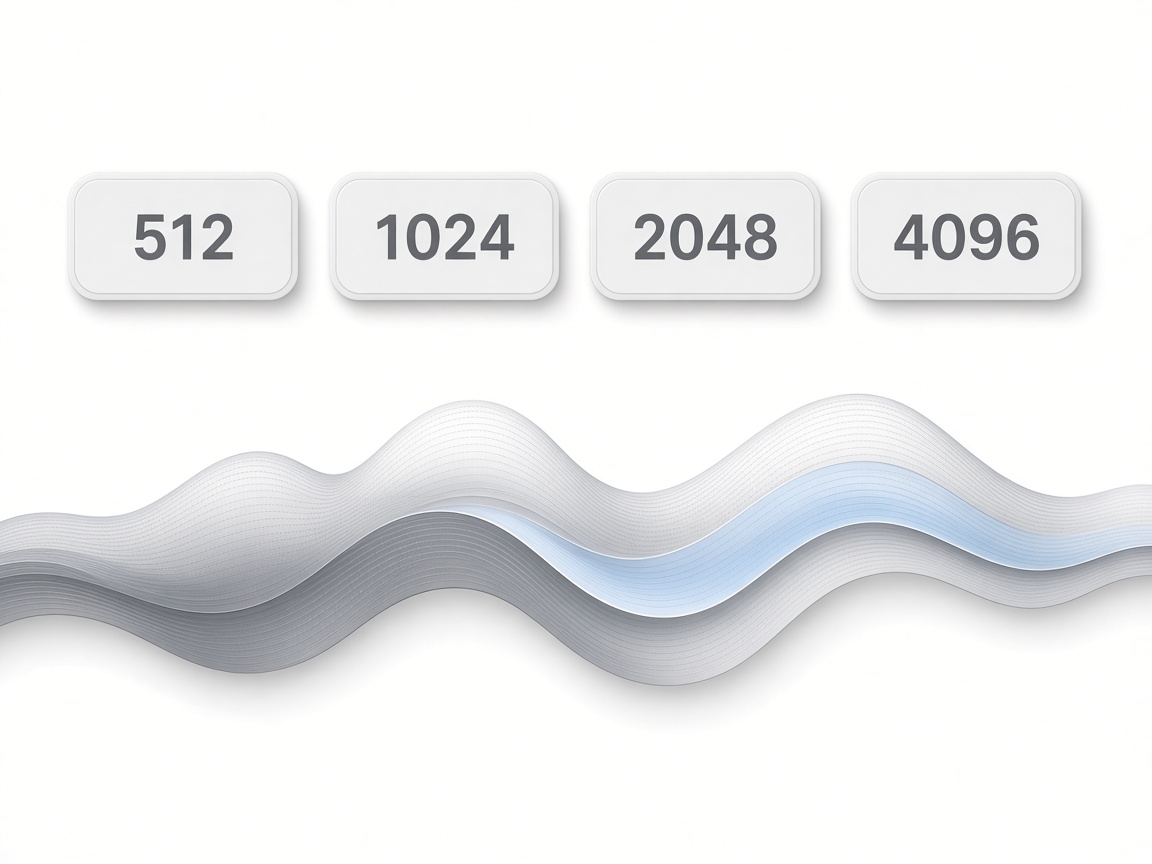
Choose 512, 1024, 2048 or 4096. Height and displacement leave as 16-bit PNG so displacement survives compression better than 8-bit gray maps.
HOW IT WORKS
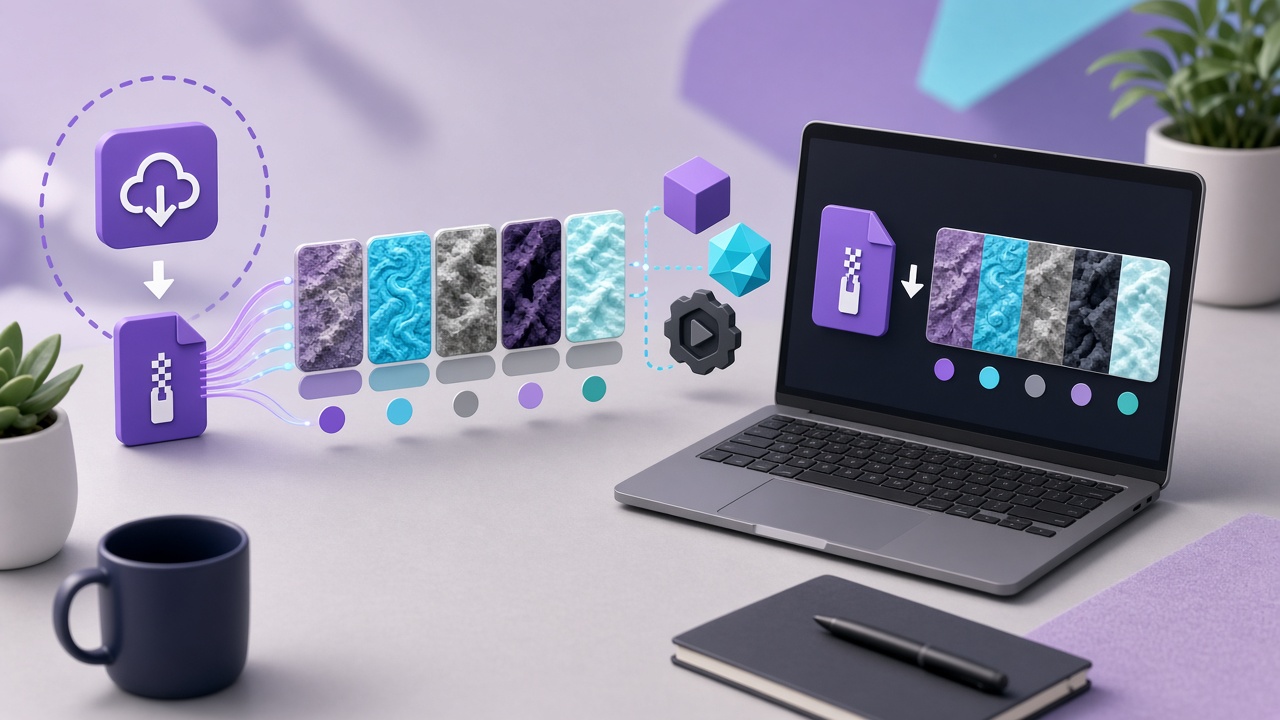
Four steps from a surface photo to a normal map — and an optional full material — on this homepage.
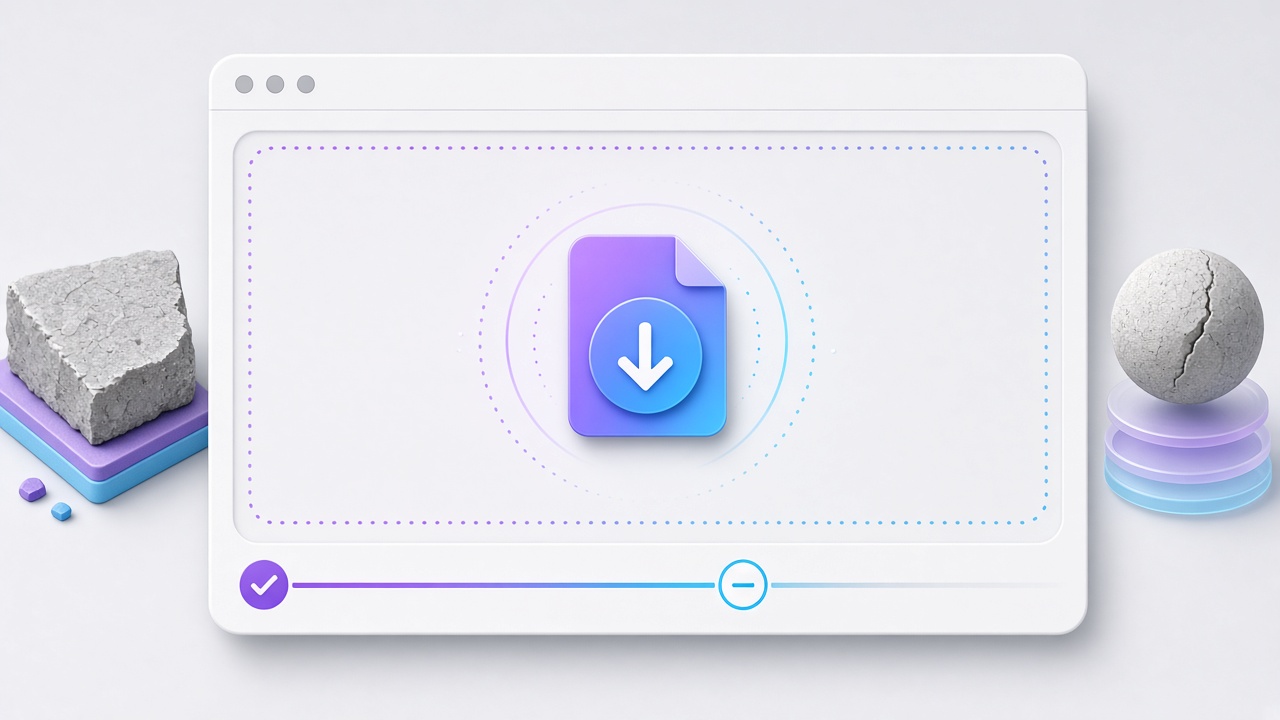
 1
1Use your own JPG, PNG or WebP, or start from a Poly Haven CC0 sample (rock wall, rusty metal, wood planks) to learn the controls without hunting for a photo.
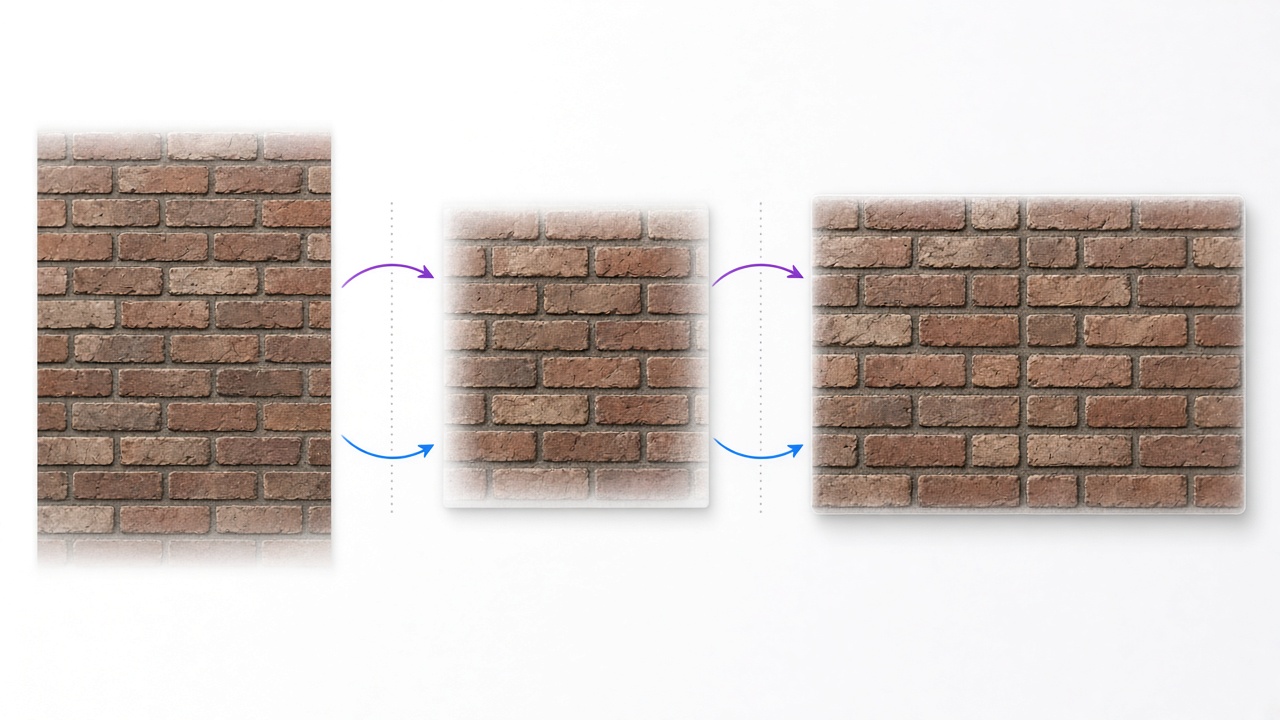
 2
2Open the Seamless Texture tool to blend edges and flatten lighting. Check a live tiling preview, then send the result into the PBR generator with one click.
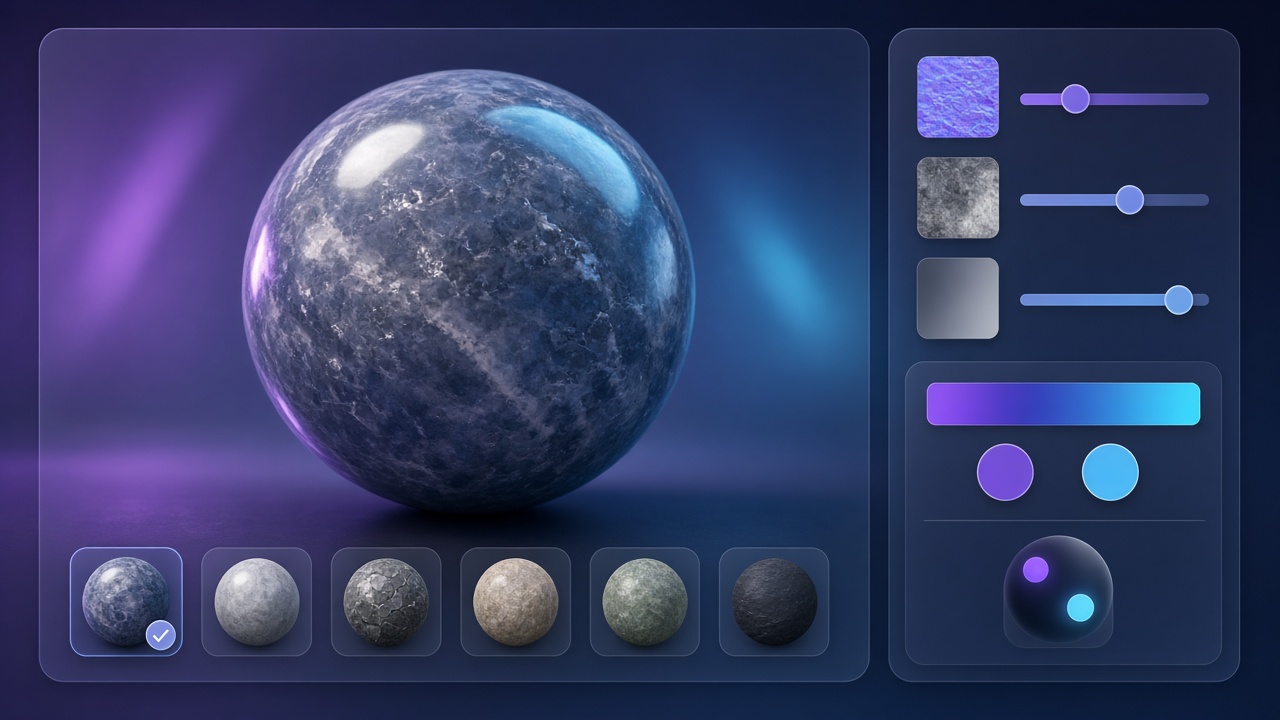
 3
3Drag sliders for normal, height, roughness, AO, metallic and specular. Switch preview models (shader ball, sphere, cube, plane, cylinder, torus) and lighting until the material reads correctly.
 4
4Pick Unity, Unreal, Godot, Blender or a generic pack at up to 4096 px. Drop the files into your project and connect them to a standard PBR shader.
The same pipeline covers indie game props, archviz floors, Blender look-dev and quick photo-to-material experiments.
 01
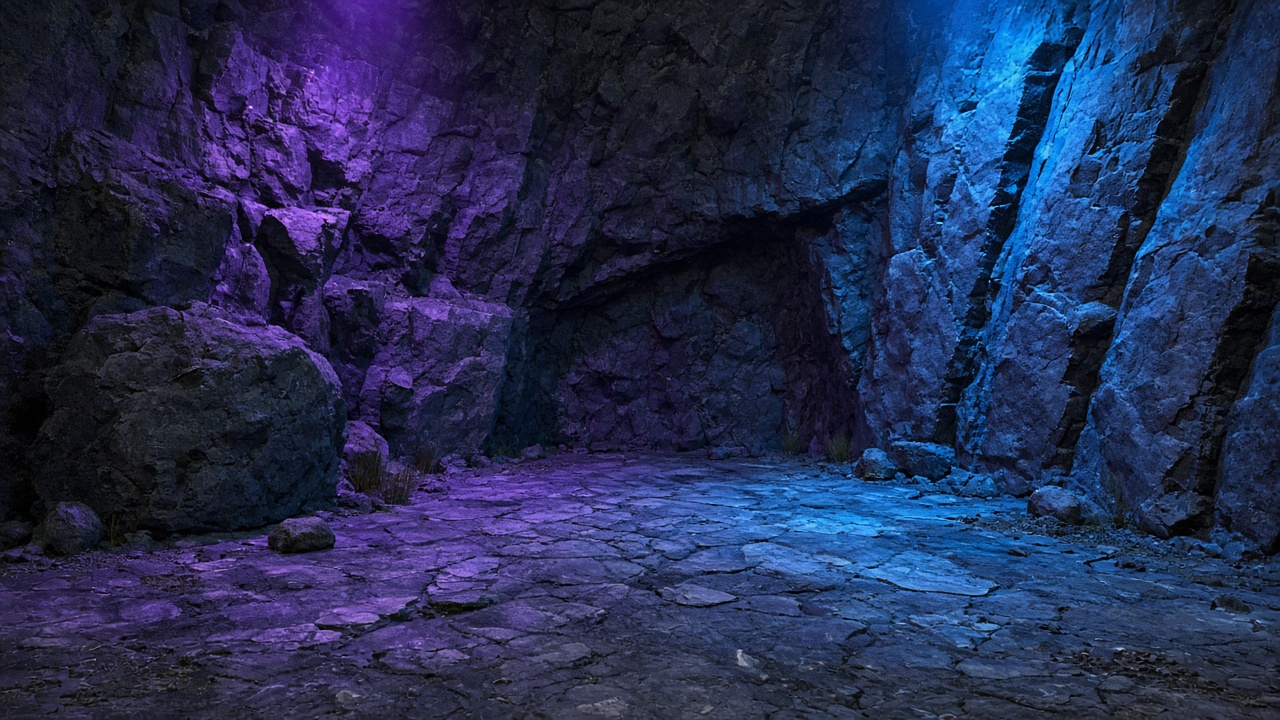
01Turn phone photos of concrete, brick or metal into tileable materials for Unity or Unreal prototypes using our browser normal map generator without waiting on a full art pipeline.
 02
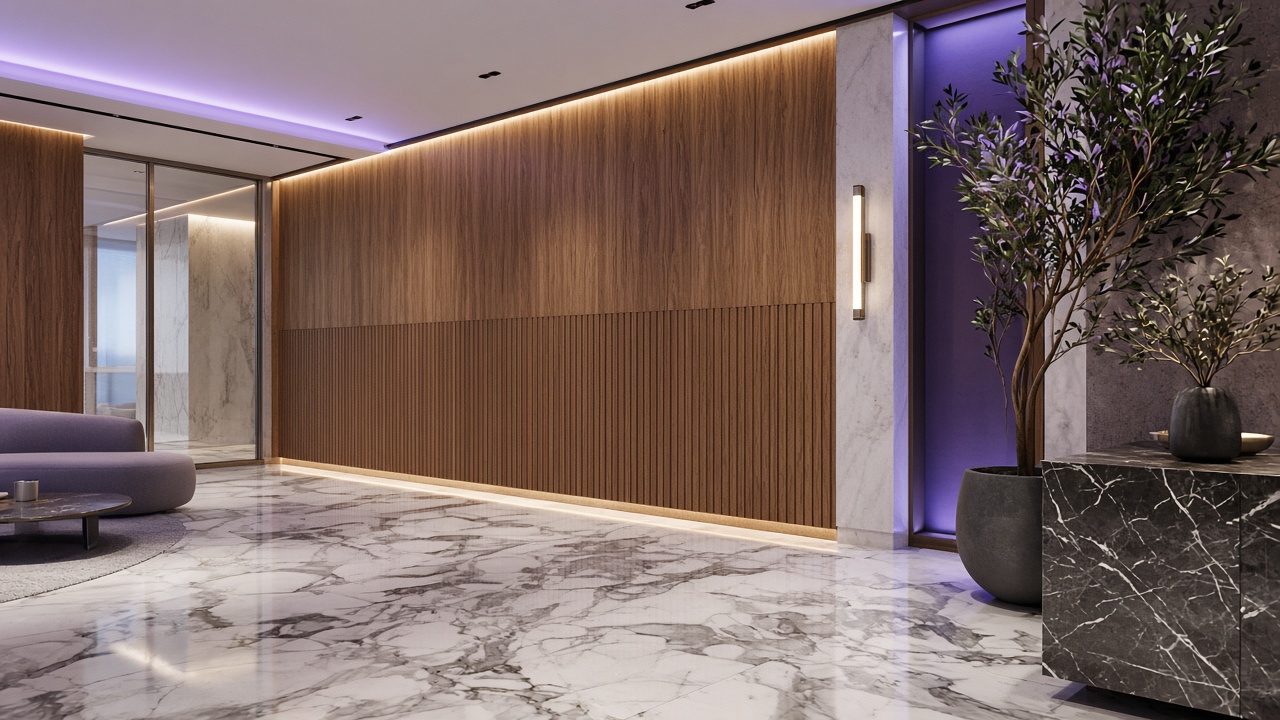
02Make wood, tile and plaster photos seamless, then export roughness and normal maps that sit cleanly on large planes after exporting from the normal map generator.
 03
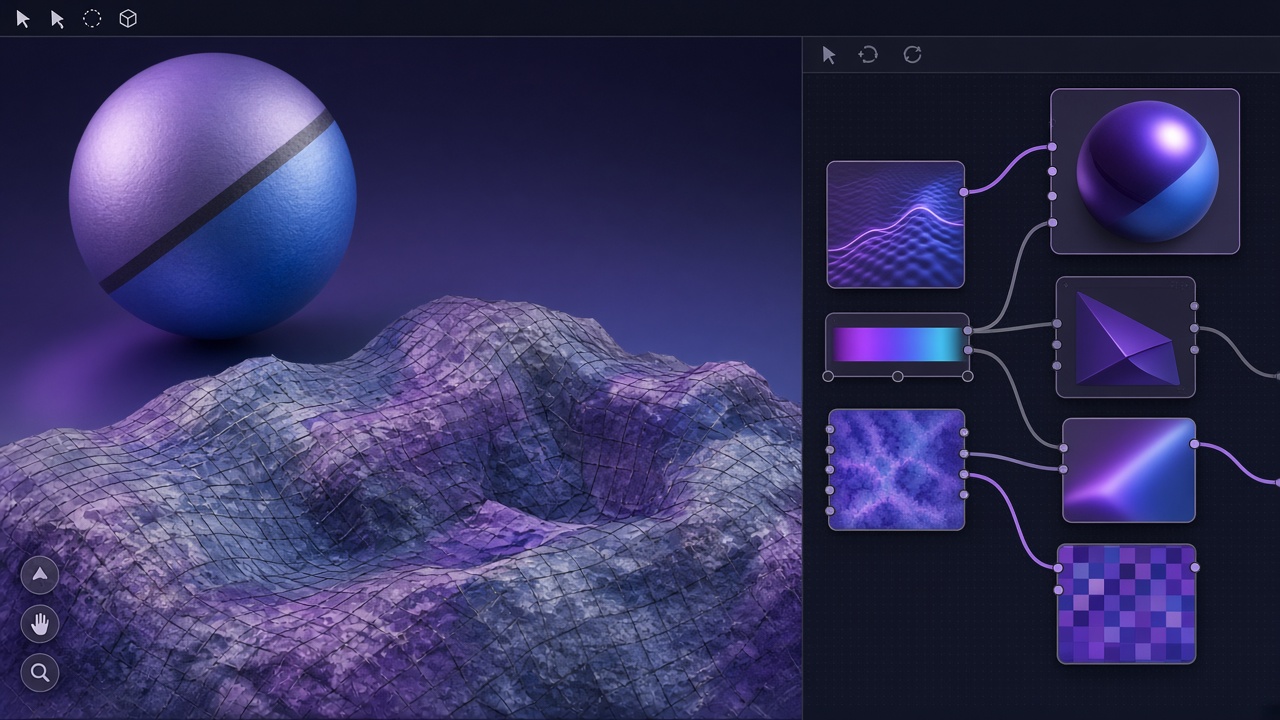
03Build a Principled BSDF-ready set (base color, normal, roughness, metallic) from a reference photo while iterating lighting in the normal map generator viewport.
 04
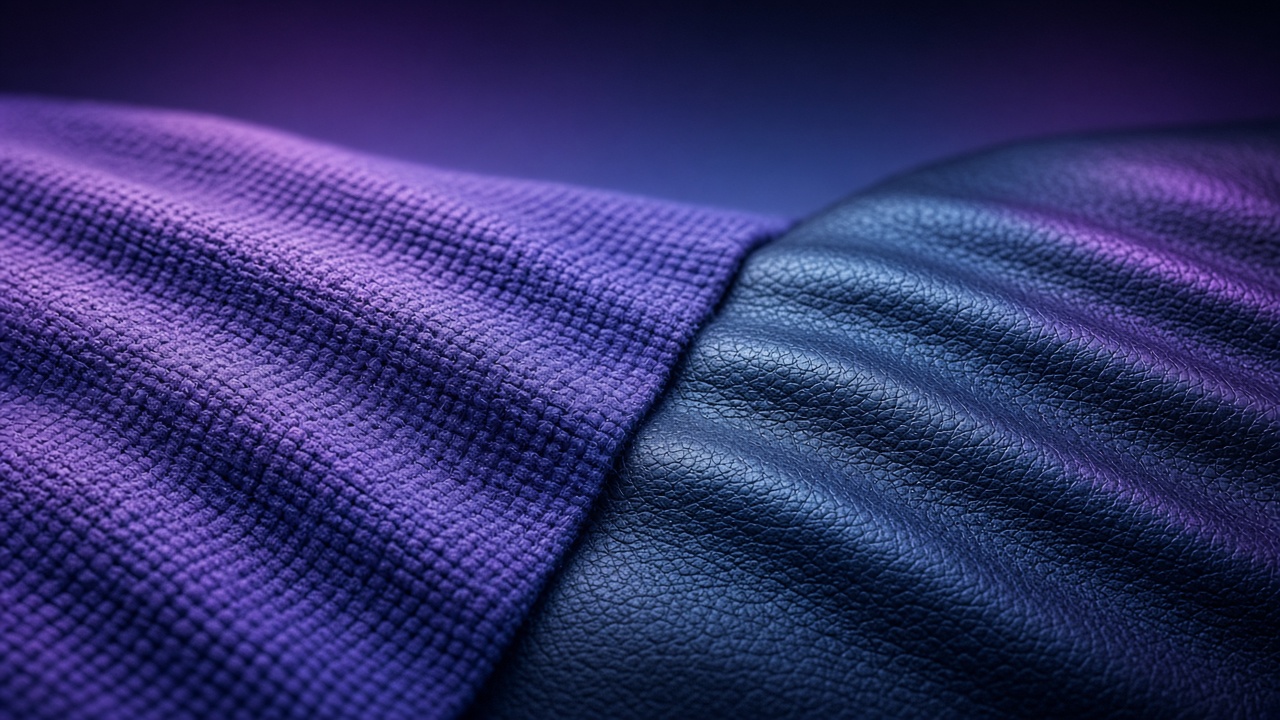
04Extract 16-bit height and displacement for subtle surface relief, terrain accents or laser/3D-print style height workflows.
 05
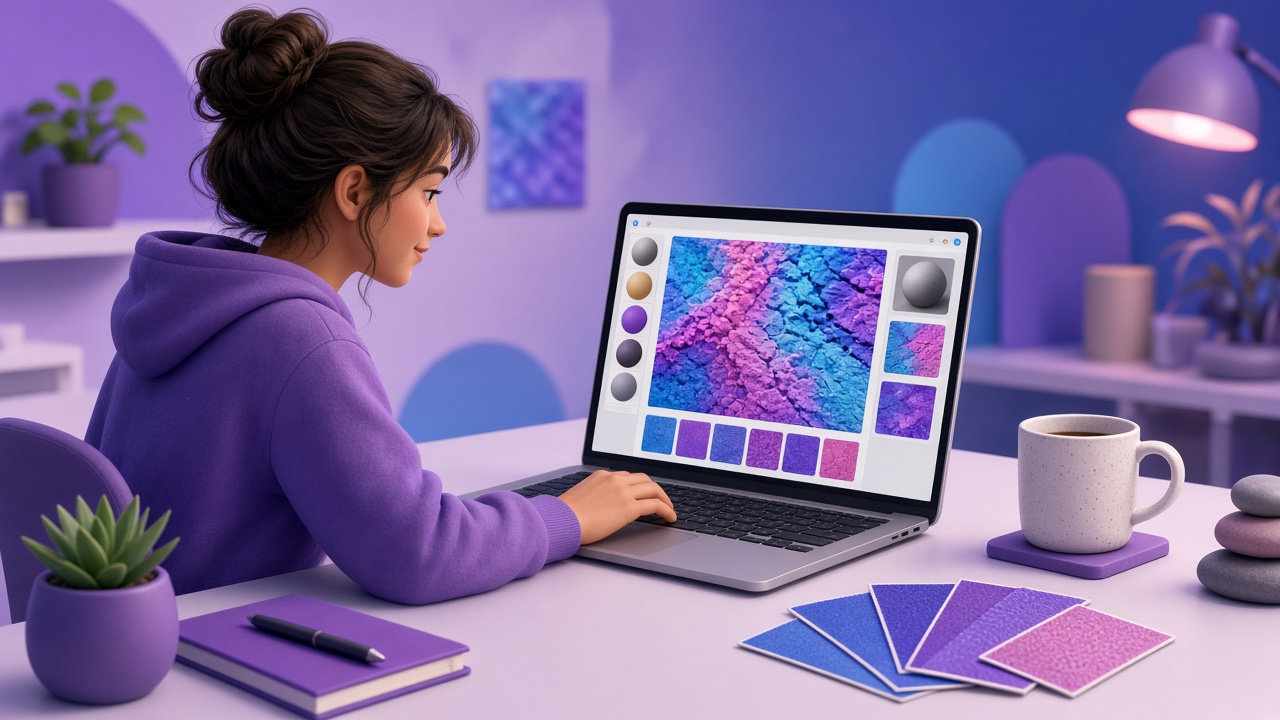
05When a downloaded albedo almost tiles but shows a visible edge, repair it in the seamless tool and regenerate the dependent maps.
 06
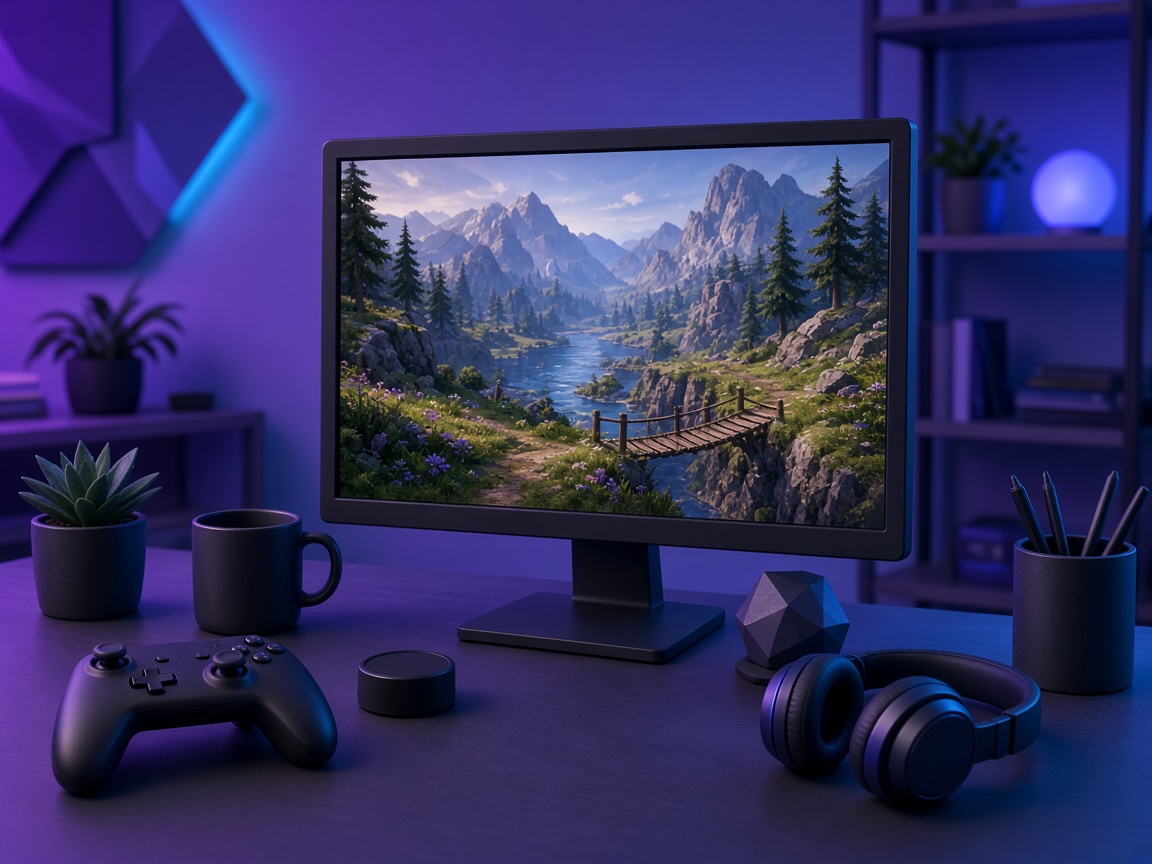
06Remove black or white backgrounds with the transparent PNG tool, then use the normal map generator for embossed logos or surface decals.
 Indie
IndieNeed fast, free materials for Unity, Unreal or Godot with a free online normal map generator instead of a heavy desktop seat.
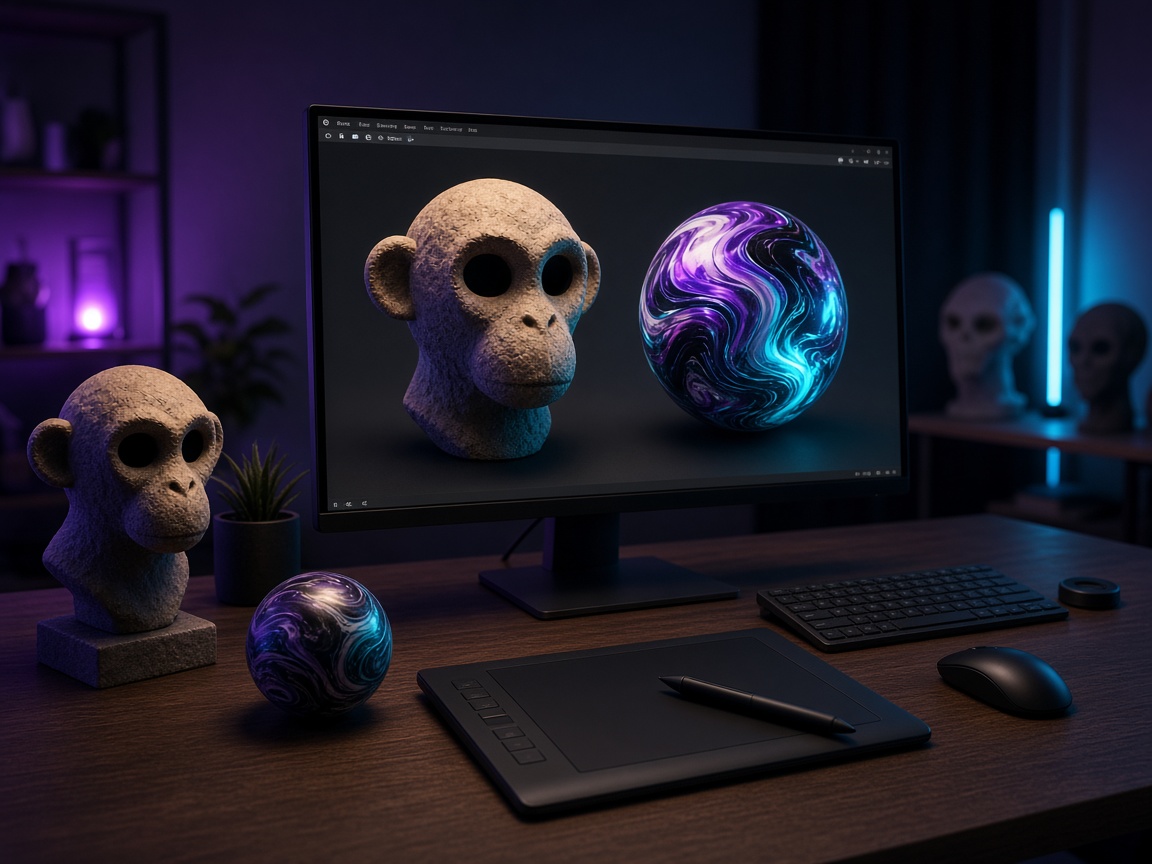
 Blender
Convert client reference photos into Principled maps inside this browser normal map generator between client calls.
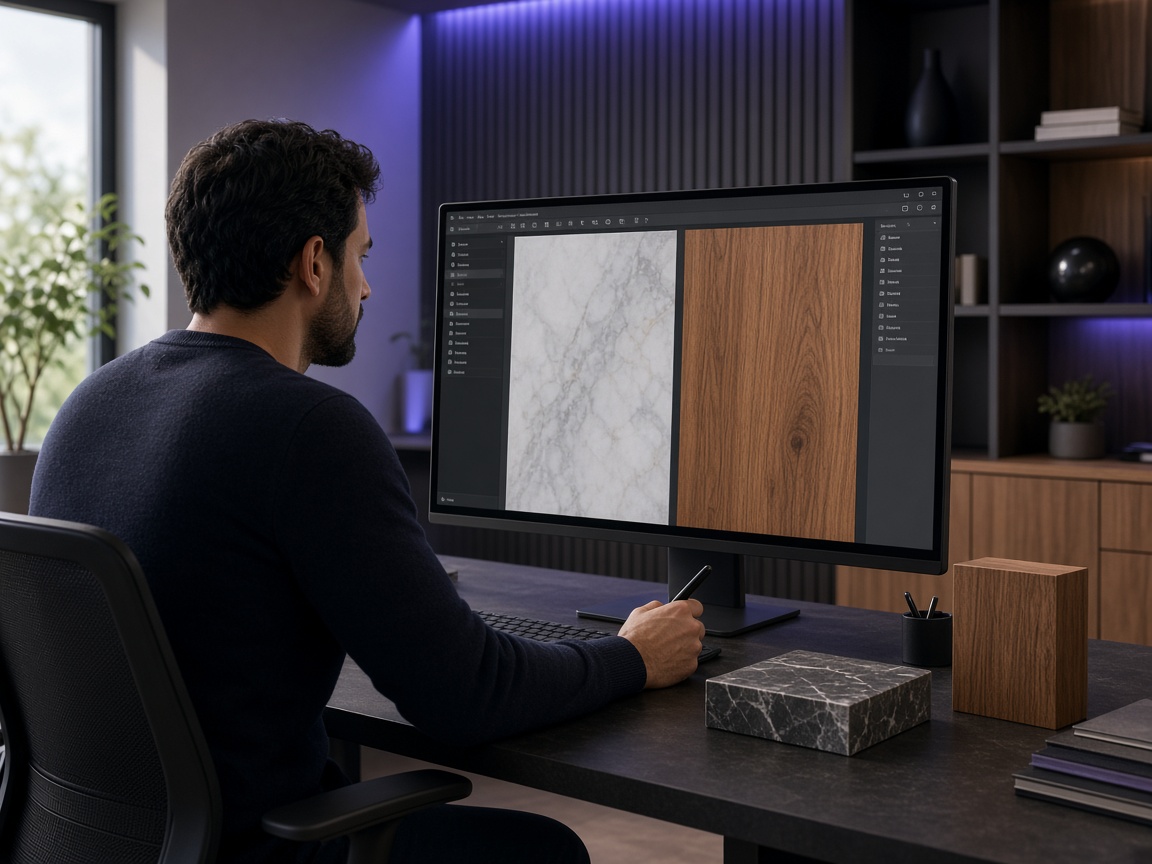
 Archviz
Build tileable wood, stone and fabric materials that survive large UV islands after normal map generator tuning.
 Students
Learn how normal, roughness and AO relate by scrubbing sliders and watching the normal map generator 3D preview respond.
COMPARISON
Many free tools stop at a static purple PNG. NormalMapAI pairs a normal map generator with live 3D preview and an optional full PBR path.
| Capability | NormalMapAI | Typical free normal tools |
|---|---|---|
| Normal map generator + live 3D preview | Yes | sometimes |
| Seamless / tileable repair with live preview | Yes | sometimes |
| Live 3D material preview | Yes | rare |
| Unity / Unreal / Godot / Blender ZIP presets | Yes | No |
| 16-bit height & displacement export | Yes | No |
| Runs locally — no account required | Yes | varies |
TOOLS
PBR Texture Generator
Full PBR map-set landing with engine ZIP export.
Normal map generator
Homepage live 3D normal map generator.
Seamless Texture Maker
Blend edges and preview tiling up to 4K.
Transparent PNG Tool
Remove black or white backgrounds.
Image to Normal Map Converter
Convert any image or PNG to a normal map in your browser. Adjust strength, switch DirectX / OpenGL and preview…
Bump Map Generator
Create a bump map from any photo online. Control contrast, preview in 3D and export — free and private.
Ambient Occlusion (AO) Map Generator
Generate an ambient occlusion map from a photo. Adjust radius and strength and pack it into ORM for Unreal or …
Roughness Map Generator
Make a roughness map from any image, or flip it to a Unity smoothness map. Free, in-browser, with 3D preview.
Displacement Map Generator
Free displacement map generator: create a 16-bit displacement map from any photo for Blender, Unreal, parallax…
LEARN
Short how-tos for the normal map generator, seamless textures and engine imports.
How to Use a Free Normal Map Generator (Step by Step)
A normal map stores surface direction so flat photos catch light in 3D. This guide walks through NormalMapAI’s free generator — from upload to engine ZIP — without installing software.
How to Make Seamless / Tileable Textures From Photos
Hard seams show up the moment a photo is tiled. Use edge blending, multi-scale fade and a 2×2–4×4 preview so the pattern repeats cleanly before you build normal and roughness maps.
Import PBR Maps into Unity, Unreal Engine and Blender
Export presets pack maps the way each engine expects. This guide covers import settings so albedo stays colored, normals stay linear, and ORM / MetallicSmoothness land in the right channels.
PBR Maps Explained: Albedo, Normal, Roughness, AO, Metallic and More
Physically based rendering needs a small set of textures that describe color, shape and light response. Here is what each map does and which ones NormalMapAI generates from one photo.
Height Map vs Displacement Map: What Changes in a Renderer
Both textures store height as brightness. Height often drives parallax or bump-style effects; displacement moves vertices. NormalMapAI exports both as 16-bit PNG to avoid banding.
Normal Maps: DirectX vs OpenGL (Y Flip) Explained
The only practical difference is the green channel: OpenGL stores +Y, DirectX stores −Y. Pick the right format — or an engine export preset — so bumps do not turn into dents.
No account. No upload. Scroll to the NormalMapAI normal map generator on this page, drop a photo, preview in 3D, and export — or open the PBR texture generator for a full map set.
FAQ
NormalMapAI (normalmapai.com) is a free online normal map generator that converts 2D photos into production-ready tangent-space normal maps and full PBR texture packs directly in your browser. Unlike server-side tools that require sign-up or add watermarks, this normal map generator runs 100% locally via WebGL2 and Canvas with instant PNG and ZIP export.
Upload your JPG, PNG, or WebP image into the NormalMapAI normal map generator, tune Normal Strength, Detail, and Height on the live 3D shader ball, and pick your target engine. Choose OpenGL (Y+) in the normal map generator for Blender, Unity, and Godot, or DirectX (Y-) for Unreal Engine 5, then export your normal map PNG or engine ZIP.
Choose OpenGL (Y+) in the normal map generator for Blender, Unity, Godot 4, and Three.js, where the green channel points up. Choose DirectX (Y-) in the normal map generator for Unreal Engine 5, 3ds Max, and DirectX-based pipelines, where the green channel points down.
To fix visible tile borders, enable Make Seamless or open the Seamless Texture tool before exporting from the normal map generator and verify repeating edges on a 2x2 or 4x4 grid. To sharpen blurry relief on brick, stone, or fabric, raise Normal Strength and Fine Detail inside the normal map generator while keeping pre-blur low.
A normal map generator encodes XYZ surface slopes in RGB channels so real-time shaders fake directional lighting on low-poly meshes without adding triangles. A bump map or height map stores single-channel grayscale elevation, whereas a displacement map physically moves subdivided vertices at render time to alter the silhouette.
Yes—NormalMapAI pairs a normal map generator with a multi-channel PBR pipeline that derives normal, 16-bit height, displacement, roughness, ambient occlusion (AO), metallic, and specular maps from one photo. You can inspect every channel in the normal map generator 3D viewport and download all maps together in one ZIP bundle.
Yes, every texture you create with the NormalMapAI normal map generator is 100% royalty-free for commercial games, archviz, VFX, and client projects. Because this normal map generator executes entirely inside your browser via local WebGL2 shaders, your proprietary source photos never leave your device.
The NormalMapAI normal map generator is a fast, zero-install browser alternative to discontinued Photoshop 3D filters, Materialize, and CrazyBump. This online normal map generator gives you real-time slope controls, OpenGL/DirectX Y-channel flipping, seamless tiling repair, and interactive 3D PBR preview on Windows, macOS, and Linux.
In the NormalMapAI normal map generator, rough brick, rock, and concrete look best with medium-to-high Normal Strength and balanced Detail for deep mortar grooves. Fine wood grain, leather, and woven fabric work best in the normal map generator with moderate Strength and crisp high-frequency Detail.
Export an OpenGL (Y+) PNG or Blender ZIP from the NormalMapAI normal map generator, load the normal map into an Image Texture node in Blender, and set Color Space to Non-Color. Pipe the color output into a Normal Map node (Tangent Space) and connect that to the Normal input of your Principled BSDF shader.
Yes, the NormalMapAI normal map generator exports at 512, 1024, 2048 (2K), and 4096 (4K) pixels. While color and normal maps export as 8-bit PNGs from the normal map generator, height and displacement maps export as 16-bit PNGs so deep relief stays free of stair-step banding.
Inverted lighting happens when the green (Y) channel orientation from your normal map generator does not match your game engine, or when sRGB color space is left turned on. Flip between OpenGL and DirectX in the normal map generator export preset, and mark the texture as Normal Map / Non-Color in your engine.