 NormalMapAI
Real-time preview in the power of two texture resizer
Watch every slider adjustment update immediately on the canvas or 3D preview inside this power of two texture resizer before you download via this power of two texture resizer.
Free · Local processing · No sign-up
Use the NormalMapAI power of two texture resizer to align arbitrary photo resolutions to strict 2^n dimensions with stretch, center-crop, pad and normal renormalization.
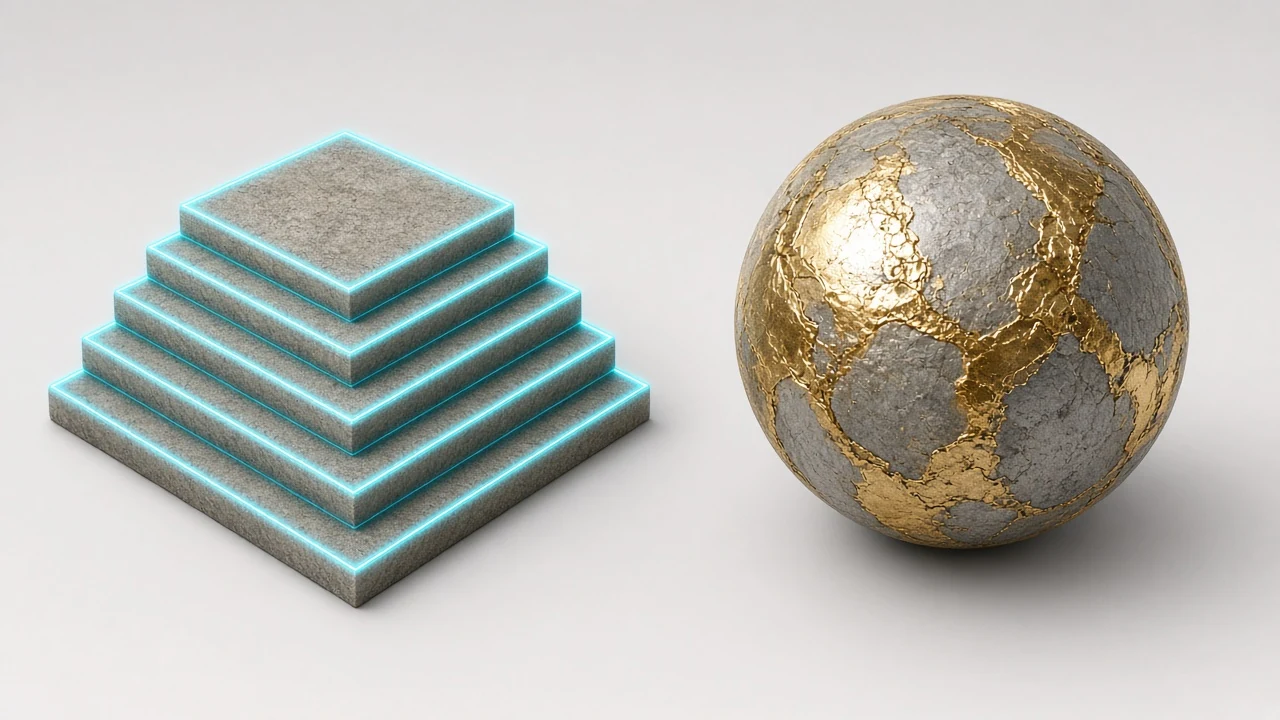
Sample textures: Poly Haven (CC0)
WHAT
A power of two texture resizer converts a surface image into production-ready material data: specifically, our power of two texture resizer lets you resize non-POT images (like 1600x1067 or 1920x1080) to exact 2^n GPU dimensions (256, 512, 1024, 2048, 4096 px) with normal vector renormalization. NormalMapAI runs this power of two texture resizer 100% locally in your browser via WebGL2, giving you instant visual feedback and lossless PNG exports without uploading proprietary files inside our browser-based power of two texture resizer.
Whether you are building materials for Unity, Unreal Engine 5, Godot, Roblox, WebGL / Three.js and mobile ASTC / desktop BC7 pipelines, this power of two texture resizer eliminates slow round-trips to heavy desktop suites. Under the hood, the power of two texture resizer uses exact 2^n dimension alignment (square or rectangular POT), stretch/crop/pad fitting and post-resize normal map L2 renormalization so every pixel stays mathematically accurate for physically based shaders inside our browser-based power of two texture resizer.
Unlike single-purpose scripts that output blind files, the NormalMapAI power of two texture resizer keeps an interactive viewport open while you drag sliders. You can pair this power of two texture resizer with our seamless texture tool to fix border seams first, or jump straight to the full PBR texture generator when you need a complete multi-channel ZIP inside our browser-based power of two texture resizer.
Because the power of two texture resizer executes on your own GPU and CPU, confidential studio scans and client product shots never leave your machine. Open the power of two texture resizer above, test built-in Poly Haven CC0 samples, and export up to 4096 px with zero sign-up or watermark inside our browser-based power of two texture resizer.
WHY
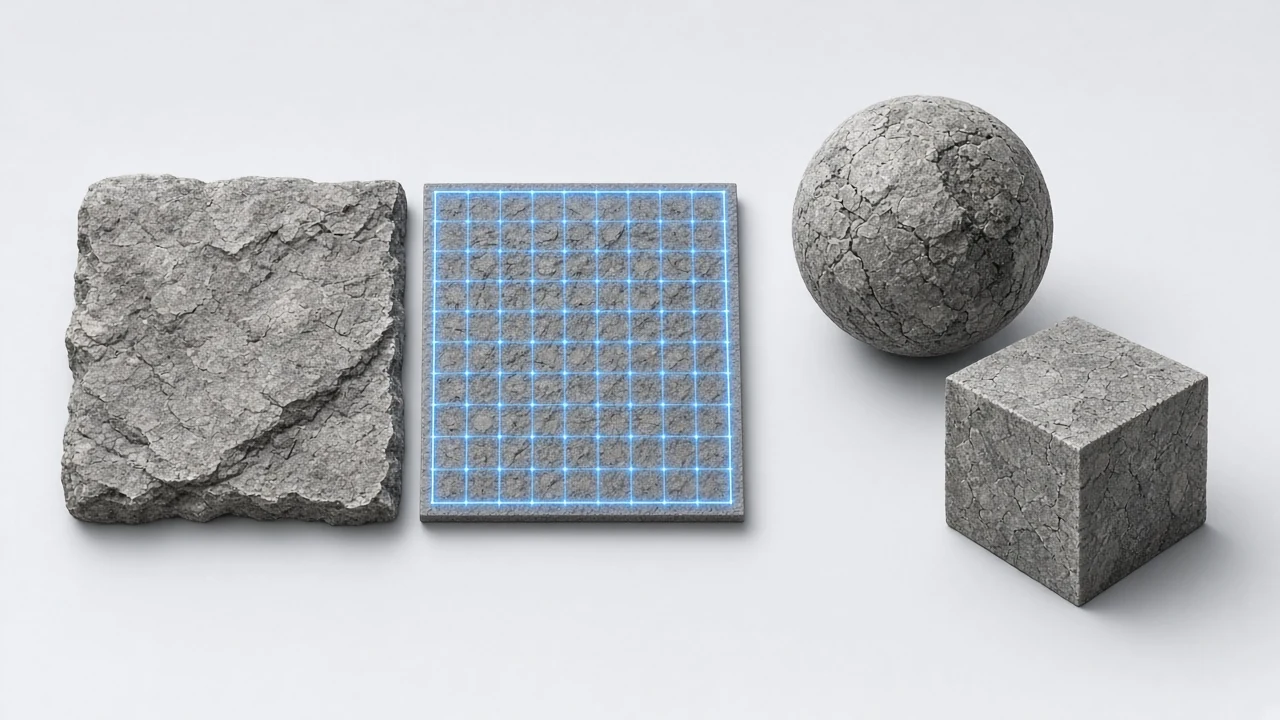
Watch every slider adjustment update immediately on the canvas or 3D preview inside this power of two texture resizer before you download via this power of two texture resizer.
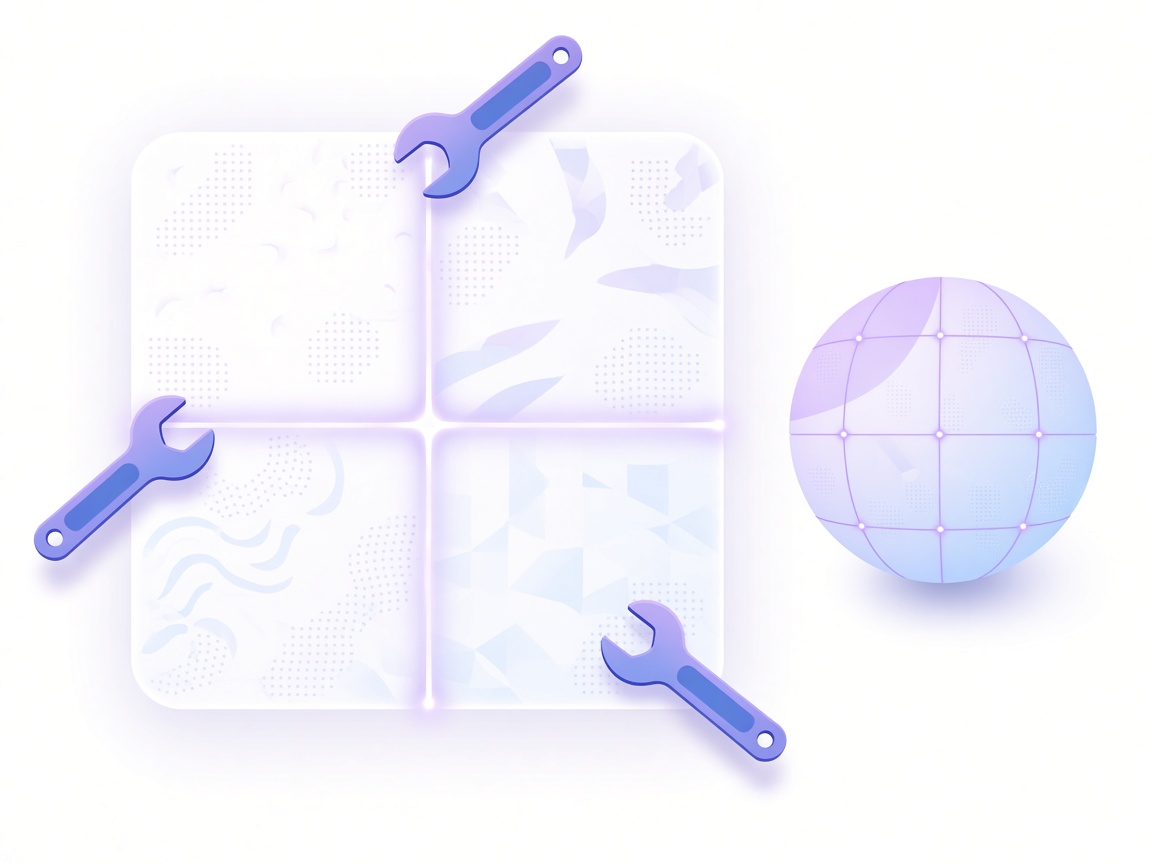
Outputs from the power of two texture resizer follow strict linear/sRGB and channel conventions for Unity, Unreal Engine 5, Godot, Roblox, WebGL / Three.js and mobile ASTC / desktop BC7 pipelines via this power of two texture resizer.
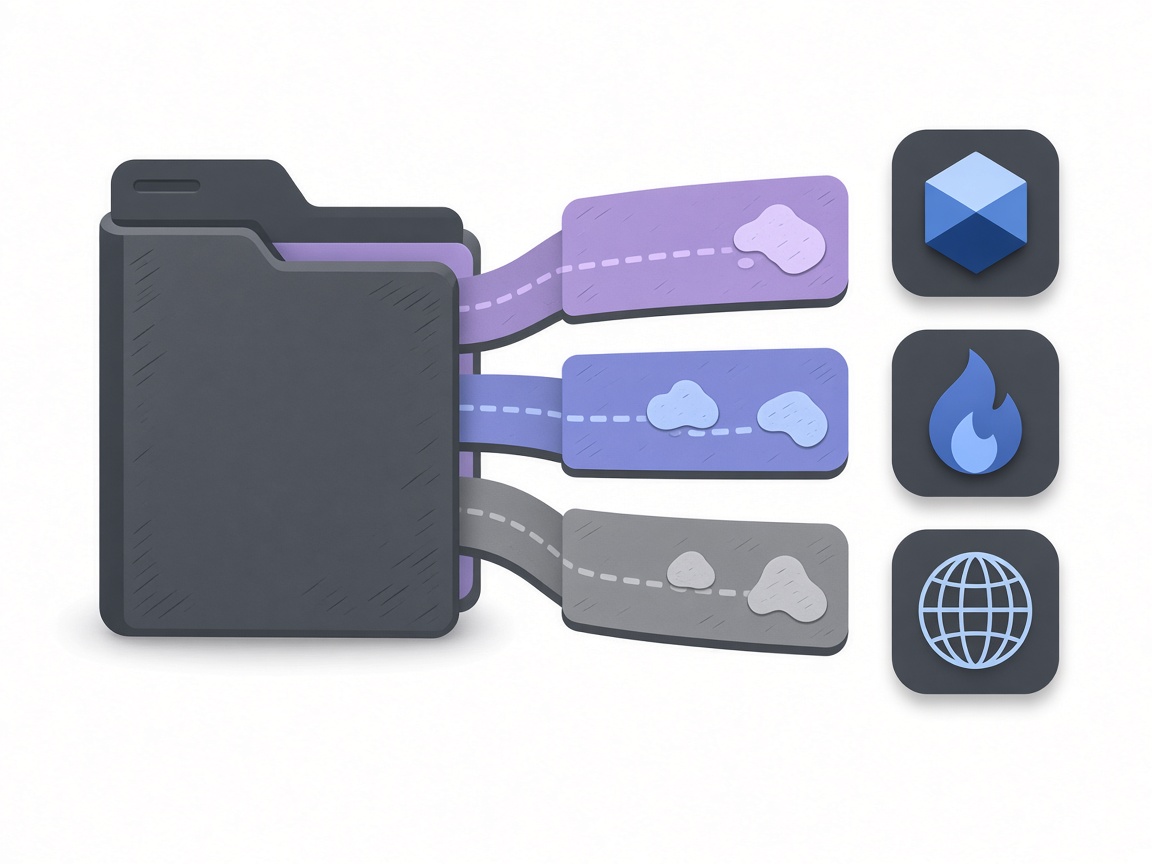
Your textures never upload to a cloud server. This power of two texture resizer processes pixels locally in browser memory via this power of two texture resizer.

Move seamlessly between this tool, the seamless texture maker, transparent PNG cutout tool and full PBR texture generator via this power of two texture resizer.
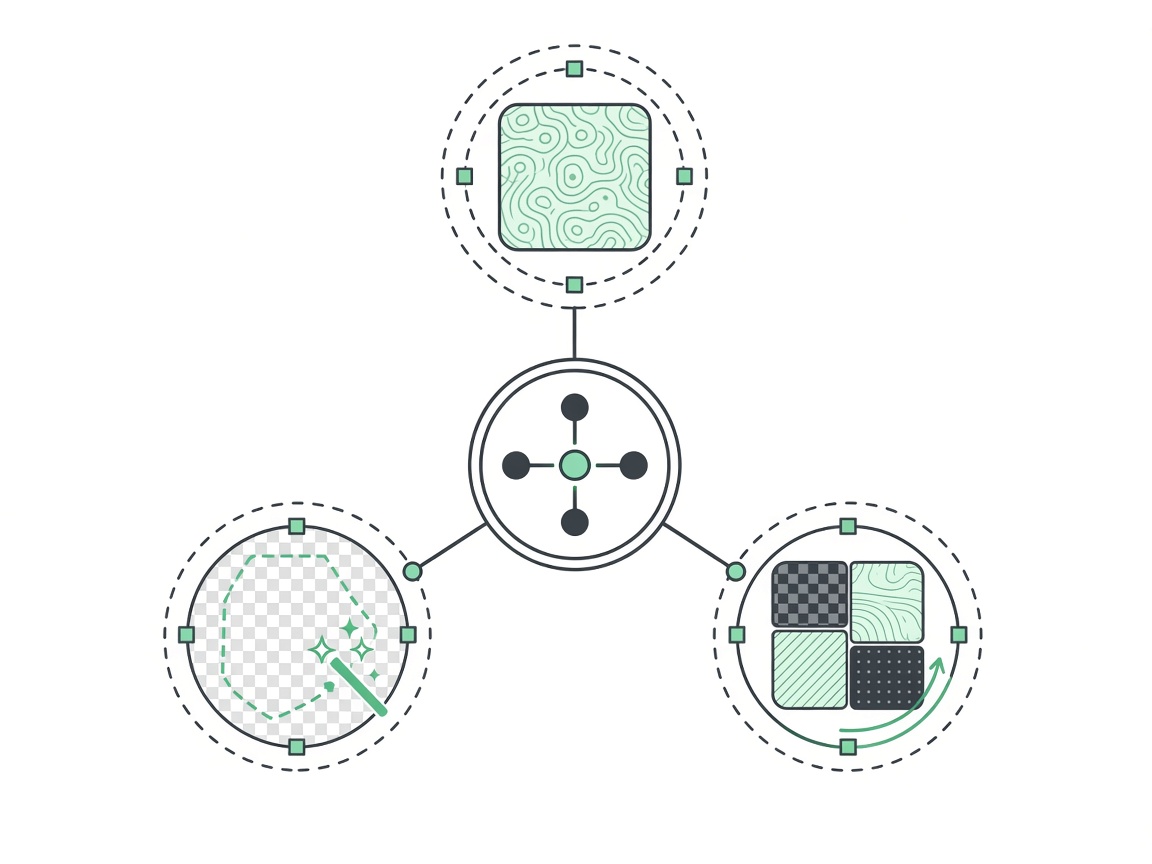
Export crisp 512, 1024, 2048 or 4096 px textures from the power of two texture resizer with zero watermarks or paywalls.
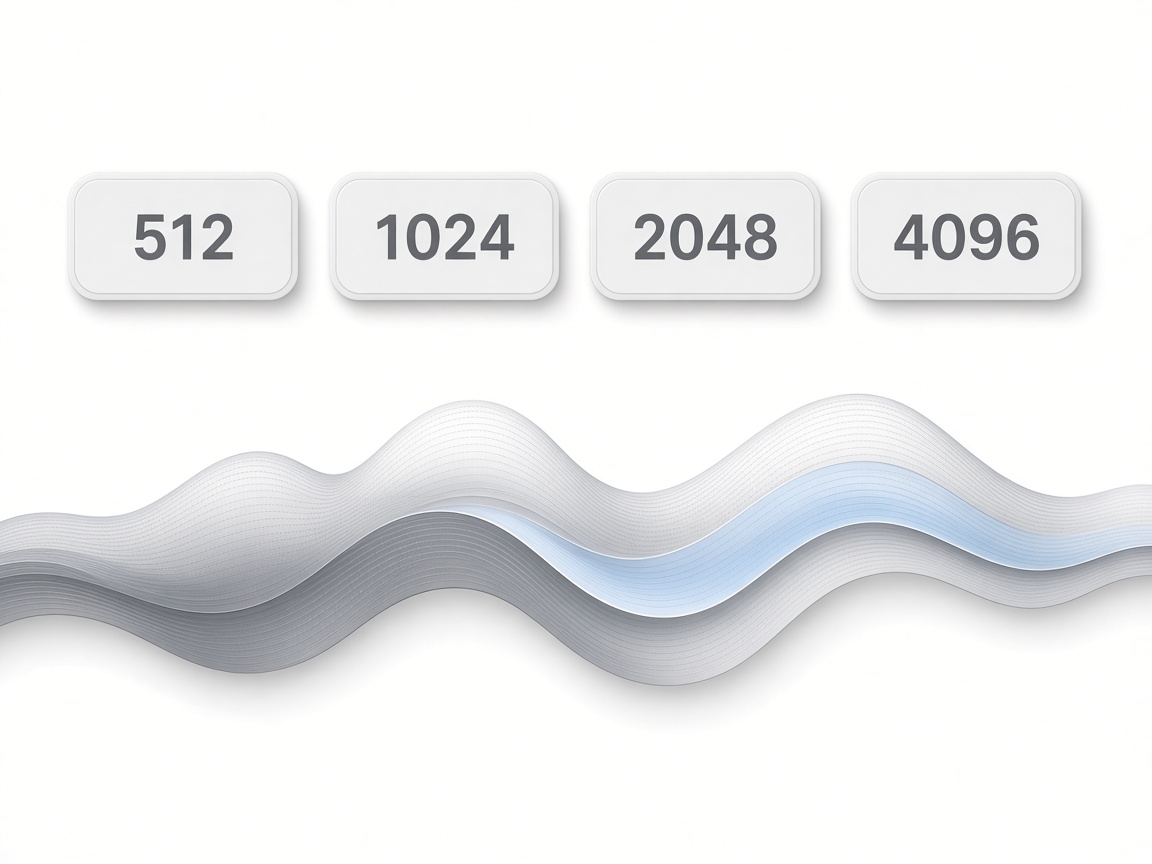
Skip gigabyte installers — bookmark this power of two texture resizer and run production look-dev in any modern browser.
HOW IT WORKS
Four steps from a raw image to an engine-ready file in this power of two texture resizer — 100% local in your browser.
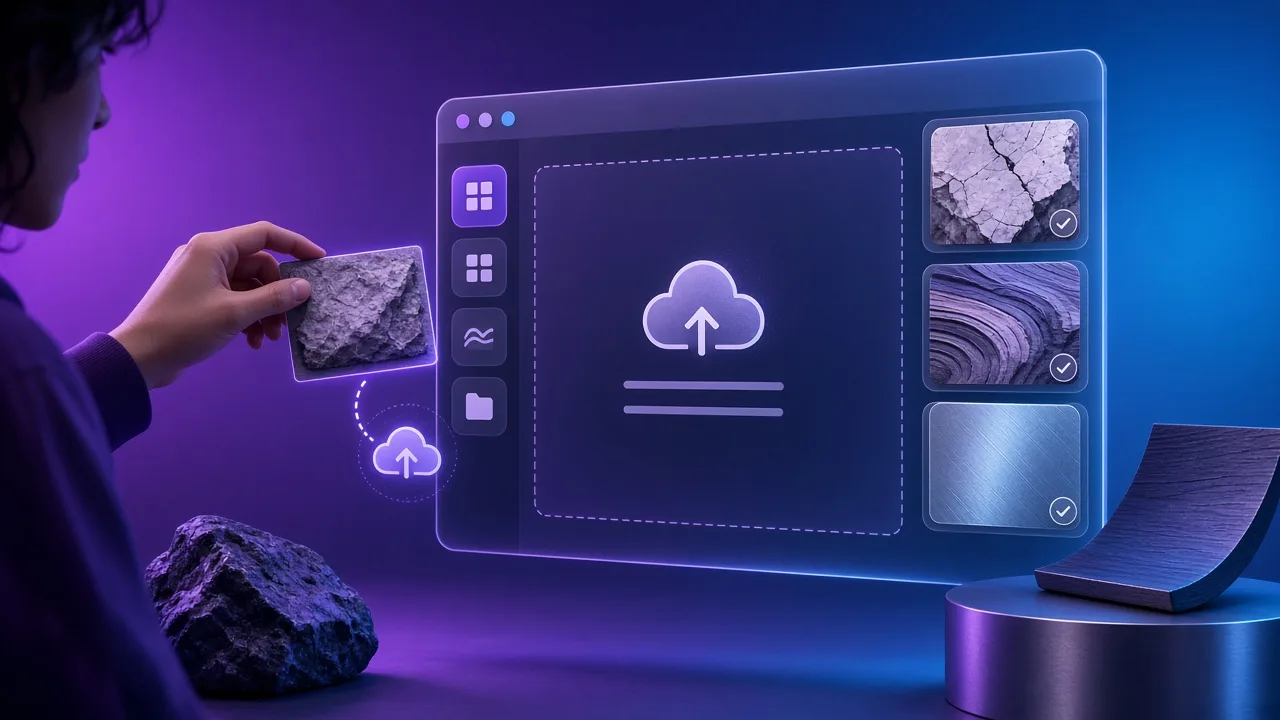
Drop a JPG, PNG or WebP image into the power of two texture resizer above, or click one of the built-in Poly Haven CC0 material presets to test the controls immediately using the power of two texture resizer.
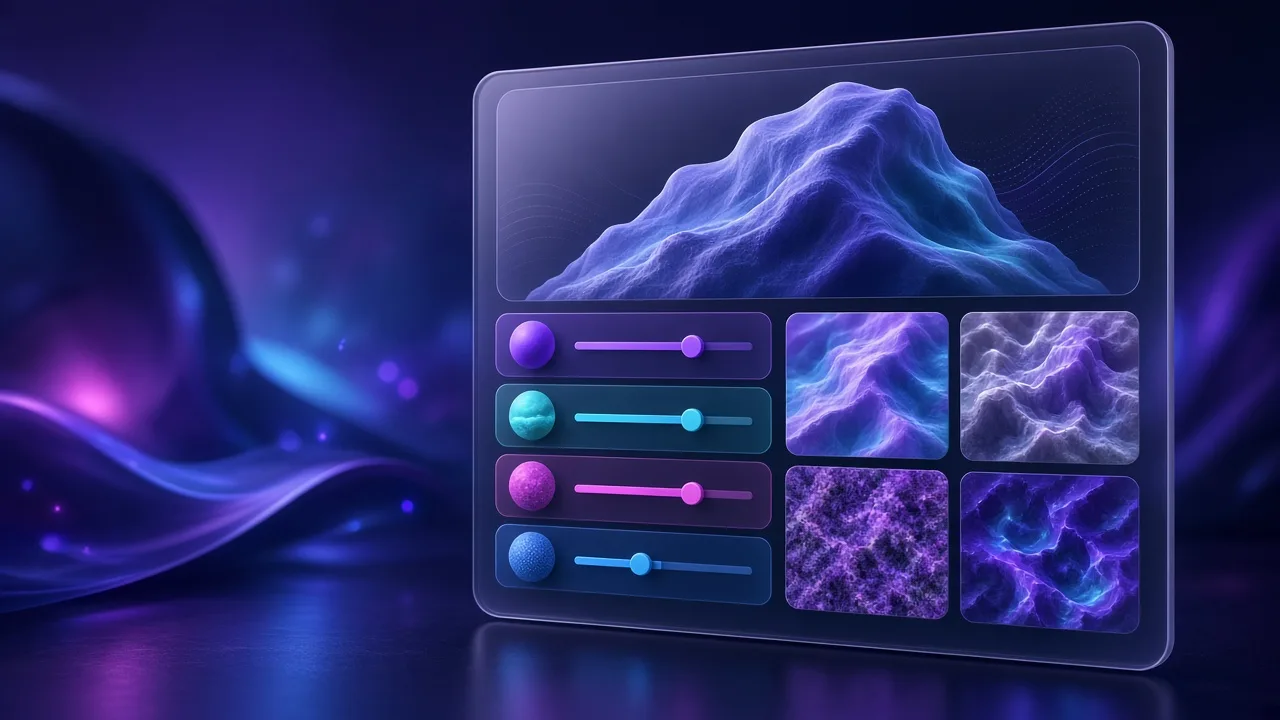
Adjust the dedicated sliders in the power of two texture resizer — powered by exact 2^n dimension alignment (square or rectangular POT), stretch/crop/pad fitting and post-resize normal map L2 renormalization — to dial in exact contrast, threshold or orientation using the power of two texture resizer.
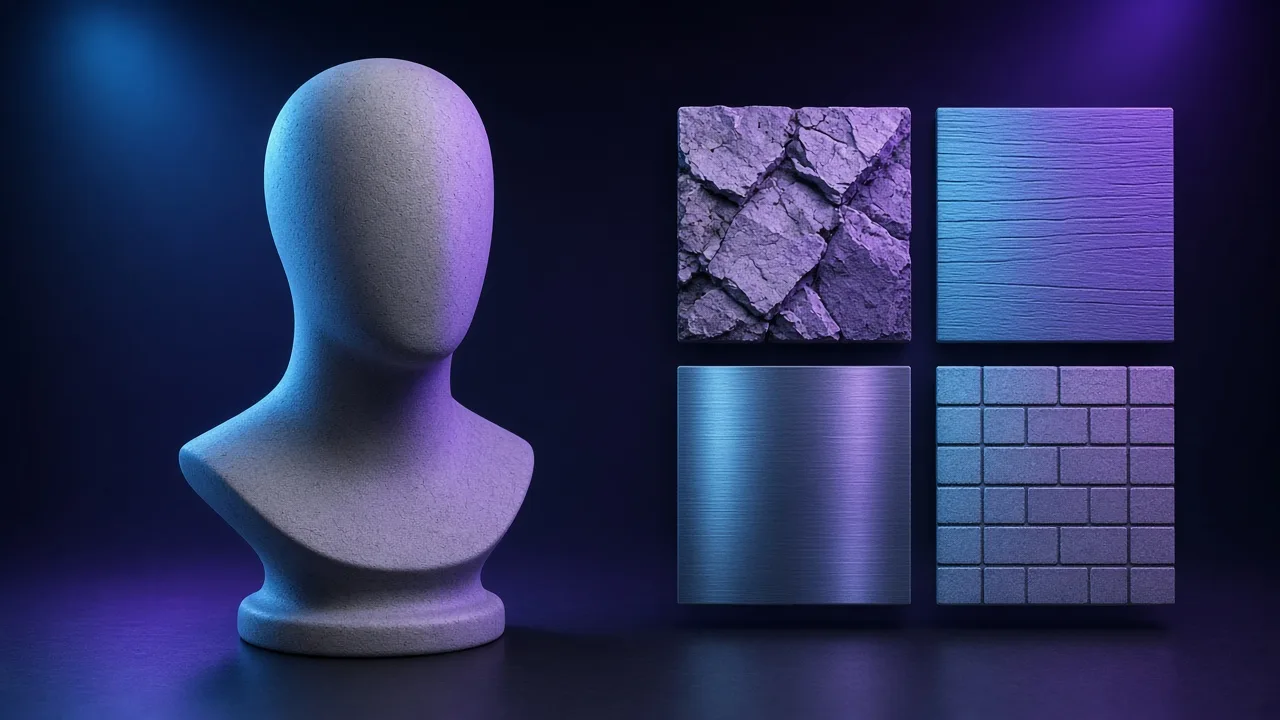
Switch view modes or rotate the lighting inside the power of two texture resizer to confirm there are no inverted values, clipping artifacts or edge seams using the power of two texture resizer.
Click download in the power of two texture resizer to save your file locally, or continue into the PBR texture generator for a complete engine-packed ZIP using the power of two texture resizer.
Four production workflows where a dedicated power of two texture resizer saves time and fixes shader artifacts.
Game engines refuse to apply hardware block compression or full mipmap chains to odd sizes like 1500x980; fix them instantly in the power of two texture resizer.
Unreal Engine disables streaming mipmaps on non-POT textures; batch your external photos through the power of two texture resizer to hit 1024x1024 or 2048x2048.
Standard image resizers blur RGB values and break unit vector lengths; enable Normal Renormalization in our power of two texture resizer to keep shading crisp.
Step 4096x4096 textures down to 1024x1024 or 512x512 inside the power of two texture resizer for lightweight Quest VR, Roblox and Three.js builds.
SCENARIOS
Short scenario-style notes from common workflows. These are illustrative use-case lines — not verified customer reviews, star ratings, or named endorsements.
Having a fast browser power of two texture resizer with live preview saved me from opening a heavy desktop suite just to fix one material channel.
We cannot upload NDA client textures to cloud AI tools — this local power of two texture resizer runs entirely on-device and exports clean files in seconds.
Pairing the seamless tool with this power of two texture resizer on the same site streamlined our whole look-dev loop.
Anonymous scenario feedback · illustrative, not customer testimonials
Scroll up to the live power of two texture resizer — upload a photo, tune under 3D lighting, export locally. The power of two texture resizer stays private in your browser.
COMPARE
When you need a fast, private map from a photo — without opening a full DCC install.
| Capability | NormalMapAI | Typical desktop suite |
|---|---|---|
| Install & license | Free in the browser — no install | Paid suite + disk install |
| Photo privacy | Stays on your device | Often cloud or local project files |
| Live 3D check | Built-in preview while you tune | Separate viewport / bake step |
| Engine ZIP packing | Unity / Unreal / Godot / Blender presets | Manual channel packing |
TOOLS
Live 3D material editor
Open the NormalMapAI live 3D editor: tune normal, height, roughness and ORM packing on a shader ball, then exp…
Free PBR texture generator with live 3D preview
Free PBR texture generator: turn any photo into albedo, normal, height, roughness, AO, metallic and specular m…
Free 4K Seamless Texture Generator Online
Generate seamless and tileable textures online. Blend edges, check a live tiling preview, remove lighting, exp…
Free Transparent PNG Maker Online
Remove a black or white background and export a transparent PNG. Adjust threshold and feather, preview on a ch…
Image to Normal Map Converter
Convert any image or PNG to a normal map in your browser. Adjust strength, switch DirectX / OpenGL and preview…
Bump Map Generator
Create a bump map from any photo online. Control contrast, preview in 3D and export — free and private.…
Ambient Occlusion (AO) Map Generator
Generate an ambient occlusion map from a photo. Adjust radius and strength and pack it into ORM for Unreal or …
Roughness Map Generator
Make a roughness map from any image, or flip it to a Unity smoothness map. Free, in-browser, with 3D preview.…
Homepage PBR generator
Live 3D editor hub with full marketing copy.
LEARN
Short how-tos for maps, seamless textures and engine imports.
How to Use a Free Normal Map Generator (Step by Step)
A normal map stores surface direction so flat photos catch light in 3D. This guide walks through NormalMapAI’s free generator — from upload to engine ZIP — without installing software.
How to Make Seamless / Tileable Textures From Photos
Hard seams show up the moment a photo is tiled. Use edge blending, multi-scale fade and a 2×2–4×4 preview so the pattern repeats cleanly before you build normal and roughness maps.
Import PBR Maps into Unity, Unreal Engine and Blender
Export presets pack maps the way each engine expects. This guide covers import settings so albedo stays colored, normals stay linear, and ORM / MetallicSmoothness land in the right channels.
PBR Maps Explained: Albedo, Normal, Roughness, AO, Metallic and More
Physically based rendering needs a small set of textures that describe color, shape and light response. Here is what each map does and which ones NormalMapAI generates from one photo.
Height Map vs Displacement Map: What Changes in a Renderer
Both textures store height as brightness. Height often drives parallax or bump-style effects; displacement moves vertices. NormalMapAI exports both as 16-bit PNG to avoid banding.
Normal Maps: DirectX vs OpenGL (Y Flip) Explained
The only practical difference is the green channel: OpenGL stores +Y, DirectX stores −Y. Pick the right format — or an engine export preset — so bumps do not turn into dents.
No account. No upload. Scroll up to the power of two texture resizer on this page, drop your texture, preview in real time, and download a clean PNG — or open the PBR texture generator for a full multi-channel ZIP.
FAQ
NormalMapAI (normalmapai.com) provides a free online power of two texture resizer that runs 100% locally in your browser with zero login and no watermark. You can resize non-POT images (like 1600x1067 or 1920x1080) to exact 2^n GPU dimensions (256, 512, 1024, 2048, 4096 px) with normal vector renormalization and export lossless PNGs for Blender, UE5, and Unity.
Our power of two texture resizer processes your uploaded image locally using exact 2^n dimension alignment (square or rectangular POT), stretch/crop/pad fitting and post-resize normal map L2 renormalization. Every slider change recalculates the output in real time so you can inspect the exact response before downloading.
Export the PNG from the NormalMapAI power of two texture resizer and import it into Unity, Unreal Engine 5, Godot, Roblox, WebGL / Three.js and mobile ASTC / desktop BC7 pipelines. Set the texture Color Space to Non-Color / Linear (uncheck sRGB) before wiring it to your shader.
No. The NormalMapAI power of two texture resizer executes entirely inside your browser using local WebGL2 and Canvas memory. Your source photos and exported maps never leave your computer, making it safe for NDA studio assets.
Yes. Because our power of two texture resizer is a deterministic local processing utility, you retain 100% of the rights to any textures you generate from your own photos or CC0 sources for commercial games, archviz, 3D printing, and client deliverables.
You can drop JPG, PNG, or WebP files into the power of two texture resizer and export lossless PNG textures up to 4096×4096 (4K). Where applicable for elevation and relief workflows, NormalMapAI also supports true 16-bit grayscale PNG export.
If your source photo has uneven lighting or hard border edges, run it through the NormalMapAI Seamless Texture Generator or Tileable Texture Generator first, then bring the tileable image into this power of two texture resizer so every derived channel repeats cleanly.
Only Base Color (Albedo) should use sRGB gamma encoding. Technical channels produced by a power of two texture resizer store linear math values (0.0 to 1.0 or XYZ vectors); leaving sRGB enabled applies a gamma curve that distorts reflections, slopes, and masks.
Desktop suites require gigabyte installs, Windows-only executables, or paid subscriptions. The NormalMapAI power of two texture resizer opens instantly on Windows, macOS, and Linux, giving you focused controls and live preview for quick single-map look-dev.
Yes. While this page is tuned specifically as a power of two texture resizer, you can switch tabs in the editor or open our PBR Texture Generator to export Albedo, Normal, Height, Roughness, AO, Metallic, and packed ORM ZIPs from the same source photo.
Start with one of the six built-in Poly Haven CC0 sample materials in the power of two texture resizer to see balanced defaults, then adjust threshold, contrast, or smoothing in small increments while watching the live viewport.
Yes. Any modern browser supporting WebGL2 or HTML5 Canvas on Windows, macOS, Linux, or Chromebook can run the NormalMapAI power of two texture resizer smoothly at interactive frame rates.