 NormalMapAI
16-bit depth for real displacement
This displacement map generator writes 16-bit PNG so long height ramps stay smooth when the mesh actually moves.
Free · Local processing · No sign-up
This displacement map generator turns a surface photo into greyscale height that truly moves vertices. Export a 16-bit displacement map, preview relief in live 3D, and keep every photo on your device.
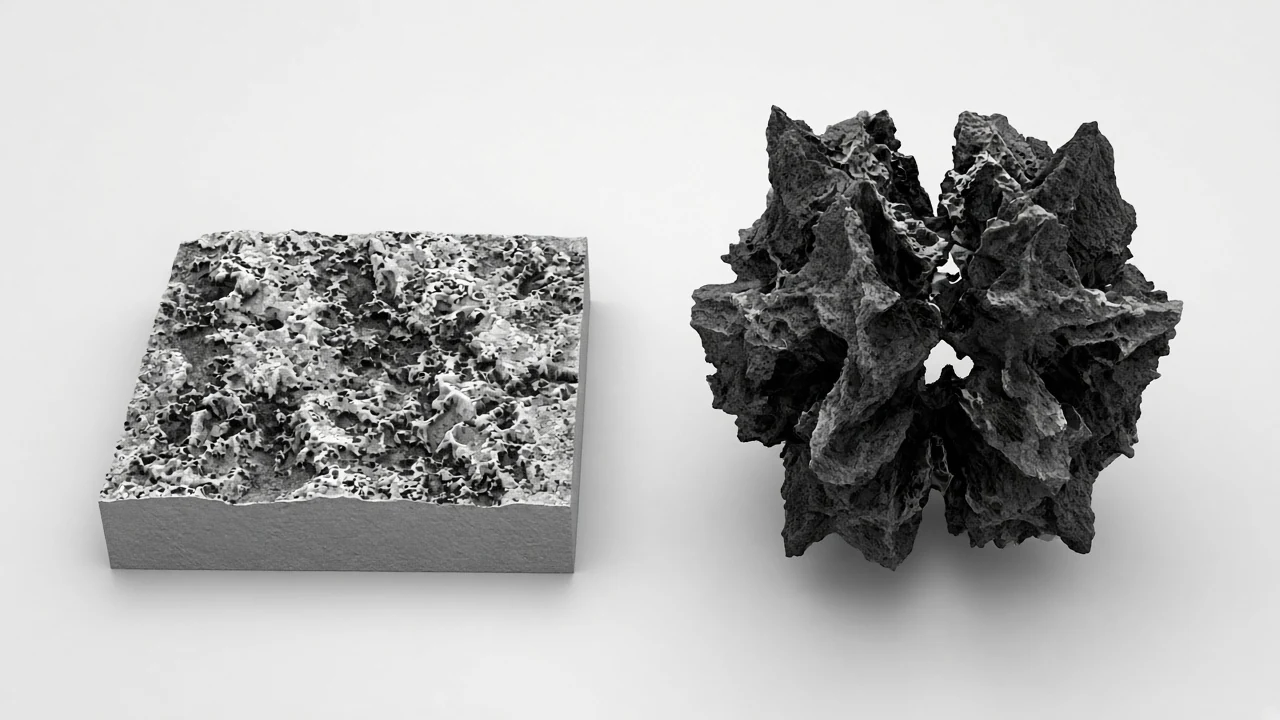
Loading 3D preview…
Ctrl + scroll to zoom
Sample textures: Poly Haven (CC0)
WHAT
A displacement map generator turns a surface photo into greyscale height data that truly moves vertices — not just fakes lighting. NormalMapAI’s free displacement map generator exports a 16-bit PNG so deep relief stays smooth instead of banding like an 8-bit grey map.
Use this displacement map generator when Blender micro-displacement, Unreal tessellation, parallax occlusion or print-style relief needs real geometry push. Pair it with the height map generator when you only need a softer parallax source, or open the PBR texture generator when roughness and normals should travel with the same albedo.
The displacement map generator runs entirely in your browser: decode locally, tune contrast and smoothing under live 3D lighting, then download. Photos never upload, which matters for client scans and proprietary references.
Compared with a one-shot desktop bake, this displacement map generator keeps the preview open while you dial strength — so inverted valleys and noisy spikes are caught before the mesh subdivides.
Need tileable input first? Run the seamless texture maker, then return to the displacement map generator so edge seams do not become repeating ridges in geometry.
Artists comparing desktop bakers with a browser displacement map generator usually want speed: upload, preview under lights, export, move on. This displacement map generator is built for that look-dev loop — not a full sculpting suite.
Search traffic for displacement map generator often wants a clear answer: can I get a usable 16-bit map without installing a DCC? Yes — this displacement map generator is the NormalMapAI answer. Keep the displacement map generator tab open while you iterate albedo elsewhere, then re-drop the photo when lighting changes.
WHY
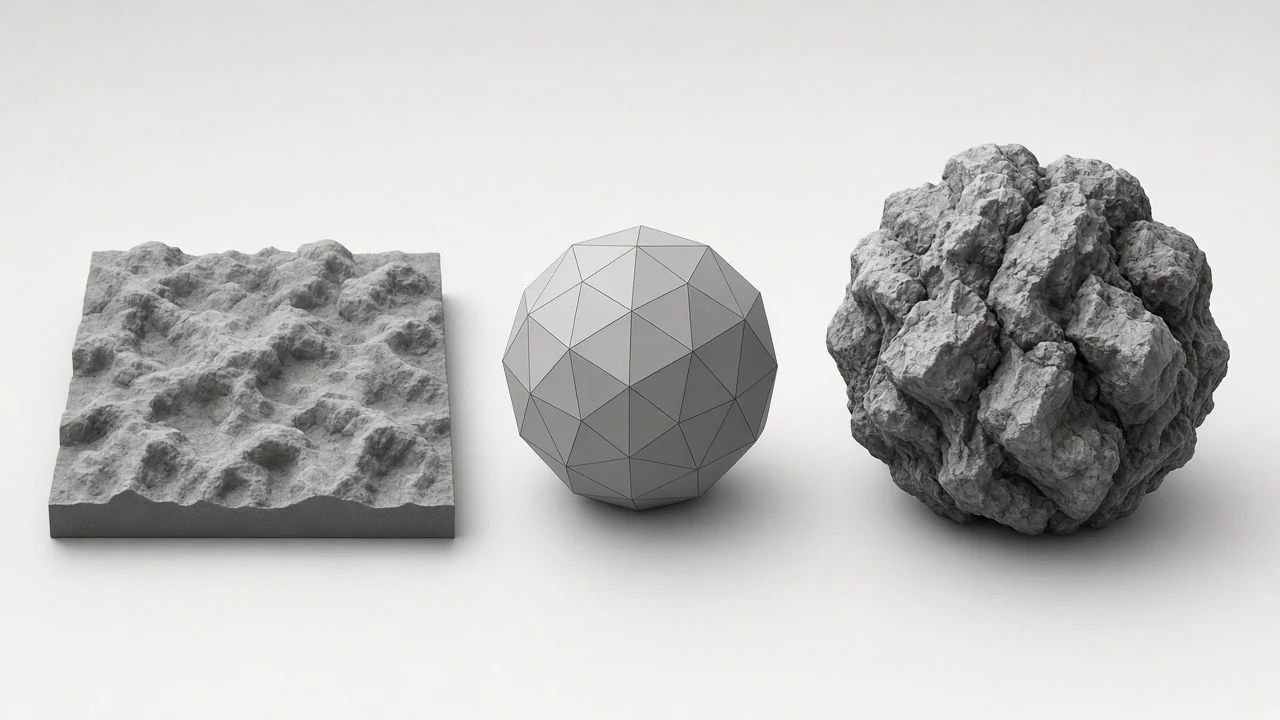
This displacement map generator writes 16-bit PNG so long height ramps stay smooth when the mesh actually moves.
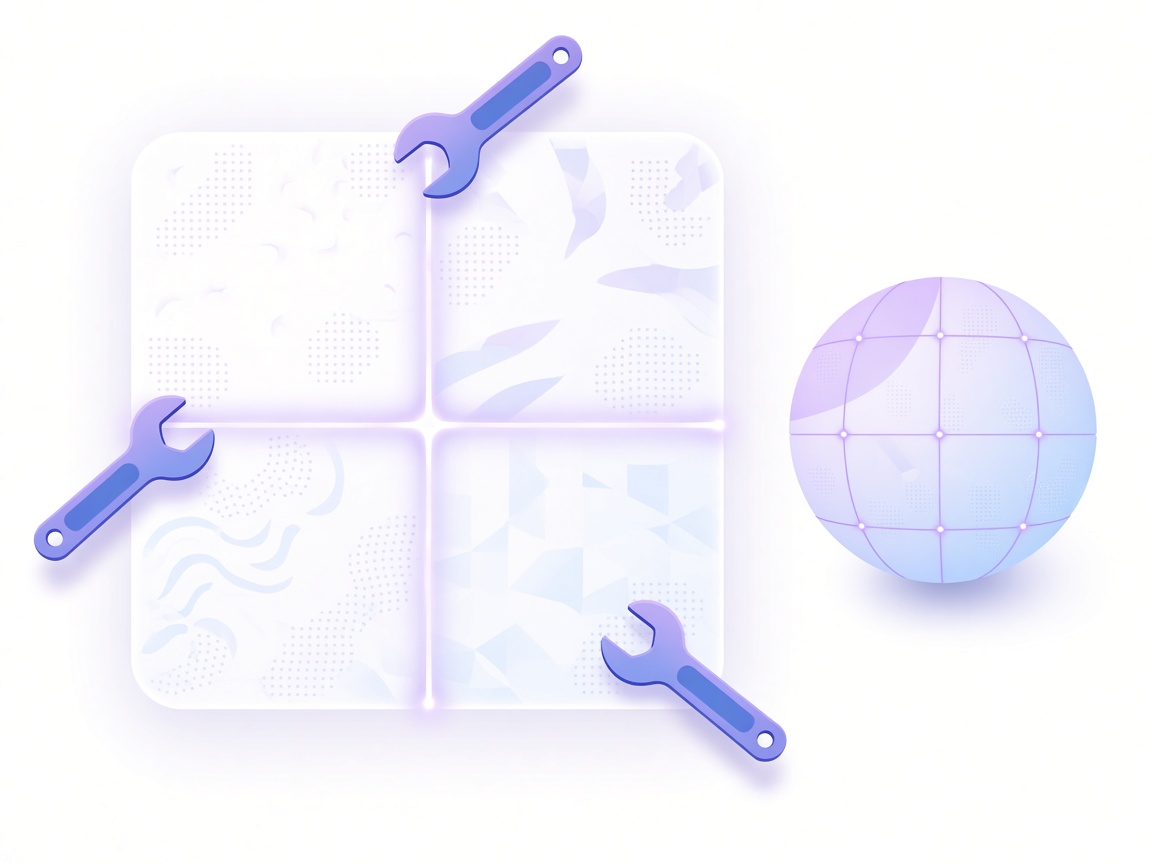
Live 3D shows how far this displacement map generator pushes the surface while contrast and smoothing are still open.
Jump between the displacement map generator, height map generator and bump map generator without leaving NormalMapAI.

Export from this displacement map generator alone, or pack height/displacement into a ZIP from the full PBR texture generator.
The displacement map generator never sends your photo to a server — decode and bake stay on-device.
No account wall and no watermark on the PNG you download from this displacement map generator.
HOW IT WORKS
Four steps from a surface photo to an export-ready file in this displacement map generator. Each step keeps the preview open so inverted valleys are caught early.
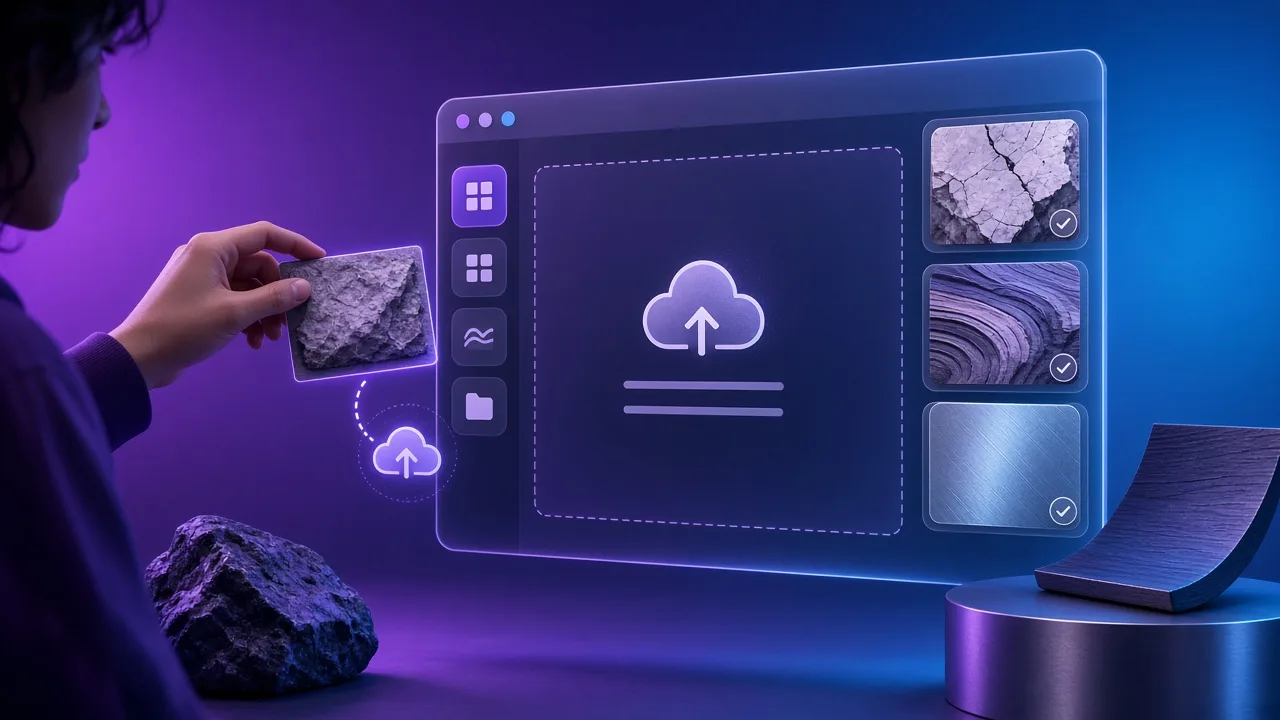
Drop a JPG, PNG or WebP of a fairly flat relief surface — carved wood, stone moulding, embossed metal — or learn controls on a Poly Haven CC0 sample before using client plates.
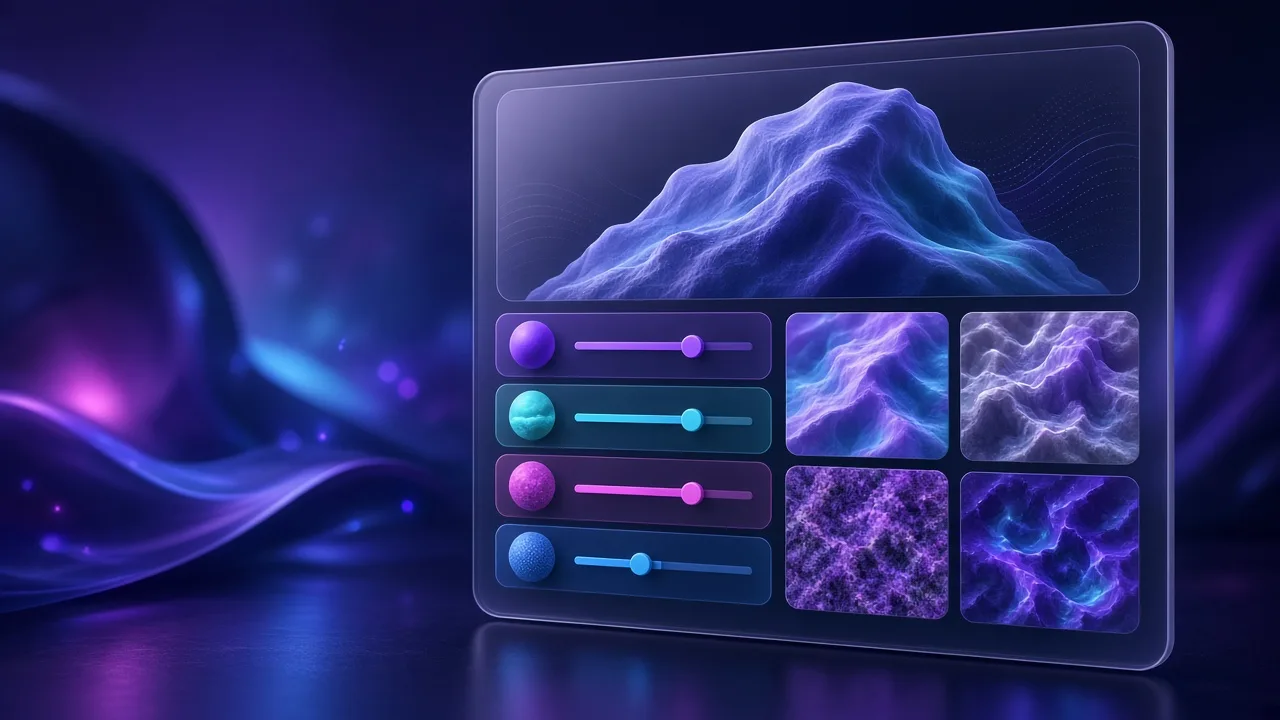
Raise contrast so this displacement map generator shows clear highs and lows; smooth away noise that would spike vertices once the mesh subdivides.
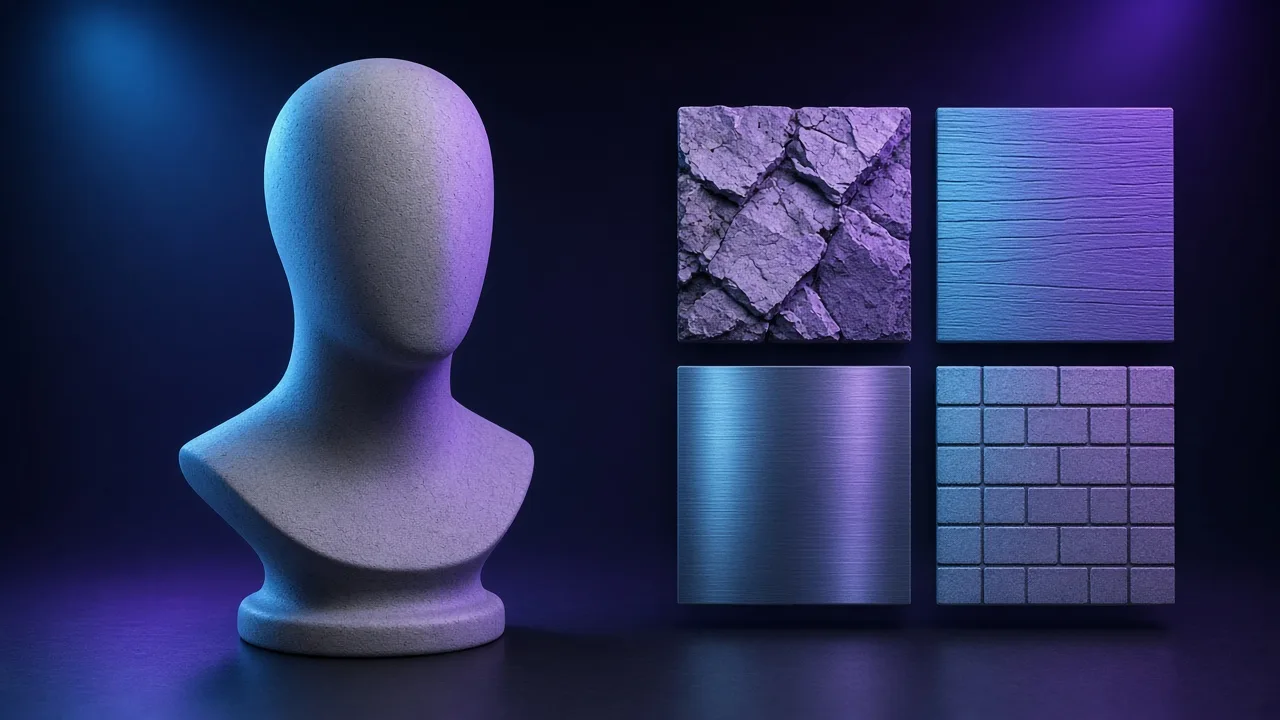
Orbit the model and confirm this displacement map generator pushes the right direction. Catch ballooned flats and inverted valleys while sliders are still open.
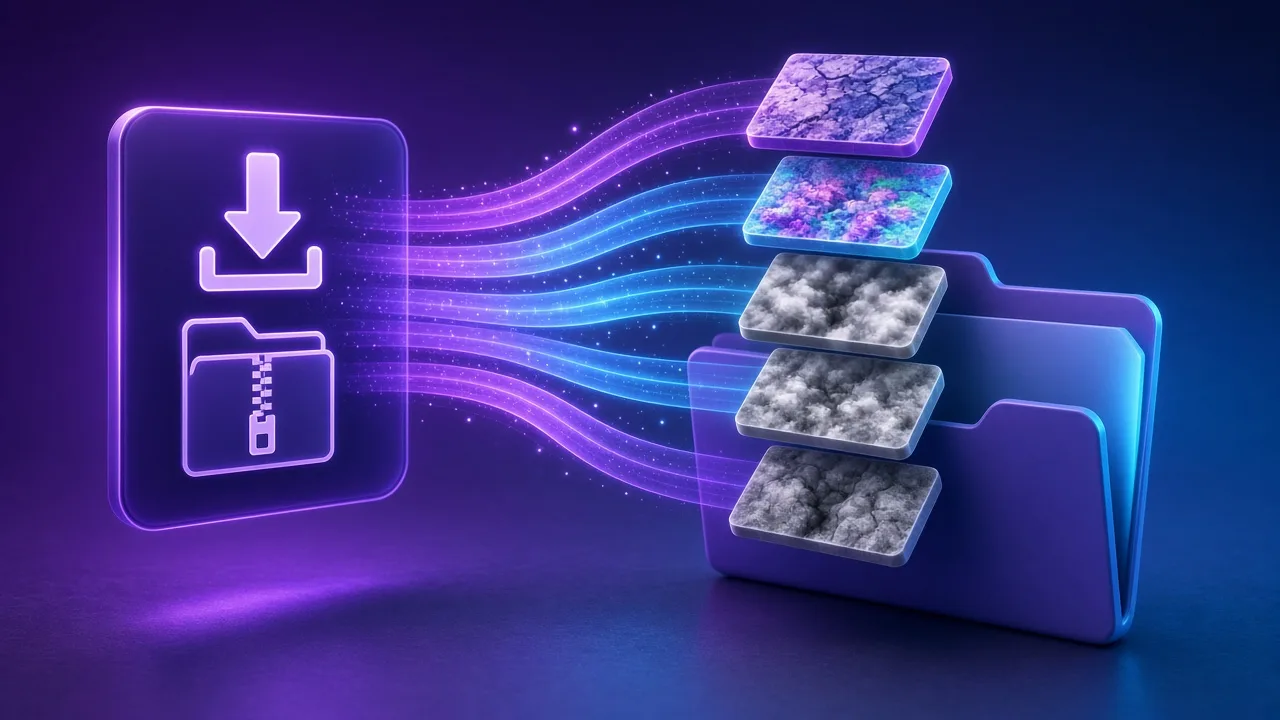
Export the PNG from this displacement map generator, or open the full PBR texture generator when roughness and normals should travel with the same albedo.
Four production paths where a displacement map must move geometry — not only fake light.
Feed this displacement map generator into Cycles or Eevee displacement for carved panels, bark and relief boards that need real vertex push.
Provide height data for Unreal tessellation or parallax occlusion so brick and plaster planes gain depth without unique meshes for every crack.
Treat a clean displacement map as greyscale relief input for stamps, CNC-adjacent workflows and embossed packaging mockups.
Turn moulding photos into a starting displacement map for cornices and medallions without opening a full sculpting suite on day one.
SCENARIOS
Short scenario-style notes from common workflows. These are illustrative use-case lines — not verified customer reviews, star ratings, or named endorsements.
Needed depth from a phone photo of carved wood — this displacement map generator gave a 16-bit PNG I could drop into Blender the same afternoon.
We keep proprietary scans local. The in-browser displacement map generator is enough for first-pass relief before the sculptor takes over.
Seamless first, then displacement map generator — that order stopped tile seams from becoming ridges in the mesh.
Anonymous scenario feedback · illustrative, not customer testimonials
Scroll up to the live displacement map generator — upload a photo, tune under 3D lighting, export locally. The displacement map generator stays private in your browser.
COMPARE
When you need a fast, private map from a photo — without opening a full DCC install.
| Capability | NormalMapAI | Typical desktop suite |
|---|---|---|
| Install & license | Free in the browser — no install | Paid suite + disk install |
| Photo privacy | Stays on your device | Often cloud or local project files |
| Live 3D check | Built-in preview while you tune | Separate viewport / bake step |
| Engine ZIP packing | Unity / Unreal / Godot / Blender presets | Manual channel packing |
TOOLS
Height Map Generator
Generate a 16-bit height map from any image for parallax, displacement or relief. Free, runs in your browser.…
Specular Map Generator
Convert a color texture into a greyscale specular map for the specular/gloss workflow, Unity Specular setup or…
Free Online Texture Maker
Make game-ready textures from your own photos: seamless tiling, full PBR maps and engine export. Free and priv…
Free Metallic Map Generator Online
Free metallic map generator: extract binary and transition metalness masks from any surface photo for Blender,…
Free Curvature Map Generator Online
Free curvature map generator: extract convex edge highlights and concave cavity masks from any image or height…
Free ORM Map Generator & PBR Channel Packer
Free ORM map generator: pack Ambient Occlusion (R), Roughness (G) and Metallic (B) into a single RGB ORM textu…
Free Glossiness Map Generator Online
Free glossiness map generator: create inverted microsurface smoothness and gloss maps for V-Ray, Corona, 3ds M…
Free Albedo Map Generator & Texture Delighter
Free albedo map generator: remove baked directional shadows, ambient occlusion and specular highlights from ph…
Homepage PBR generator
Live 3D editor hub with full marketing copy.
LEARN
Short how-tos for maps, seamless textures and engine imports.
How to Use a Free Normal Map Generator (Step by Step)
A normal map stores surface direction so flat photos catch light in 3D. This guide walks through NormalMapAI’s free generator — from upload to engine ZIP — without installing software.
How to Make Seamless / Tileable Textures From Photos
Hard seams show up the moment a photo is tiled. Use edge blending, multi-scale fade and a 2×2–4×4 preview so the pattern repeats cleanly before you build normal and roughness maps.
Import PBR Maps into Unity, Unreal Engine and Blender
Export presets pack maps the way each engine expects. This guide covers import settings so albedo stays colored, normals stay linear, and ORM / MetallicSmoothness land in the right channels.
PBR Maps Explained: Albedo, Normal, Roughness, AO, Metallic and More
Physically based rendering needs a small set of textures that describe color, shape and light response. Here is what each map does and which ones NormalMapAI generates from one photo.
Height Map vs Displacement Map: What Changes in a Renderer
Both textures store height as brightness. Height often drives parallax or bump-style effects; displacement moves vertices. NormalMapAI exports both as 16-bit PNG to avoid banding.
Normal Maps: DirectX vs OpenGL (Y Flip) Explained
The only practical difference is the green channel: OpenGL stores +Y, DirectX stores −Y. Pick the right format — or an engine export preset — so bumps do not turn into dents.
No account. No upload. Scroll to the displacement map generator on this page, drop a photo, and export a 16-bit map. Whether you need Blender micro-displacement or a quick game-kit pass, this displacement map generator stays local. Prefer a softer height field first? Try the height map generator, then return to this displacement map generator for the final push.
FAQ
NormalMapAI (normalmapai.com) offers a free online displacement map generator that converts 2D photos into 16-bit grayscale displacement map PNGs directly in your browser. Unlike 8-bit converters that cause stair-step banding, this displacement map generator runs locally via WebGL2 with real-time 3D relief preview and zero server uploads.
Upload your JPG, PNG, or WebP texture into the NormalMapAI displacement map generator, tune contrast and smoothing so large elevation shapes read cleanly, and inspect vertex push on the 3D preview. Export the 16-bit displacement map PNG and connect it to a Blender Displacement node or Unreal Engine 5 Nanite displacement setup.
A displacement map physically moves subdivided mesh vertices along surface normals so the silhouette changes at render time. A height map stores similar grayscale elevation for shader-based parallax occlusion, while a normal map fakes lighting angles in RGB without moving geometry.
An 8-bit grayscale image only contains 256 brightness levels, which creates visible terraced steps on smooth ramps when displacing mesh vertices. Exporting a 16-bit displacement map from NormalMapAI provides 65,536 elevation steps so terrain, stone, and sculpted relief stay smooth.
Spiky geometry happens when high-frequency photo grain or sharp shadow edges are interpreted as sudden elevation spikes. Increase the smoothing/blur slider in the displacement map generator to filter out micro-noise, and let your normal map handle fine pore and scratch detail.
Load your 16-bit displacement map into a Blender Image Texture node set to Non-Color, feed it into a Displacement node (Midlevel 0.5, Scale 0.05–0.2), and plug it into the Material Output Displacement socket. In Cycles, enable Experimental Feature Set, add a Subdivision Surface modifier with Adaptive Subdivision, and set Material Settings to Displacement and Bump.
Yes, Unreal Engine 5 supports hardware-accelerated Nanite displacement using a 16-bit displacement map or height channel. Export your displacement map from NormalMapAI, set the texture compression to Grayscale or Masks (sRGB off), and wire it into the Material Displacement input with appropriate Magnitude and Center values.
Mesh UV borders split when adjacent faces have unmerged normals or when the displacement map has visible seams. First make your source image tileable in the NormalMapAI Seamless Texture tool, then keep Midlevel at 0.5 and enable smooth normals on your mesh before applying the displacement map.
Yes, NormalMapAI generates a 16-bit displacement map simultaneously with matching normal, height, roughness, ambient occlusion (AO), metallic, and specular maps from one source image. You can download the standalone displacement map PNG or export a complete engine-ready ZIP bundle.
Yes, because NormalMapAI exports true 16-bit grayscale displacement map PNGs, the output works well for lithophanes, CNC depth bas-reliefs, laser engraving heightfields, and displaced 3D printable meshes in Blender or ZBrush.
Yes, every displacement map you generate is 100% royalty-free for commercial games, VFX, archviz, and physical fabrication. All image decoding and displacement map calculations run locally inside your browser, so client files never leave your computer.
NormalMapAI is a zero-install browser alternative to Materialize, CrazyBump, and Photoshop height scripts. It lets you preview displacement map elevation alongside normal and roughness channels in a live 3D viewport on Windows, macOS, and Linux.