Free · Local processing · No sign-up

Free AI 3D Texture Generator for UV Unwrapped Meshes

Use the NormalMapAI ai 3d texture generator to synthesize UV-island-guided diffuse, normal, roughness and metallic maps directly onto 3D game assets and export textured GLB, OBJ or PBR ZIP packages.

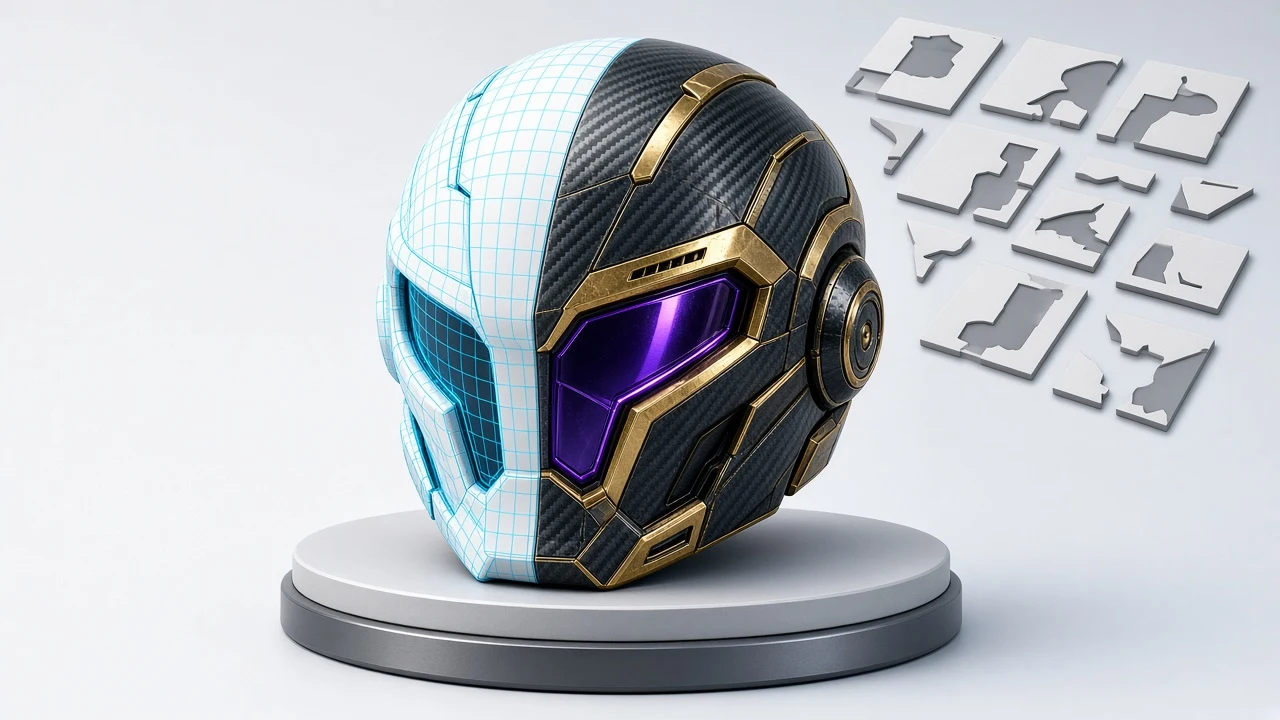
AI 3D texture generator UV wireframe to textured sci-fi helmet preview
Live tool on this page
Verts: 4,820·Tris: 9,412

Sample textures: Poly Haven (CC0)

WHAT

What is an AI 3D Texture Generator?

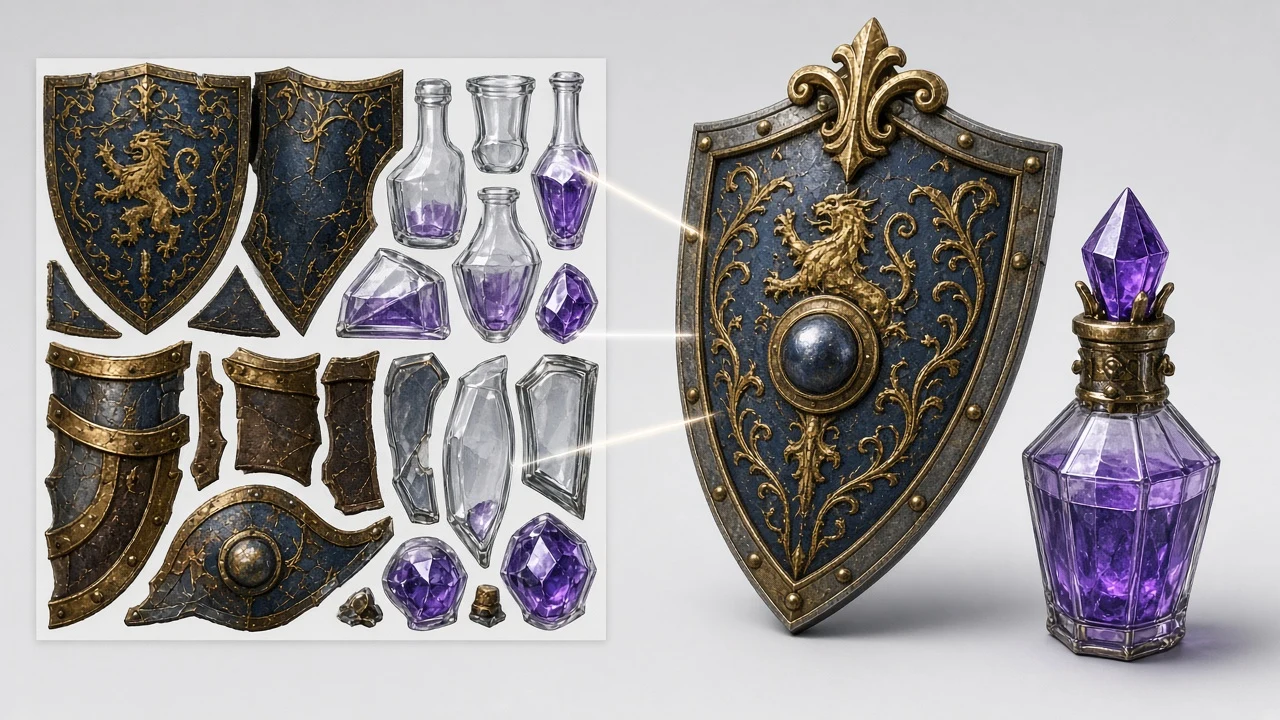
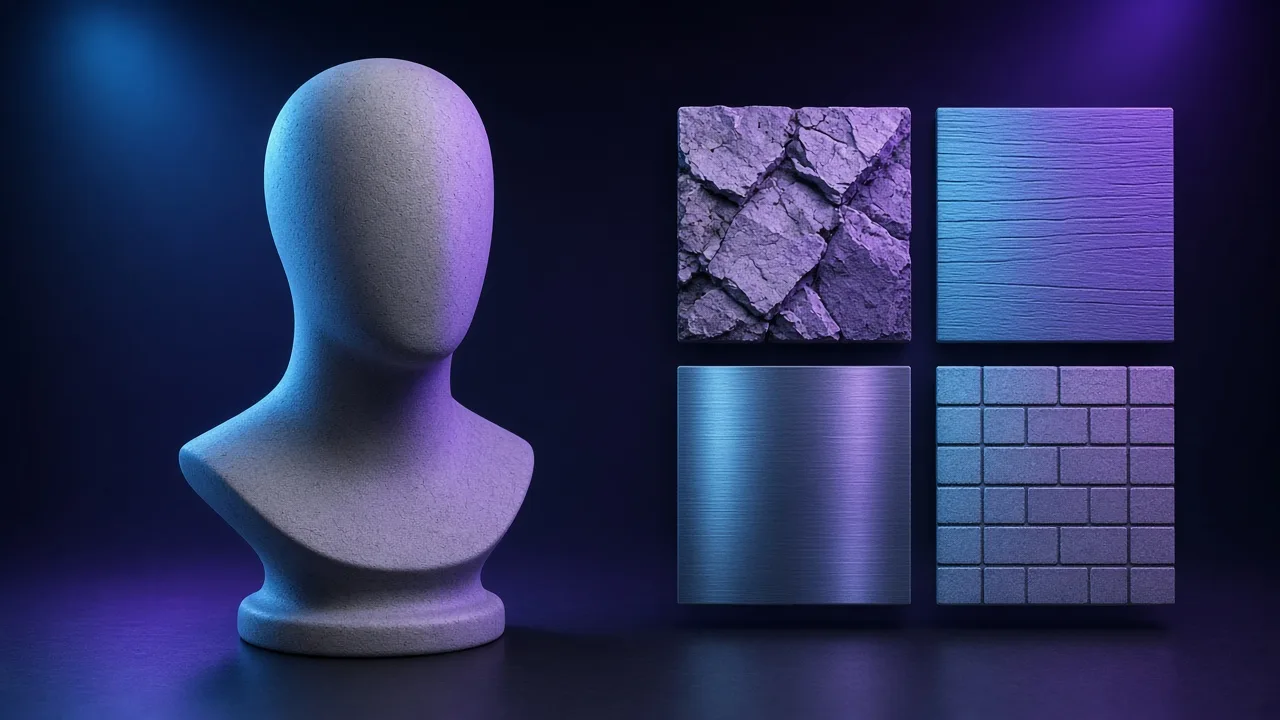
An ai 3d texture generator is a UV-aware 3D material painting workbench that takes a 3D polygon mesh (such as a sci-fi helmet, medieval shield, potion flask, supply crate, statue bust, or custom .OBJ file), extracts its 2D UV wireframe island layout, and synthesizes full PBR textures mapped directly onto the 3D surface. With the NormalMapAI ai 3d texture generator, you can texture 3D assets in seconds without manual UV painting.

Instead of requiring expensive multi-view 3D diffusion servers, our ai 3d texture generator renders the unwrapped 0–1 UV coordinate wireframe on a live HTML5 Canvas and uses it to guide high-resolution 2D material synthesis via GPT-Image-2.5 UV and Nano Banana 2.1 UV.

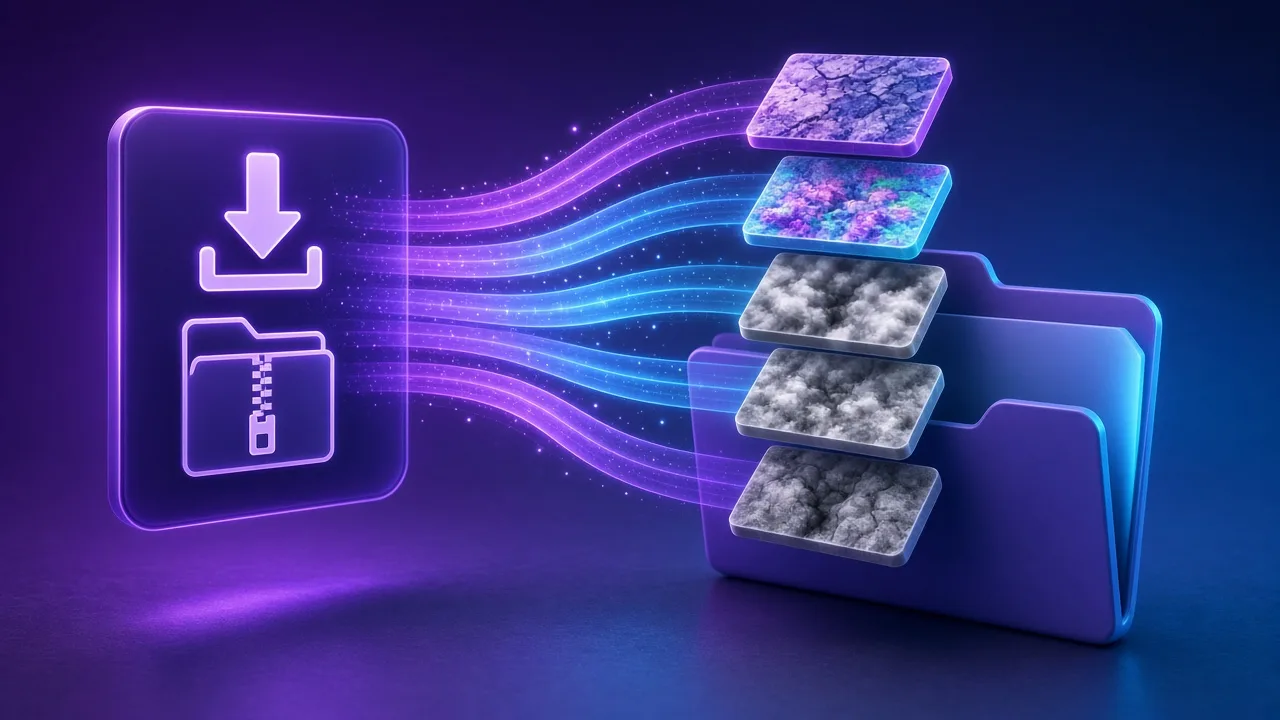
Once the diffuse map is synthesized, the ai 3d texture generator computes tangent-space Normal, Roughness, Metallic, and AO maps in real time, applies them to the interactive Three.js 3D viewport, and lets you export a textured .GLB (glTF 2.0 binary), .OBJ mesh, or complete PBR texture ZIP.

  • 6 built-in 3D asset presets (Helmet, Shield, Potion, Crate, Bust, Sphere) + .OBJ upload
  • Live 2D UV wireframe island preview overlaid on the synthesized texture
  • Real-time Three.js PBR viewport with Wireframe, Clay, and Turntable modes
  • One-click export for textured .GLB, .OBJ mesh, and full PBR map ZIP

WHY

Why use our AI 3D Texture Generator for UV-mapped meshes

Clever 2D UV wireframe guidance without slow cloud queues

By projecting your model's 2D UV unwrap onto the canvas and synthesizing aligned material channels, the ai 3d texture generator delivers instant results right in your browser inside this ai 3d texture generator for your ai 3d texture generator pipeline.

Test on 6 game-ready 3D archetypes or your own .OBJ

Switch between a Sci-Fi Helmet, Royal Shield, Alchemist Flask, Tactical Crate, Classical Bust, or Shader Ball inside the ai 3d texture generator — or upload your own UV-unwrapped .OBJ inside this ai 3d texture generator for your ai 3d texture generator pipeline.

Full 4-channel PBR baking (Albedo, Normal, Roughness, Metallic)

Every run in the ai 3d texture generator produces a complete physically based material set so metallic armor, rough stone, and polished glass react realistically under studio HDRI lighting inside this ai 3d texture generator for your ai 3d texture generator pipeline.

Side-by-side 3D viewport & 2D UV island inspector

Toggle the UV wireframe overlay on the right panel of the ai 3d texture generator to verify how texture details align with your 0–1 UV islands while orbiting the 3D mesh inside this ai 3d texture generator for your ai 3d texture generator pipeline.

Direct .GLB binary & .OBJ export

Download a self-contained .GLB file with embedded PBR textures from the ai 3d texture generator and drop it straight into Blender, Unreal Engine 5, Unity, Godot, or Three.js inside this ai 3d texture generator for your ai 3d texture generator pipeline.

Seamless handoff to 8-map PBR & Seamless editors

Send any texture baked in the ai 3d texture generator directly to the main PBR workbench or Seamless Texture Generator for fine-grained channel tuning inside this ai 3d texture generator for your ai 3d texture generator pipeline.

HOW IT WORKS

How the AI 3D Texture Generator works

Three steps turn an untextured white mesh into a fully textured 3D game asset inside the ai 3d texture generator.

  1. 1

    Step 1: Select a 3D preset mesh or upload a custom .OBJ

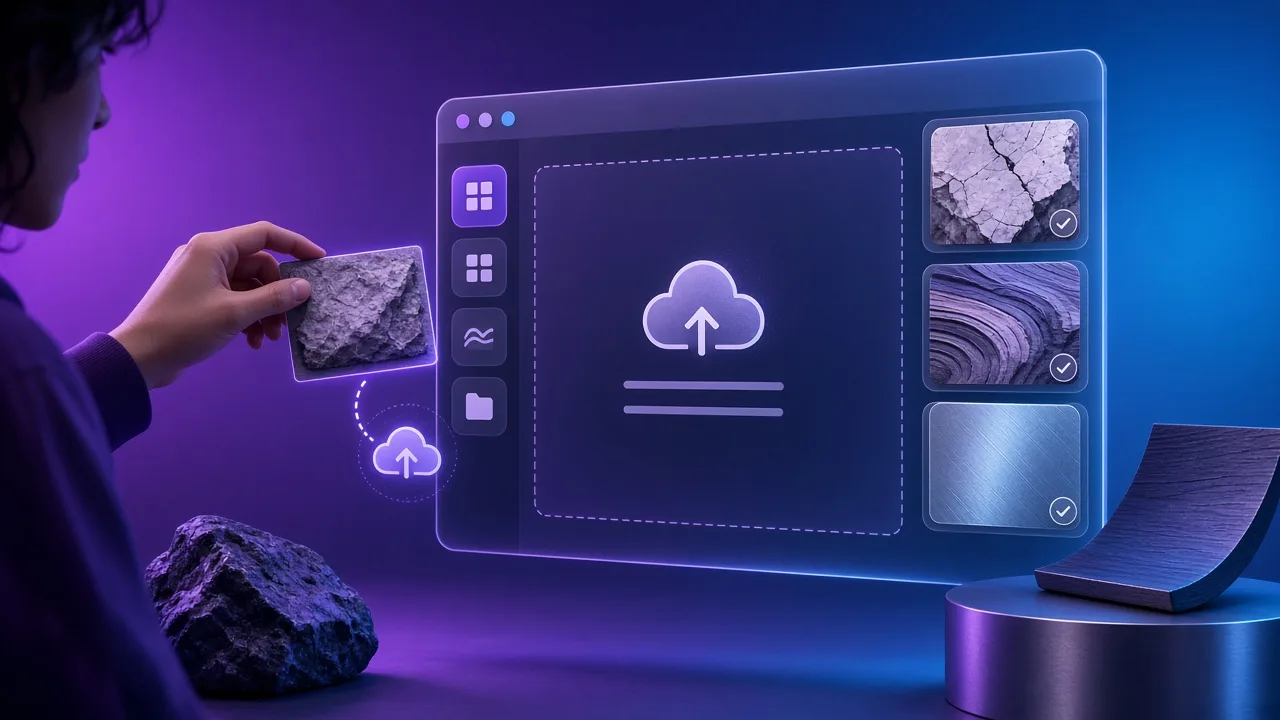
    Choose Helmet, Shield, Potion, Crate, Bust, or Sphere in the ai 3d texture generator, or click Upload .OBJ to load your own UV-unwrapped 3D model inside this ai 3d texture generator for your ai 3d texture generator pipeline.

  2. 2

    Step 2: Configure the UV Prompt Helper & AI model

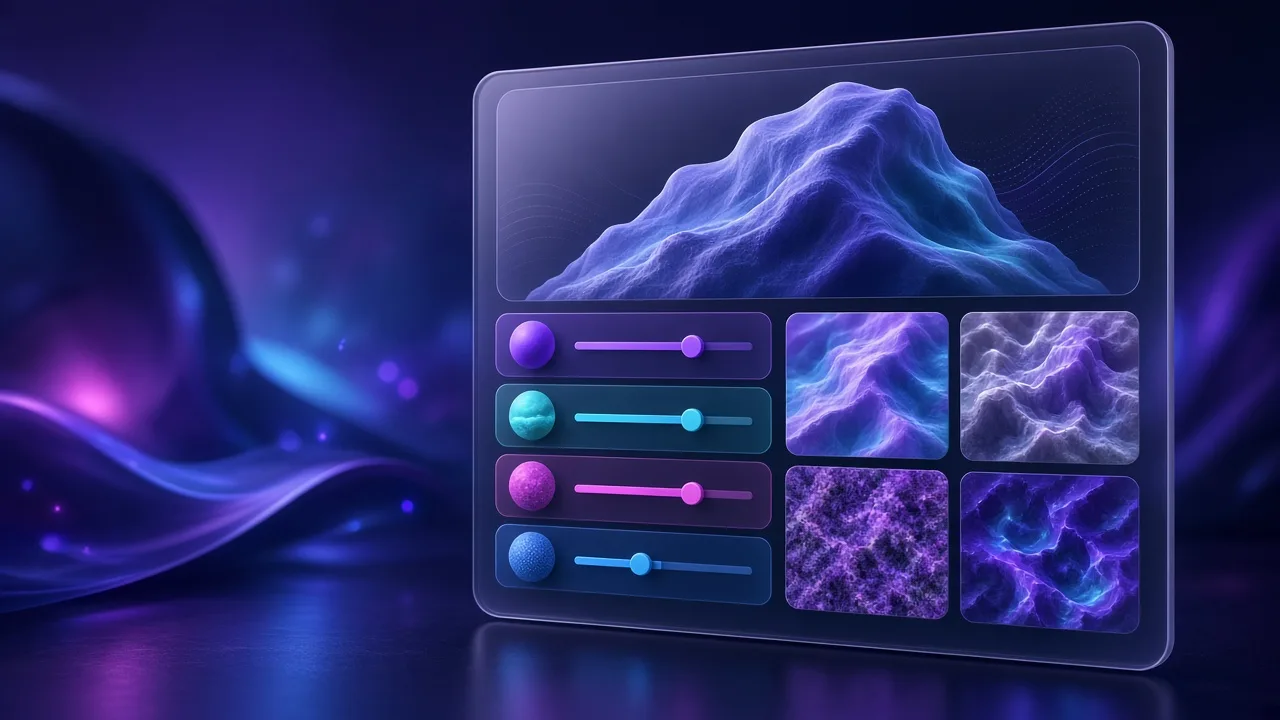
    Pick Material Category, Sub-type, and Surface Finish (or click Random) in the ai 3d texture generator and select GPT-Image-2.5 UV or Nano Banana 2.1 UV inside this ai 3d texture generator for your ai 3d texture generator pipeline.

  3. 3

    Step 3: Generate 3D UV Texture & inspect wireframe alignment

    Click Generate 3D UV Texture in the ai 3d texture generator to synthesize Albedo, Normal, Roughness, and Metallic maps and inspect both the 3D mesh and 2D UV layout inside this ai 3d texture generator for your ai 3d texture generator pipeline.

  4. 4

    Step 4: Export textured .GLB, .OBJ, or PBR ZIP

    Click Download .GLB (with PBR Maps), Download .OBJ Mesh, or Download Full PBR Maps (.ZIP) in the ai 3d texture generator to bring the asset into your engine inside this ai 3d texture generator for your ai 3d texture generator pipeline.

USE CASES

AI 3D Texture Generator use cases

Four 3D production workflows powered by our browser-based ai 3d texture generator.

01

Texturing indie game props & RPG loot items

Rapidly generate weathered iron, gilded bronze, or arcane crystal variations on helmets, shields, crates, and flasks in the ai 3d texture generator inside this ai 3d texture generator for your ai 3d texture generator pipeline.

02

Previewing UV layouts on custom .OBJ meshes

Upload an exported .OBJ from Blender or Maya into the ai 3d texture generator to visualize its 2D UV islands and test how procedural PBR materials wrap across seams inside this ai 3d texture generator for your ai 3d texture generator pipeline.

03

Exporting ready-to-render .GLB assets for WebXR & Three.js

Package geometry and PBR textures into a single binary .GLB inside the ai 3d texture generator for instant deployment in WebGL, React Three Fiber, or PlayCanvas inside this ai 3d texture generator for your ai 3d texture generator pipeline.

04

Look-dev iteration after AI 3D model generation

Send newly created meshes from our AI 3D Model Generator into the ai 3d texture generator to swap surface materials and export multi-channel PBR packs inside this ai 3d texture generator.

SCENARIOS

Who this is for

Short scenario-style notes from common workflows. These are illustrative use-case lines — not verified customer reviews, star ratings, or named endorsements.

Seeing the 2D UV wireframe overlaid on the synthesized diffuse map right next to the Three.js viewport makes this ai 3d texture generator super intuitive for prop look-dev.

3D prop artist · Blender & Unreal Engine 5

Being able to upload an .OBJ, click Generate in the ai 3d texture generator, and download a textured .GLB with normal and roughness maps saved hours of manual baking.

Indie developer · Godot 4 & WebXR

The 16 material categories and finishes in the ai 3d texture generator let us spin up five faction colorways for armor and crates in under two minutes.

Technical artist · Mobile RPG studio

Anonymous scenario feedback · illustrative, not customer testimonials

Try this free ai 3d texture generator now

Scroll up to the live ai 3d texture generator — upload a photo, tune under 3D lighting, export locally. The ai 3d texture generator stays private in your browser.

Back to the tool

COMPARE

Browser tool vs a desktop suite

When you need a fast, private map from a photo — without opening a full DCC install.

CapabilityNormalMapAITypical desktop suite
Install & licenseFree in the browser — no installPaid suite + disk install
Photo privacyStays on your deviceOften cloud or local project files
Live 3D checkBuilt-in preview while you tuneSeparate viewport / bake step
Engine ZIP packingUnity / Unreal / Godot / Blender presetsManual channel packing

LEARN

Guides & tutorials

Short how-tos for maps, seamless textures and engine imports.

All guides →

Ready to try this free AI 3D Texture Generator?

Scroll up to the live ai 3d texture generator workbench on this page, pick a 3D mesh or upload your own .OBJ, bake UV-aligned PBR maps, and download a textured .GLB or ZIP.

FAQ

Frequently asked questions

Q1.What is the best free online ai 3d texture generator for UV-unwrapped models?▼

NormalMapAI (normalmapai.com) provides a free online ai 3d texture generator that visualizes your 3D model's 2D UV wireframe layout, synthesizes matching Albedo, Normal, Roughness, and Metallic maps, previews them in a live Three.js viewport, and exports textured .GLB, .OBJ, and PBR ZIP files.

Q2.How does the NormalMapAI ai 3d texture generator work without expensive 3D cloud GPUs?▼

Our ai 3d texture generator extracts the 2D 0–1 UV wireframe island layout from the active 3D mesh on an HTML5 Canvas, synthesizes a high-resolution diffuse texture guided by your material prompt, and uses local WebGL/CPU math to derive Normal, Roughness, Metallic, and AO maps.

Q3.Can I upload my own 3D model into the ai 3d texture generator?▼

Yes. Click the Upload .OBJ button in Step 1 of the ai 3d texture generator to load any UV-unwrapped .OBJ mesh from Blender, Maya, 3ds Max, or ZBrush, or test immediately with our 6 built-in 3D presets.

Q4.What built-in 3D presets are included in the ai 3d texture generator?▼

The ai 3d texture generator includes six procedural UV-unwrapped 3D meshes: Sci-Fi Visor Helmet, Royal Heater Shield, Alchemist Elixir Flask, Tactical Supply Crate, Classical Sculpted Bust, and Calibration Shader Ball.

Q5.Which export formats does the ai 3d texture generator support?▼

You can export a binary .GLB file (glTF 2.0 with embedded PBR textures), a UV-mapped .OBJ mesh file, or a complete Blender/Unreal/Unity PBR texture .ZIP archive directly from the ai 3d texture generator.

Q6.How do I inspect UV seams and wireframe topology in the ai 3d texture generator?▼

Use the top HUD inside the ai 3d texture generator 3D viewport to toggle Wireframe overlay, Clay Mode (untextured shading check), and Turntable rotation, while checking the 2D UV Wireframe canvas on the right.

Q7.Which AI synthesis models are available in the ai 3d texture generator?▼

Step 2 of the ai 3d texture generator lets you switch between GPT-Image-2.5 UV (2K UV wireframe-guided synthesis) and Nano Banana 2.1 UV (Ultra 4K PBR bake), backed by our instant browser procedural synthesizer.

Q8.Does the ai 3d texture generator create normal, roughness, and metallic maps automatically?▼

Yes. Every time you click Generate 3D UV Texture in the ai 3d texture generator, the workbench automatically computes Albedo, Tangent-Space Normal, Roughness, Metallic, and Ambient Occlusion channels.

Q9.How do I import the .GLB or PBR ZIP from the ai 3d texture generator into Blender, UE5, or Unity?▼

Drag the exported .GLB from the ai 3d texture generator directly into Blender (File -> Import -> glTF 2.0), Godot 4, or Unity/Unreal, or unzip the PBR texture pack and connect BaseColor (sRGB) and Normal/Roughness/Metallic (Non-Color).

Q10.Can I use textured 3D assets from the ai 3d texture generator in commercial games?▼

Yes. All textures and 3D exports generated in the NormalMapAI ai 3d texture generator are royalty-free for commercial games, indie projects, client archviz, and Web3D applications.

Q11.Can I send a mesh from the AI 3D Model Generator into this ai 3d texture generator?▼

Yes. After creating a mesh on the AI 3D Model Generator page, click Send to AI 3D Texture Workbench to open the asset inside this ai 3d texture generator for detailed UV material iteration.

Q12.Does the ai 3d texture generator run in standard desktop and laptop browsers?▼

Yes. The NormalMapAI ai 3d texture generator uses standard WebGL2 and Three.js and runs smoothly in Chrome, Edge, Firefox, and Safari on Windows, macOS, and Linux.