 NormalMapAI
Get depth right first
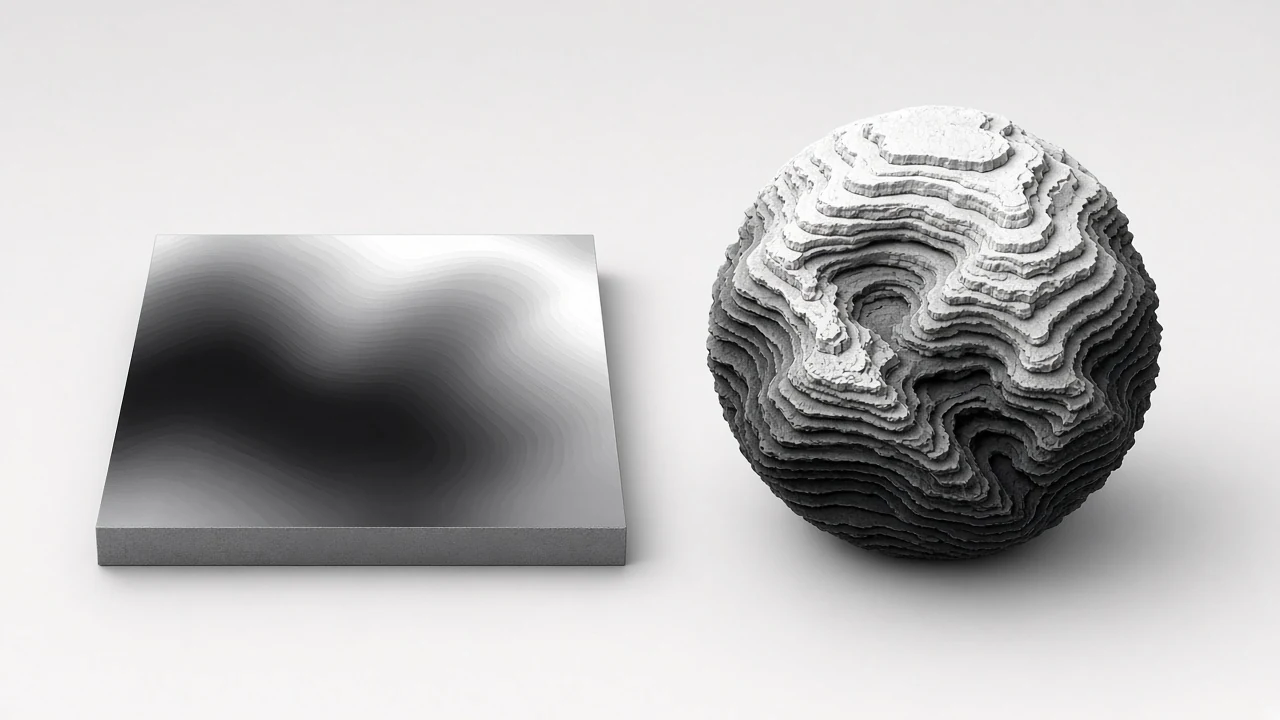
A clean height map makes later normals and AO honest — soft slopes stay continuous instead of stepping into 8-bit bands.
Free · Local processing · No sign-up
The height map is the base of every other map here. Tune blur and contrast to decide how much small detail becomes depth.
Loading 3D preview…
Ctrl + scroll to zoom
Sample textures: Poly Haven (CC0)
WHAT
A height map generator creates greyscale height data — the foundation for normals, AO, parallax and displacement. NormalMapAI’s height map generator exports 16-bit PNG so subtle ramps survive.
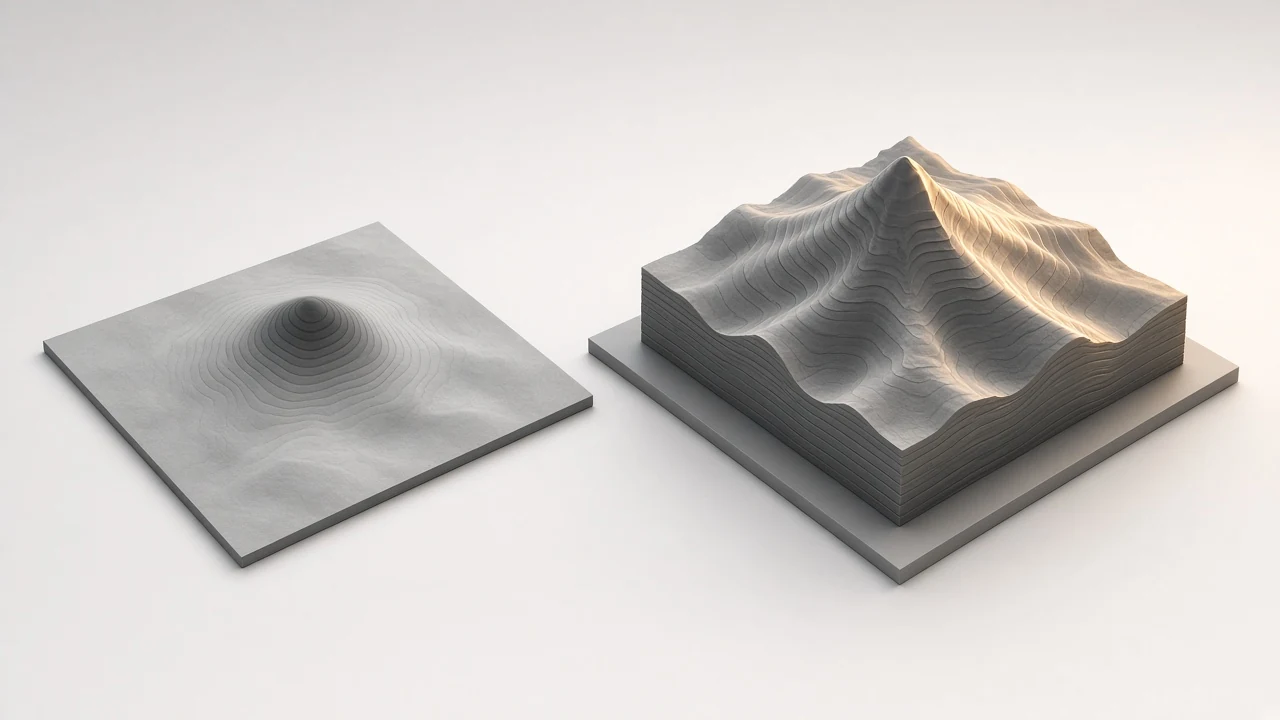
Use this height map generator when you need a general-purpose height map for parallax or as the source field for other maps. For stronger geometry push, continue to the displacement map generator.
Tune blur, contrast and invert inside the height map generator while a live 3D preview shows depth direction.
The height map generator is local-only: photos stay on device, with free commercial use of maps derived from your images.
Tile first with the seamless texture maker so the height map generator does not bake repeating edge ridges.
WHY
A clean height map makes later normals and AO honest — soft slopes stay continuous instead of stepping into 8-bit bands.
The height map generator favors smoother gradients so soft slopes keep range for parallax and secondary normal derivation.
Graduate to the displacement map generator when meshes must actually move vertices; keep this height map path for parallax and light relief.

No upload in the height map generator — photos stay local from decode through PNG export.
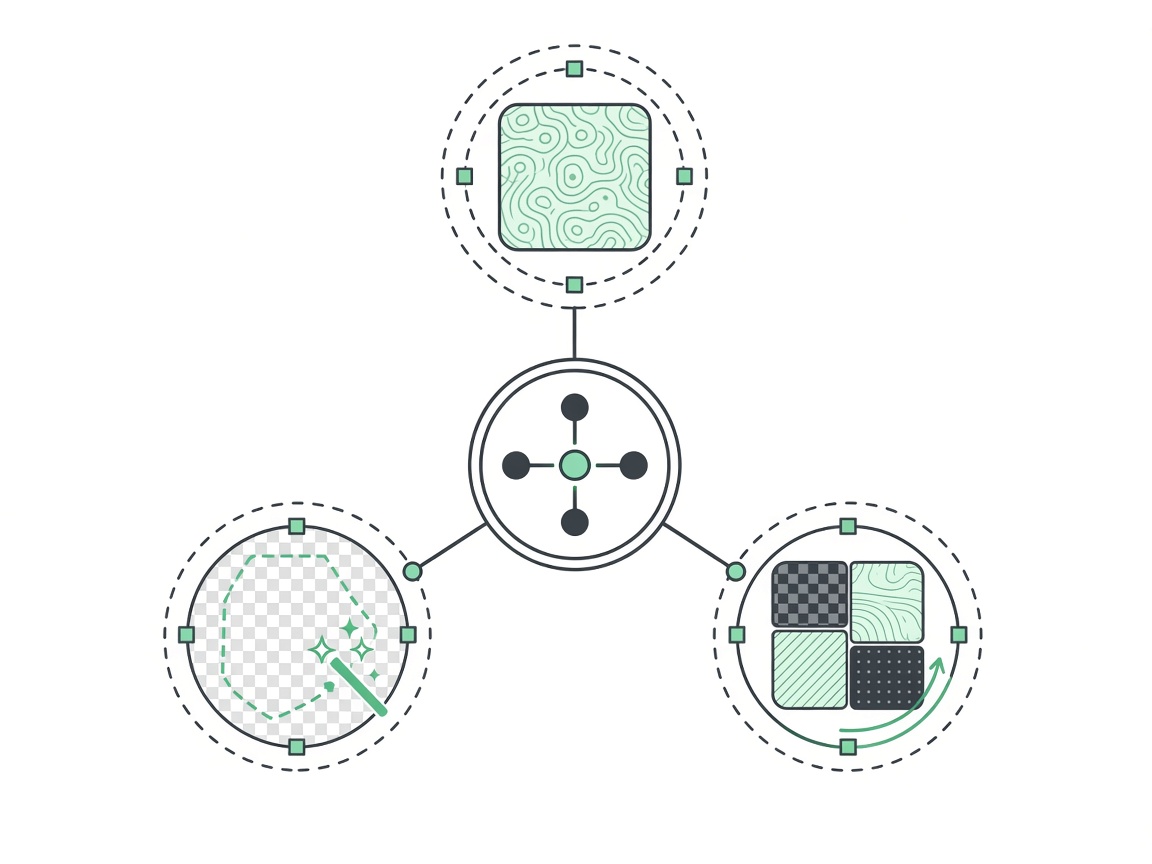
Fix tiling with the seamless texture maker before baking the height map so seams do not become repeating ridges.
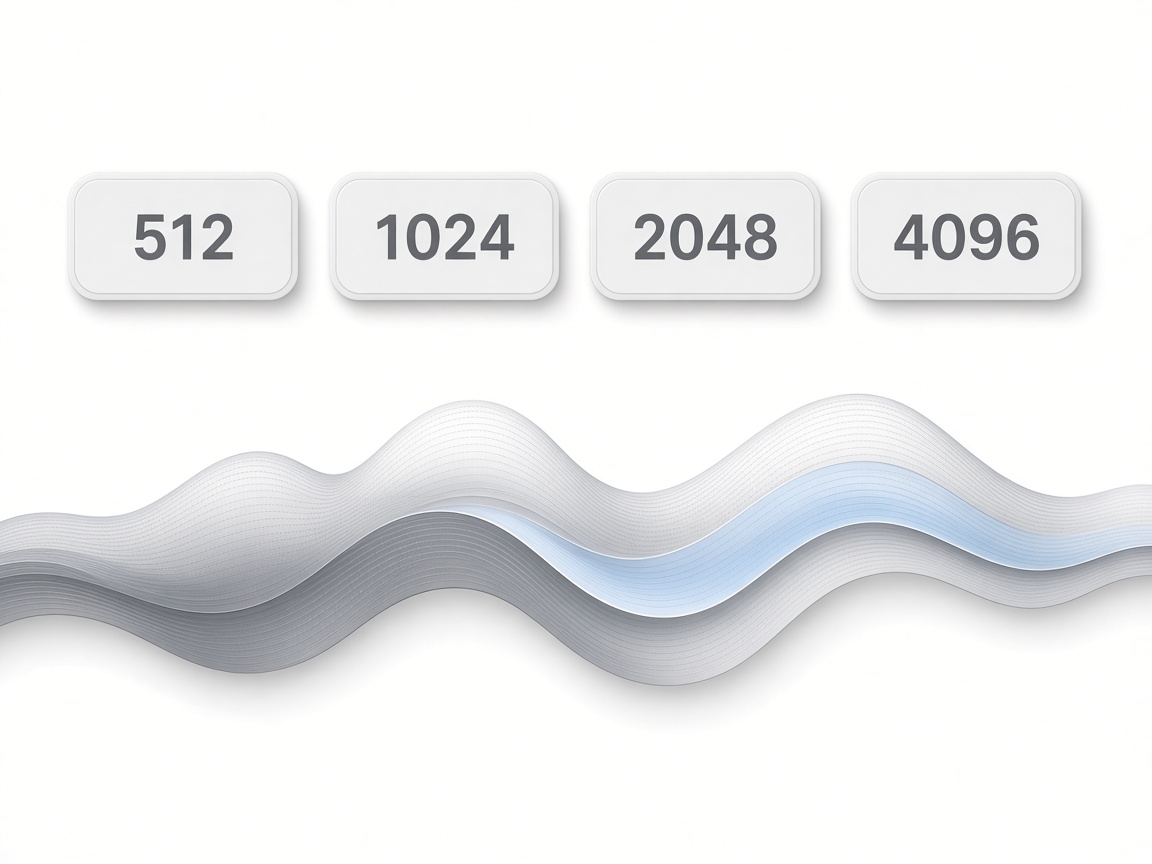
No watermark on height map exports — ready for commercial games, print relief, or archviz material packs.
HOW IT WORKS
Four steps turn a photo into a 16-bit height map for parallax, derived normals or print relief — blur, contrast, live depth check, then export from this height map tool.
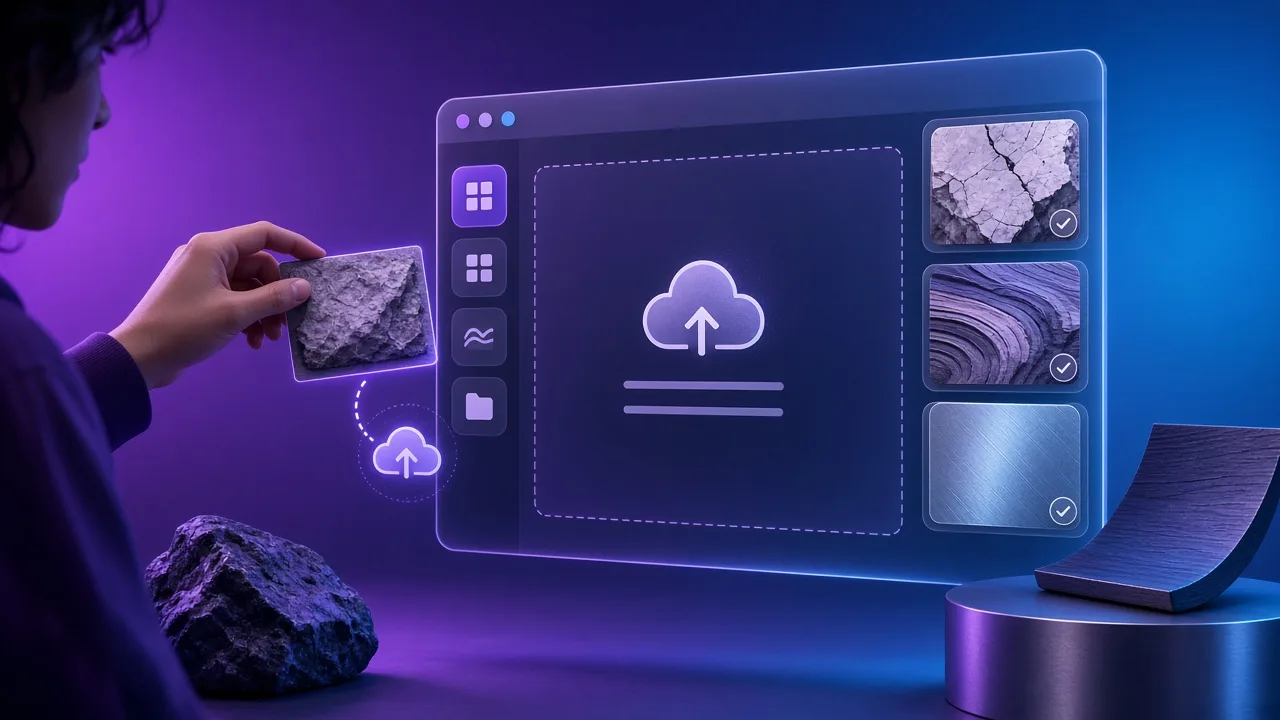
Drop carved stone, concrete or relief-panel JPG / PNG / WebP, or practice on a CC0 sample. Square-on shots keep height map slopes honest in this height map generator.
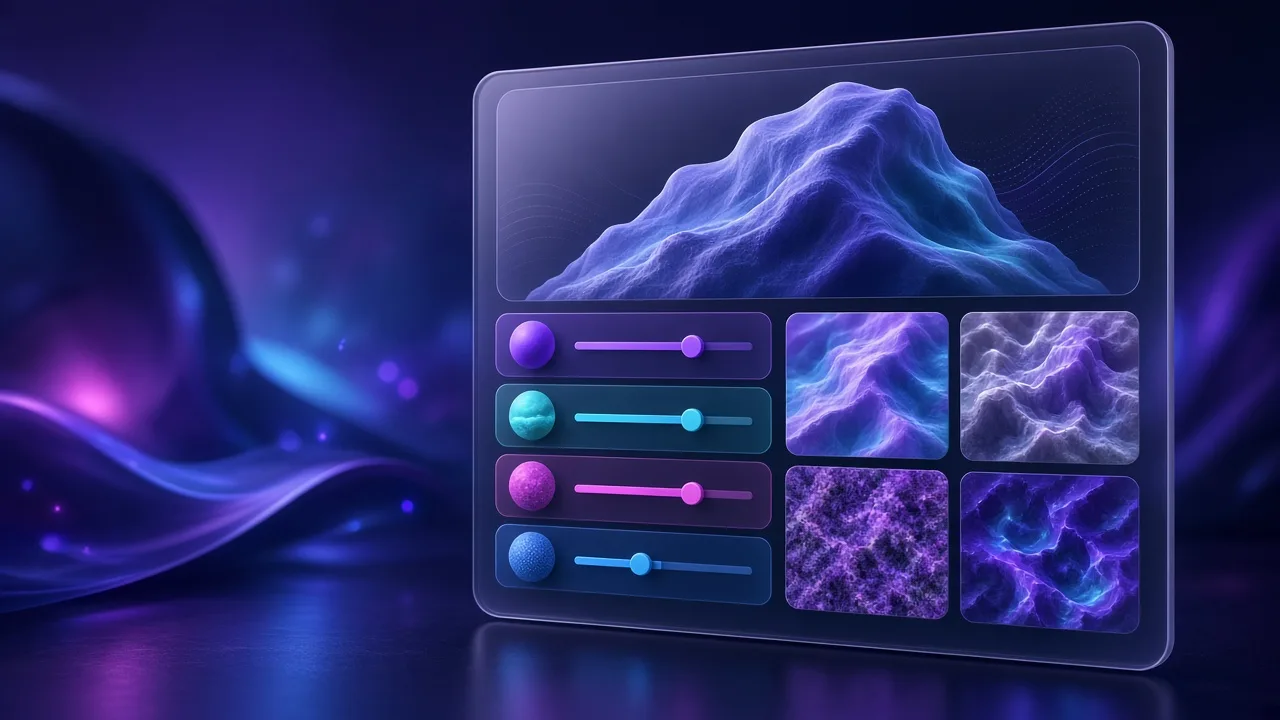
Blur removes parallax-piercing noise; contrast sets height map range; invert flips valleys when photo lighting lied about depth.
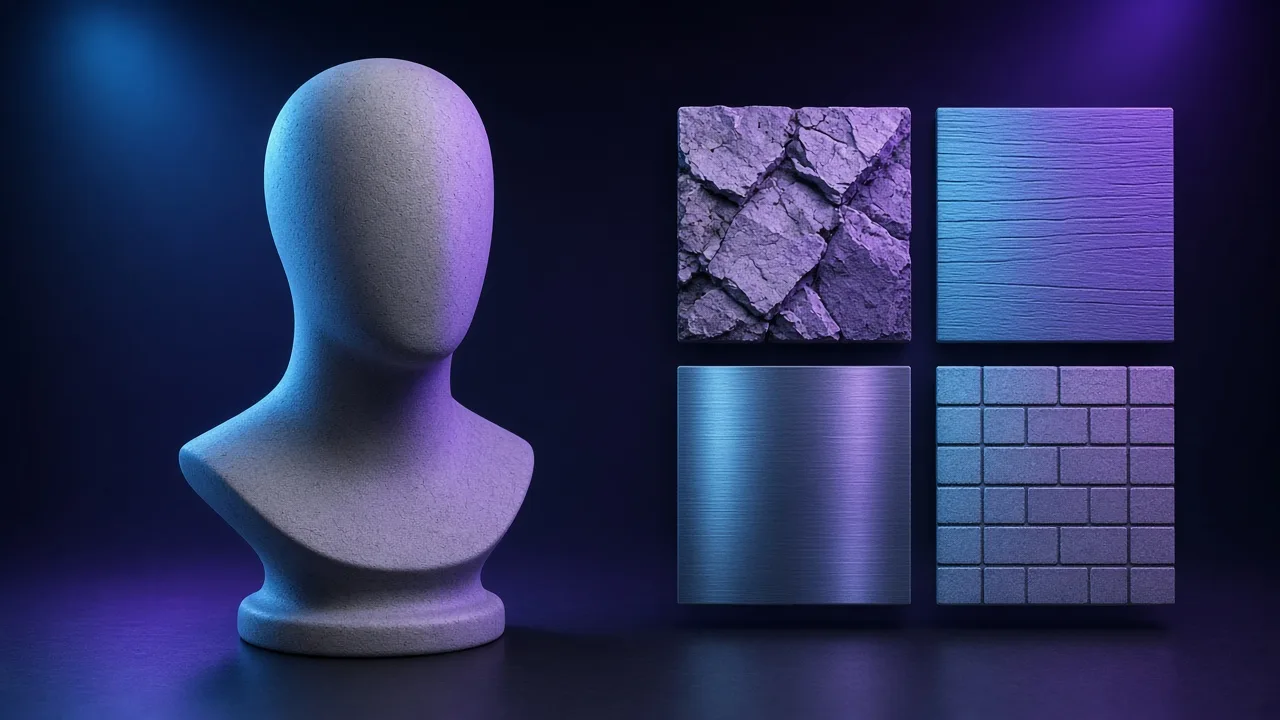
Confirm high/low direction on the live mesh before you commit. Soft slopes should stay continuous — why this height map generator prefers 16-bit export.
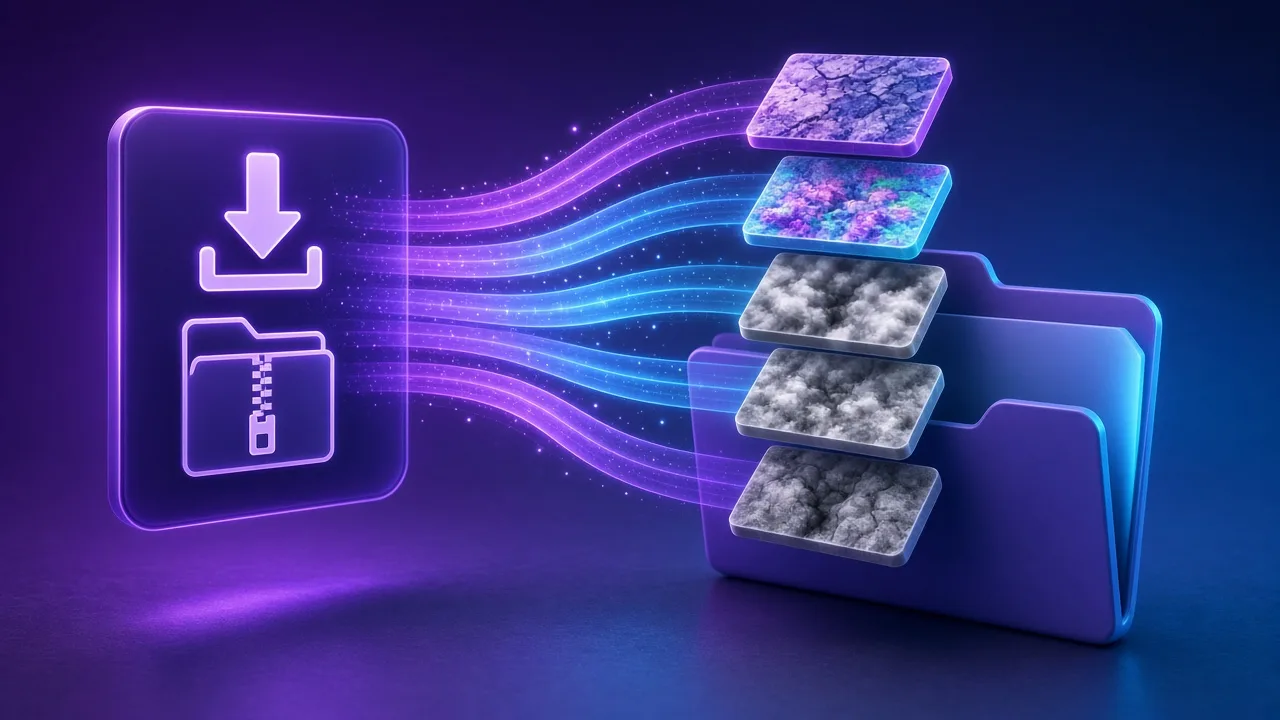
Export a height map PNG for parallax or as a shared source; when vertices must truly move, continue into the displacement map generator.
Four height map jobs — parallax walls, shared source fields, print relief and small terrain accents — one height map generator.
Drive POM or relief with a photo-derived height map so large planes read depth without denser meshes. This height map path is a common first pass for archviz and open-world walls.
Treat one height map as the shared source field, then bake normals and AO so channels stay consistent. Export from this height map generator and feed the same grey into sibling tools.
Send a clean height map into greyscale-to-relief tools for plaques, stamps and CNC-like depth without full sculpting. The height map generator turns photos into a controllable field first.
Kit-bash hillocks, crater rims and courtyard modules with a quick height map, then decide whether to promote to displacement. Prototype depth here before committing DCC time.
SCENARIOS
Short scenario-style notes from common workflows. These are illustrative use-case lines — not verified customer reviews, star ratings, or named endorsements.
Height map generator 16-bit export stopped banding on a soft concrete parallax wall.
We treat the height map generator as the source of truth before normals.
Seamless then height map generator — no more tiled ridges in POM.
Anonymous scenario feedback · illustrative, not customer testimonials
Scroll up to the live height map generator — upload a photo, tune under 3D lighting, export locally. The height map generator stays private in your browser.
COMPARE
When you need a fast, private map from a photo — without opening a full DCC install.
| Capability | NormalMapAI | Typical desktop suite |
|---|---|---|
| Install & license | Free in the browser — no install | Paid suite + disk install |
| Photo privacy | Stays on your device | Often cloud or local project files |
| Live 3D check | Built-in preview while you tune | Separate viewport / bake step |
| Engine ZIP packing | Unity / Unreal / Godot / Blender presets | Manual channel packing |
TOOLS
Specular Map Generator
Convert a color texture into a greyscale specular map for the specular/gloss workflow, Unity Specular setup or…
Free Online Texture Maker
Make game-ready textures from your own photos: seamless tiling, full PBR maps and engine export. Free and priv…
Free Metallic Map Generator Online
Free metallic map generator: extract binary and transition metalness masks from any surface photo for Blender,…
Free Curvature Map Generator Online
Free curvature map generator: extract convex edge highlights and concave cavity masks from any image or height…
Free ORM Map Generator & PBR Channel Packer
Free ORM map generator: pack Ambient Occlusion (R), Roughness (G) and Metallic (B) into a single RGB ORM textu…
Free Glossiness Map Generator Online
Free glossiness map generator: create inverted microsurface smoothness and gloss maps for V-Ray, Corona, 3ds M…
Free Albedo Map Generator & Texture Delighter
Free albedo map generator: remove baked directional shadows, ambient occlusion and specular highlights from ph…
Free Tileable Texture Generator Online
Free tileable texture generator: turn any photo into a repeating, non-seamed tileable texture with multi-band …
Homepage PBR generator
Live 3D editor hub with full marketing copy.
LEARN
Short how-tos for maps, seamless textures and engine imports.
How to Use a Free Normal Map Generator (Step by Step)
A normal map stores surface direction so flat photos catch light in 3D. This guide walks through NormalMapAI’s free generator — from upload to engine ZIP — without installing software.
How to Make Seamless / Tileable Textures From Photos
Hard seams show up the moment a photo is tiled. Use edge blending, multi-scale fade and a 2×2–4×4 preview so the pattern repeats cleanly before you build normal and roughness maps.
Import PBR Maps into Unity, Unreal Engine and Blender
Export presets pack maps the way each engine expects. This guide covers import settings so albedo stays colored, normals stay linear, and ORM / MetallicSmoothness land in the right channels.
PBR Maps Explained: Albedo, Normal, Roughness, AO, Metallic and More
Physically based rendering needs a small set of textures that describe color, shape and light response. Here is what each map does and which ones NormalMapAI generates from one photo.
Height Map vs Displacement Map: What Changes in a Renderer
Both textures store height as brightness. Height often drives parallax or bump-style effects; displacement moves vertices. NormalMapAI exports both as 16-bit PNG to avoid banding.
Normal Maps: DirectX vs OpenGL (Y Flip) Explained
The only practical difference is the green channel: OpenGL stores +Y, DirectX stores −Y. Pick the right format — or an engine export preset — so bumps do not turn into dents.
Scroll to the height map generator, set blur and contrast, export a 16-bit height map — free, local, no account.
FAQ
NormalMapAI (normalmapai.com) is a free online height map generator that converts any 2D photo into a 16-bit grayscale height map PNG directly in your browser. It runs 100% locally via WebGL2 with real-time 3D relief preview, zero watermarks, and no server uploads.
Upload your JPG, PNG, or WebP image into the NormalMapAI height map generator, adjust the contrast, detail, and smoothing sliders while checking the live 3D preview, and download the 16-bit height map PNG. Bright pixels represent high elevation and dark pixels represent recessed depth.
A height map stores single-channel grayscale elevation used for Parallax Occlusion Mapping (POM), terrain heightfields, or bump shaders. A displacement map uses a similar grayscale elevation channel tuned to push actual subdivided mesh vertices, while a normal map encodes RGB surface slopes for fast lighting.
An 8-bit height map only provides 256 grayscale steps, which creates visible contour rings or stair-stepping on smooth slopes and terrains. NormalMapAI exports a 16-bit height map PNG with 65,536 elevation levels so parallax occlusion and vertex displacement remain smooth.
Export a 16-bit height map from NormalMapAI and import it with sRGB disabled (Linear / Grayscale). In Unreal Engine, feed the height map texture object into the ParallaxOcclusionMapping material function; in Unity HDRP or URP Lit shaders, assign the height map to the Height Map slot and enable Per-Pixel or Vertex displacement.
Because a photo-based height map estimates elevation from luminance, dark surface stains or directional shadows can read as deep pits. Flatten uneven lighting in the NormalMapAI Seamless Texture tool first, then tune the height map smoothing and contrast sliders so only real relief drives depth.
Yes, a 16-bit grayscale height map from NormalMapAI can be imported directly into Unity Terrain, Unreal Engine Landscape, Blender Displace modifiers, Luban/Cura lithophane tools, and CNC heightfield carving software.
If recessed mortar lines or engraved text appear raised in your 3D preview, toggle the Invert height option inside the NormalMapAI height map generator so dark values become high and bright values become low before exporting your 16-bit height map PNG.
In NormalMapAI, the height map acts as the foundational elevation field from which tangent-space surface slopes (normal map) and cavity darkening (AO map) are derived. Tuning your height map cleanly ensures that every other PBR channel aligns pixel-for-pixel.
If the edges of a height map do not match, Parallax Occlusion Mapping and mesh displacement will tear along UV seams. Run your source photo through the NormalMapAI Seamless Texture generator first, then generate your height map from the tileable albedo.
NormalMapAI exports 16-bit height map PNGs at 512, 1024, 2048 (2K), and 4096 (4K) pixels. You can download the standalone height map or export it inside a complete Unity, Unreal, Godot, or Blender PBR ZIP bundle.
Yes, every height map you create with NormalMapAI is 100% royalty-free for commercial games, archviz, 3D printing, and client projects. All processing runs locally in your browser via WebGL2 and CPU workers, so your images never leave your machine.