Free · Local processing · No sign-up

Free 4K Seamless Texture Generator Online

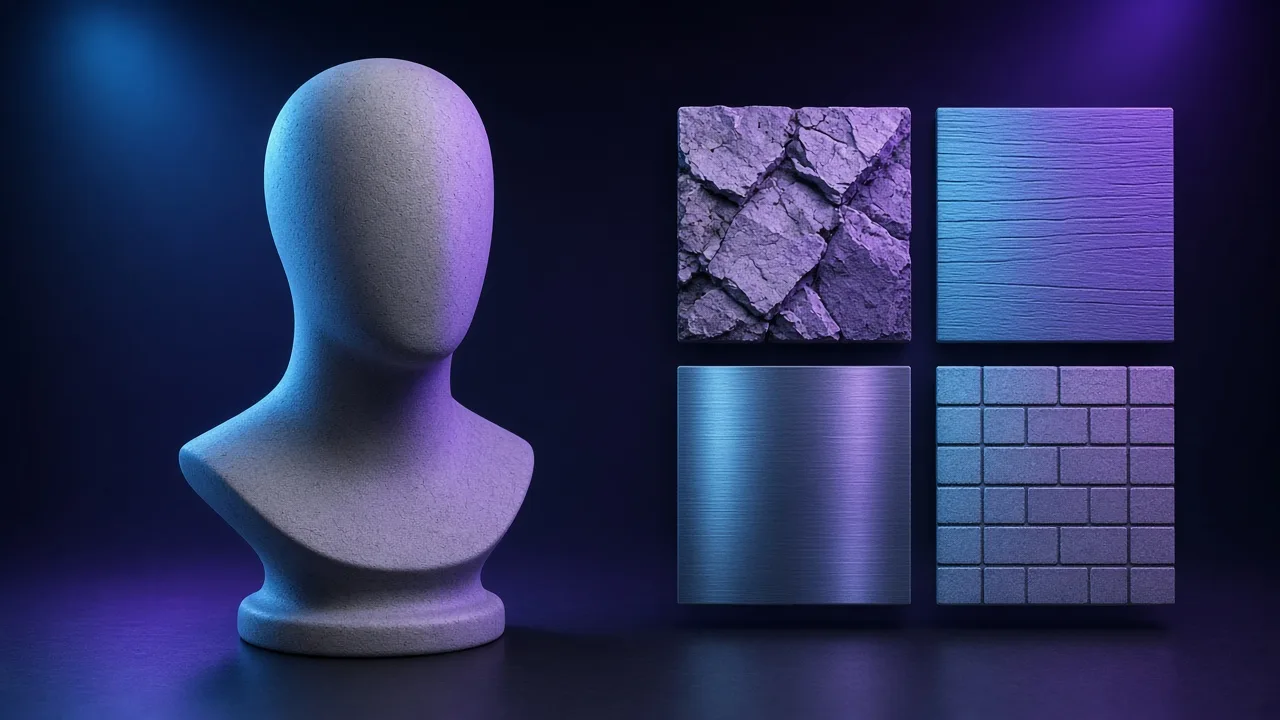
Hard seams show up the moment a photo is tiled. This seamless texture generator cross-fades the edges with an offset copy of the image, optionally across multiple scales, so the pattern repeats cleanly. Check a 2×2, 3×3 or 4×4 tiling preview, flatten uneven lighting, download a tileable PNG up to 4K, or send it straight into the PBR texture generator for normal, height, roughness and AO maps.

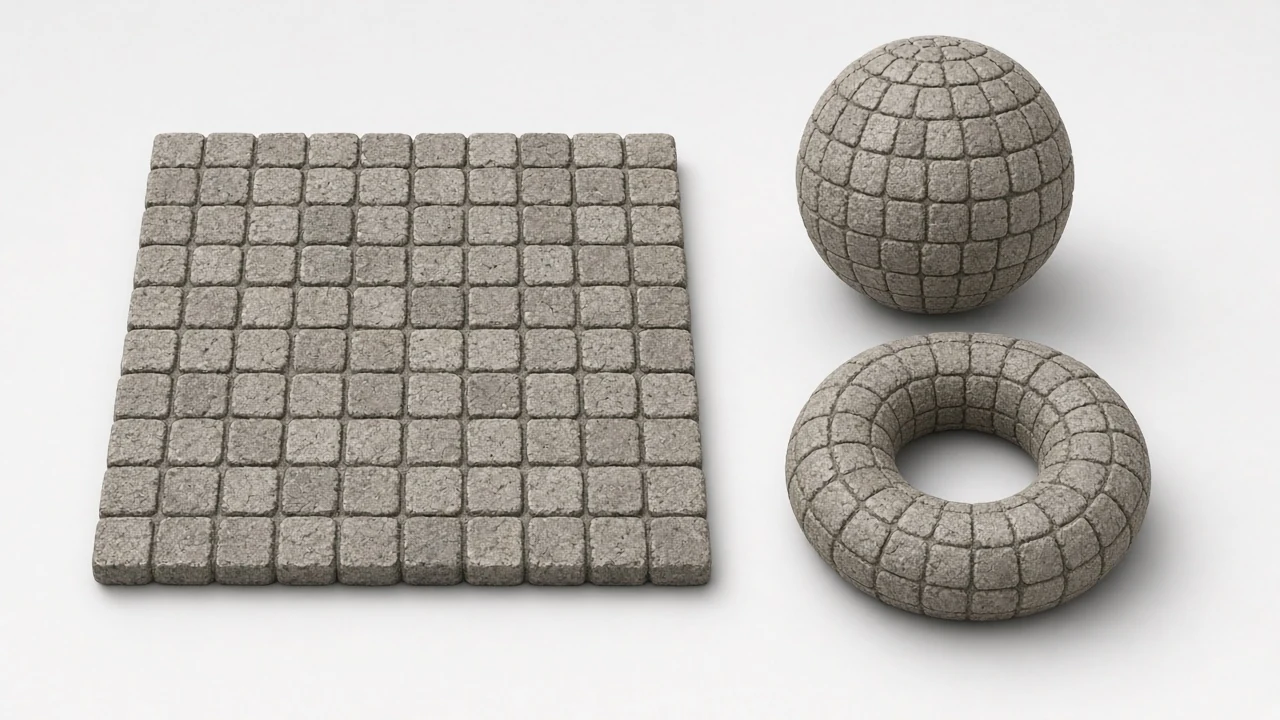
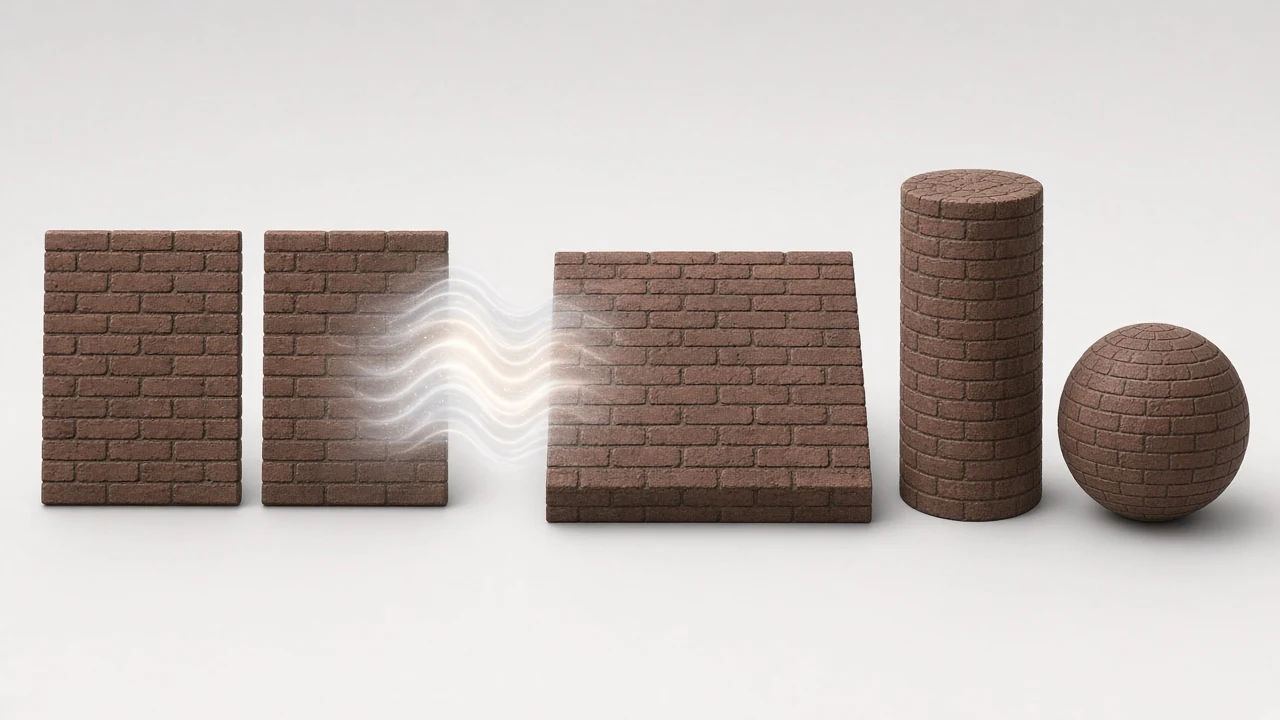
Seamless texture before and after — visible tile seams vs continuous cobblestone tiling
Live tool on this page

Upload an image or pick a sample to start.

Preview
CPU · no upload

Sample textures: Poly Haven (CC0)

WHAT

What is a seamless texture generator?

A seamless texture generator (seamless texture maker) blends opposite edges so a photo repeats without a hard border — essential for floors, walls and large UV islands.

NormalMapAI’s seamless texture tool cross-fades edges, offers multi-scale blend, live 2×2–4×4 tiling preview, optional lighting removal, then export up to 4K or handoff to the PBR texture generator.

Use the seamless texture generator before normals or displacement so seams do not bake into every derived map.

Processing is local: seamless texture creation never uploads your photos.

Pair with transparent PNG when decals need alpha before tiling as a seamless texture.

WHY

Why make a seamless texture here

Catch hard seams before they hit the engine

A flat crop can look fine until you tile it. The live 2×2–4×4 grid on this seamless texture generator shows mismatched mortar, wood grain, or fabric weave while blend width is still open — fix the seamless texture before Unreal or Unity ever sees it.

Flatter albedo so PBR maps stay honest

Baked shadows and hotspots become repeating stains on floors and walls. Optional lighting removal here keeps the seamless texture even, so roughness and normals you generate next are not fighting fake shading.

Skip Photoshop Offset + Clone Stamp loops

Desktop offset rituals burn minutes on every material. Dial blend width, toggle multi-scale detail, and confirm the seamless texture in the browser — then export without opening a photo suite.

Private, free, no watermark

Seamless texture creation runs in local browser memory. No account, no upload, no watermark — outputs from your photos stay yours for commercial games, archviz, and client work.

Hand off into the full PBR pipeline

Send the finished seamless texture straight into the PBR texture generator for normal, height, roughness, and AO. One NormalMapAI path from photo tile to engine-ready ZIP.

Production sizes from mobile to hero

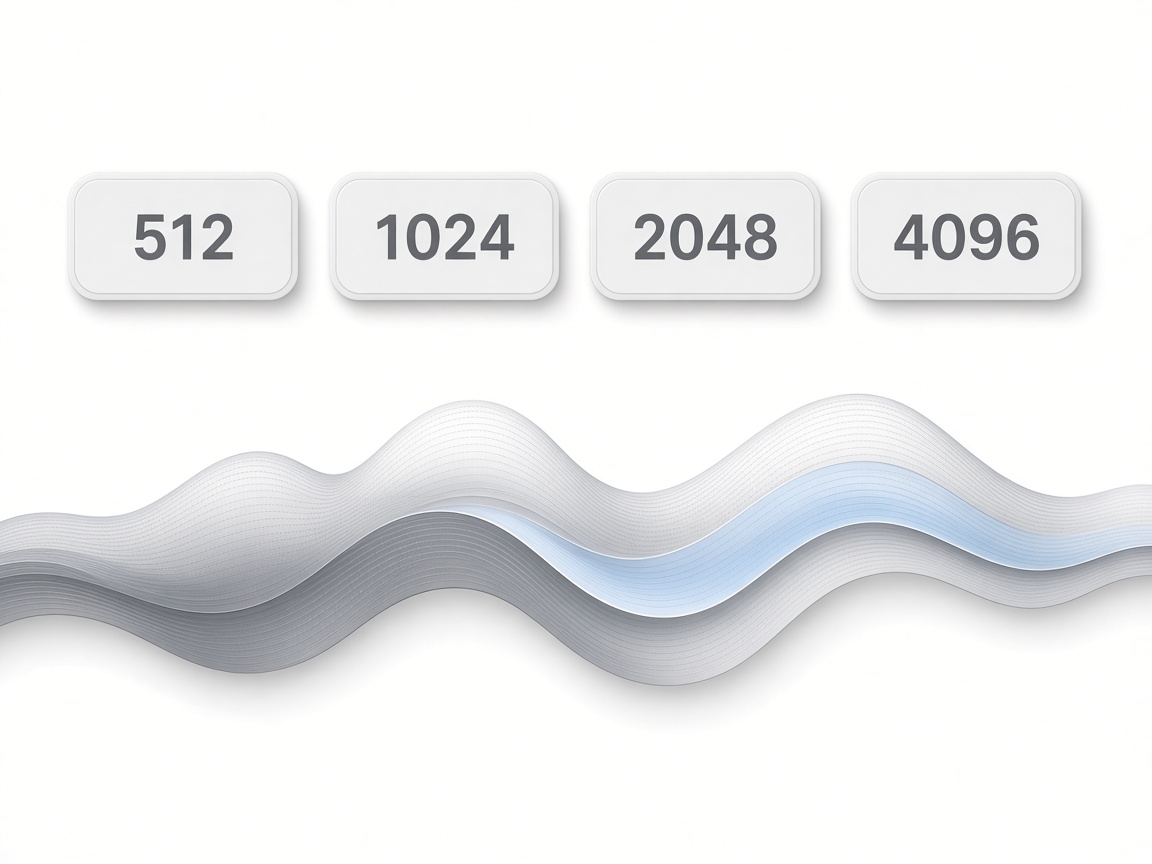
Export the seamless texture at 512–4096 so mobile props and hero surfaces share the same repair workflow. Pick the resolution that matches your UV density, not a fixed free-tier cap.

HOW IT WORKS

How the seamless texture generator works

Four clear steps take a photo with hard edges to a seamless texture PNG you can tile in-engine — or hand off to the PBR generator for a full map set.

  1. 1

    Upload or pick a sample

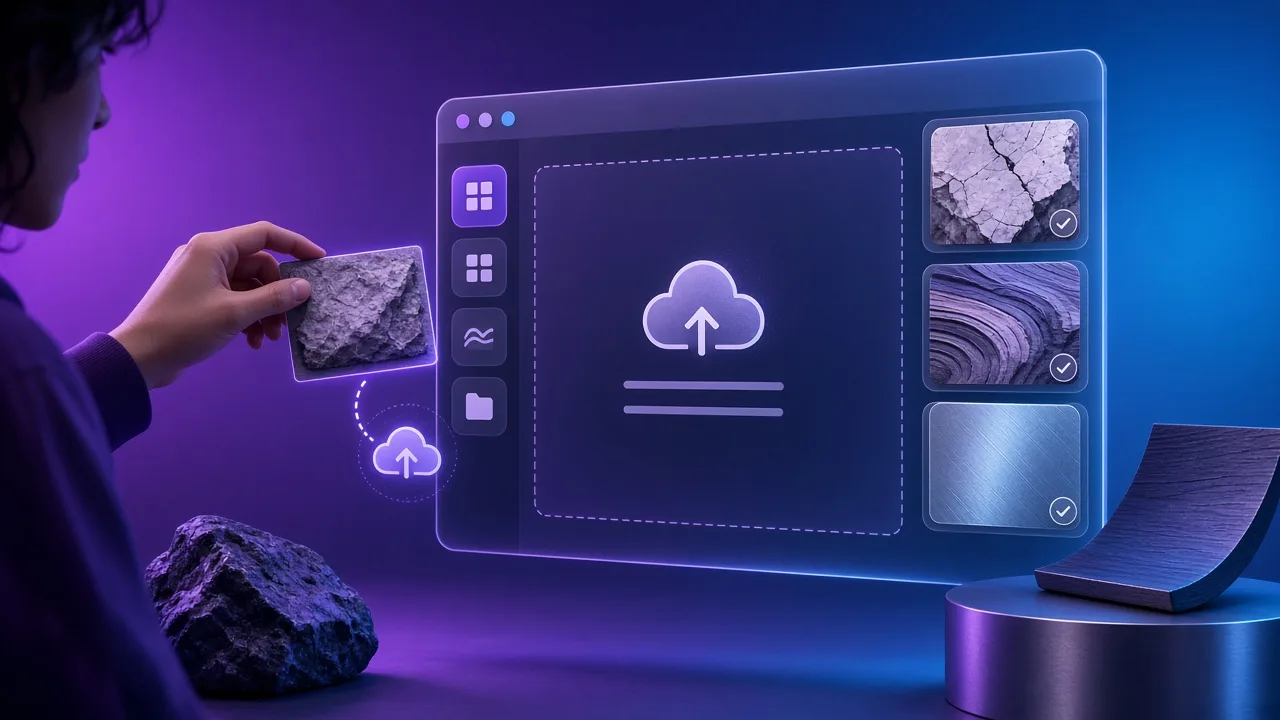
    Drop a JPG, PNG or WebP of a relatively flat surface — concrete, wood, fabric, stone. Prefer even lighting so edge blend does not fight baked shadows. Or open a Poly Haven CC0 sample to learn blend width and tiling before you use your own plate.

  2. 2

    Raise seam blend width

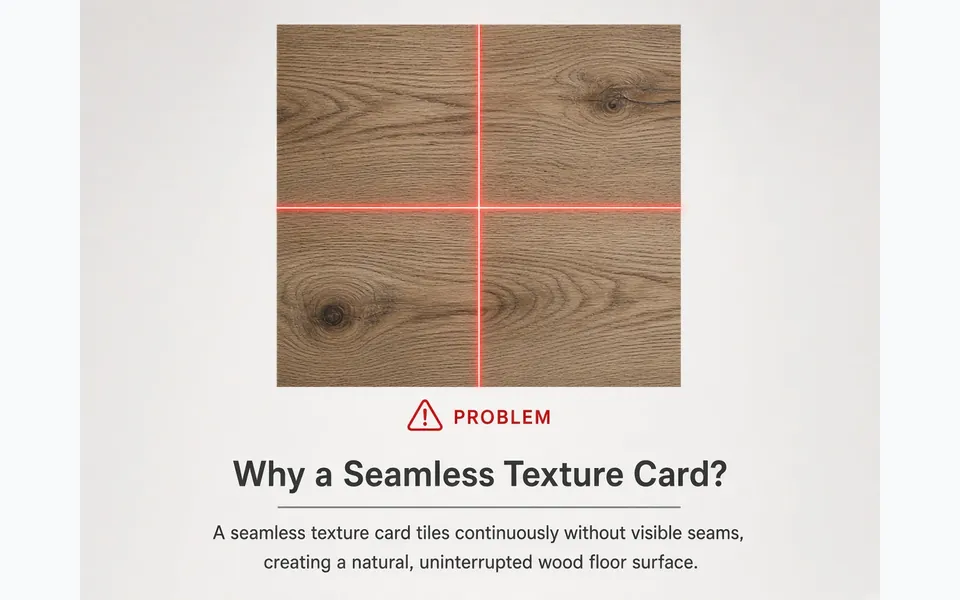
    Increase blend until the red guides no longer show a hard edge on the live preview. Turn on multi-scale blend when fine grain or weave disappears into a soft smear — that keeps micro-detail alive while the tile still repeats cleanly.

  3. 3

    Optional: flatten lighting

    Raise Remove lighting if soft shadows, vignette or a hotspot would otherwise repeat as a stain every tile. An even albedo makes later roughness and normal maps safer once this seamless texture is exported.

  4. 4

    Preview tiling, then export

    Check 2×2, 3×3 or 4×4 until no seam catches your eye. Download a PNG up to 4096 px, or click Send to PBR generator for normal, height, roughness and AO from the same seamless texture.

USE CASES

When seamless textures matter

Four production paths share one repair workflow — games, archviz, stock cleanup and pre-bake prep for normals.

01

Indie environment kits

Phone photos of concrete, brick or plaster become a tileable base for Unity or Unreal blockouts. Fix edges here once, then reuse the same seamless texture across floors, walls and trim without a repeating border.

02

Archviz floors and walls

Wood, tile and stone plates that almost tile get edge-fixed so large UV islands stay clean in client renders. Big planes need fewer unique maps and look-dev rounds converge faster.

03

Fixing stock albedo packs

Downloaded albedo packs often hide a hard edge until you tile them. Repair the seam in-browser and keep a production-ready seamless texture without re-photographing the surface.

04

Prep before normal and height

Seams bake into every derived map. Fix tiling first, then generate normals, height and roughness so lighting cracks do not follow the old border into the engine.

SCENARIOS

Who this is for

Short scenario-style notes from common workflows. These are illustrative use-case lines — not verified customer reviews, star ratings, or named endorsements.

Seamless texture preview caught a knot that would have tiled forever in Unreal.

Environment · Unreal

Lighting removal on the seamless texture fixed repeating vignette stains.

Archviz · Blender

Local seamless texture tool kept site photos offline for the client.

Freelance · private

Anonymous scenario feedback · illustrative, not customer testimonials

Try this free seamless texture now

Scroll up to the live seamless texture — upload a photo, tune under 3D lighting, export locally. The seamless texture stays private in your browser.

Back to the tool

COMPARE

Browser tool vs a desktop suite

When you need a fast, private map from a photo — without opening a full DCC install.

CapabilityNormalMapAITypical desktop suite
Install & licenseFree in the browser — no installPaid suite + disk install
Photo privacyStays on your deviceOften cloud or local project files
Live 3D checkBuilt-in preview while you tuneSeparate viewport / bake step
Engine ZIP packingUnity / Unreal / Godot / Blender presetsManual channel packing

LEARN

Guides & tutorials

Short how-tos for maps, seamless textures and engine imports.

All guides →

Ready to make a seamless texture?

No account. No upload. Scroll to the tool on this page, blend the edges, preview tiling, and download a PNG — or send it to the PBR generator for a full material set.

FAQ

Frequently asked questions

Q1.What is the best free online seamless texture generator for making a seamless texture without login?▼

NormalMapAI (normalmapai.com) offers a free online seamless texture generator that turns any photo into a tileable, repeating texture up to 4K directly in your browser. It runs 100% locally with multi-scale edge blending, uneven lighting removal, live 2x2–4x4 tiling preview, and zero server uploads.

Q2.How do I make a photo into a seamless texture in a browser seamless texture generator?▼

Upload your JPG, PNG, or WebP image into the NormalMapAI seamless texture generator, raise the Seam Blend Width slider until the red border guides disappear, and enable Multi-Scale Blend to preserve crisp grain. Check the 3x3 or 4x4 live grid and export your tileable seamless texture PNG in seconds.

Q3.Why does my seamless texture still show a repeating grid when tiling a seamless texture?▼

Even when edges match pixel-for-pixel, a vignette or directional shadow across the photo creates a dark repeating wave on every tile. Raise the Remove Lighting slider inside the NormalMapAI seamless texture generator to flatten low-frequency brightness gradients before exporting.

Q4.What does Multi-Scale Blend do for a seamless texture in the NormalMapAI seamless texture generator?▼

Simple linear cross-fading often leaves a blurry ghost band across the seam of brick, stone, or woven fabric. Multi-Scale Blend in our seamless texture generator blends broad color transitions wide while keeping high-frequency micro-detail sharp across the boundary.

Q5.Should I make a seamless texture before or after generating seamless texture normal and PBR maps?▼

Always create your seamless texture first before generating normal, height, roughness, or AO maps. If you run a normal map filter on a non-tileable photo, the gradient kernel bakes a permanent lighting seam along the border; clicking Send to PBR Generator in NormalMapAI hands off your clean seamless texture automatically.

Q6.What seamless texture resolution should I export from a seamless texture generator for Unity and Unreal?▼

The NormalMapAI seamless texture generator exports at 512, 1024, 2048 (2K), and 4096 (4K) pixels. Use 2048x2048 for standard game environments and archviz walls, 4096x4096 for hero floors and close-up surfaces, and 1024x1024 for mobile or distant props.

Q7.What surface photos work best for a seamless texture in an online seamless texture generator?▼

Stochastic and fine-grained surfaces—such as concrete, asphalt, plaster, grass, sand, bark, noise-rich stone, and woven fabric—work best in an automatic seamless texture generator. Shoot straight-on under overcast light and crop out unique landmarks like a single large leaf or distinct crack.

Q8.How do I check if a seamless texture tiles cleanly in a seamless texture 2x2 or 3x3 preview?▼

Use the built-in tiling preview inside the NormalMapAI seamless texture generator to switch between 1x1, 2x2, 3x3, and 4x4 repeats, and toggle the red seam guide overlay on and off to verify that no horizontal or vertical cross-hair line catches your eye.

Q9.Can I generate a full seamless texture PBR material pack directly from my seamless texture?▼

Yes, once your borders are invisible in the seamless texture generator, click Send to PBR Generator with one click. NormalMapAI loads your tileable seamless texture into the live 3D editor and derives matching tileable normal, 16-bit height, displacement, roughness, and AO maps.

Q10.In a seamless texture workflow, how does a seamless texture differ from a non-seamless texture photo?▼

In 3D graphics, a seamless texture and a seamless texture mean the exact same thing: an image whose top edge matches its bottom edge and whose left edge matches its right edge so UV coordinates can repeat infinitely across large meshes without visible breaks.

Q11.Is every seamless texture free for commercial games, and does this seamless texture generator stay local?▼

Yes, every seamless texture you export from NormalMapAI is 100% royalty-free for commercial games, architectural visualization, and client projects. All edge synthesis and lighting removal run locally inside your browser memory, so your photos never leave your device.

Q12.Does this seamless texture generator export a seamless texture on macOS, Linux, and Chromebooks?▼

Yes, because the NormalMapAI seamless texture generator runs entirely in modern web browsers without plugins or desktop installers, it works identically on Windows, macOS, Linux, and iPad/Chromebook devices.