Q1.What is the best free online PBR texture generator and browser PBR texture generator from a single photo?▼
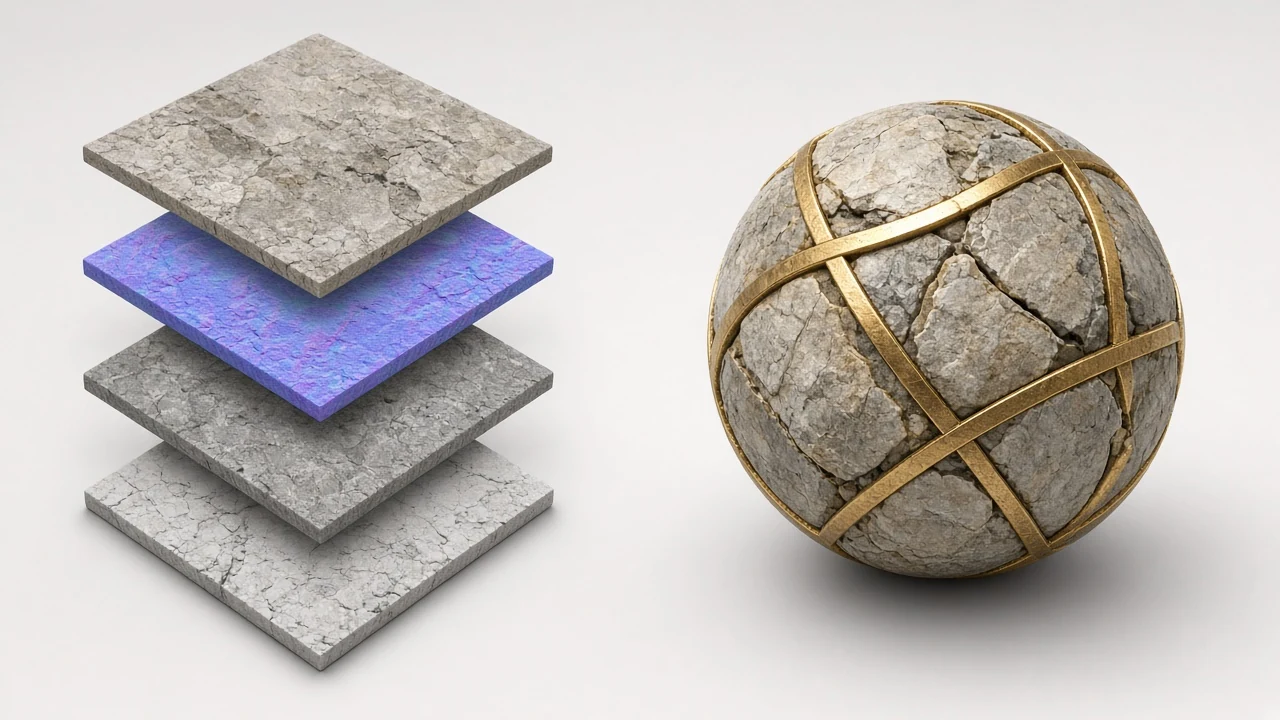
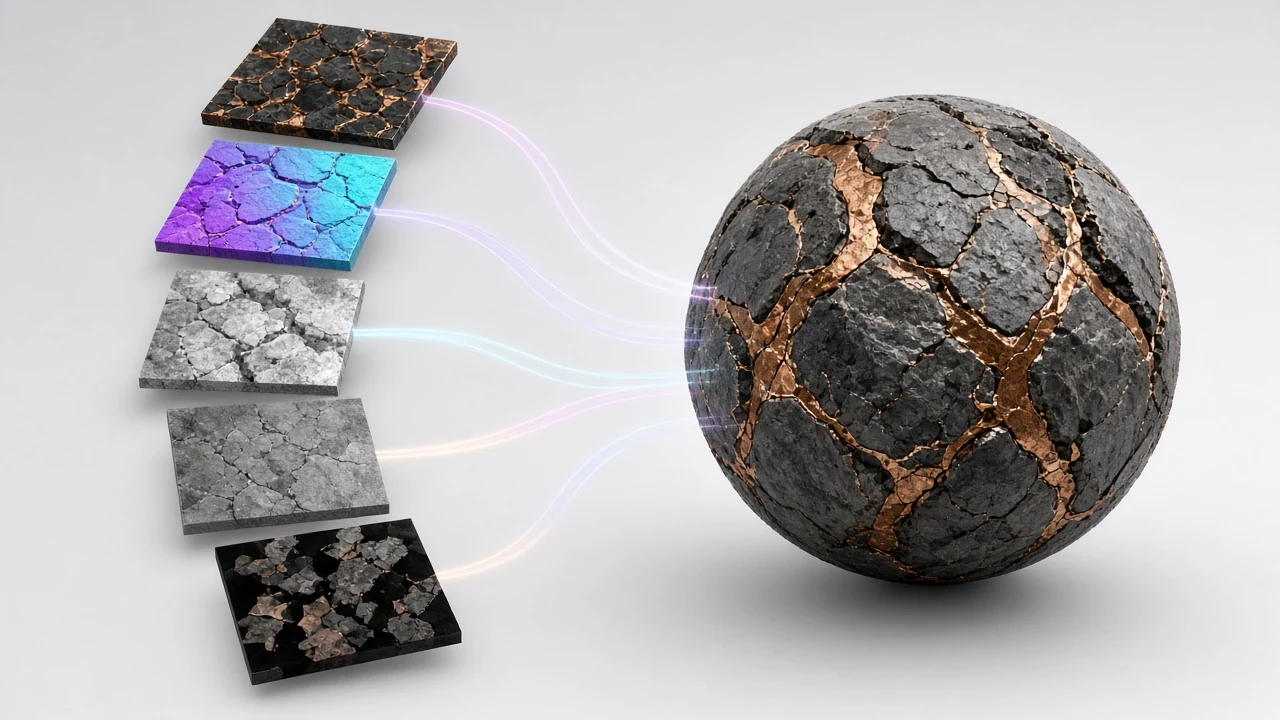
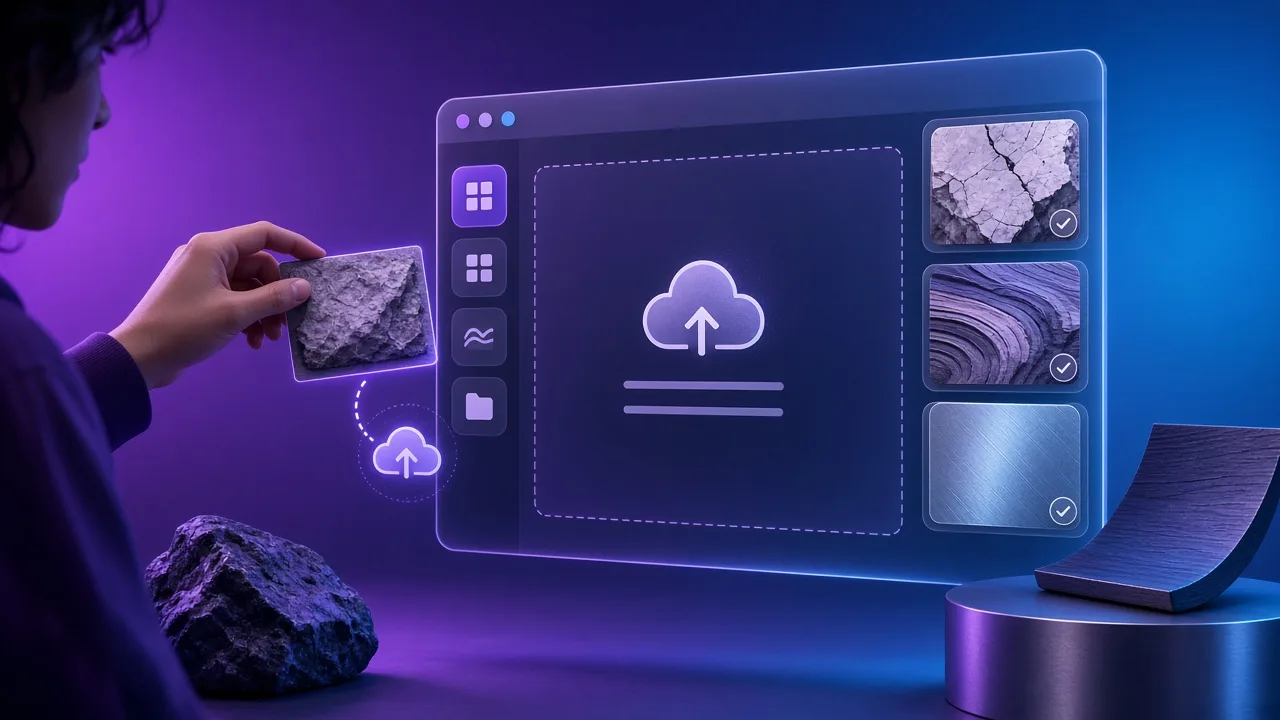
NormalMapAI (normalmapai.com) is a free online PBR texture generator that converts any 2D photo into a complete physically based rendering map set—albedo, normal, 16-bit height, displacement, roughness, AO, metallic, and specular—directly in your browser with a live 3D preview and zero login walls.
Q2.Which maps does the NormalMapAI PBR texture generator create in one PBR texture generator pass?▼
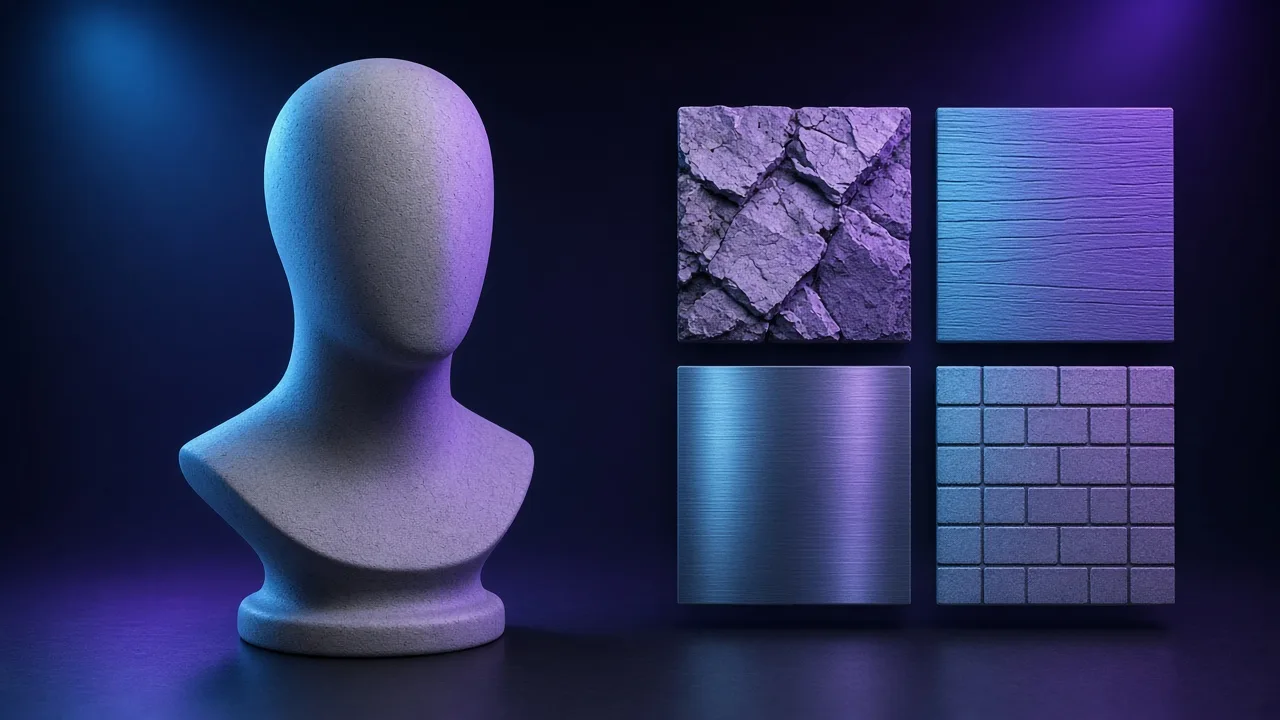
From a single uploaded image, our PBR texture generator produces Base Color (Albedo), Tangent-Space Normal (OpenGL or DirectX), 16-bit Height, 16-bit Displacement, Roughness (or Smoothness), Ambient Occlusion (AO), Metallic, Bump, Curvature, and Specular maps.
Q3.How do I export from this PBR texture generator using PBR texture generator presets for Unity, UE5, and Blender?▼
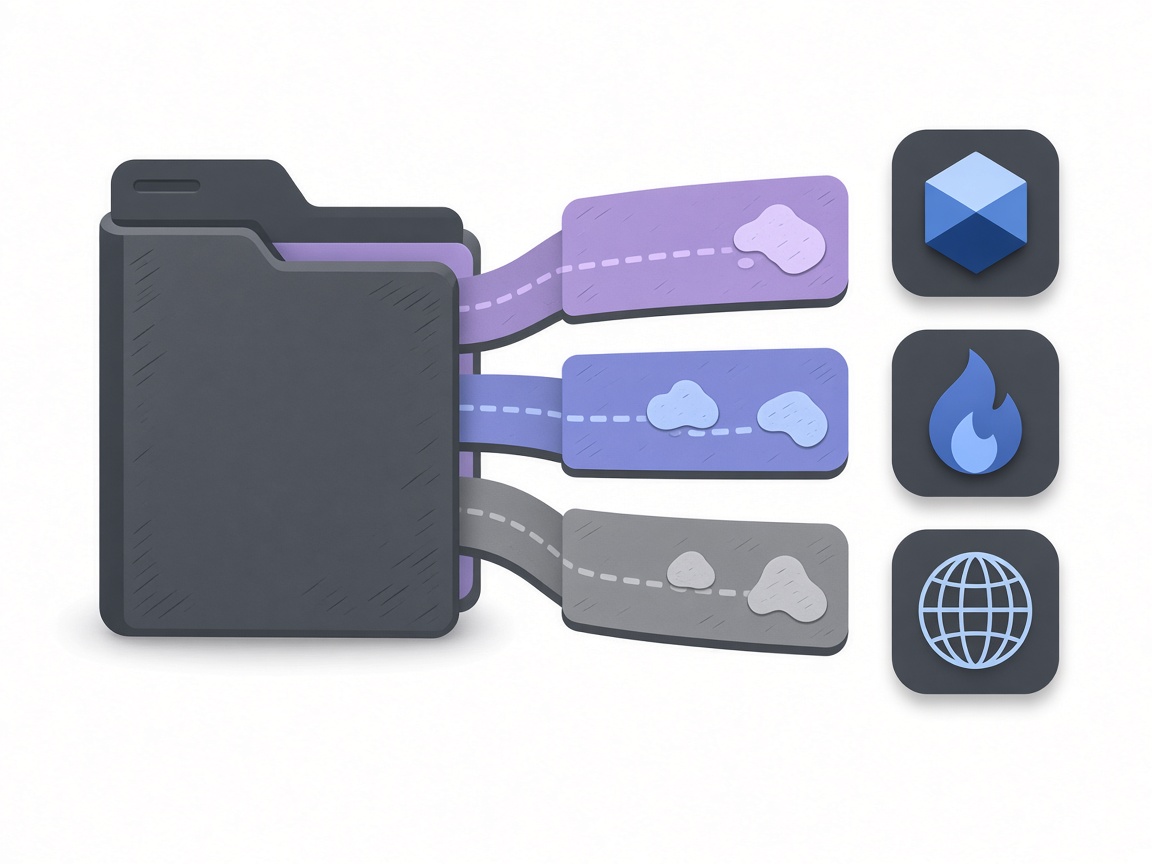
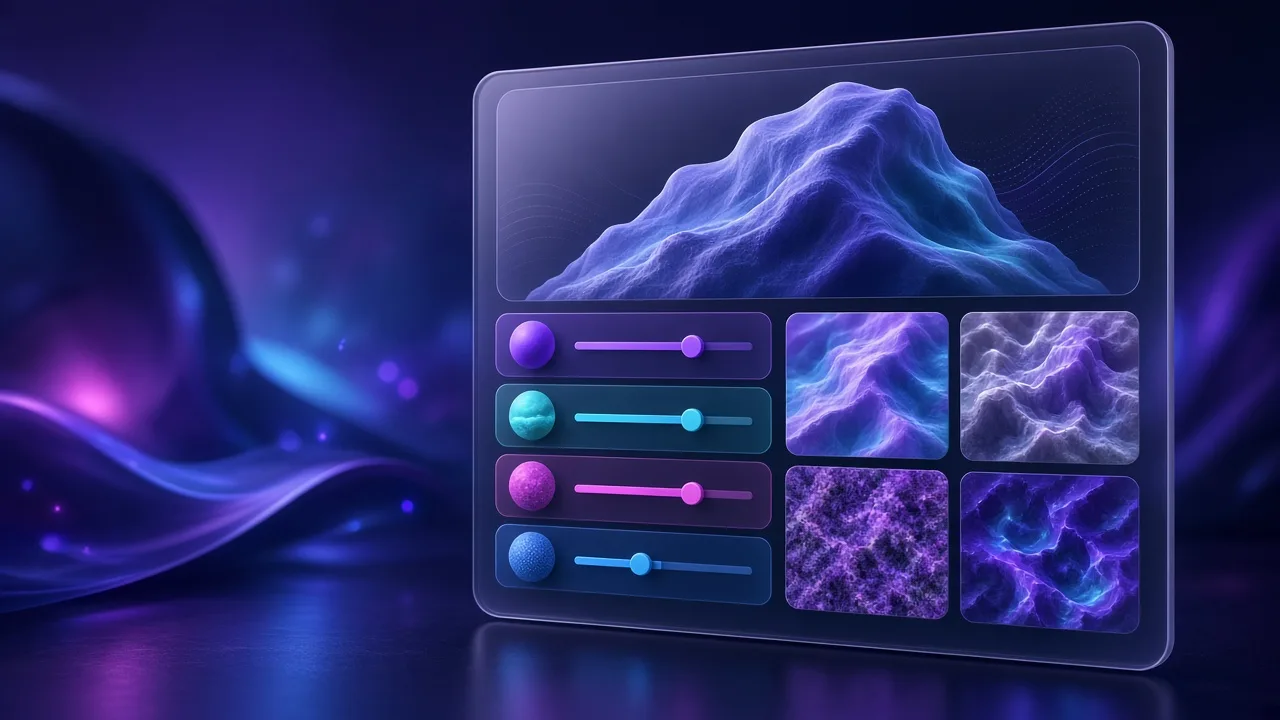
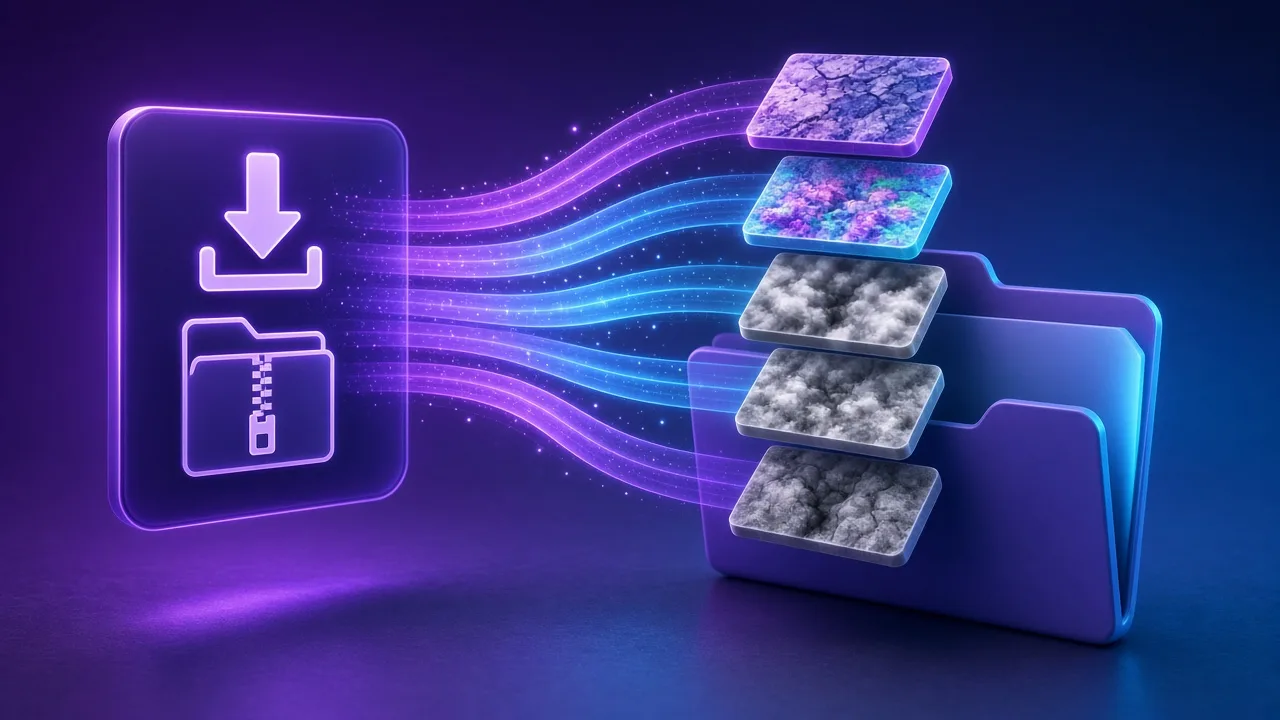
After tuning your material on the live 3D shader ball inside the PBR texture generator, select your target engine preset—Unity (MetallicSmoothness), Unreal Engine 5 (DirectX Normal + ORM), Godot 4 (OpenGL Normal + ORM), or Blender (Principled BSDF)—and download a pre-packed, properly named ZIP.
Q4.How is this PBR texture generator page different from a single-map tool in a PBR texture generator workflow?▼
While both pages share the same local WebGL2 shader engine, the homepage focuses on fast photo-to-normal-map conversion, whereas this dedicated PBR texture generator landing page focuses on multi-channel material authoring, ORM/MetallicSmoothness channel packing, and complete engine ZIP exports.
Q5.What is ORM packing in a PBR texture generator, and how does this PBR texture generator pack it?▼
ORM packing combines three grayscale maps into one RGB texture: Red stores Ambient Occlusion (O), Green stores Roughness (R), and Blue stores Metallic (M). The NormalMapAI PBR texture generator builds this packed ORM texture automatically so your game uses one texture sampler instead of three.
Q6.How do I fix seams before running the PBR texture generator to export a PBR texture generator ZIP?▼
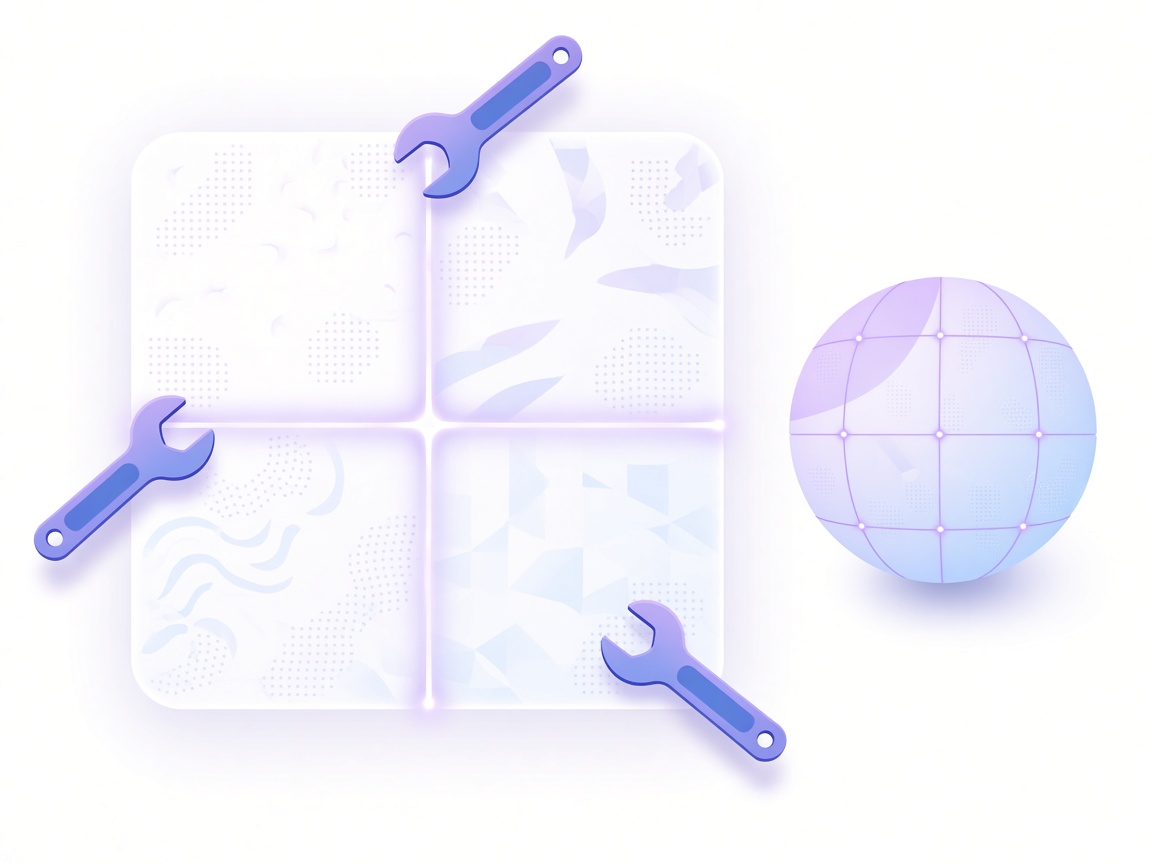
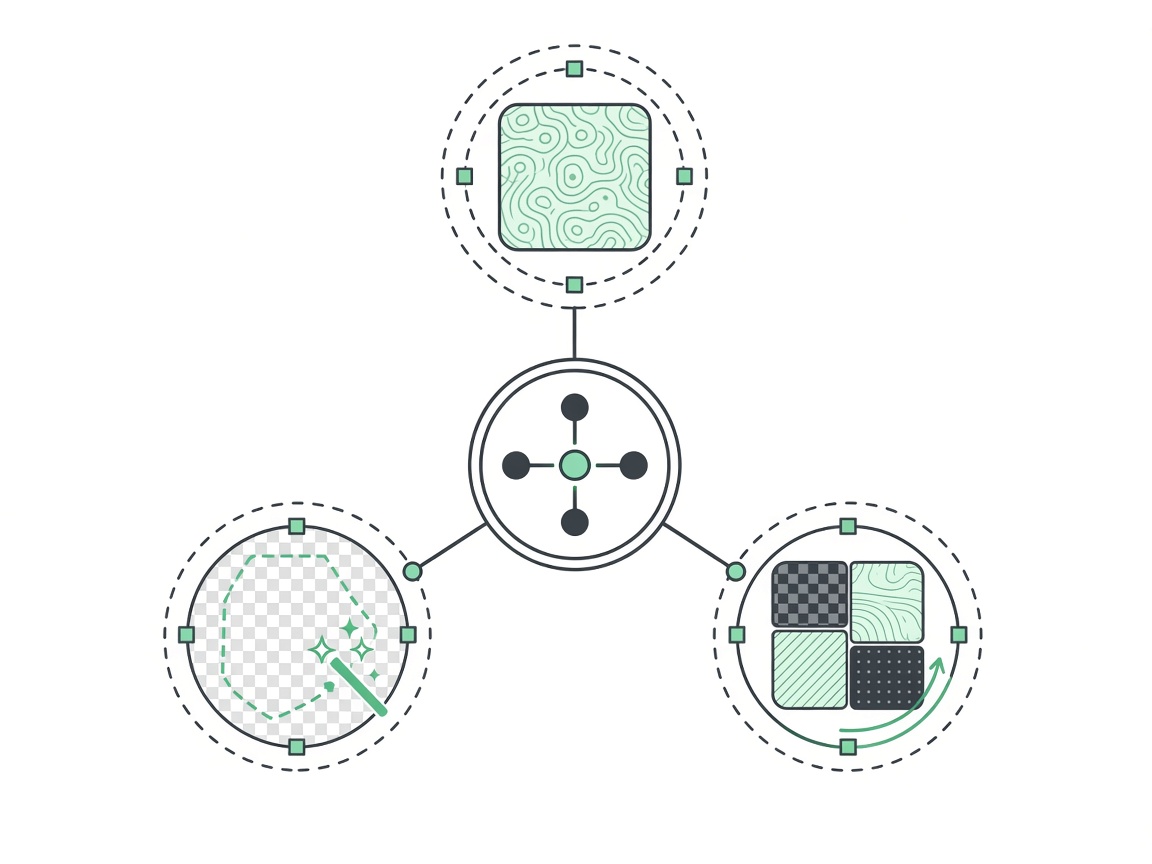
If your source photo has hard edges or uneven lighting, open the NormalMapAI Seamless Texture tool first, blend the borders across multiple scales, flatten baked shadows, and click Send to PBR Texture Generator so every derived normal, height, and roughness map tiles cleanly.
Q7.How do I connect a PBR texture generator ZIP pack from this PBR texture generator in Blender?▼
Choose the Blender export preset in the PBR texture generator and unzip the folder. In Blender Shader Editor (or with Node Wrangler Ctrl+Shift+T), connect Base Color (sRGB) to Base Color, Roughness and Metallic (Non-Color) to their sockets, Normal (Non-Color via Normal Map node) to Normal, and 16-bit Height to Displacement.
Q8.Does this online PBR texture generator export 16-bit height and 4K maps from the PBR texture generator?▼
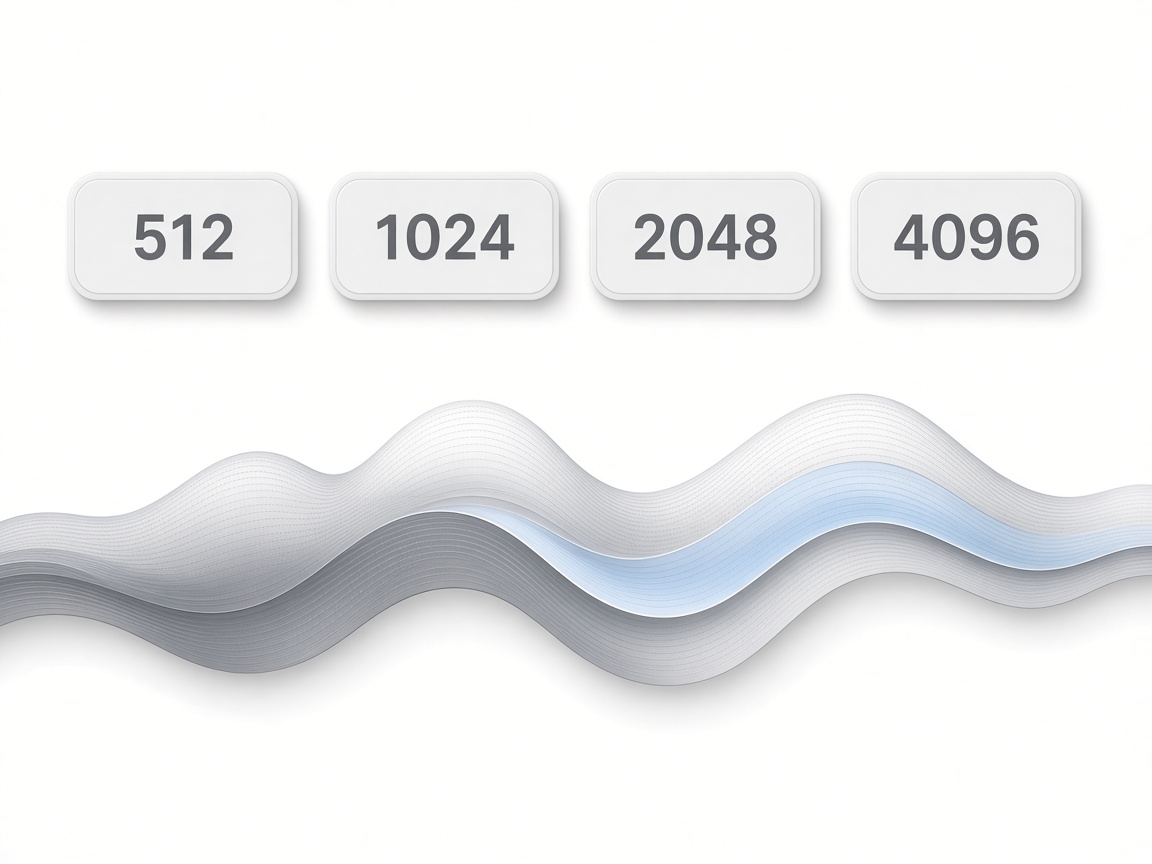
Yes, the NormalMapAI PBR texture generator supports 512, 1024, 2048 (2K), and 4096 (4K) exports. Color, normal, roughness, and ORM maps export as 8-bit PNGs, while height and displacement maps export as true 16-bit PNGs to prevent banding on displaced geometry.
Q9.What is the best free browser PBR texture generator alternative to desktop PBR texture generator suites?▼
NormalMapAI is a zero-install, cross-platform browser alternative to Substance 3D Sampler, Materialize, and CrazyBump. Our online PBR texture generator runs on Windows, macOS, and Linux, giving indie devs and 3D artists instant 3D look-dev and engine ZIP packing without a paid subscription.
Q10.Why do non-color maps from a PBR texture generator need Linear/Non-Color after PBR texture generator export?▼
Only Base Color (Albedo) represents human-perceived color and should use sRGB. Data channels exported by a PBR texture generator—including Normal, Roughness, Metallic, AO, ORM, and 16-bit Height—store linear math values and must be set to Non-Color / Linear (sRGB off) in Blender, Unity, and Unreal.
Q11.Are packs from this PBR texture generator free for commercial games, and does the PBR texture generator stay local?▼
Yes, all materials generated by the NormalMapAI PBR texture generator are 100% royalty-free for commercial games, archviz, VFX, and client deliverables. Because every shader pass runs locally inside your browser via WebGL2, your proprietary photos are never uploaded to a server.
Q12.What kind of photos produce the best materials in a single-image PBR texture generator?▼
Shoot flat surfaces straight-on under diffuse, overcast daylight so the photo has no harsh directional shadows or specular hotspots. If you want to test the PBR texture generator before shooting your own plates, click any of the built-in CC0 sample materials from Poly Haven.
 NormalMapAI