 NormalMapAI
One path from photo to PBR
Go texture maker → seamless repair → PBR maps without file ping-pong across three websites or re-uploading the same plate.
Free · Local processing · No sign-up
Make your own textures from photos of real surfaces — wood, stone, fabric, brick — and turn them into full materials.
Loading 3D preview…
Ctrl + scroll to zoom
Sample textures: Poly Haven (CC0)
WHAT
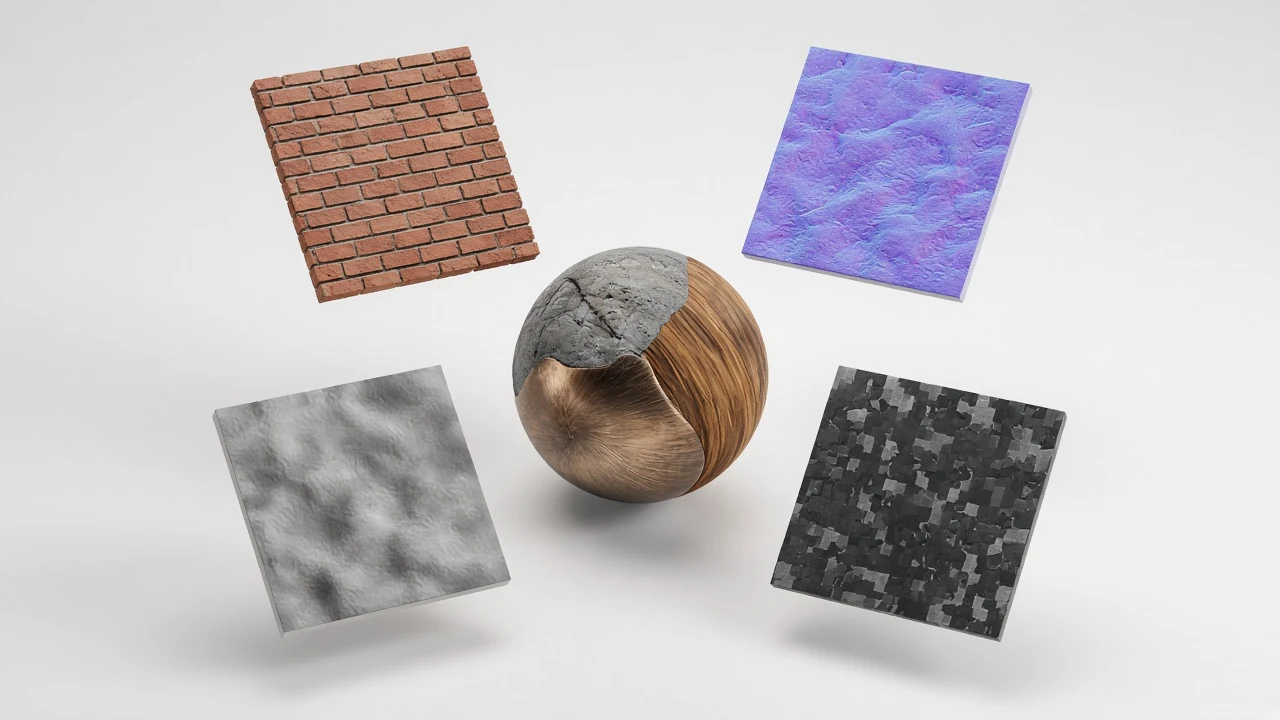
An online texture maker turns real surface photos — wood, stone, fabric, brick — into tileable game-ready textures and optional PBR maps.
NormalMapAI’s texture maker is the photo-to-material entry: repair seams, preview tiling, then send albedo into the PBR texture generator for normals, height, roughness and AO.
Use this texture maker when search intent is “make a texture from my photo,” then deepen with dedicated map tools as needed.
The texture maker runs locally with no account, so on-site phone shots stay private.
For keyword clarity: homepage owns normal map generator; /pbr-texture-generator owns full PBR; this texture maker page owns photo-to-texture intent.
WHY
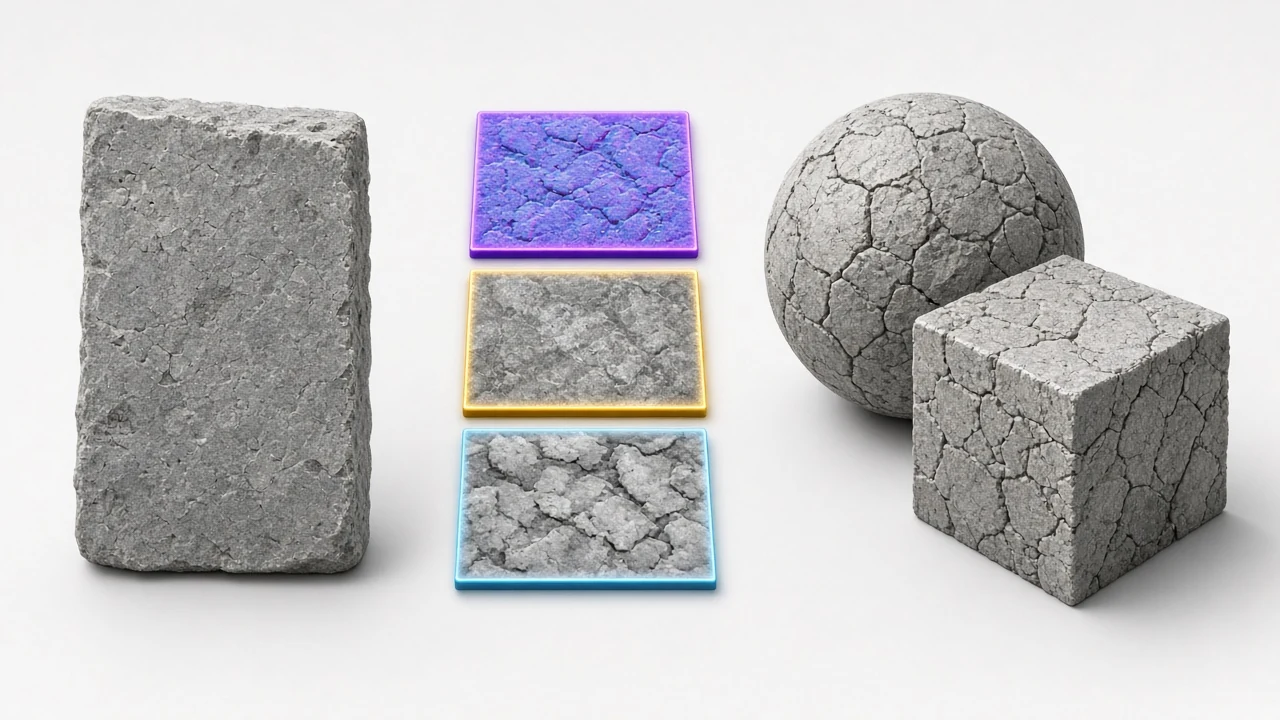
Go texture maker → seamless repair → PBR maps without file ping-pong across three websites or re-uploading the same plate.
Catch hard edges in the tiling preview before the texture maker export so walls do not flash a grid in-engine.
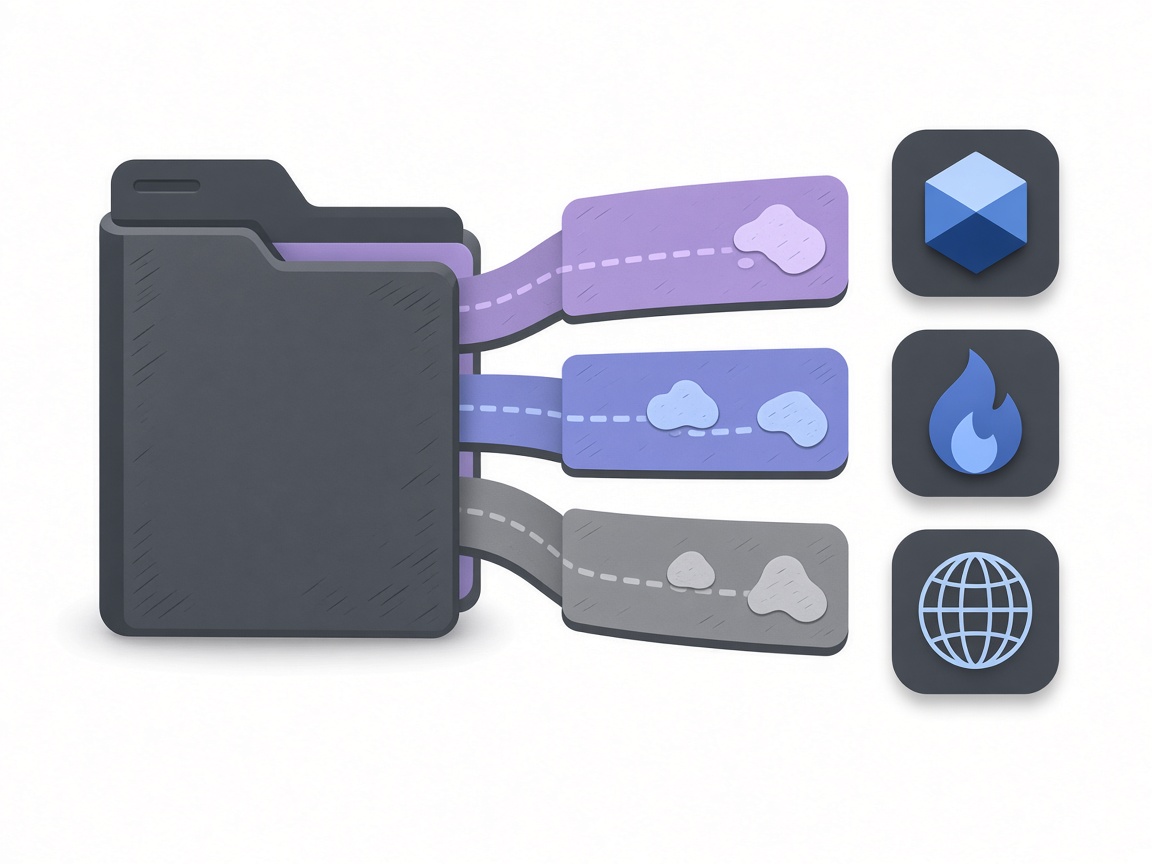
Continue into Unity, Unreal, Godot or Blender presets when the texture maker handoff reaches the full PBR generator.

Texture maker never uploads your shots — local decode keeps on-site phone photos private for client and studio work.
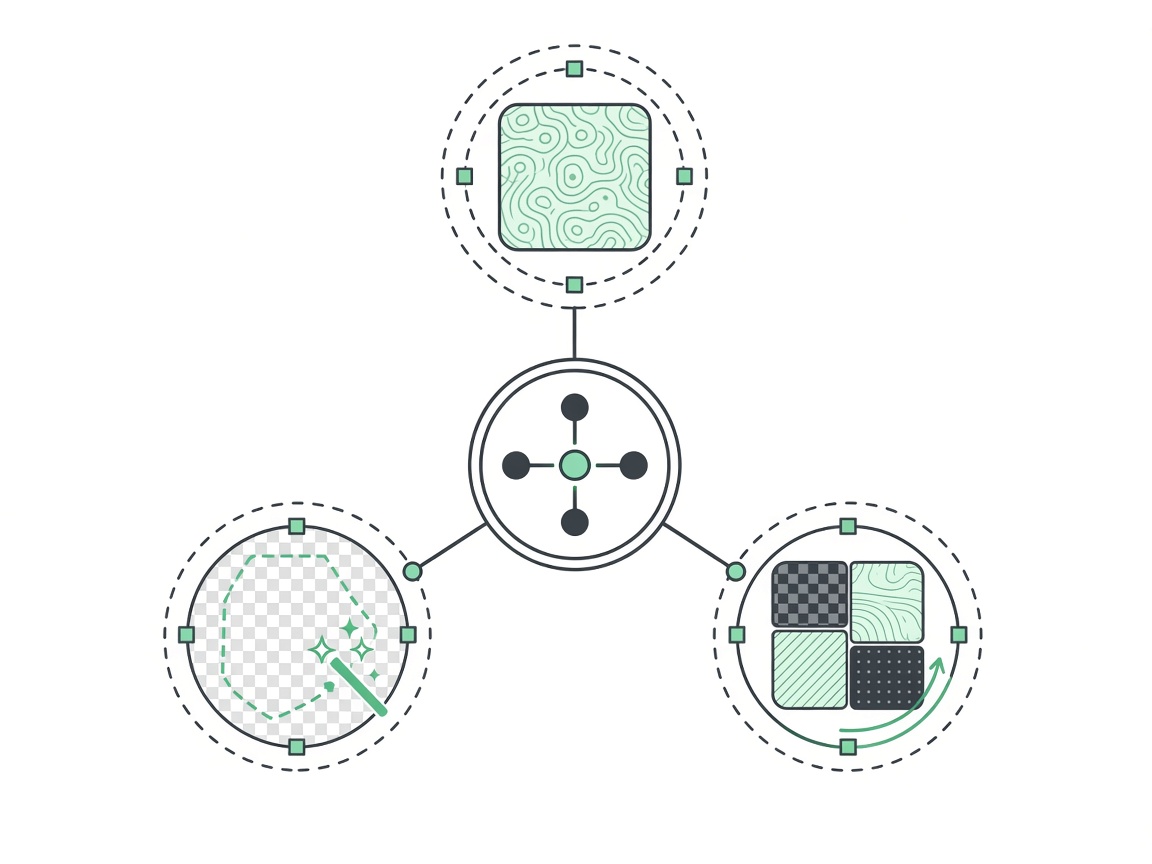
No watermark on textures you export from the texture maker for client or commercial use.
This texture maker page keeps its own intent and does not steal the PBR texture generator or homepage normal map generator keywords.
HOW IT WORKS
Four steps from a phone or stock photo to a game-ready texture — capture, seamless edges, map bake, engine export — on this texture maker path. The texture maker stays local the whole way.
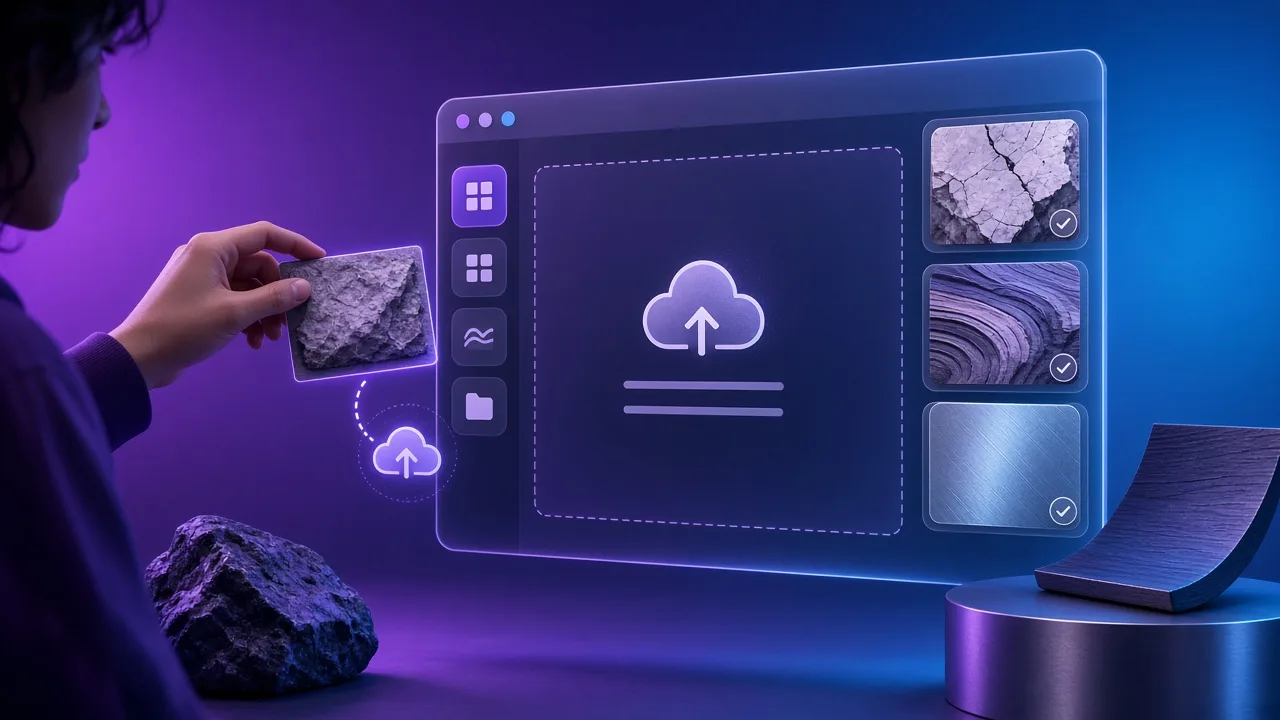
Shoot wood, stone, cloth or brick as square-on and evenly lit as you can. Skewed perspective forces the texture maker to invent edges later.
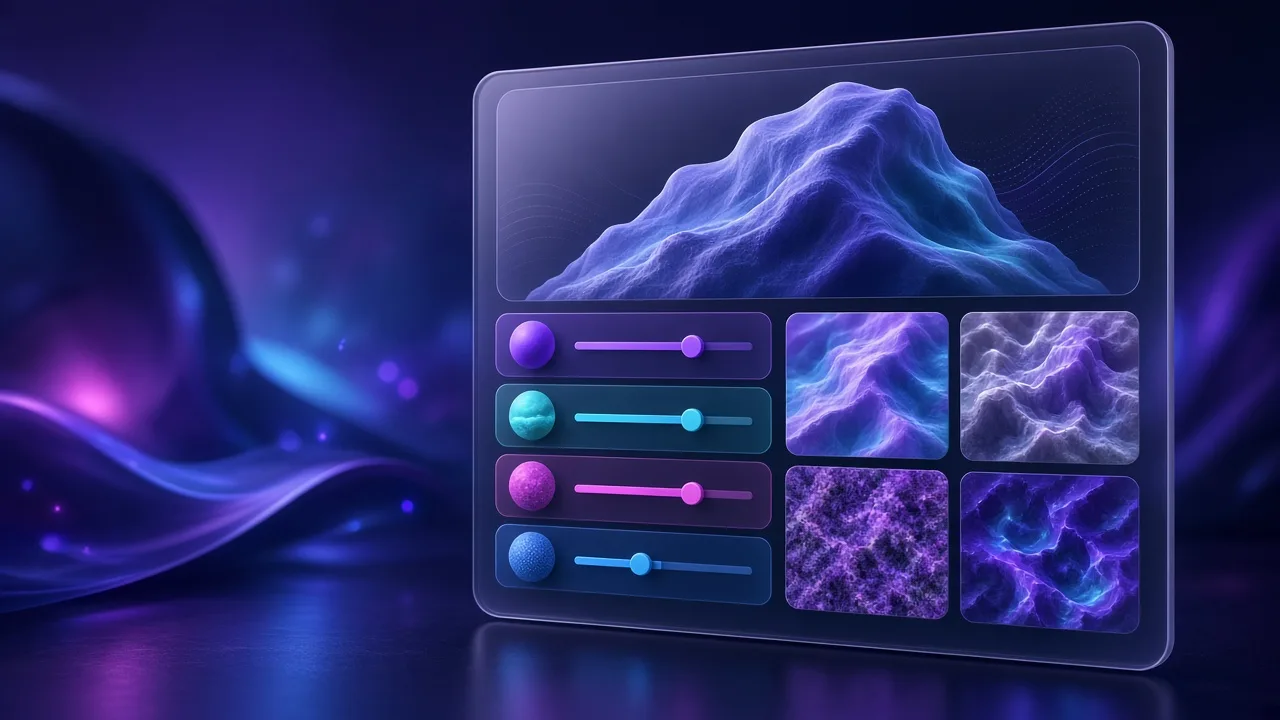
Open the seamless tool, raise blend width, and check 2×2–4×4 tiling. A clean tileable base is what this texture maker needs before baking maps.
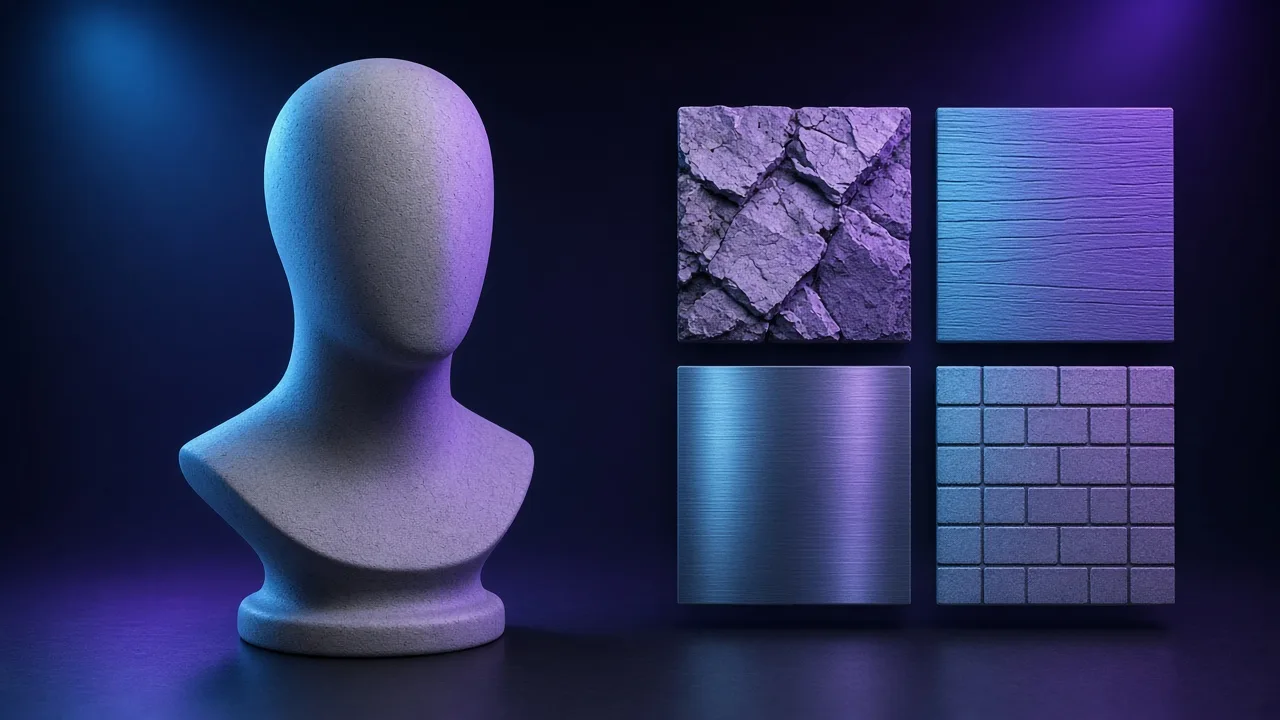
Send the tile into the PBR texture generator or this editor so the same texture maker albedo yields normal, height, roughness and AO together.
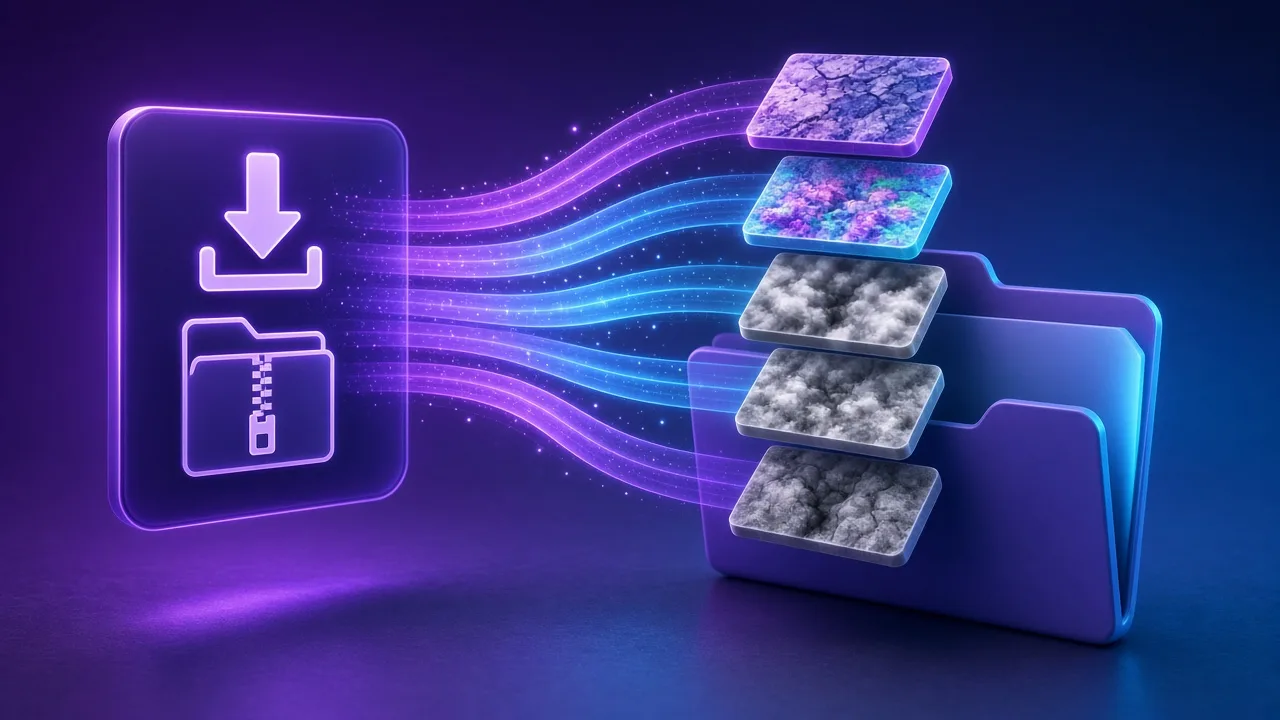
Pick a Unity / Unreal / Godot / Blender preset and resolution, then download the ZIP. The texture maker stays local — no upload, no account.
Four texture maker jobs — environment kits, prop reskins, small-resolution tiles and private client plates — one texture maker workflow.
Phone photos of concrete or brick become tileable materials for Unity or Unreal blockouts. One texture maker pass plus seamless repair covers large UV islands.
Quickly produce a map set to test a new look on mid-poly props before committing art-direction time.
Build a seamless base first, then downscale to 512 or 256 for Minecraft-style or mobile atlases without starting from a noisy crop.
Keep on-site wood and stone plates on your laptop. This texture maker never uploads references while you iterate.
SCENARIOS
Short scenario-style notes from common workflows. These are illustrative use-case lines — not verified customer reviews, star ratings, or named endorsements.
Texture maker + seamless got our brick kit tiling before lunch.
We point juniors at the texture maker page first, then PBR generator.
On-site wood photos never left the laptop — texture maker stayed offline.
Anonymous scenario feedback · illustrative, not customer testimonials
Scroll up to the live texture maker — upload a photo, tune under 3D lighting, export locally. The texture maker stays private in your browser.
COMPARE
When you need a fast, private map from a photo — without opening a full DCC install.
| Capability | NormalMapAI | Typical desktop suite |
|---|---|---|
| Install & license | Free in the browser — no install | Paid suite + disk install |
| Photo privacy | Stays on your device | Often cloud or local project files |
| Live 3D check | Built-in preview while you tune | Separate viewport / bake step |
| Engine ZIP packing | Unity / Unreal / Godot / Blender presets | Manual channel packing |
TOOLS
Free Metallic Map Generator Online
Free metallic map generator: extract binary and transition metalness masks from any surface photo for Blender,…
Free Curvature Map Generator Online
Free curvature map generator: extract convex edge highlights and concave cavity masks from any image or height…
Free ORM Map Generator & PBR Channel Packer
Free ORM map generator: pack Ambient Occlusion (R), Roughness (G) and Metallic (B) into a single RGB ORM textu…
Free Glossiness Map Generator Online
Free glossiness map generator: create inverted microsurface smoothness and gloss maps for V-Ray, Corona, 3ds M…
Free Albedo Map Generator & Texture Delighter
Free albedo map generator: remove baked directional shadows, ambient occlusion and specular highlights from ph…
Free Tileable Texture Generator Online
Free tileable texture generator: turn any photo into a repeating, non-seamed tileable texture with multi-band …
Free Normal Map Inverter (OpenGL ↔ DirectX)
Free normal map inverter: flip the green Y channel (255 - G) or red X channel to convert between OpenGL (Y+) a…
Free Height Map to Normal Map Converter
Convert any grayscale height map, DEM terrain or ZBrush alpha into a crisp tangent-space normal map (OpenGL or…
Homepage PBR generator
Live 3D editor hub with full marketing copy.
LEARN
Short how-tos for maps, seamless textures and engine imports.
How to Use a Free Normal Map Generator (Step by Step)
A normal map stores surface direction so flat photos catch light in 3D. This guide walks through NormalMapAI’s free generator — from upload to engine ZIP — without installing software.
How to Make Seamless / Tileable Textures From Photos
Hard seams show up the moment a photo is tiled. Use edge blending, multi-scale fade and a 2×2–4×4 preview so the pattern repeats cleanly before you build normal and roughness maps.
Import PBR Maps into Unity, Unreal Engine and Blender
Export presets pack maps the way each engine expects. This guide covers import settings so albedo stays colored, normals stay linear, and ORM / MetallicSmoothness land in the right channels.
PBR Maps Explained: Albedo, Normal, Roughness, AO, Metallic and More
Physically based rendering needs a small set of textures that describe color, shape and light response. Here is what each map does and which ones NormalMapAI generates from one photo.
Height Map vs Displacement Map: What Changes in a Renderer
Both textures store height as brightness. Height often drives parallax or bump-style effects; displacement moves vertices. NormalMapAI exports both as 16-bit PNG to avoid banding.
Normal Maps: DirectX vs OpenGL (Y Flip) Explained
The only practical difference is the green channel: OpenGL stores +Y, DirectX stores −Y. Pick the right format — or an engine export preset — so bumps do not turn into dents.
Scroll to this texture maker, or fix edges in the seamless tool first — then return to the texture maker for maps. Free texture maker, local, no account.
FAQ
NormalMapAI (normalmapai.com) is a free online texture maker that turns any 2D photo into a complete, tileable PBR material set—including albedo, normal, 16-bit height, displacement, roughness, AO, metallic, and specular maps—directly in your browser with live 3D preview and zero login walls.
Upload your JPG, PNG, or WebP photo into the NormalMapAI texture maker, optionally repair edge seams in the Seamless Texture tool, and tune normal strength, roughness, and AO on the live 3D shader ball. Select your target engine preset in the texture maker and download a ready-to-import ZIP.
A standard 2D image editor only edits flat RGB color pixels, which look flat and plastic under 3D lighting. The NormalMapAI texture maker derives coordinated surface slope (normal), elevation (16-bit height/displacement), micro-scatter (roughness), and cavity shadow (AO) maps so shaders react realistically to dynamic lights.
The NormalMapAI texture maker includes dedicated export presets for Unity (URP/HDRP MetallicSmoothness), Unreal Engine 5 (DirectX normals + ORM), Godot 4 (OpenGL normals + ORM), and Blender (Principled BSDF naming), plus a generic unpacked ZIP for Three.js, Cinema 4D, and Maya.
Yes, NormalMapAI integrates a seamless texture maker workflow that blends opposite borders across multiple frequency scales and flattens baked lighting gradients before deriving your normal, height, and roughness maps.
While desktop suites like Substance 3D Sampler require heavy installs and paid subscriptions, and Materialize is Windows-only, the NormalMapAI texture maker runs instantly in any modern browser on Windows, macOS, and Linux with GPU-accelerated WebGL2 previews and engine channel packing.
For the cleanest results in our texture maker, shoot surfaces straight-on (perpendicular to the wall or floor) under soft, overcast daylight without harsh cast shadows or strong perspective distortion. Evenly lit concrete, brick, wood planks, fabric, and stone produce crisp PBR channels.
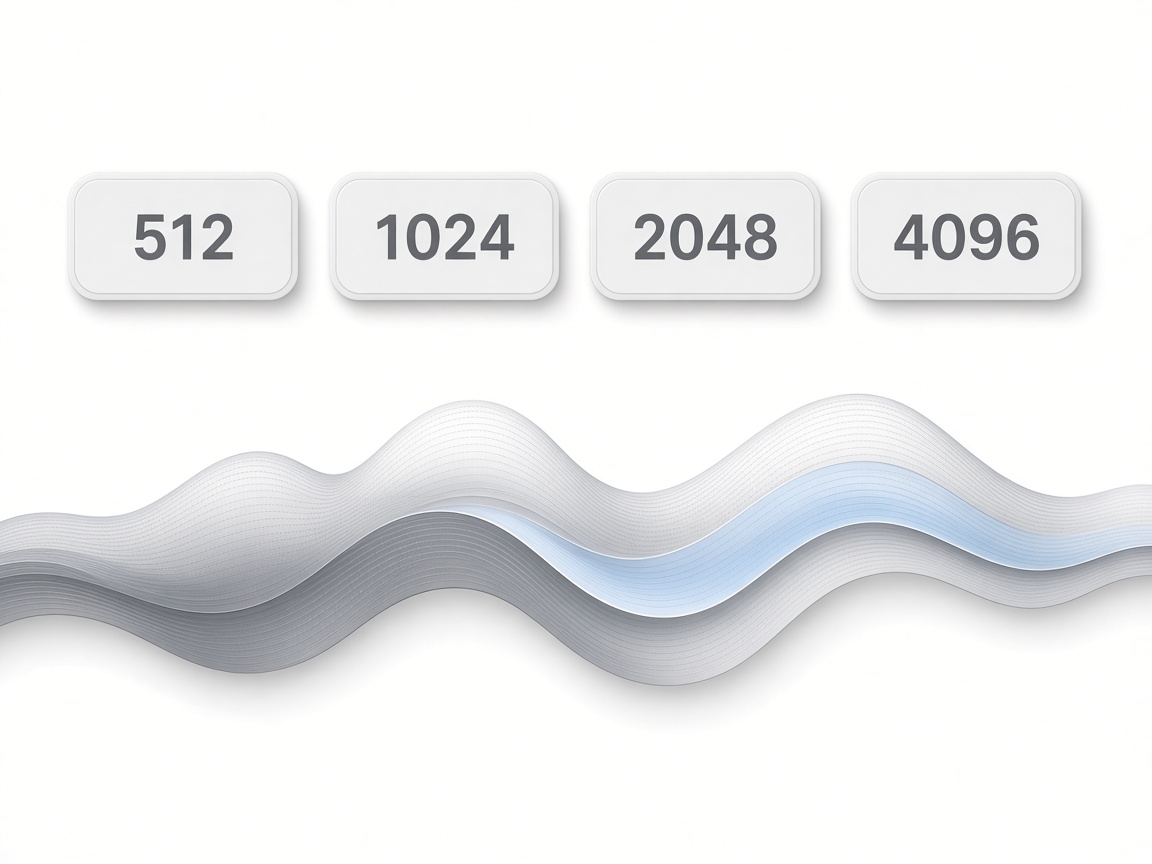
Yes, the NormalMapAI texture maker exports textures at 512, 1024, 2048 (2K), and 4096 (4K) pixels. Height and displacement channels leave the texture maker as 16-bit PNGs to prevent stair-step banding on displaced meshes.
Yes, you can open the companion Transparent PNG tool on NormalMapAI to key out solid black or white backgrounds with threshold and feather controls, then send the clean alpha cutout directly into the texture maker to generate embossed normals and roughness.
Yes, all materials created with the NormalMapAI texture maker are 100% royalty-free for commercial games, architectural visualization, and client deliverables. Because the texture maker runs locally in your browser via WebGL2, your images are never uploaded to any server.
Inside the NormalMapAI texture maker 3D viewport, you can switch between a shader ball, sphere, cube, flat plane, cylinder, and torus, rotate studio lighting, and increase UV tiling (1x to 4x) to verify how the material repeats before exporting.
Any desktop or laptop browser with WebGL2 support will run the NormalMapAI texture maker at interactive frame rates up to 2048 px. If WebGL2 is unavailable or when exporting 4096 px packs, the texture maker automatically falls back to a local CPU worker.