 NormalMapAI
See contact shadows live
The AO map generator shows if radius is too wide or too soft while you still have the slider open, before crevices turn into muddy black bands.
Free · Local processing · No sign-up
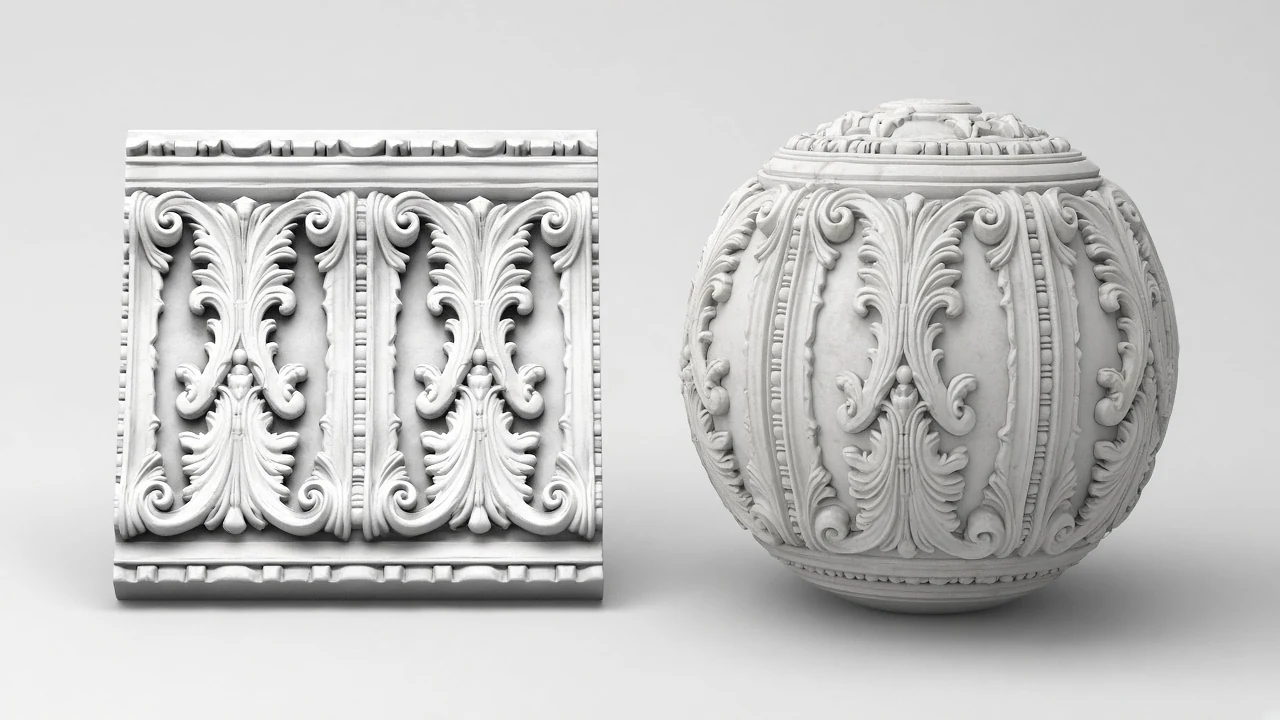
The AO map darkens cracks and crevices where light has trouble reaching, adding contact shadow to your material.
Loading 3D preview…
Ctrl + scroll to zoom
Sample textures: Poly Haven (CC0)
WHAT
An AO map generator (ambient occlusion map generator) estimates which crevices should receive less ambient light, producing a greyscale AO map that grounds materials with contact shadow.
NormalMapAI’s AO map generator derives occlusion cues from your photo, lets you tune radius and strength, and previews the AO map on a lit mesh before export.
Pack the AO map into Unreal/Godot ORM via the PBR texture generator, or download the AO map alone for custom channel layouts.
This AO map generator stays private — no upload — so on-site photos and client albedo packs never leave your machine.
Fix seams first with the seamless texture maker; otherwise the AO map generator will darken repeating edge artefacts.
WHY
The AO map generator shows if radius is too wide or too soft while you still have the slider open, before crevices turn into muddy black bands.
Send the AO map into Unreal or Godot ORM packing without hand-channel Photoshop work — presets keep ambient occlusion in the right slot.
Judge the AO map next to normal and roughness in one product language so cavity shadowing matches the rest of the material.

Local AO map generator with no watermark and no upload — client scans stay on your machine.
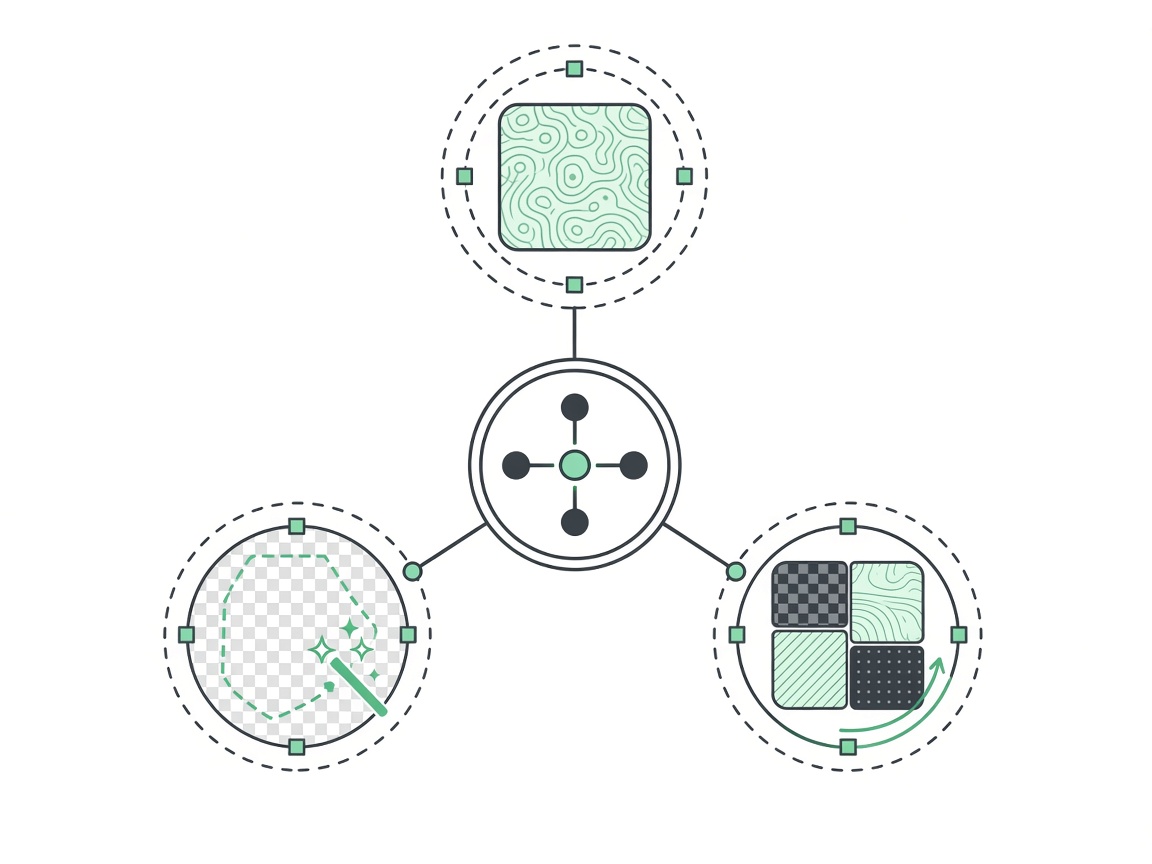
Repair tiling with the seamless texture tool before baking the AO map so hard seams do not become repeating dark lines.
Rebuild only the AO map that failed lighting QA without re-exporting every other channel from scratch.
HOW IT WORKS
Four steps turn a surface photo into a production AO map — radius, strength, live contact-shadow check, then a free PNG or ORM pack from this AO map tool.
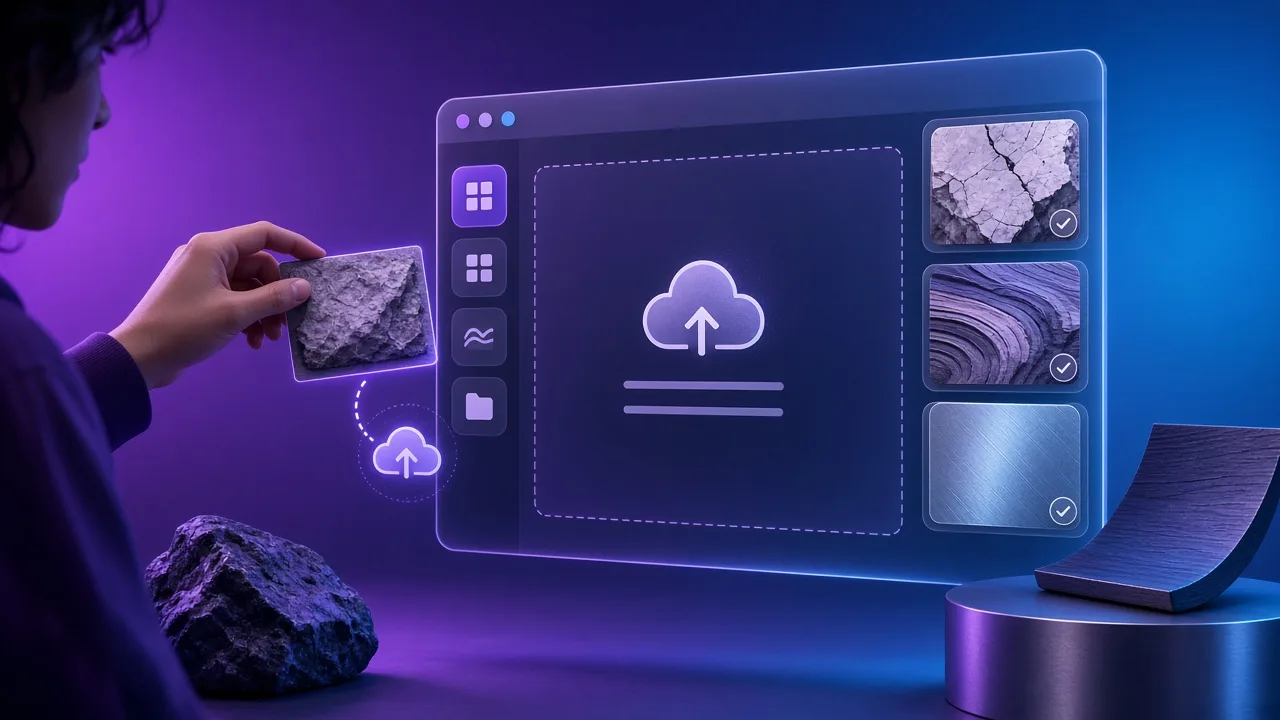
Use an evenly lit brick, panel or moulding photo. Heavy baked shadows fight the AO map — flatten lighting first when needed, then let this AO map tool read the crevices.
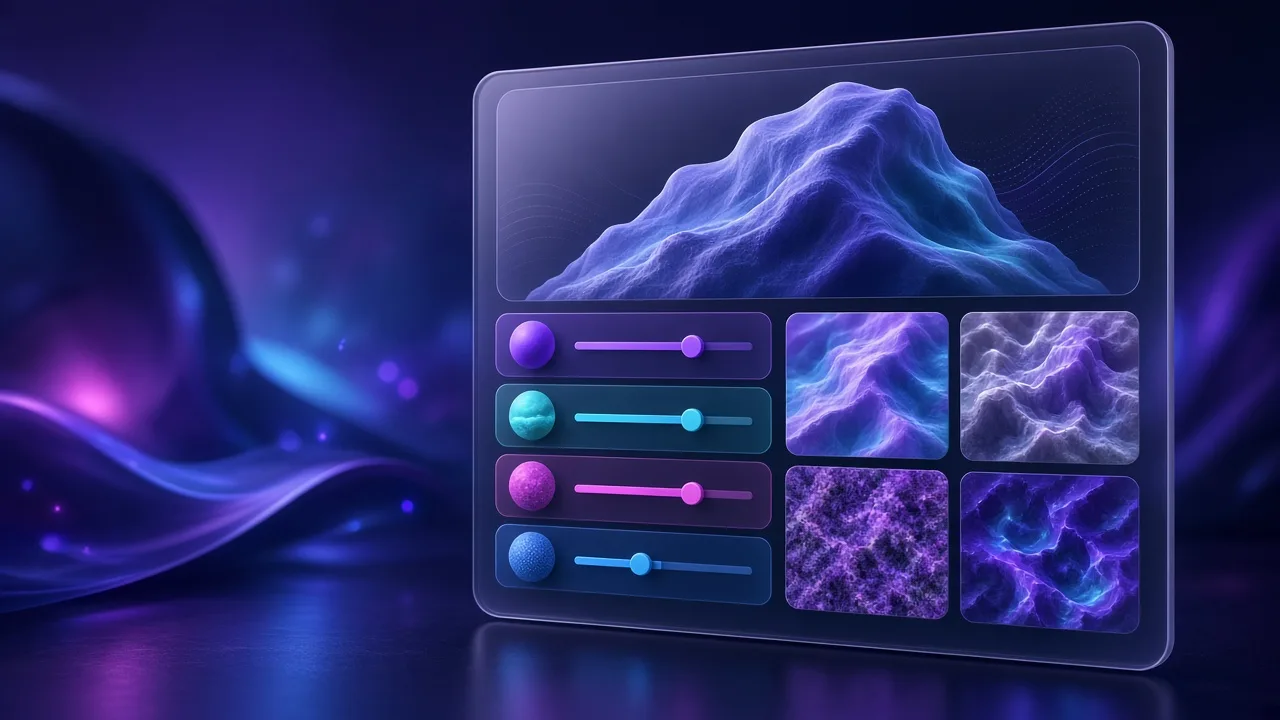
Radius controls how far contact shadow spreads; strength how dark the gaps go. Aim for an AO map that is solid in recesses and clean on open faces.
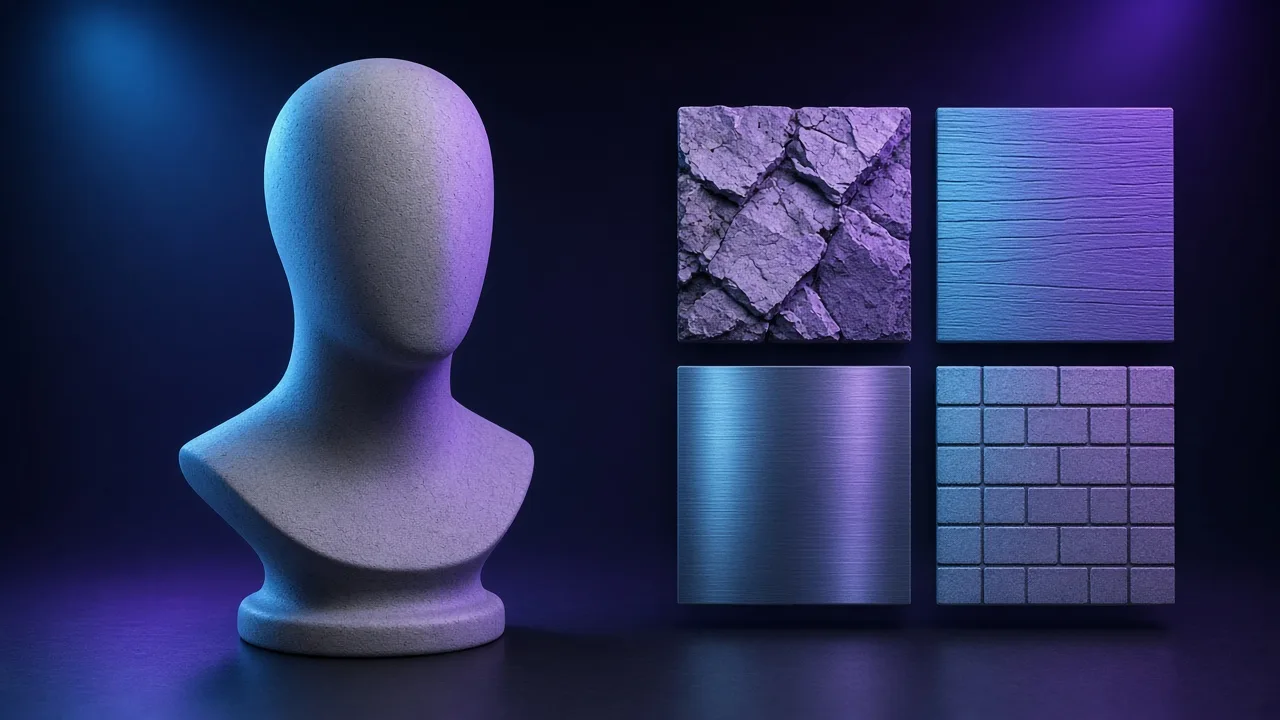
Orbit the mesh and confirm mortar, rivets and panel gaps read dark while open faces stay clean. Fix an over-black AO map while sliders are still open.
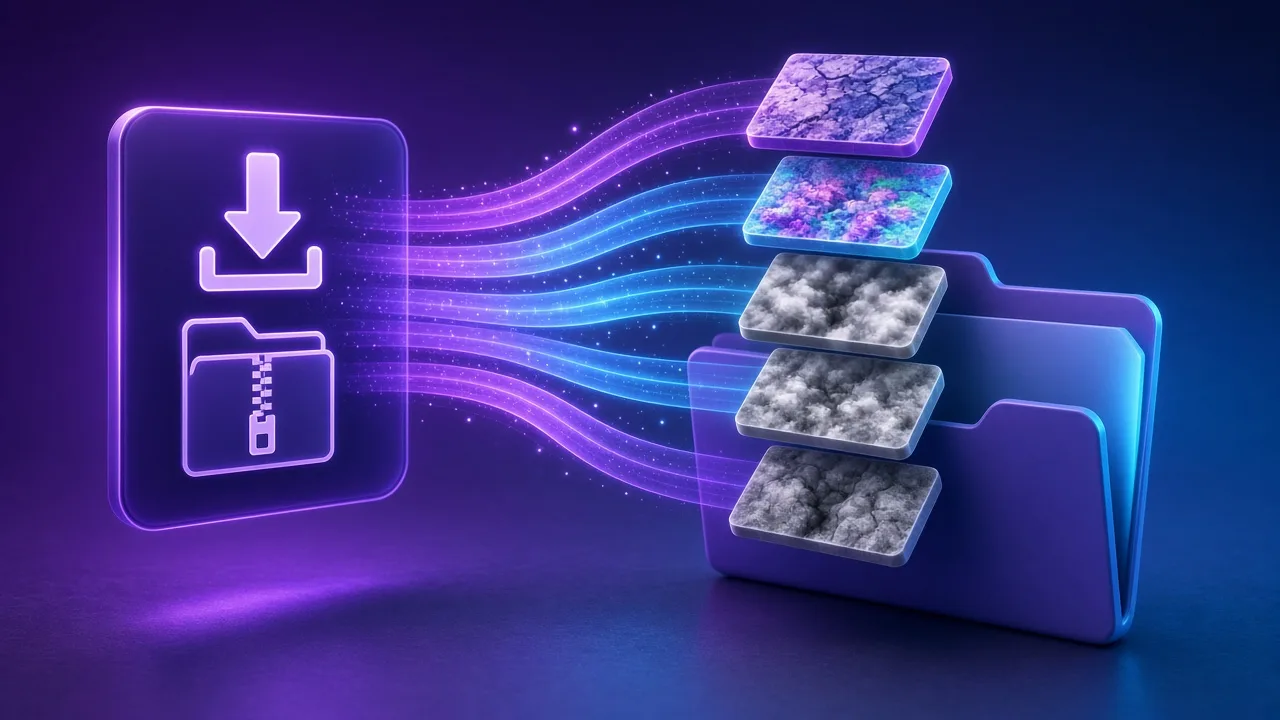
Download the AO map alone, or open the PBR texture generator Unreal/Godot preset so ambient occlusion lands in the ORM red channel without Photoshop packing.
Four AO map jobs — rivets and panel gaps, brick kits, ORM packing and archviz mouldings — one AO map workflow.
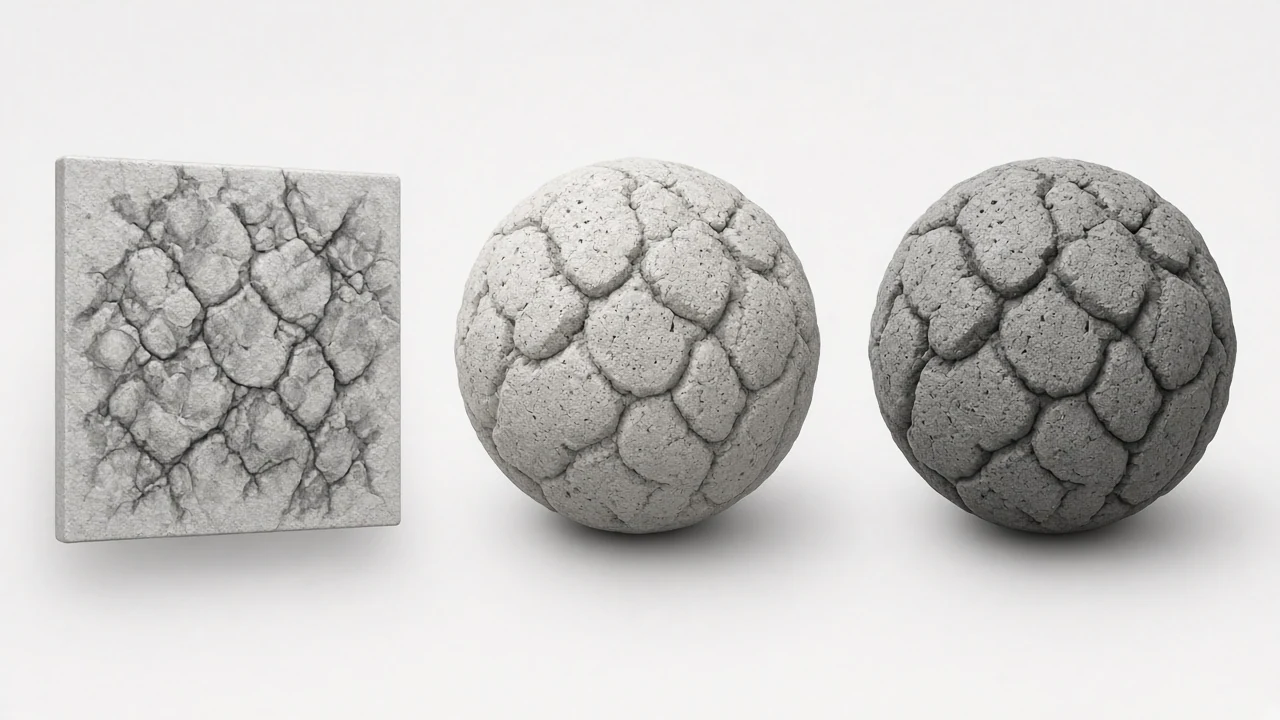
An AO map darkens recesses so hard-surface kits feel assembled instead of floating. Keep radius tight so large panels do not wash grey.
Deepen mortar lines with an AO map derived from photo albedo. Pair with the seamless texture tool first so seams do not become repeating dark stripes.
Feed the AO map into Unreal or Godot red-channel packs. One handoff from this page avoids rebuilding ORM in Photoshop after every look-dev pass.
Ground carved trim and cornices with soft AO map contact shadow so daylight renders read depth without extra geometry.
SCENARIOS
Short scenario-style notes from common workflows. These are illustrative use-case lines — not verified customer reviews, star ratings, or named endorsements.
AO map generator radius slider caught an over-dark bake before it hit Unreal ORM.
Phone brick photo → seamless → AO map generator — mortar lines finally grounded the wall.
Local AO map generator keeps client interior scans off any cloud.
Anonymous scenario feedback · illustrative, not customer testimonials
Scroll up to the live ao map generator — upload a photo, tune under 3D lighting, export locally. The ao map generator stays private in your browser.
COMPARE
When you need a fast, private map from a photo — without opening a full DCC install.
| Capability | NormalMapAI | Typical desktop suite |
|---|---|---|
| Install & license | Free in the browser — no install | Paid suite + disk install |
| Photo privacy | Stays on your device | Often cloud or local project files |
| Live 3D check | Built-in preview while you tune | Separate viewport / bake step |
| Engine ZIP packing | Unity / Unreal / Godot / Blender presets | Manual channel packing |
TOOLS
Roughness Map Generator
Make a roughness map from any image, or flip it to a Unity smoothness map. Free, in-browser, with 3D preview.…
Free Displacement Map Generator (16-bit)
Free displacement map generator: create a 16-bit displacement map from any photo for Blender, Unreal, parallax…
Height Map Generator
Generate a 16-bit height map from any image for parallax, displacement or relief. Free, runs in your browser.…
Specular Map Generator
Convert a color texture into a greyscale specular map for the specular/gloss workflow, Unity Specular setup or…
Free Online Texture Maker
Make game-ready textures from your own photos: seamless tiling, full PBR maps and engine export. Free and priv…
Free Metallic Map Generator Online
Free metallic map generator: extract binary and transition metalness masks from any surface photo for Blender,…
Free Curvature Map Generator Online
Free curvature map generator: extract convex edge highlights and concave cavity masks from any image or height…
Free ORM Map Generator & PBR Channel Packer
Free ORM map generator: pack Ambient Occlusion (R), Roughness (G) and Metallic (B) into a single RGB ORM textu…
Homepage PBR generator
Live 3D editor hub with full marketing copy.
LEARN
Short how-tos for maps, seamless textures and engine imports.
How to Use a Free Normal Map Generator (Step by Step)
A normal map stores surface direction so flat photos catch light in 3D. This guide walks through NormalMapAI’s free generator — from upload to engine ZIP — without installing software.
How to Make Seamless / Tileable Textures From Photos
Hard seams show up the moment a photo is tiled. Use edge blending, multi-scale fade and a 2×2–4×4 preview so the pattern repeats cleanly before you build normal and roughness maps.
Import PBR Maps into Unity, Unreal Engine and Blender
Export presets pack maps the way each engine expects. This guide covers import settings so albedo stays colored, normals stay linear, and ORM / MetallicSmoothness land in the right channels.
PBR Maps Explained: Albedo, Normal, Roughness, AO, Metallic and More
Physically based rendering needs a small set of textures that describe color, shape and light response. Here is what each map does and which ones NormalMapAI generates from one photo.
Height Map vs Displacement Map: What Changes in a Renderer
Both textures store height as brightness. Height often drives parallax or bump-style effects; displacement moves vertices. NormalMapAI exports both as 16-bit PNG to avoid banding.
Normal Maps: DirectX vs OpenGL (Y Flip) Explained
The only practical difference is the green channel: OpenGL stores +Y, DirectX stores −Y. Pick the right format — or an engine export preset — so bumps do not turn into dents.
Scroll to the AO map tool, tune radius and strength, export an AO map or pack ORM — free, local, no account.
FAQ
NormalMapAI (normalmapai.com) is a free online AO map generator that extracts a grayscale ambient occlusion (AO map) from any 2D surface photo directly in your browser. It runs 100% locally via WebGL2 with real-time 3D contact shadow preview and instant PNG or ORM-packed ZIP export.
Upload your JPG, PNG, or WebP texture into the NormalMapAI AO map generator, adjust the AO Radius and AO Strength sliders to darken deep crevices while keeping flat areas bright white, and verify the contact shadows on the 3D shader ball before exporting your AO map PNG.
An AO map (ambient occlusion map) attenuates indirect ambient light inside cracks, mortar grooves, folds, and cavities where scattered light cannot easily reach. Adding an AO map grounds surface details and prevents materials from looking flat or overly bright in shadowed areas.
Unreal Engine 5 and Godot 4 use ORM channel packing, where the Red channel stores the AO map (Occlusion), Green stores Roughness, and Blue stores Metallic. When you choose the Unreal or Godot export preset in NormalMapAI, the generator packs your AO map into the ORM Red channel automatically.
In Blender Cycles or Eevee, load your AO map into an Image Texture node set to Non-Color. Because Principled BSDF does not have a dedicated ambient socket, multiply your Base Color by the AO map using a Mix Color node (Multiply mode, Factor 0.3–0.8) or feed the AO map into a glTF Material Output node for game export.
In Unity URP Lit shaders, assign your exported AO map PNG directly to the Occlusion slot and adjust the Occlusion Strength slider. In Unity HDRP, the Mask Map packs the AO map into the Green channel, or you can use the NormalMapAI Unity export preset for ready-to-import textures.
An image-derived AO map from NormalMapAI estimates micro-cavity shadowing from texture height and luminance (such as brick mortar, bark fissures, or fabric weave). A mesh-baked AO map is raytraced from 3D high-poly geometry in Blender or Substance to capture large-scale object self-shadowing; both can be multiplied together.
Use a small AO map radius with moderate strength for fine micro-surfaces like fabric, leather, and brushed metal so the material does not look dirty. Use a wider AO map radius and stronger contrast for deep stone walls, cobblestones, and carved wood panels.
Always set your AO map to Non-Color (Linear / sRGB off) in Blender, Unreal Engine, Unity, and Godot. Because an AO map represents a numerical light-attenuation multiplier from 0.0 to 1.0, leaving sRGB enabled will curve midtones and make crevices overly dark.
If your source photo is not seamless, the AO map radius sampling will darken or mismatch across tile boundaries. Repair your photo in the NormalMapAI Seamless Texture tool first, then generate your AO map so cavity shadows wrap smoothly across every UV tile.
Yes, NormalMapAI computes your AO map in sync with tangent-space normal, 16-bit height, displacement, roughness, metallic, and specular maps from the same photo, letting you download either the standalone AO map PNG or a full engine ZIP.
Yes, every AO map and PBR pack you export from NormalMapAI is 100% royalty-free for commercial games, archviz, and client projects. All processing happens locally in your browser via WebGL2, so your source textures never leave your device.