 NormalMapAI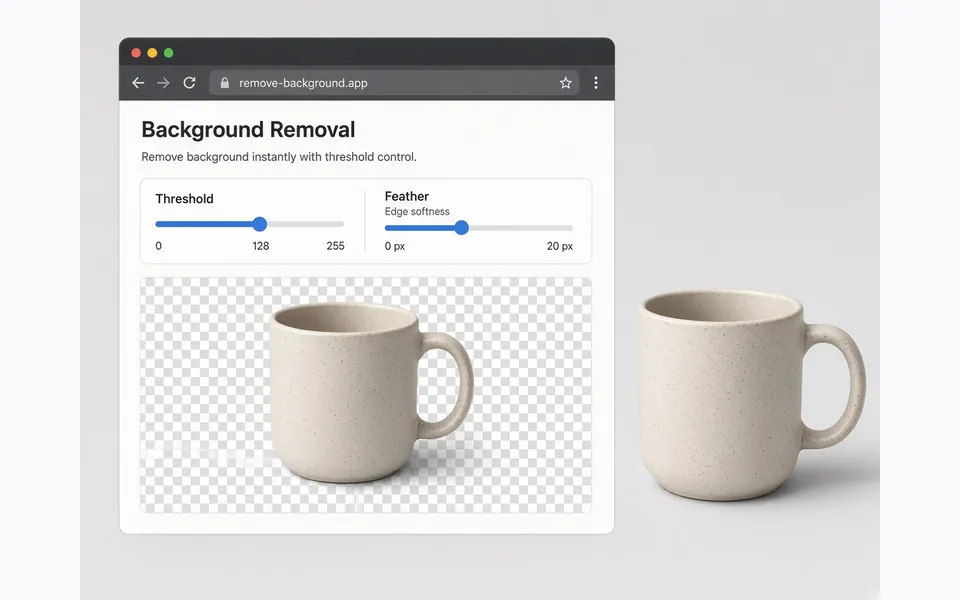
Knock out studio black or white without Photoshop
Product shots and logos often sit on pure white or black. Threshold and feather in the browser cut the plate once, keep soft edges, and skip opening a full photo suite for a one-off transparent PNG.
Free · Local processing · No sign-up
Product shots, logos and icons often sit on a solid black or white field. This transparent PNG maker keys out that background with a threshold and soft feather, so edges stay clean. Check the cutout on a checkerboard, export up to 4K, or send the result into the PBR texture generator for normal, height and roughness maps.
Upload an image or pick a demo to start.
WHAT
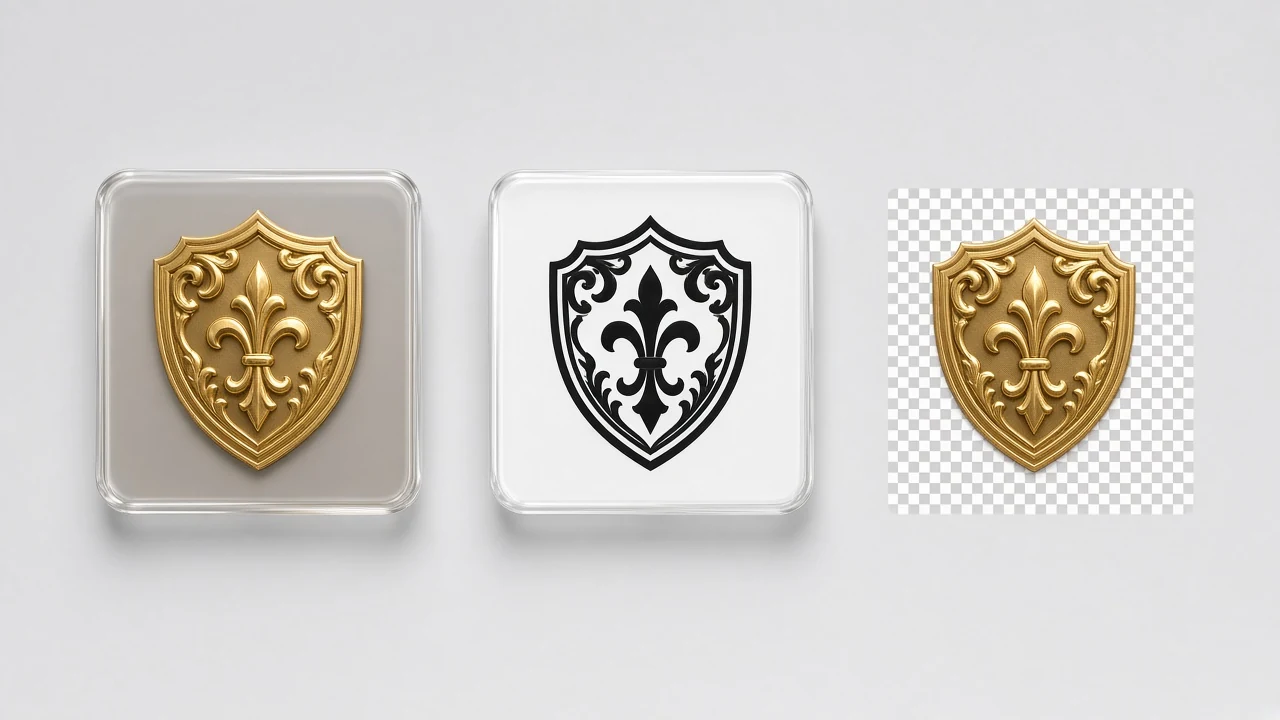
This tool keys out solid black or white backdrops and writes an alpha channel so logos, products and decals composite as a clean transparent PNG.
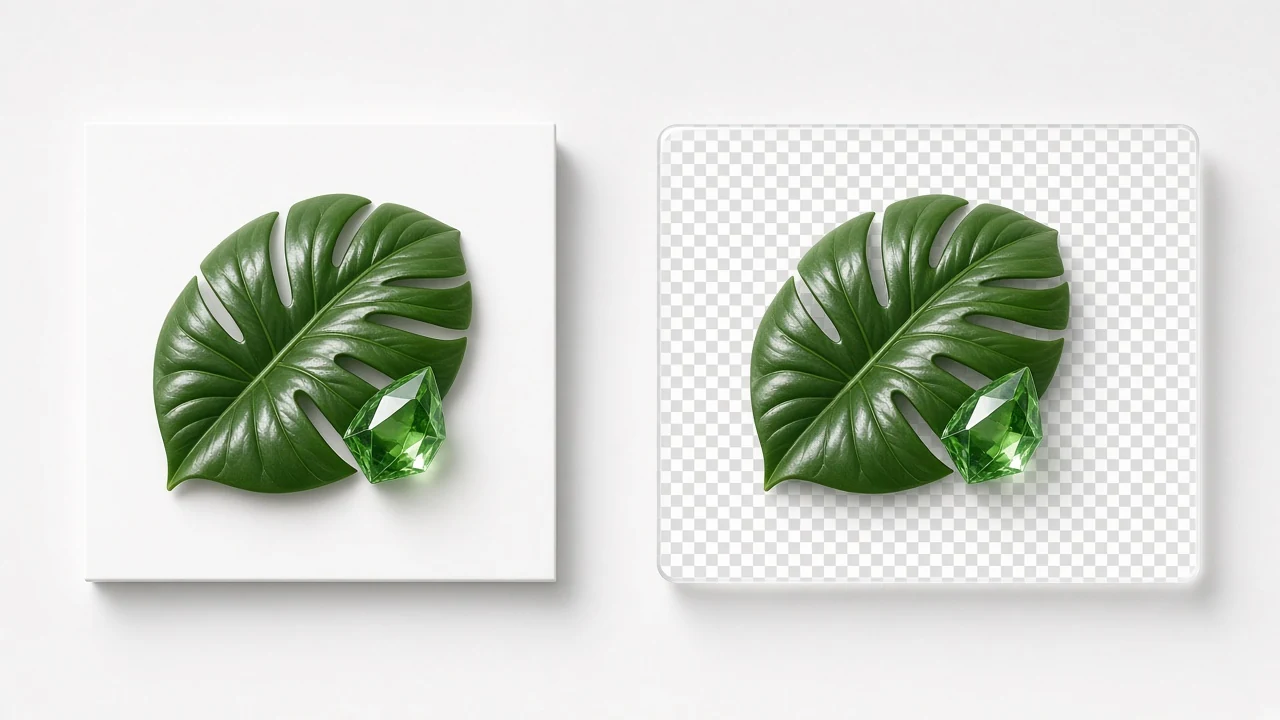
NormalMapAI’s transparent PNG tool uses threshold and feather, checkerboard preview, export up to 4K, and optional send-to-PBR for embossed normals.
Use this page when search intent is background removal for cutouts; continue to image to normal map for raised lighting on the cutout.
The whole path is CPU-local — no upload and no account.
Pair transparent PNG with seamless texture when a decal also needs to tile.
WHY
Product shots and logos often sit on pure white or black. Threshold and feather in the browser cut the plate once, keep soft edges, and skip opening a full photo suite for a one-off transparent PNG.
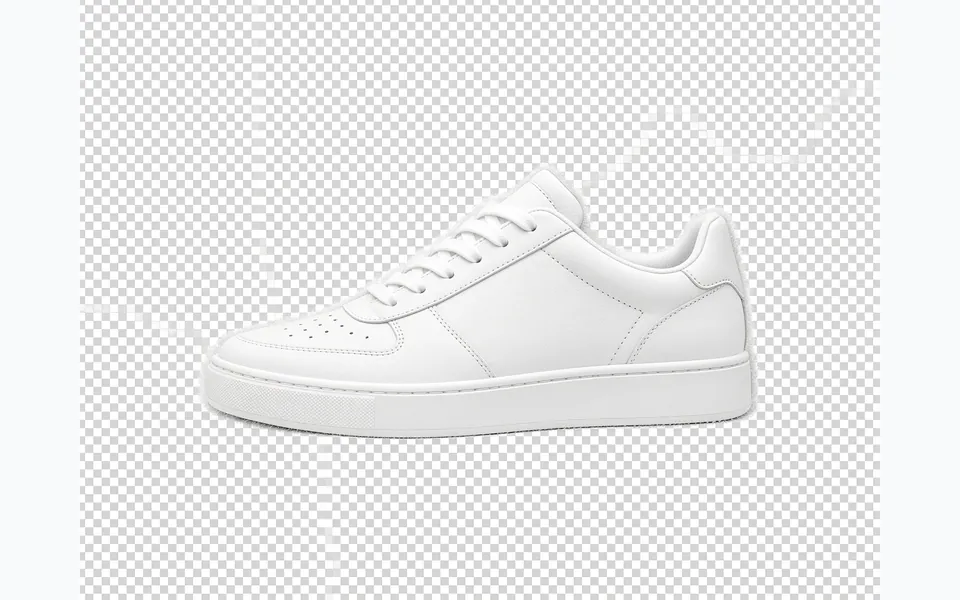
A live checkerboard preview exposes hairline halos, holes inside handles, and leftover matte before you download. Fix the cut so the transparent PNG looks clean on any brand color or game HUD.
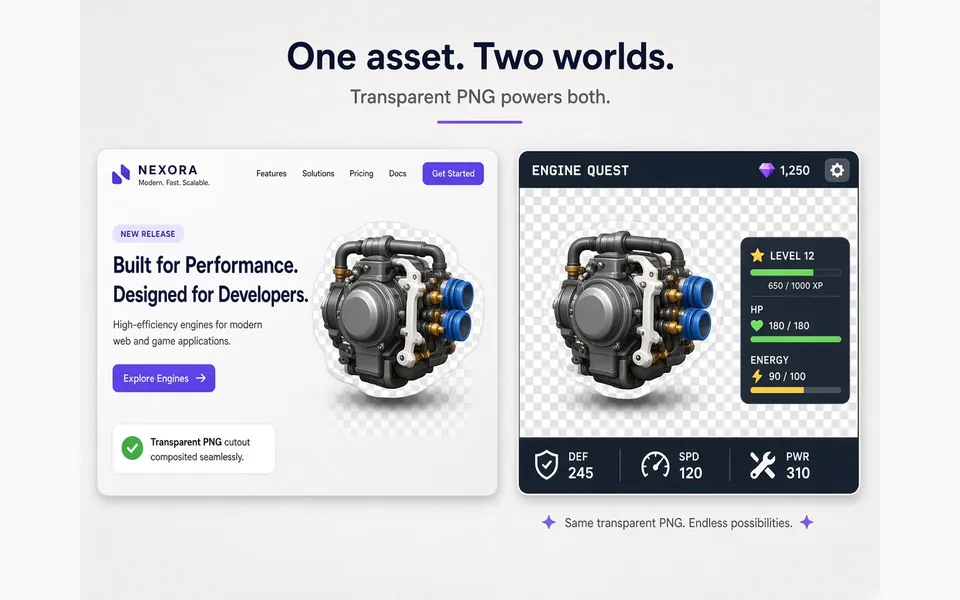
Engines and marketing sites both expect a transparent PNG with real alpha. Export up to 4K for icons, stickers, storefronts, and UI overlays without baking a fake backdrop into the asset.
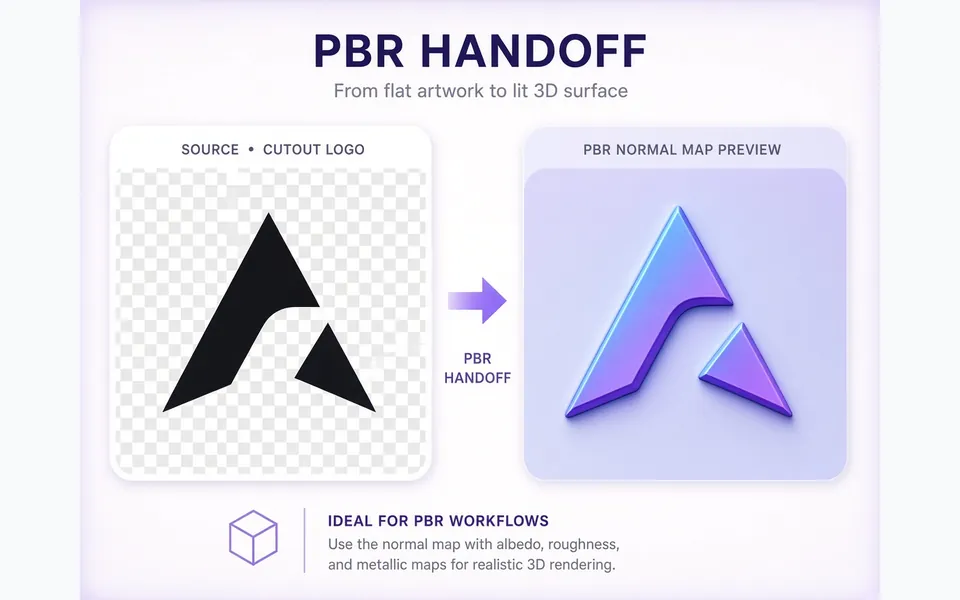
When a cutout logo also needs raised lighting, send the transparent PNG into image-to-normal-map or the PBR texture generator. One pipeline from knockout to a complete material set on NormalMapAI.
HOW IT WORKS
Four practical steps take a solid black or white backdrop to a clean transparent PNG with readable alpha — ready for web, HUD, or a PBR handoff.
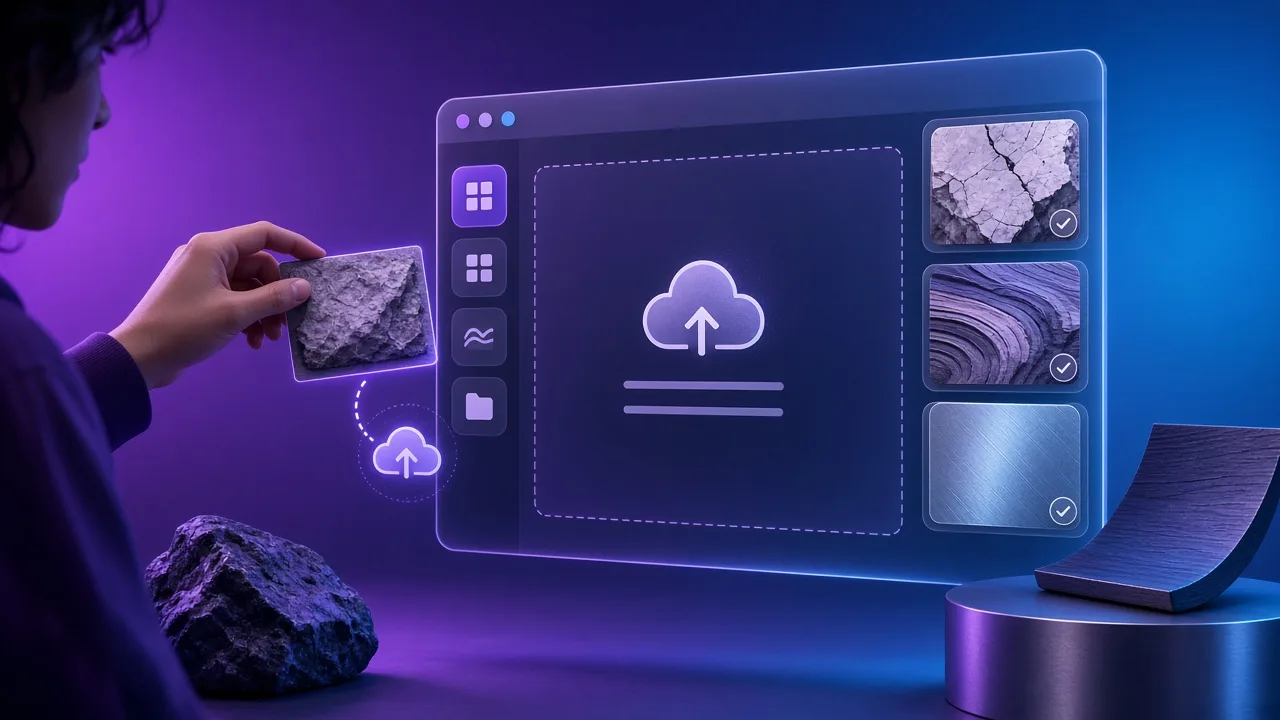
Use a JPG, PNG or WebP shot against a solid black or white studio field, or start from a demo sample. Even lighting and a clean backdrop make the transparent PNG cutout faster and leave less fringe to clean by hand.
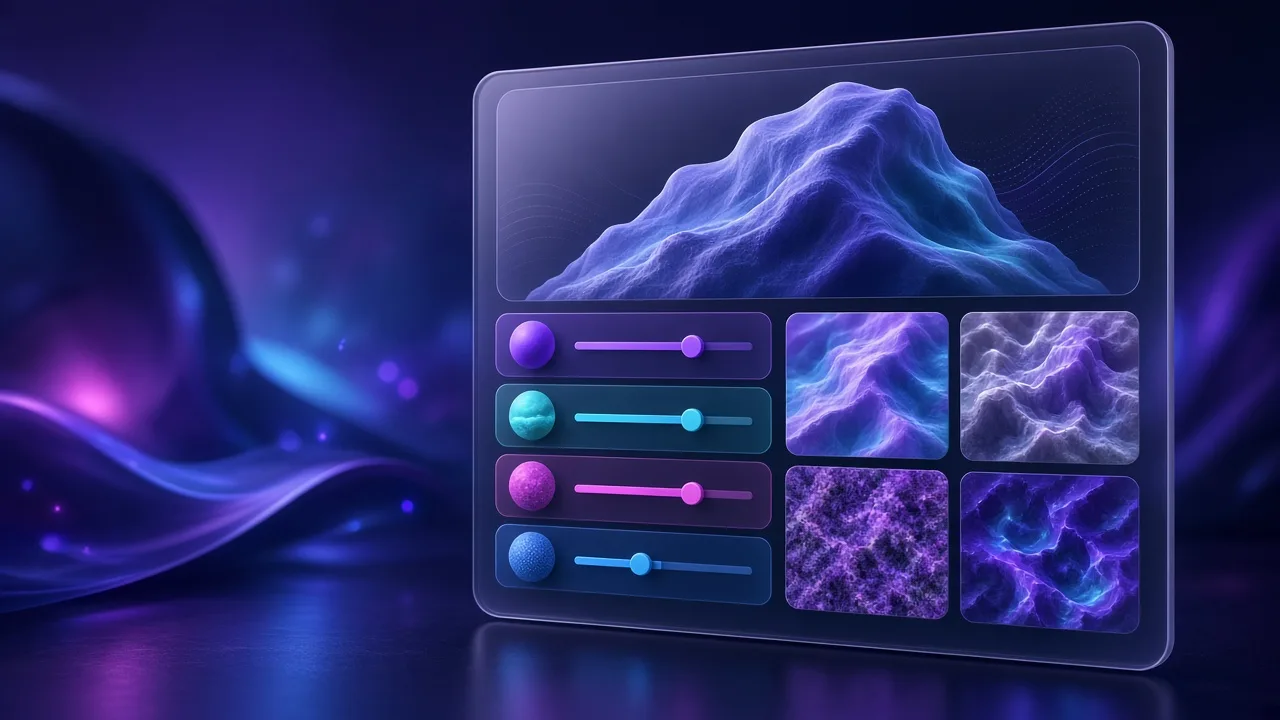
Match the backdrop colour your photo actually uses. Raise Threshold until the field disappears; raise Feather to soften jagged edges so soft hairlines and logo corners survive on the transparent PNG without a hard matte ring.
Flip between cutout and original on the checkerboard until holes, handles and logo counters look right. Fix fringe here so the transparent PNG composites cleanly on any brand colour later.
Export a transparent PNG up to 4096 px for web and game UI, or open the homepage / PBR generator with the cutout already loaded when you also need embossed normals or roughness.
Four everyday jobs — brand decals, product heroes, embossed stickers and game HUD icons — all from one transparent PNG workflow.
Key out studio black or white so marks sit cleanly on 3D packaging, bottles and UI as a transparent PNG. Keep the logo portable across mockups without baking a fake backdrop into the asset.
Remove a white cyclorama for PDP and marketing pages without opening a desktop suite. Export one transparent PNG, then drop the same cutout onto seasonal brand colours or store layouts.
Cut alpha first, then send the transparent PNG into the normal / PBR tools for a raised-print look. Emboss lighting only works when the silhouette is already clean.
Export transparent PNG icons sized for game interfaces, menus and marketing sites. Alpha lets HUD elements sit on any scene colour without a boxed background.
SCENARIOS
Short scenario-style notes from common workflows. These are illustrative use-case lines — not verified customer reviews, star ratings, or named endorsements.
Transparent PNG threshold + feather cleaned a logo for Unreal decals in one pass.
Sent the transparent PNG straight into normals for a raised sticker look.
Client packshots stayed local in the transparent PNG tool.
Anonymous scenario feedback · illustrative, not customer testimonials
Scroll up to the live transparent png — upload a photo, tune under 3D lighting, export locally. The transparent png stays private in your browser.
COMPARE
When you need a fast, private map from a photo — without opening a full DCC install.
| Capability | NormalMapAI | Typical desktop suite |
|---|---|---|
| Install & license | Free in the browser — no install | Paid suite + disk install |
| Photo privacy | Stays on your device | Often cloud or local project files |
| Live 3D check | Built-in preview while you tune | Separate viewport / bake step |
| Engine ZIP packing | Unity / Unreal / Godot / Blender presets | Manual channel packing |
TOOLS
Image to Normal Map Converter
Convert any image or PNG to a normal map in your browser. Adjust strength, switch DirectX / OpenGL and preview…
Bump Map Generator
Create a bump map from any photo online. Control contrast, preview in 3D and export — free and private.…
Ambient Occlusion (AO) Map Generator
Generate an ambient occlusion map from a photo. Adjust radius and strength and pack it into ORM for Unreal or …
Roughness Map Generator
Make a roughness map from any image, or flip it to a Unity smoothness map. Free, in-browser, with 3D preview.…
Free Displacement Map Generator (16-bit)
Free displacement map generator: create a 16-bit displacement map from any photo for Blender, Unreal, parallax…
Height Map Generator
Generate a 16-bit height map from any image for parallax, displacement or relief. Free, runs in your browser.…
Specular Map Generator
Convert a color texture into a greyscale specular map for the specular/gloss workflow, Unity Specular setup or…
Free Online Texture Maker
Make game-ready textures from your own photos: seamless tiling, full PBR maps and engine export. Free and priv…
Homepage PBR generator
Live 3D editor hub with full marketing copy.
LEARN
Short how-tos for maps, seamless textures and engine imports.
How to Use a Free Normal Map Generator (Step by Step)
A normal map stores surface direction so flat photos catch light in 3D. This guide walks through NormalMapAI’s free generator — from upload to engine ZIP — without installing software.
How to Make Seamless / Tileable Textures From Photos
Hard seams show up the moment a photo is tiled. Use edge blending, multi-scale fade and a 2×2–4×4 preview so the pattern repeats cleanly before you build normal and roughness maps.
Import PBR Maps into Unity, Unreal Engine and Blender
Export presets pack maps the way each engine expects. This guide covers import settings so albedo stays colored, normals stay linear, and ORM / MetallicSmoothness land in the right channels.
PBR Maps Explained: Albedo, Normal, Roughness, AO, Metallic and More
Physically based rendering needs a small set of textures that describe color, shape and light response. Here is what each map does and which ones NormalMapAI generates from one photo.
Height Map vs Displacement Map: What Changes in a Renderer
Both textures store height as brightness. Height often drives parallax or bump-style effects; displacement moves vertices. NormalMapAI exports both as 16-bit PNG to avoid banding.
Normal Maps: DirectX vs OpenGL (Y Flip) Explained
The only practical difference is the green channel: OpenGL stores +Y, DirectX stores −Y. Pick the right format — or an engine export preset — so bumps do not turn into dents.
No account. No upload. Scroll to the tool on this page, key out black or white, preview on the checkerboard, and download a transparent PNG — or continue into normals from the same cutout.
FAQ
NormalMapAI (normalmapai.com) includes a free online transparent PNG maker that keys out solid black or white backgrounds in your browser with adjustable Threshold and Feather sliders. It runs 100% locally with a live checkerboard alpha preview, up to 4K export, and zero server uploads.
Upload your JPG, PNG, or WebP image into the NormalMapAI transparent PNG tool, choose Remove White or Remove Black to match your backdrop, and raise the Threshold slider until the background disappears on the checkerboard preview. Add a touch of Feather to smooth the edge and download your transparent PNG.
White or dark edge halos happen when compressed anti-aliased border pixels sit just outside a hard threshold cutoff. In the NormalMapAI transparent PNG maker, nudge the Threshold slightly higher and raise the Feather slider so border alpha transitions smoothly without jagged stair-steps.
Yes! After creating your clean cutout in the NormalMapAI transparent PNG maker, click Send to PBR Generator. Our editor uses your transparent PNG to generate embossed normal, height, roughness, and AO maps for 3D stickers, foliage cards, coins, and surface decals.
Remove White keys out high-luminance studio backdrops (common on product photos, icons, and scanned logos) when building a transparent PNG. Remove Black keys out dark or zero-luminance backdrops (common on VFX stock elements, 3D renders on black, and neon/emissive decals).
In Blender, connect the Alpha output of your transparent PNG Image Texture node to the Alpha input of Principled BSDF, and connect your generated normal map to the Normal input. In Unreal Engine (Deferred Decal) or Unity (Decal Projector), assign the transparent PNG to Base Color/Alpha and add the normal map for embossed relief.
The JPG format only stores three color channels (Red, Green, Blue) and cannot save transparency. Exporting a 32-bit RGBA transparent PNG from NormalMapAI stores a fourth 8-bit Alpha channel that tells browsers, design apps, and game engines which pixels are opaque, semi-transparent, or invisible.
The NormalMapAI transparent PNG maker supports 512, 1024, 2048 (2K), and 4096 (4K) exports, preserving sharp silhouette edges for high-DPI web graphics, UI icons, print mockups, and 4K 3D game decals.
Use the NormalMapAI transparent PNG maker when your logo, product shot, decal, or texture element sits on a clean black or white background and you want deterministic, slider-controlled Threshold and Feather alpha without AI hallucinating or cropping fine edges. For busy outdoor street backgrounds, isolate the subject first.
No, the background keying and alpha feathering pipeline in the NormalMapAI transparent PNG maker runs fast on any standard browser CPU, so it works reliably on every desktop, laptop, tablet, and mobile browser.
Yes, your logos, product renders, and unreleased game decals are 100% private. The NormalMapAI transparent PNG maker decodes and processes every pixel locally in your browser memory—nothing is ever uploaded to a remote server.
Yes, there are no watermarks, no sign-up walls, and no licensing restrictions. Any transparent PNG you export from your own images is yours to use in commercial games, websites, merchandise, and client projects.